
 Optical
 Duct | Unarmoured Cable
 Indoor Cables
 All Dielectric Self Supporting Cables
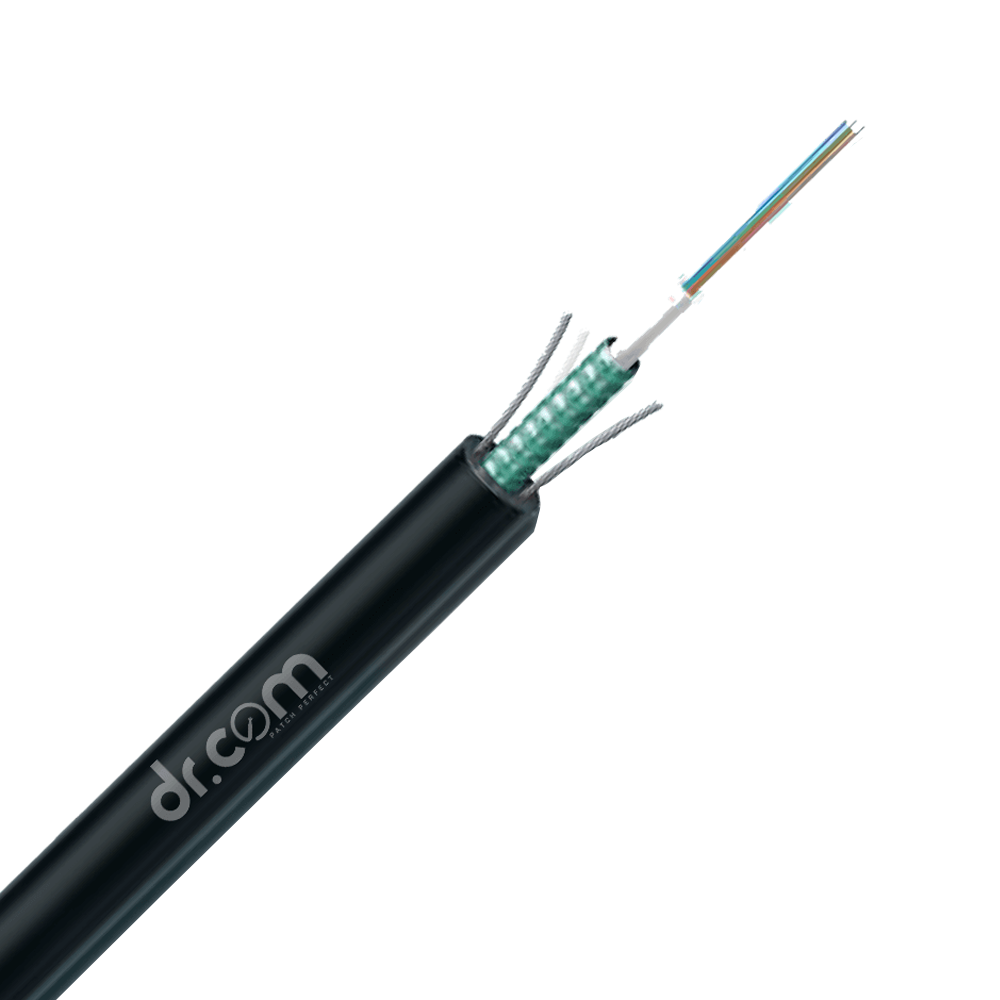 Armoured Cables
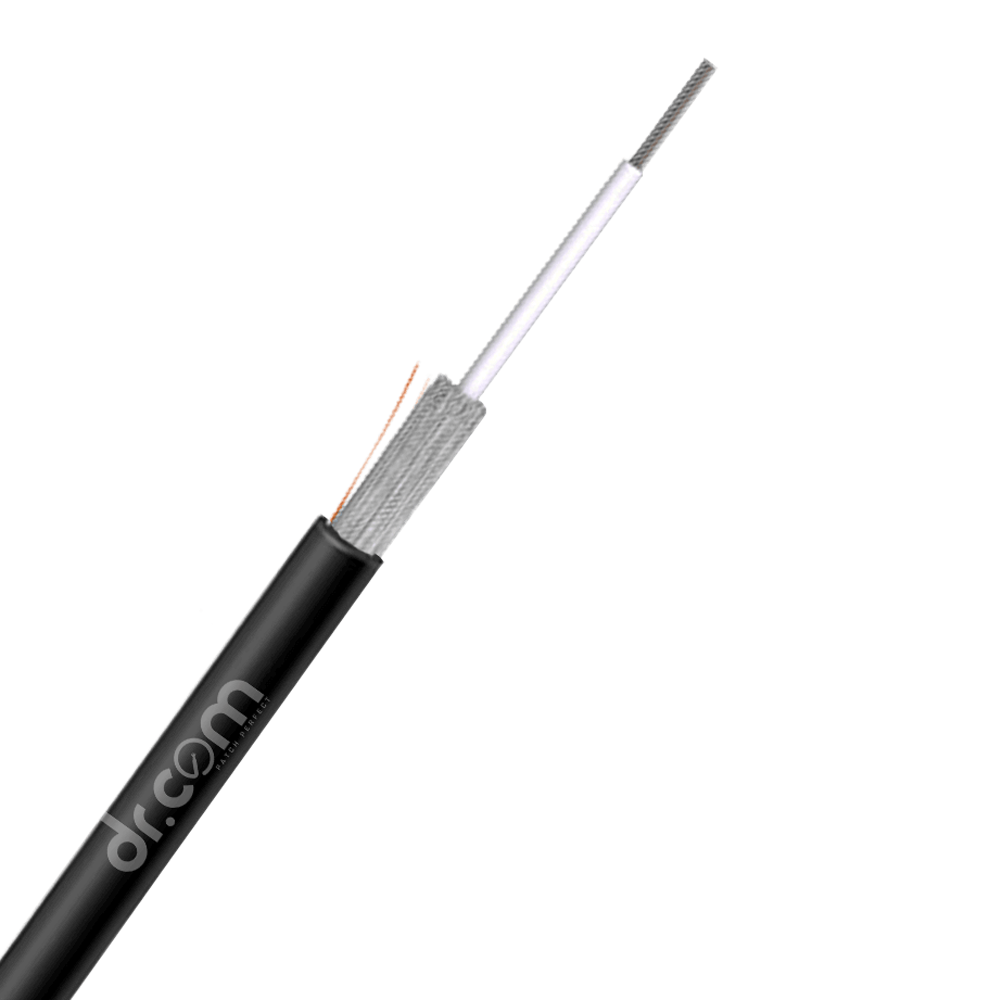 Drop Cables
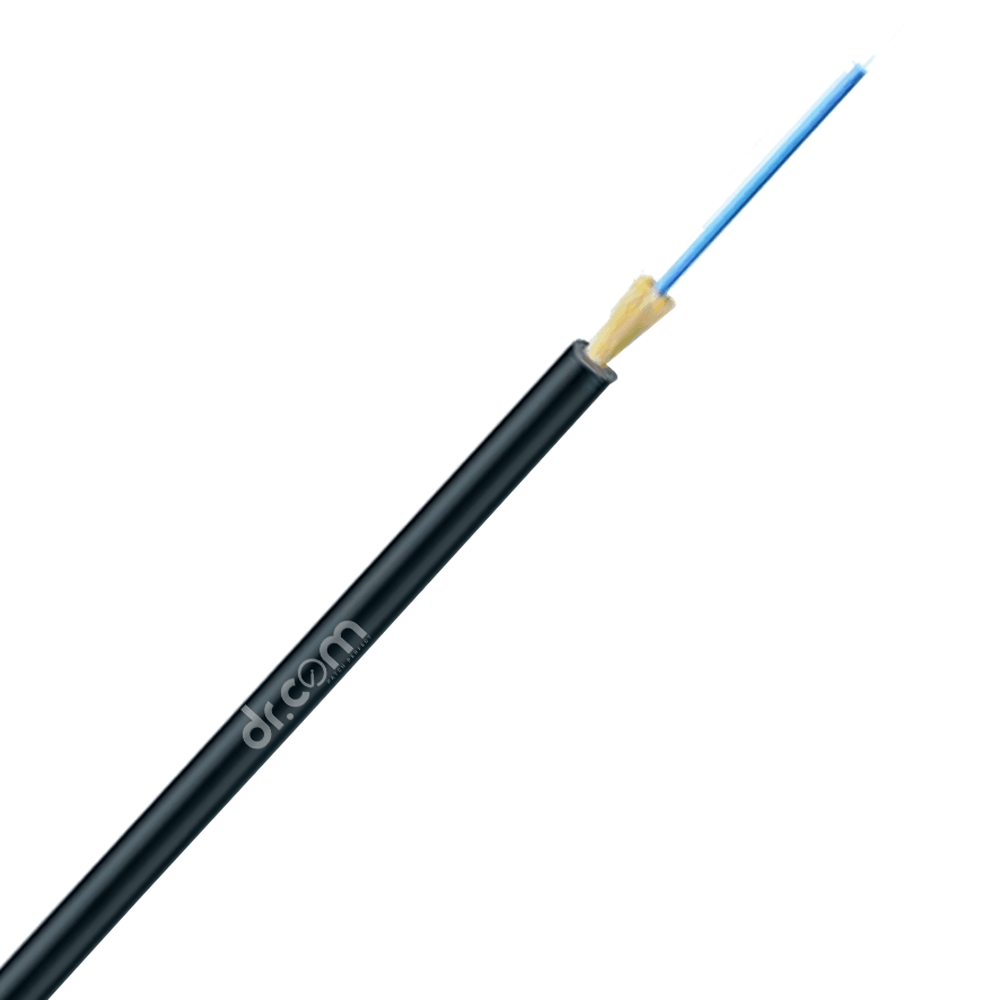 Interconnect Cables
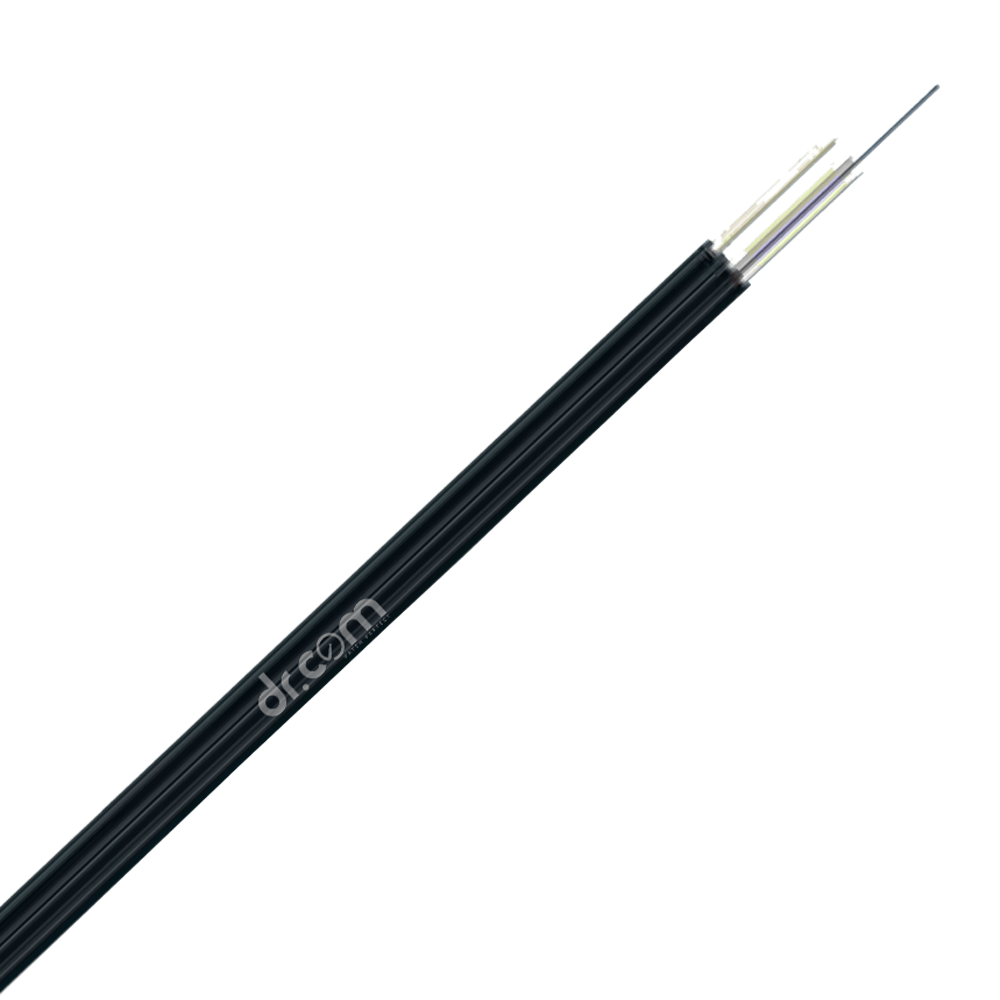 FTTH Cables
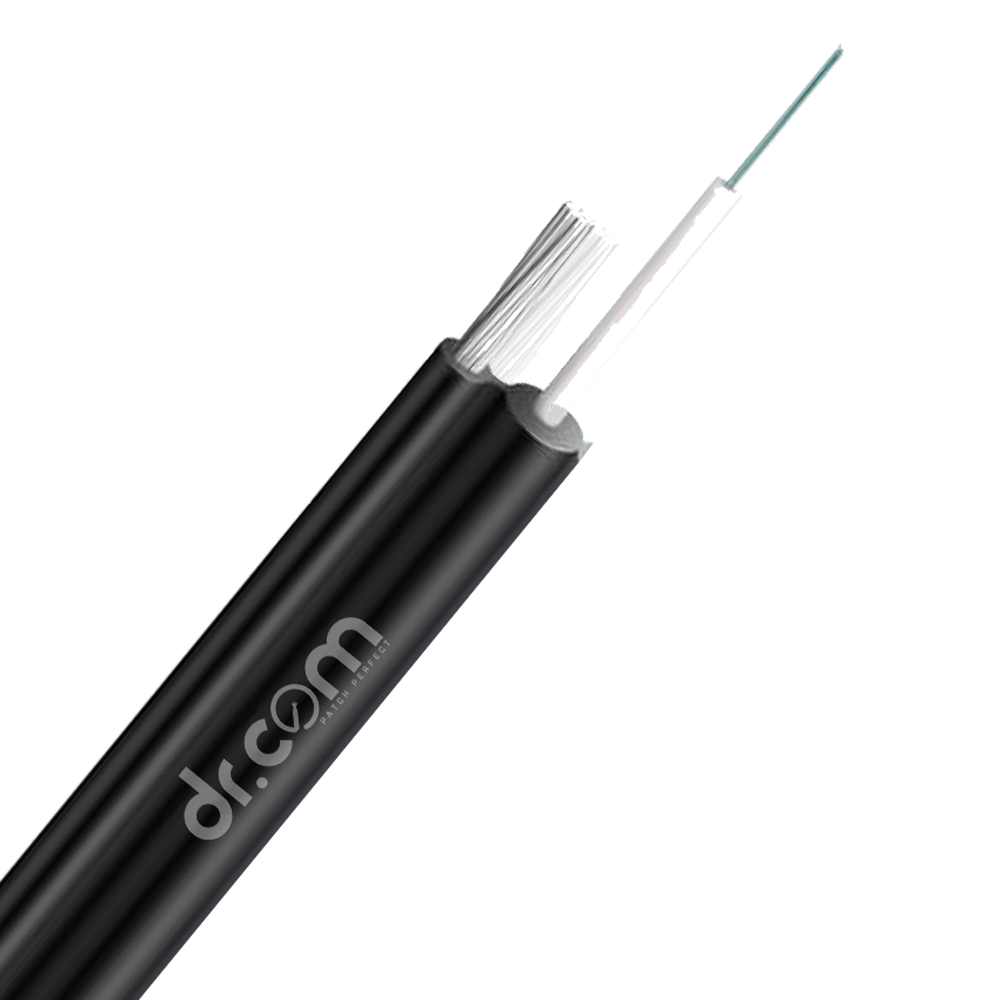 Figure-8 Cables
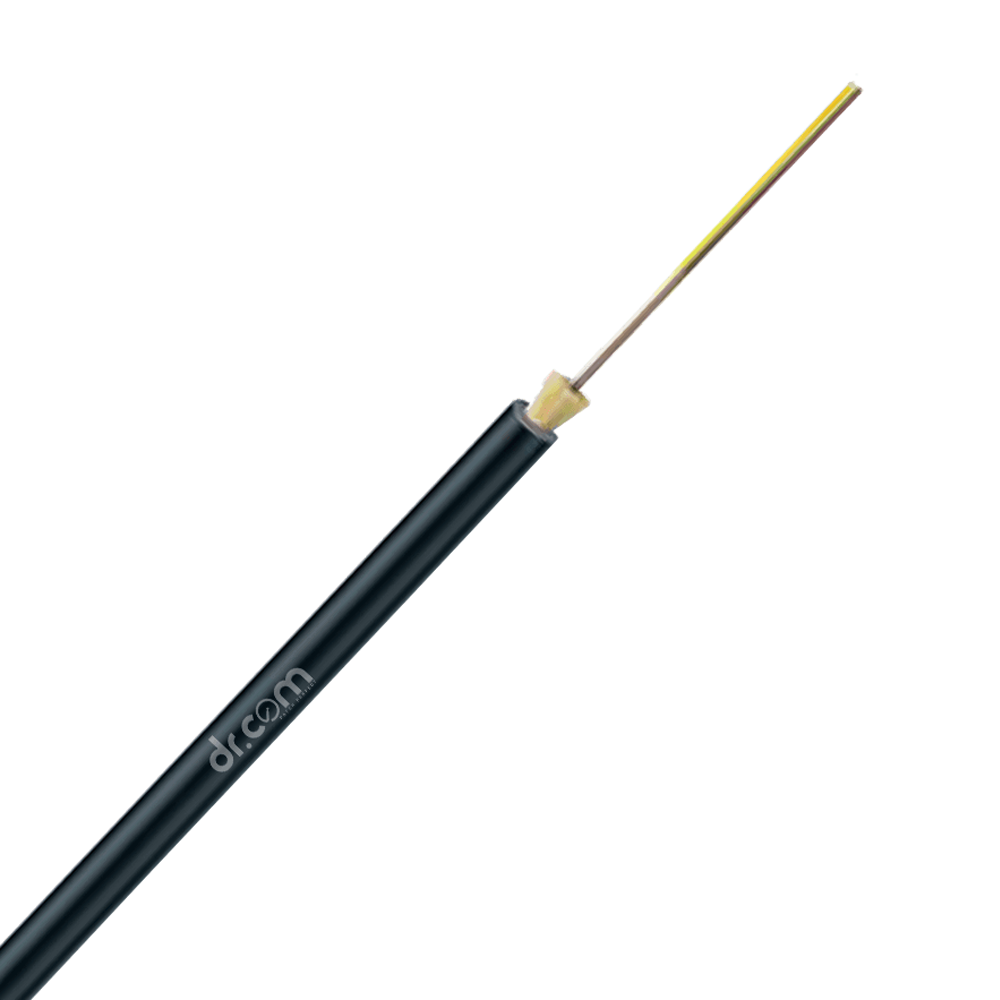 Micro Duct Cables
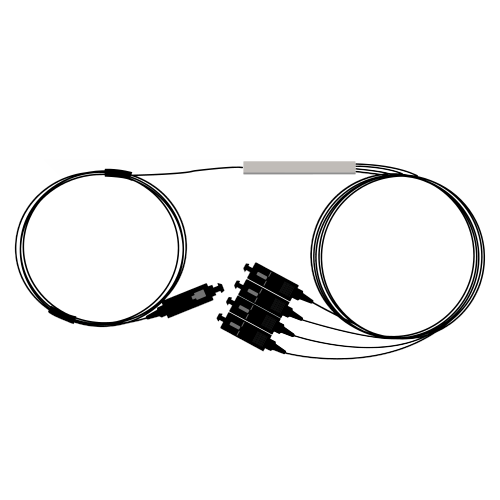 Splitters & Couplers
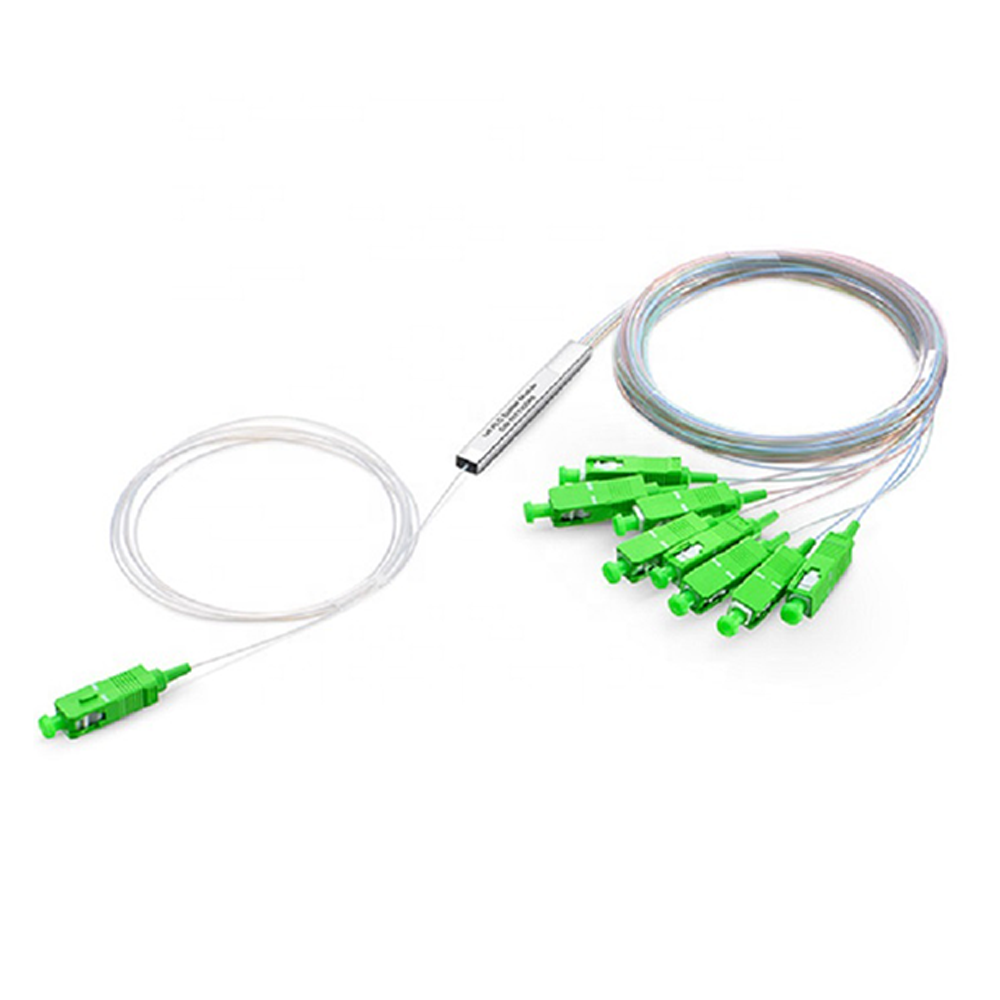 PLC Splitter with Connector
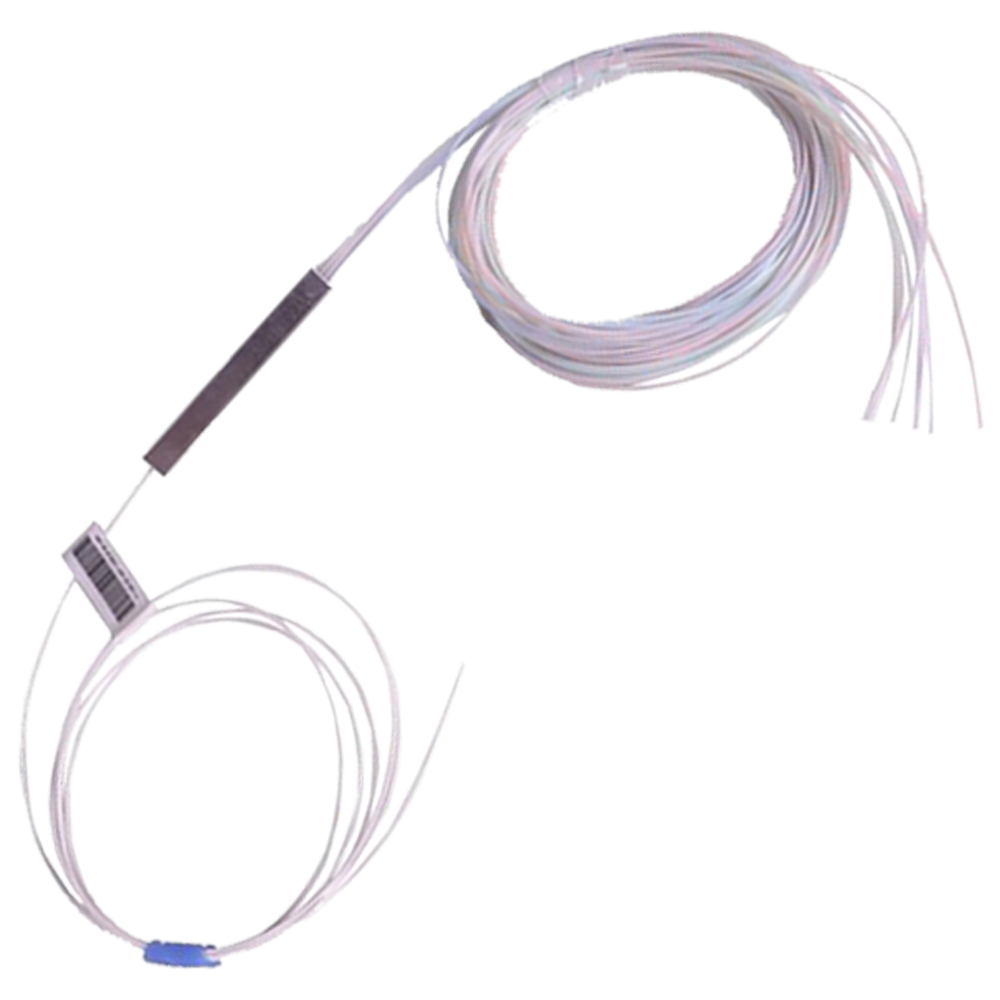 PLC Splitter without Connector
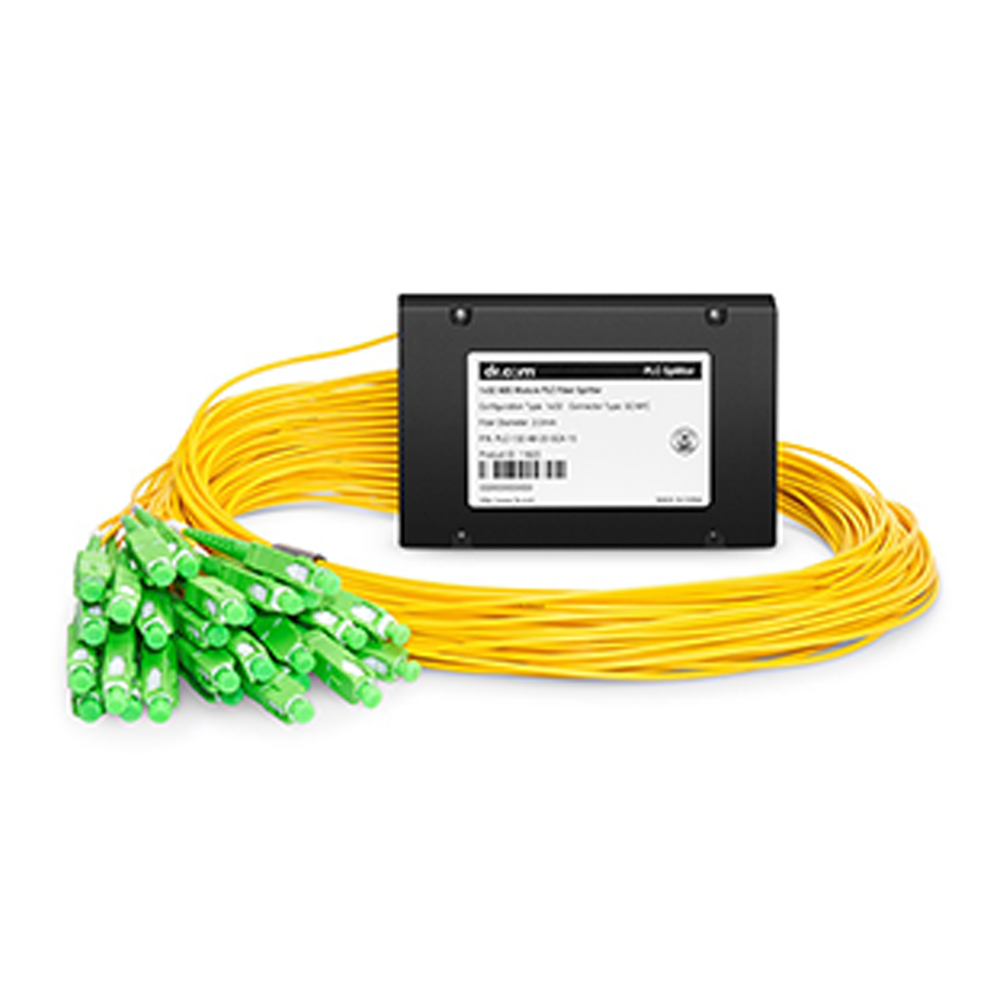 PLC Splitter ABS Type
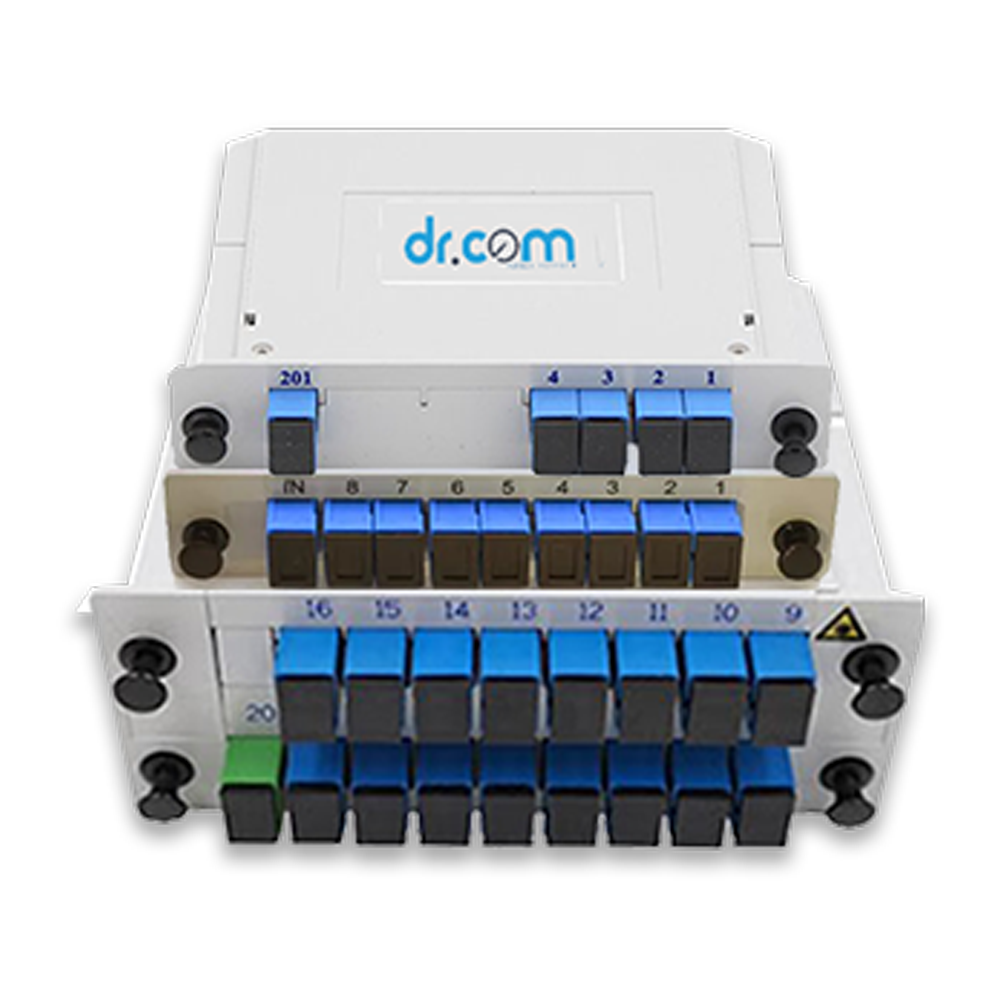 PLC Splitter PLC (Cassette) SC/UPC
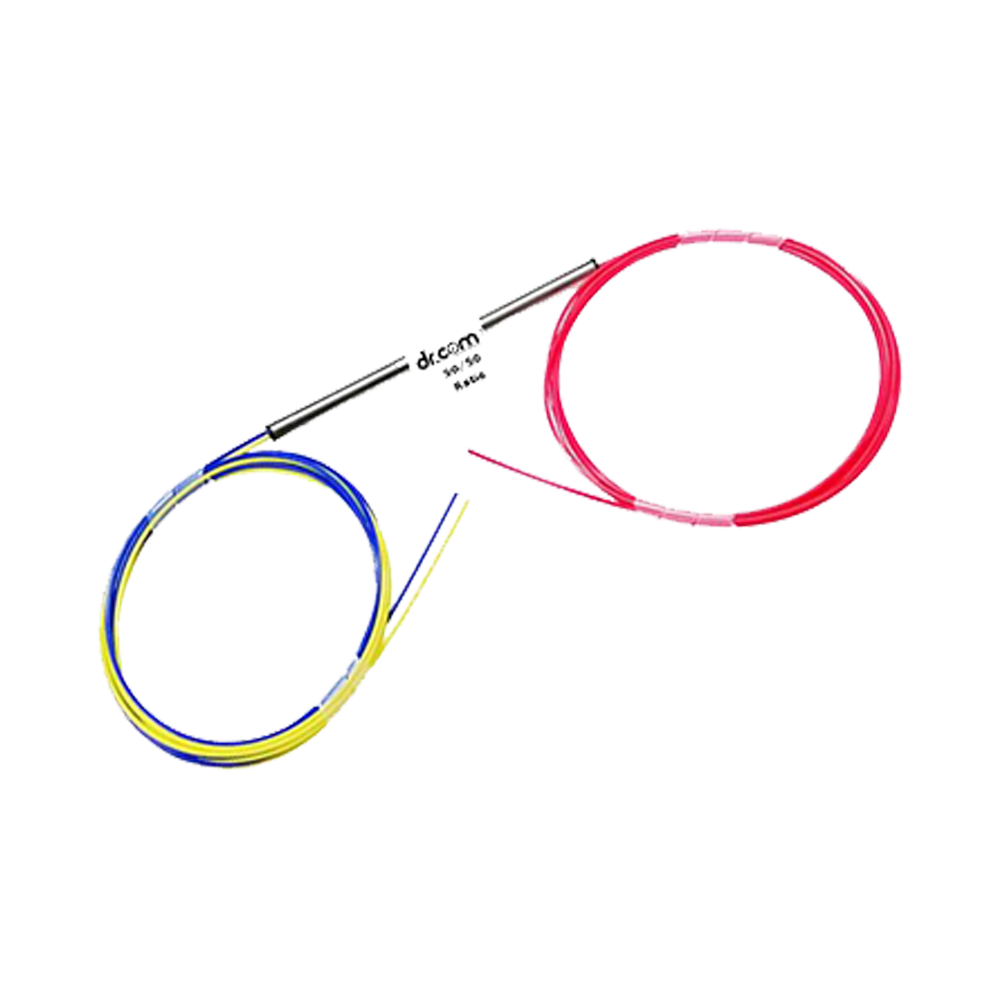 Ratio Coupler
 FTTH Patch Cords
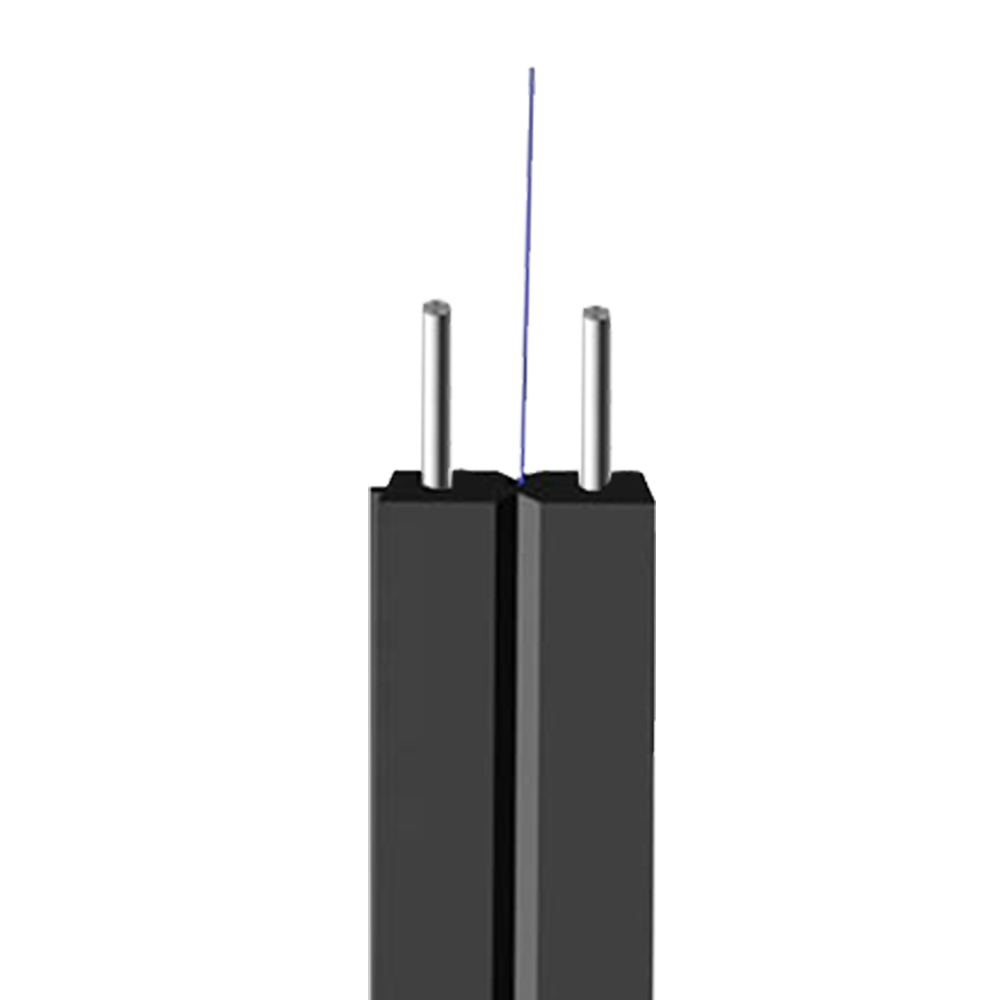 1F - 2 Steel +1 Support Steel Wire
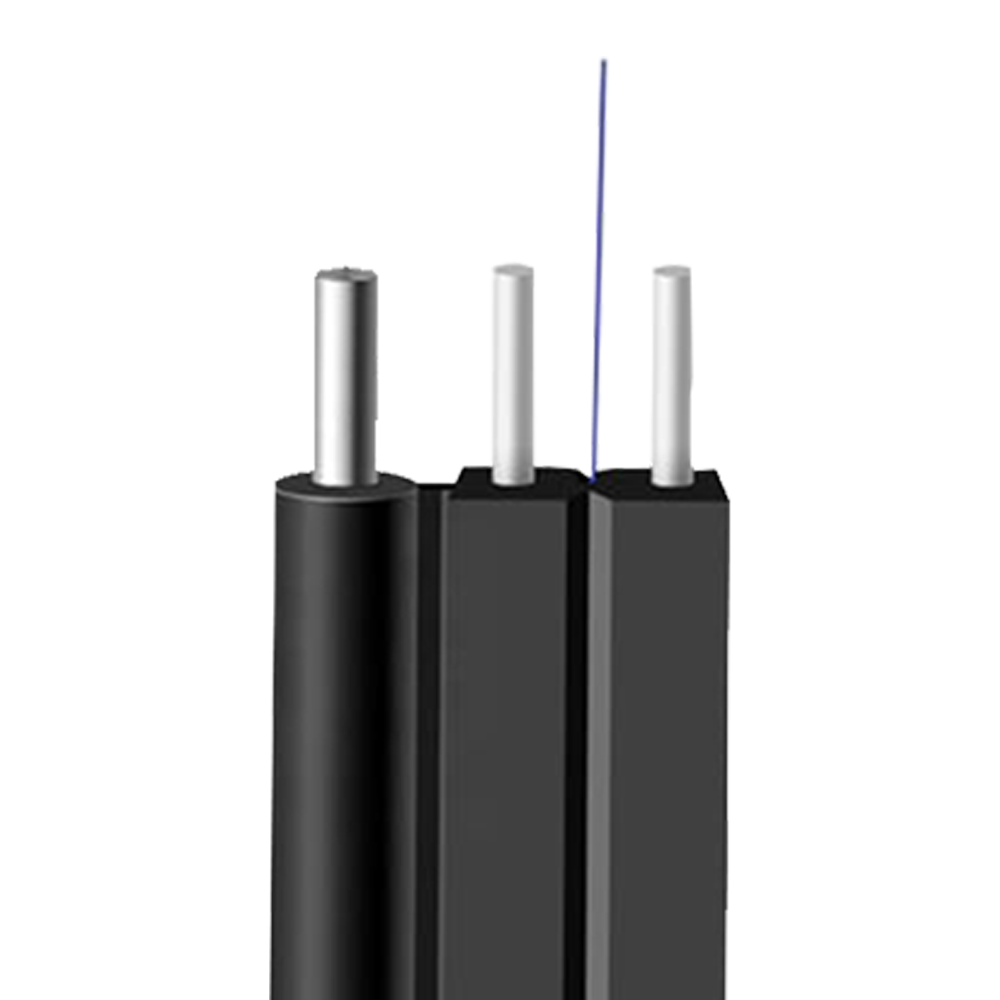 1F - 2-FRP - 1 Support Steel Wire
 Optical Patch Cords
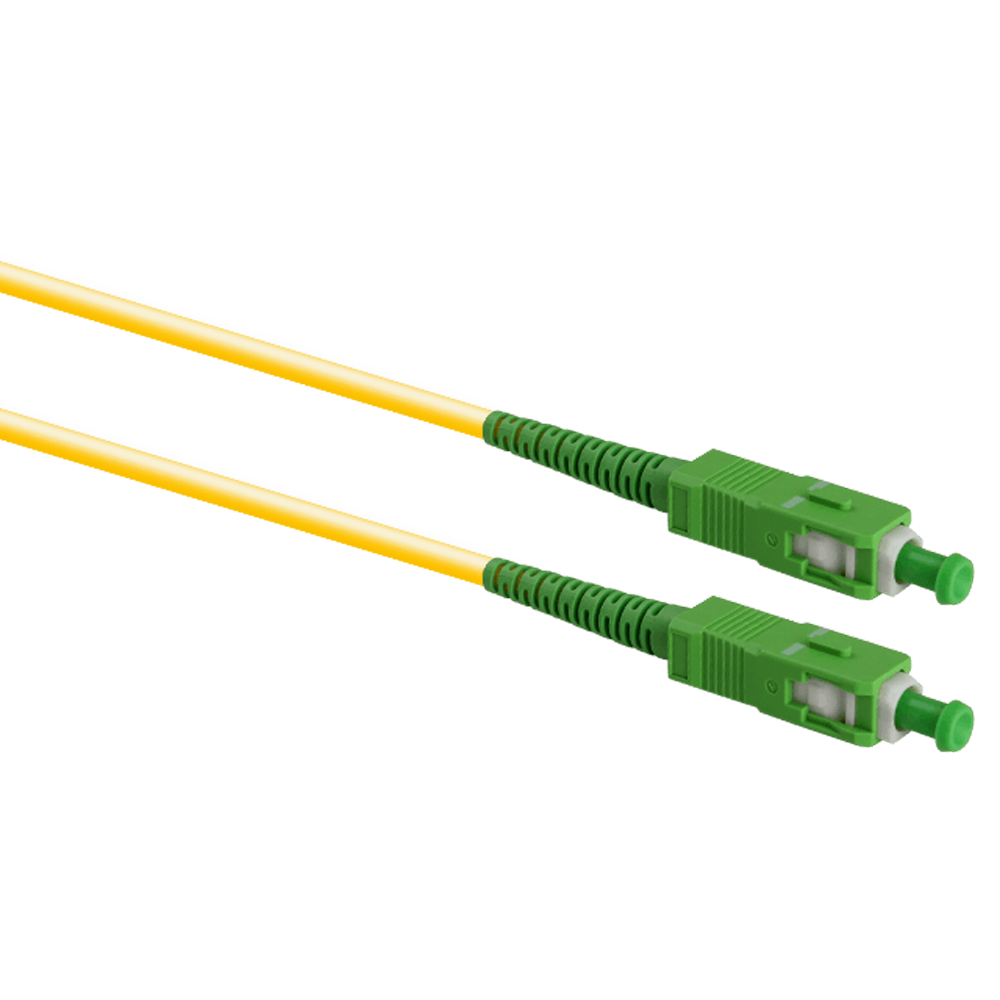 SC/APC - SC/APC
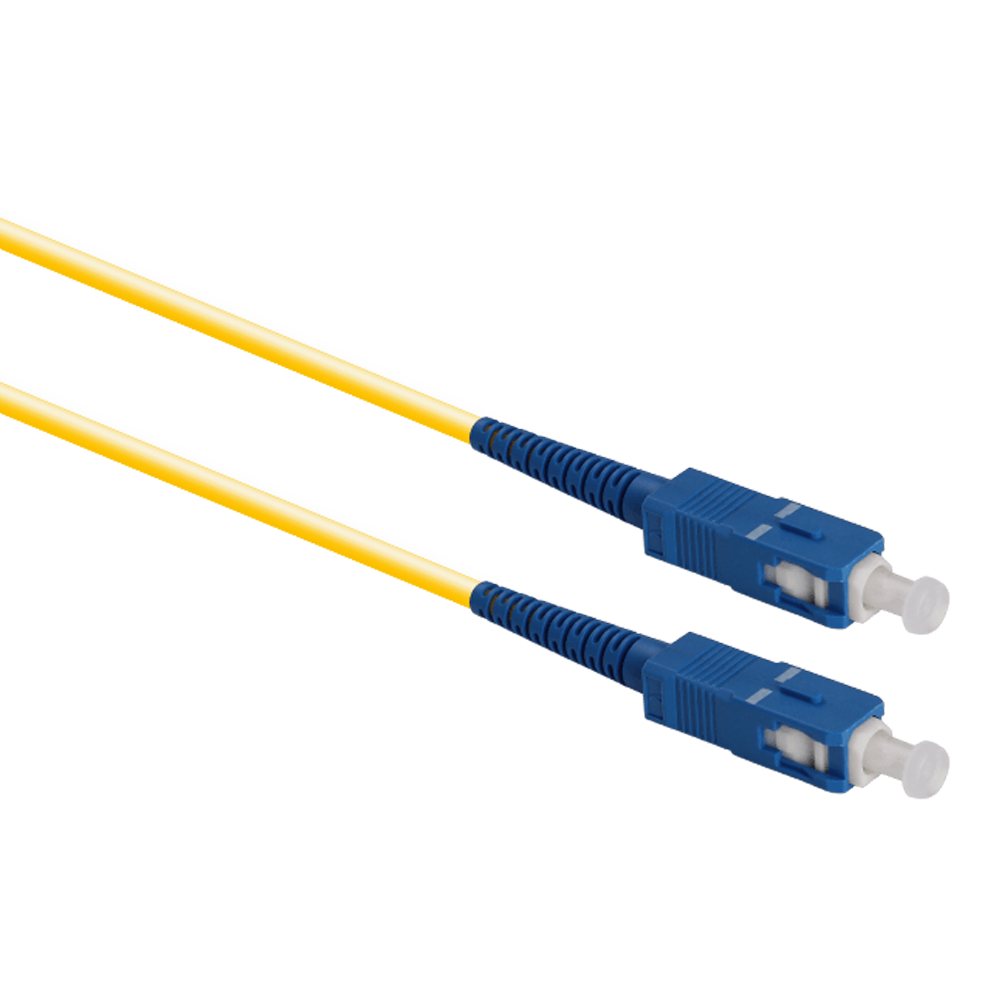 SC/UPC - SC/UPC
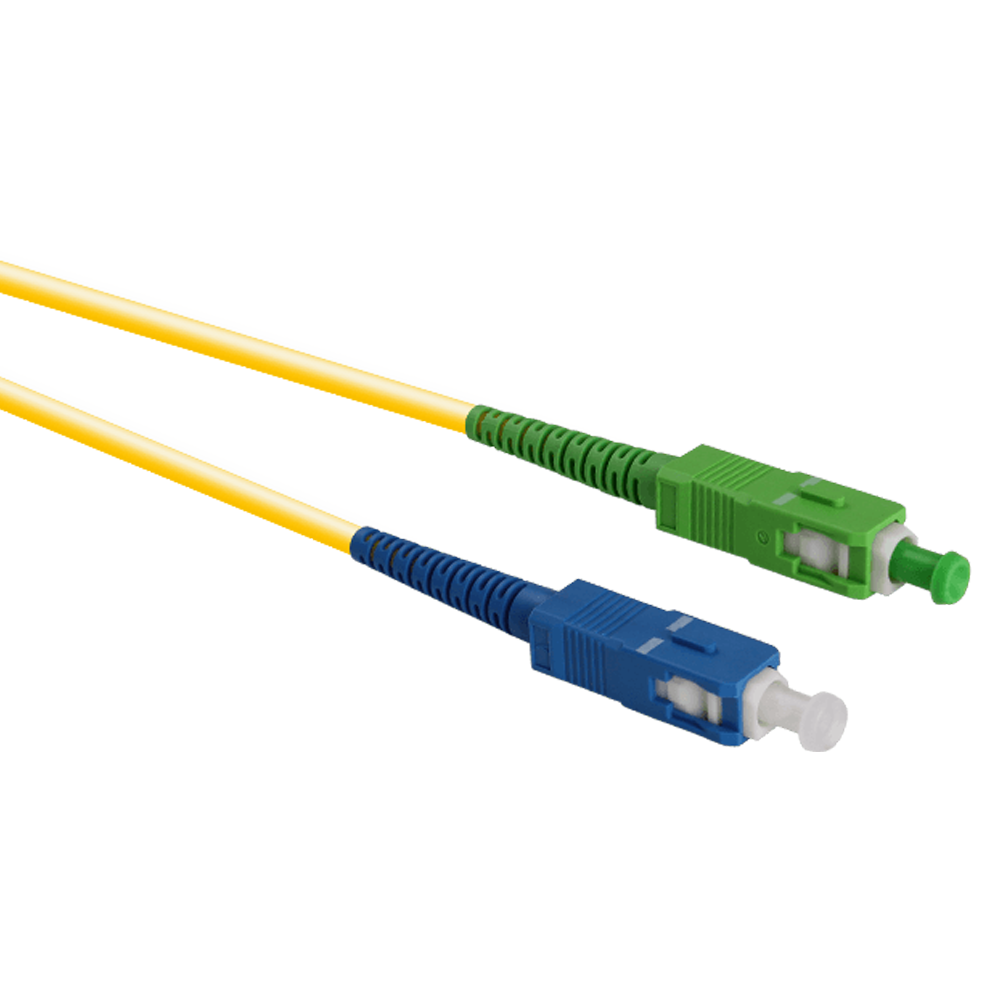 SC/APC - SC/UPC
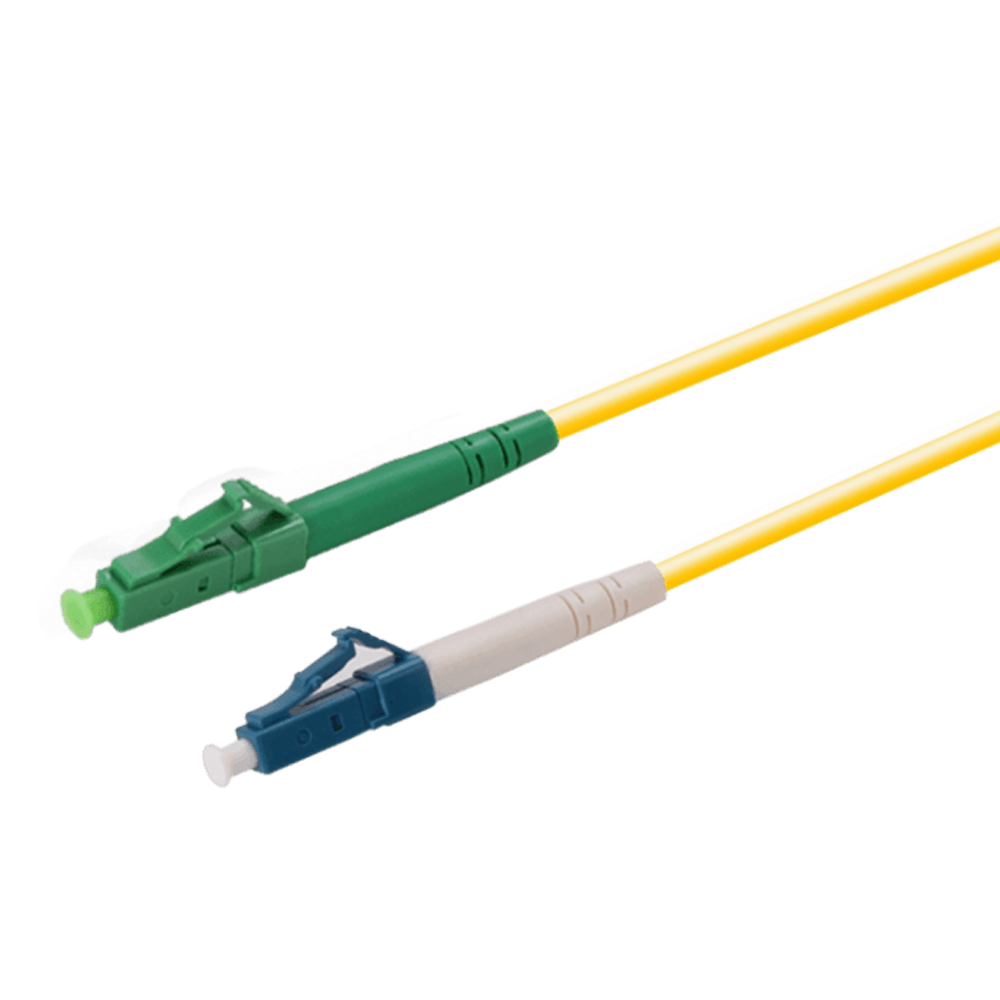 LC/APC - LC/APC
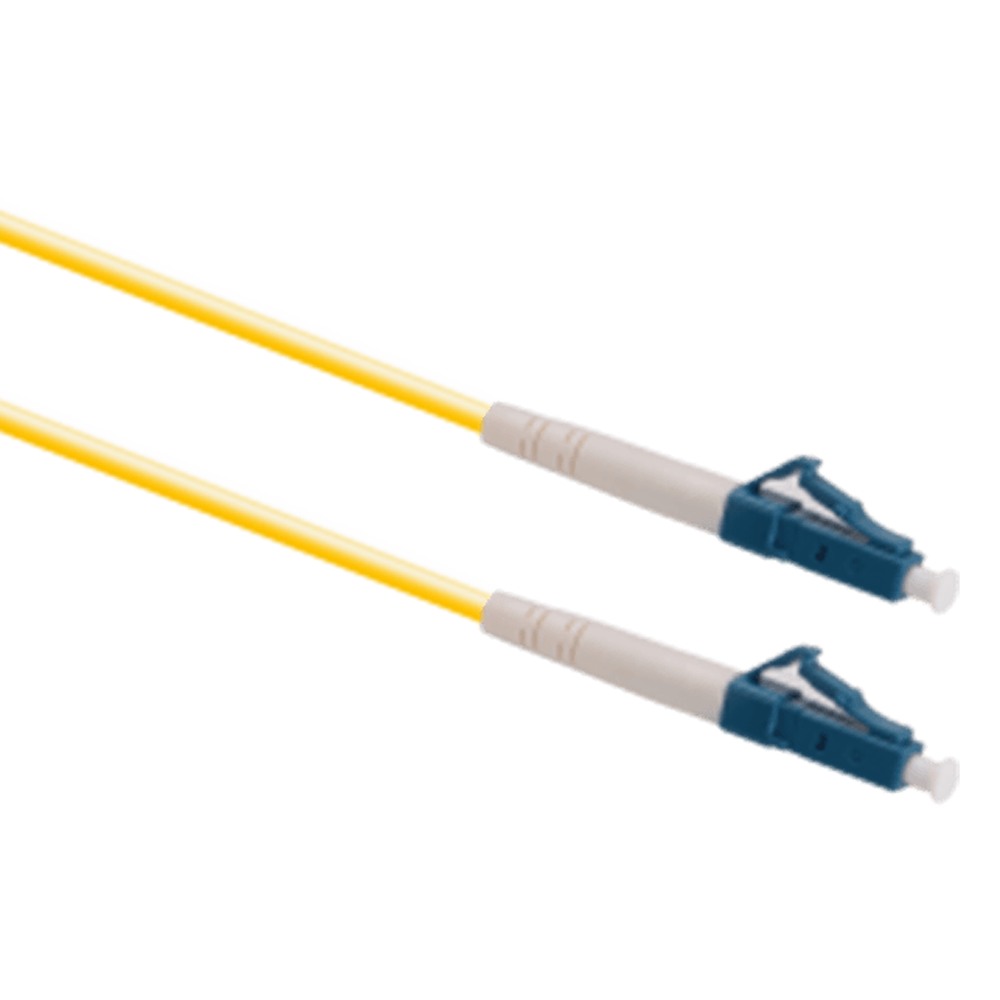 LC/UPC - LC/UPC
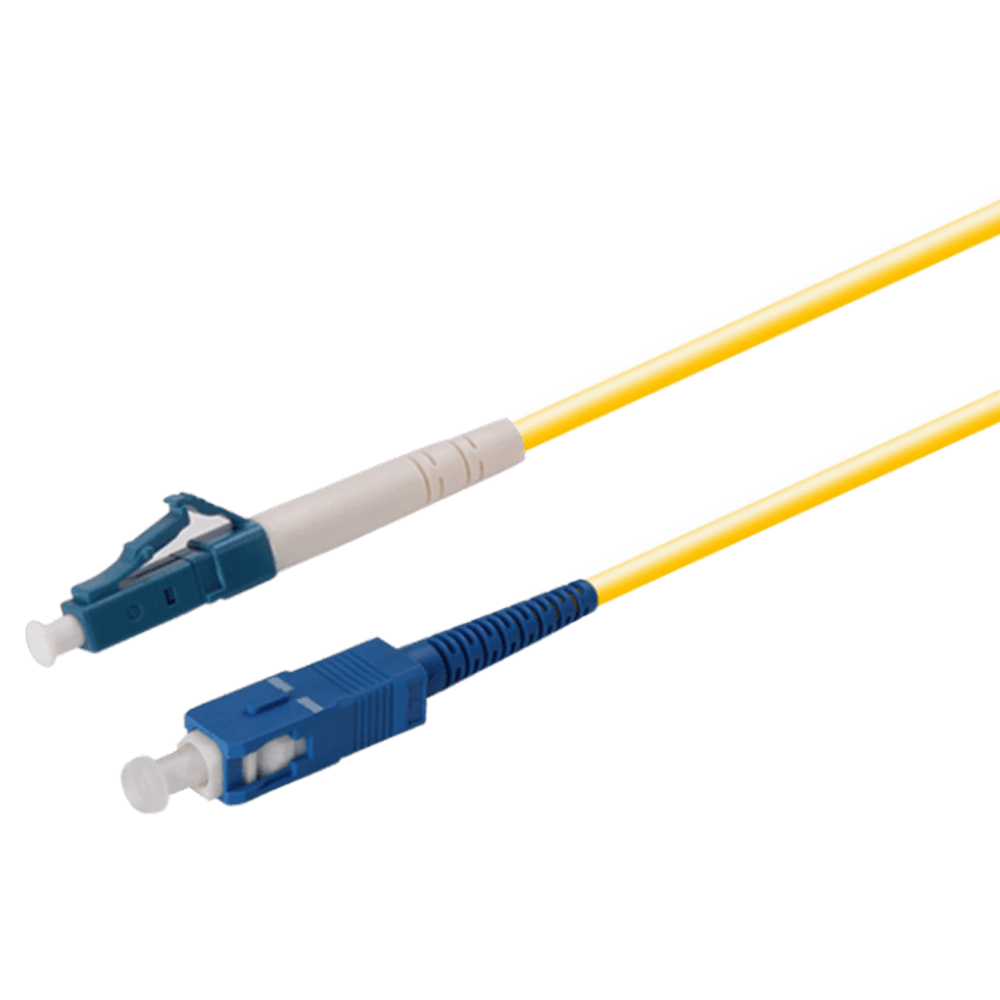 LC/UPC - SC/UPC
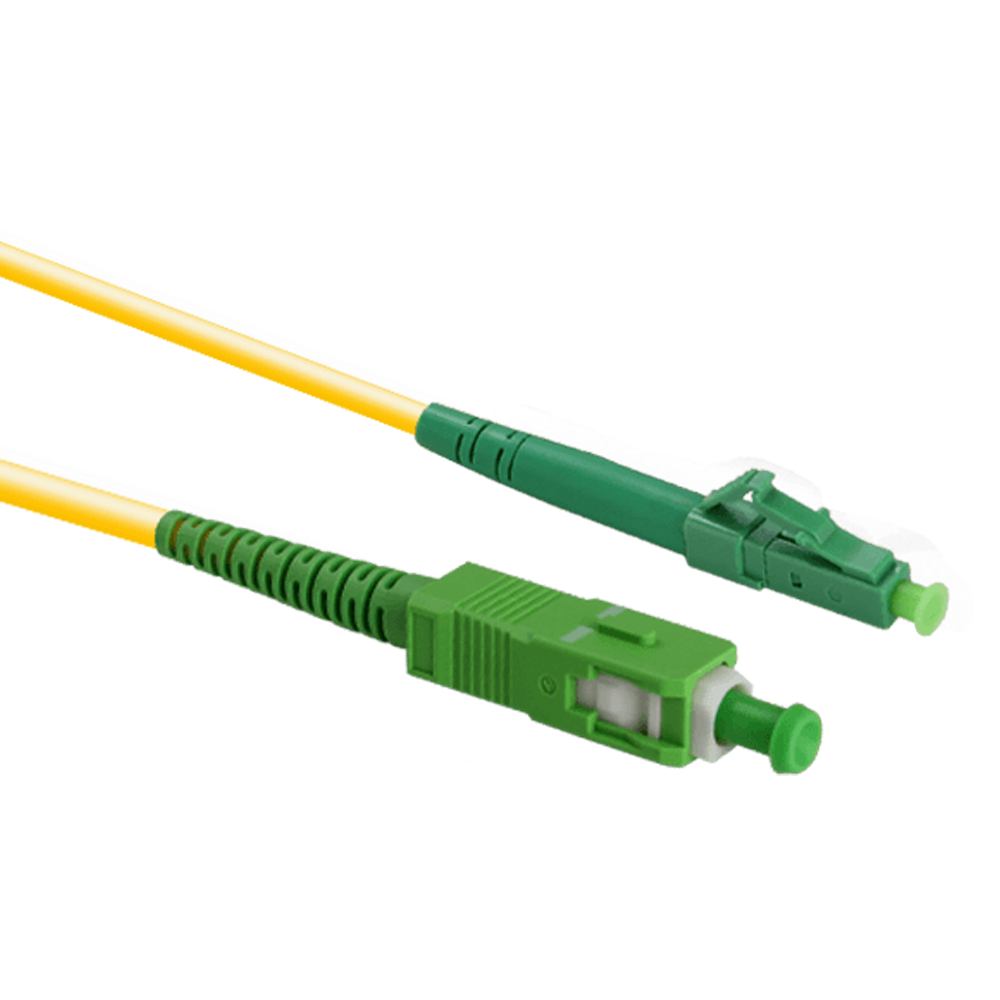 LC/APC - SC/APC
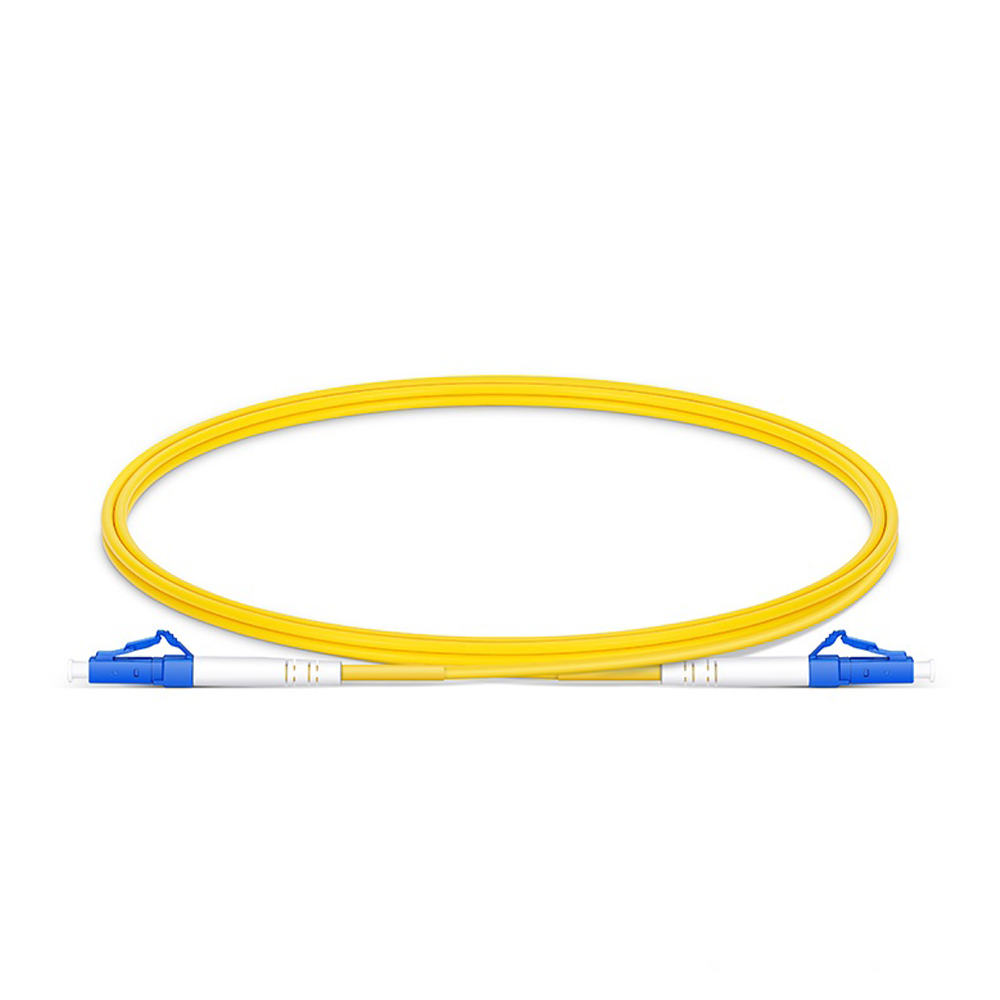 Simplex Single Mode
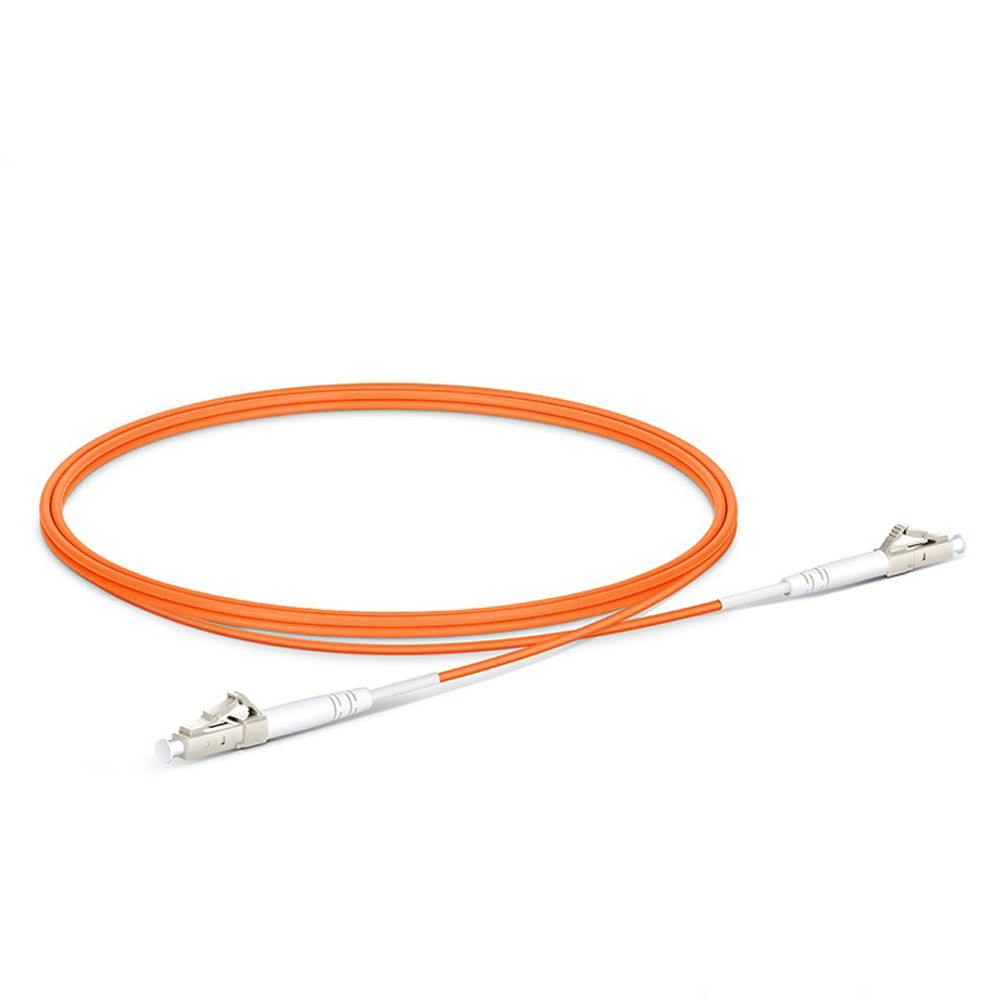 Simplex Multi-Mode
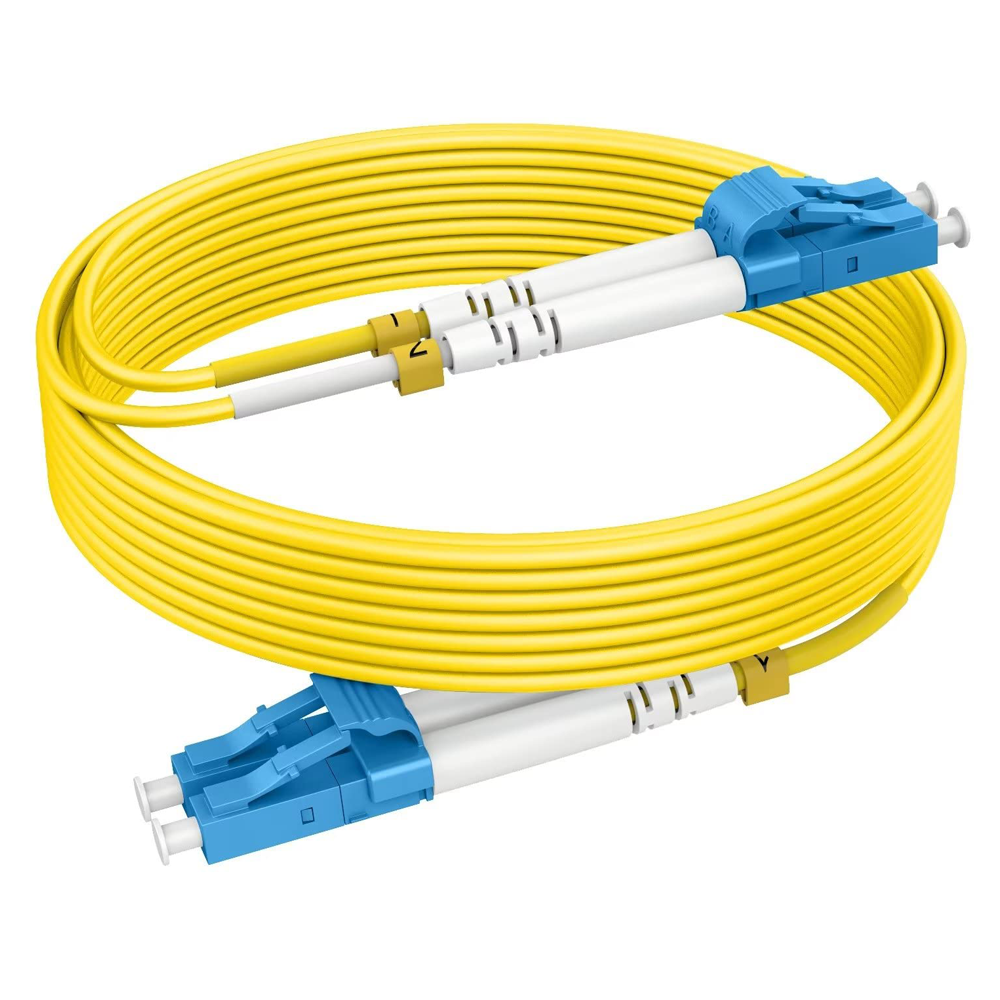 Duplex Single Mode
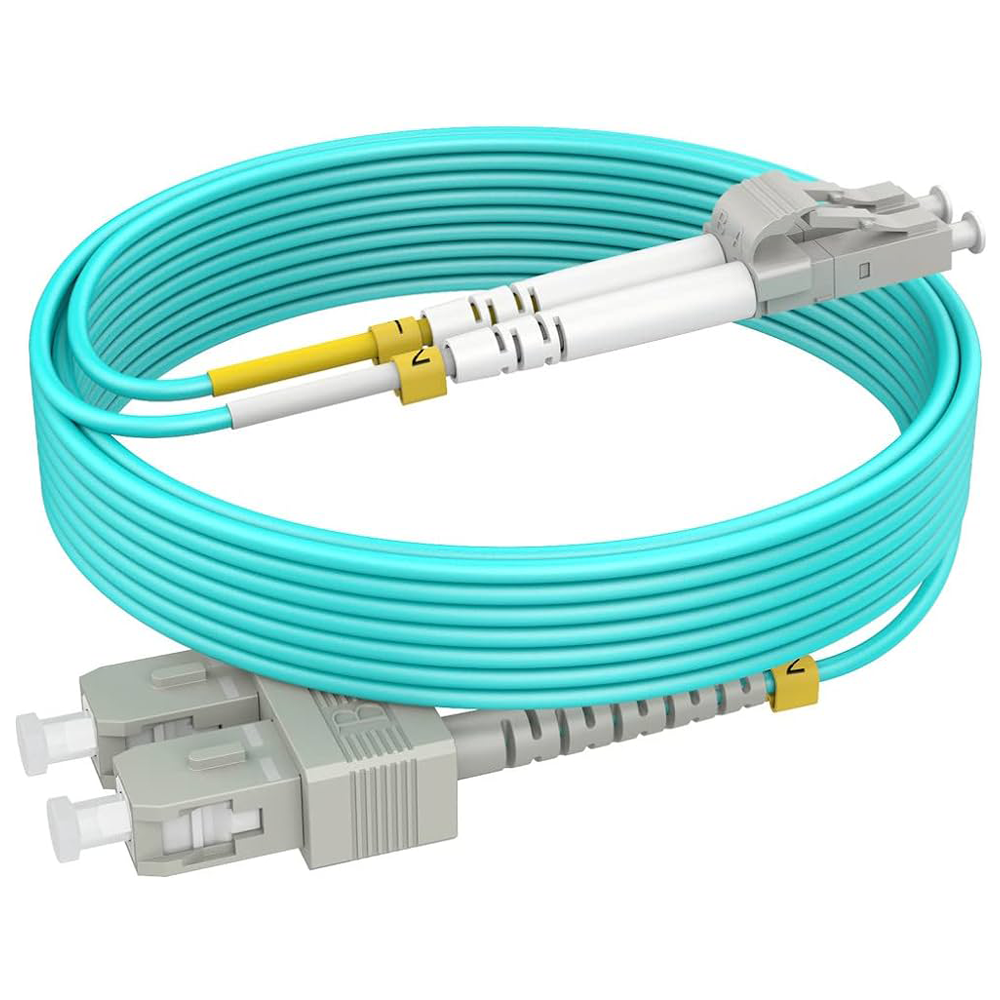 Duplex Multi-Mode
 CPRI
CPRI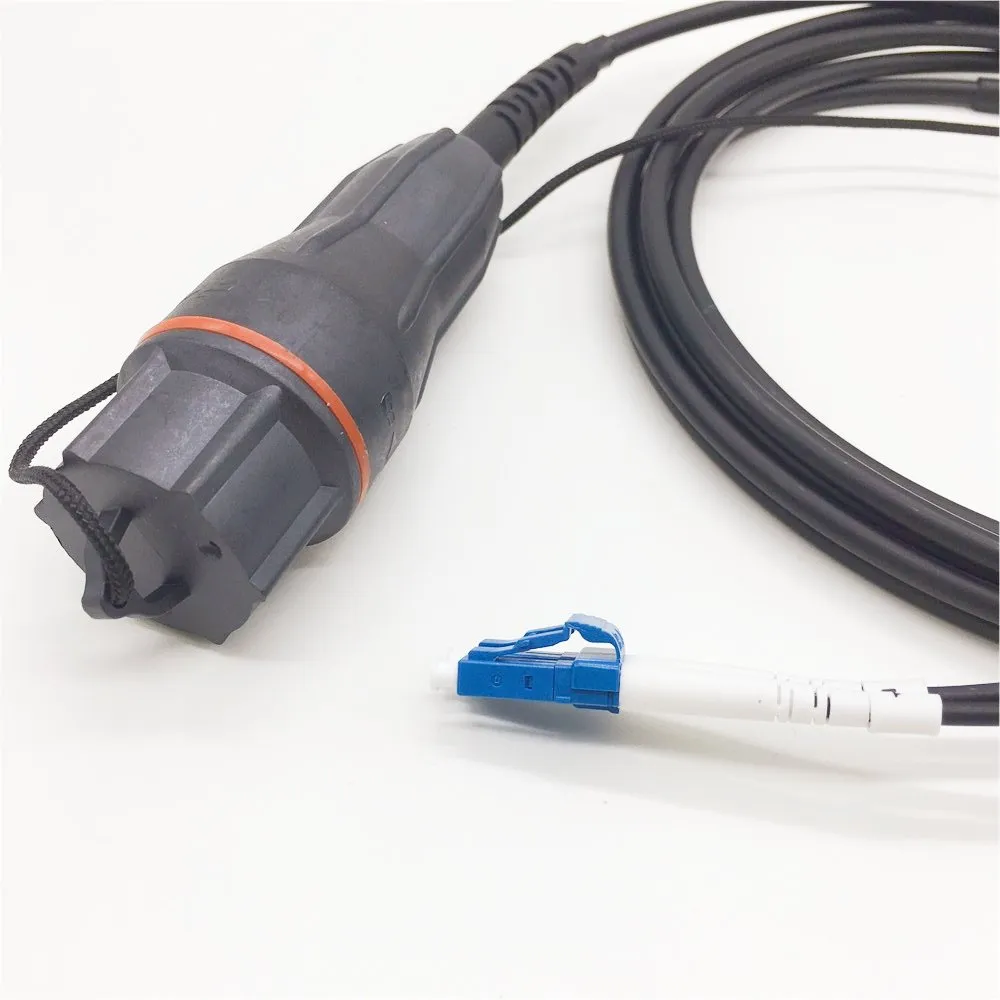 Fullaxs DLC Ericsson
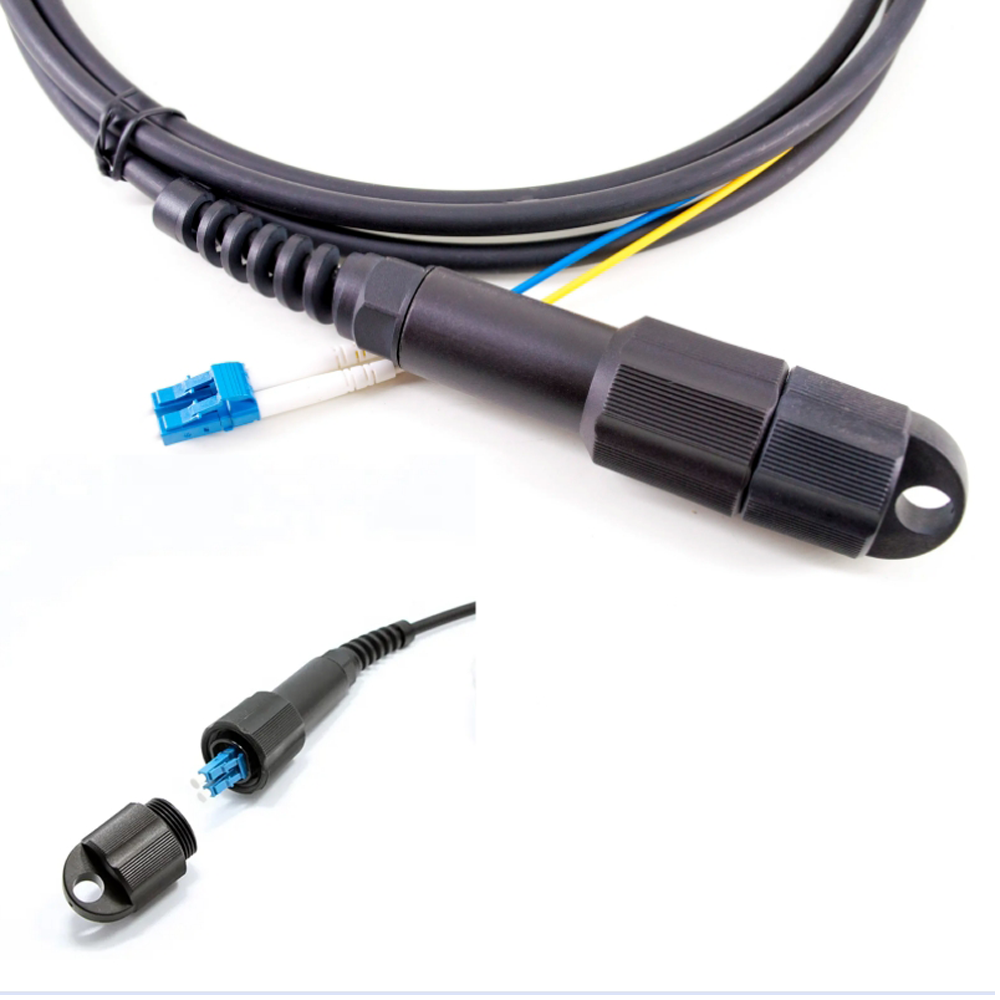 PDLC DLC
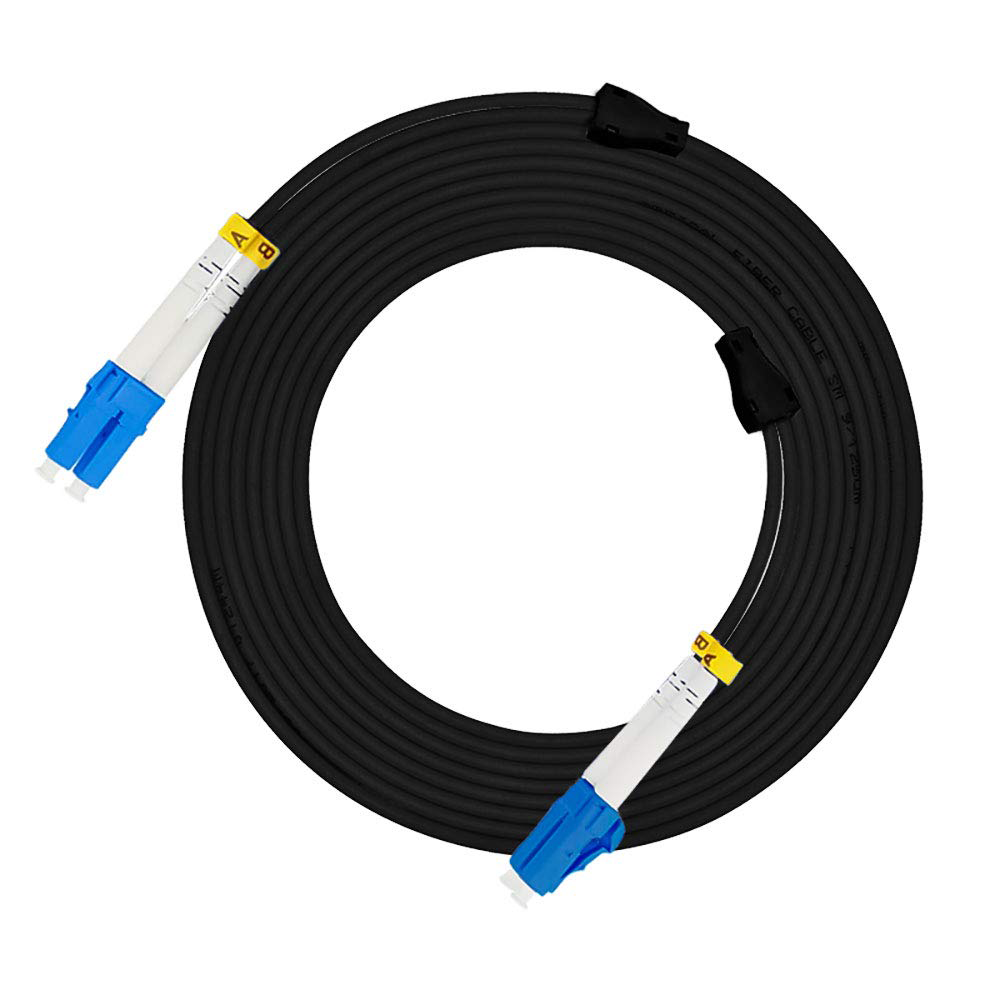 Spiral Fanout
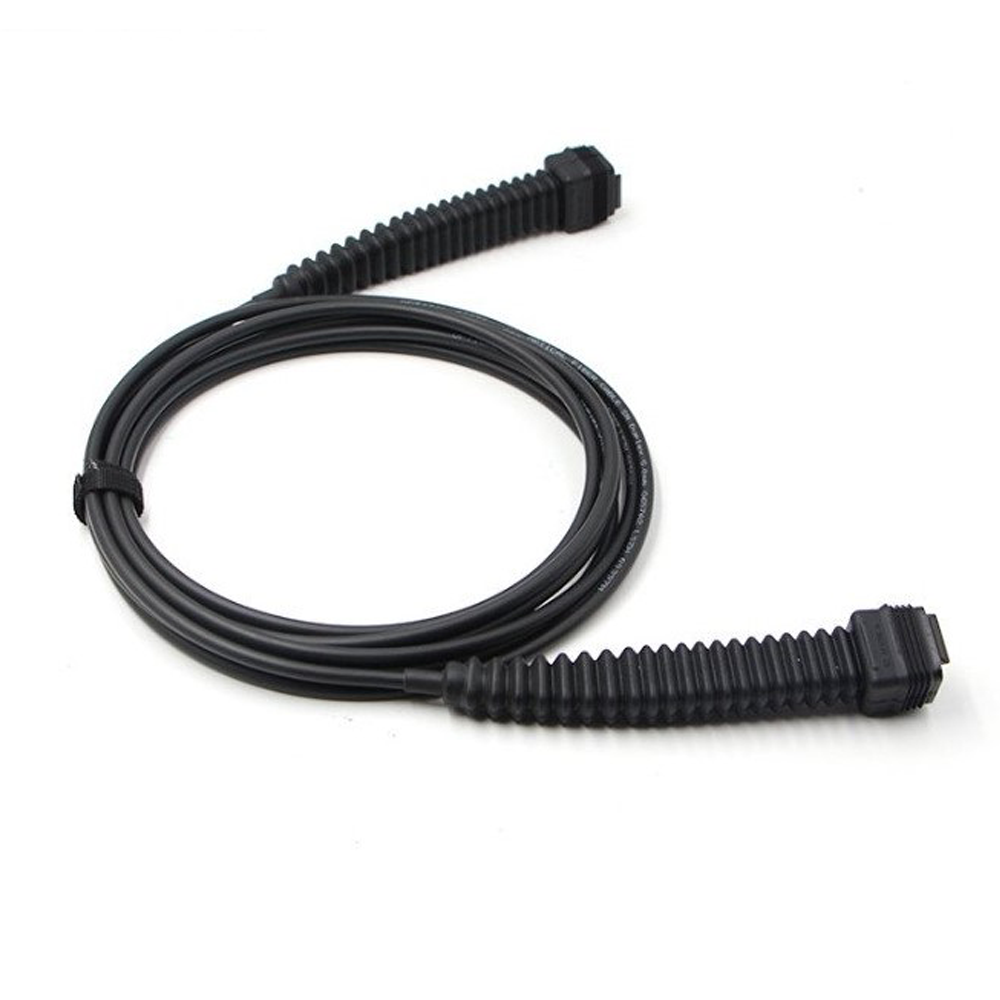 NSN Boot NOKIA
 MPO
MPO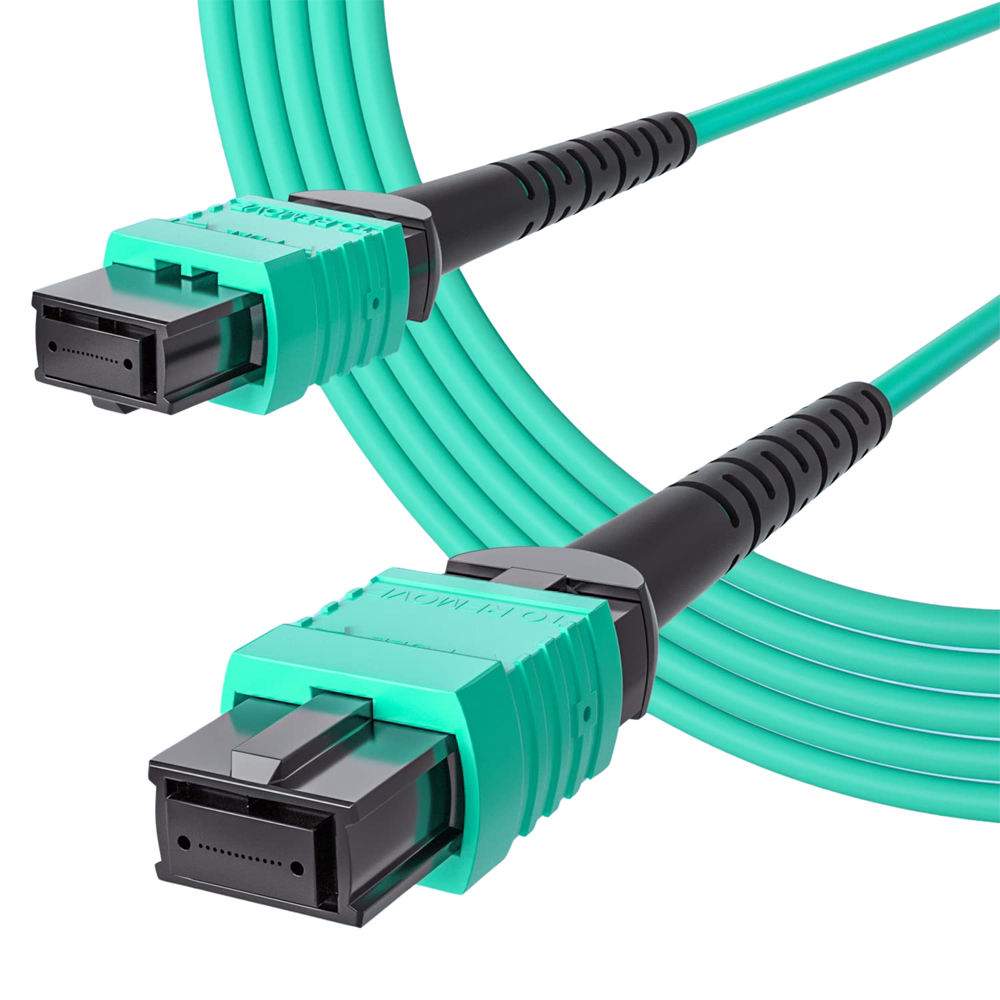 MPO Cables
 Copper
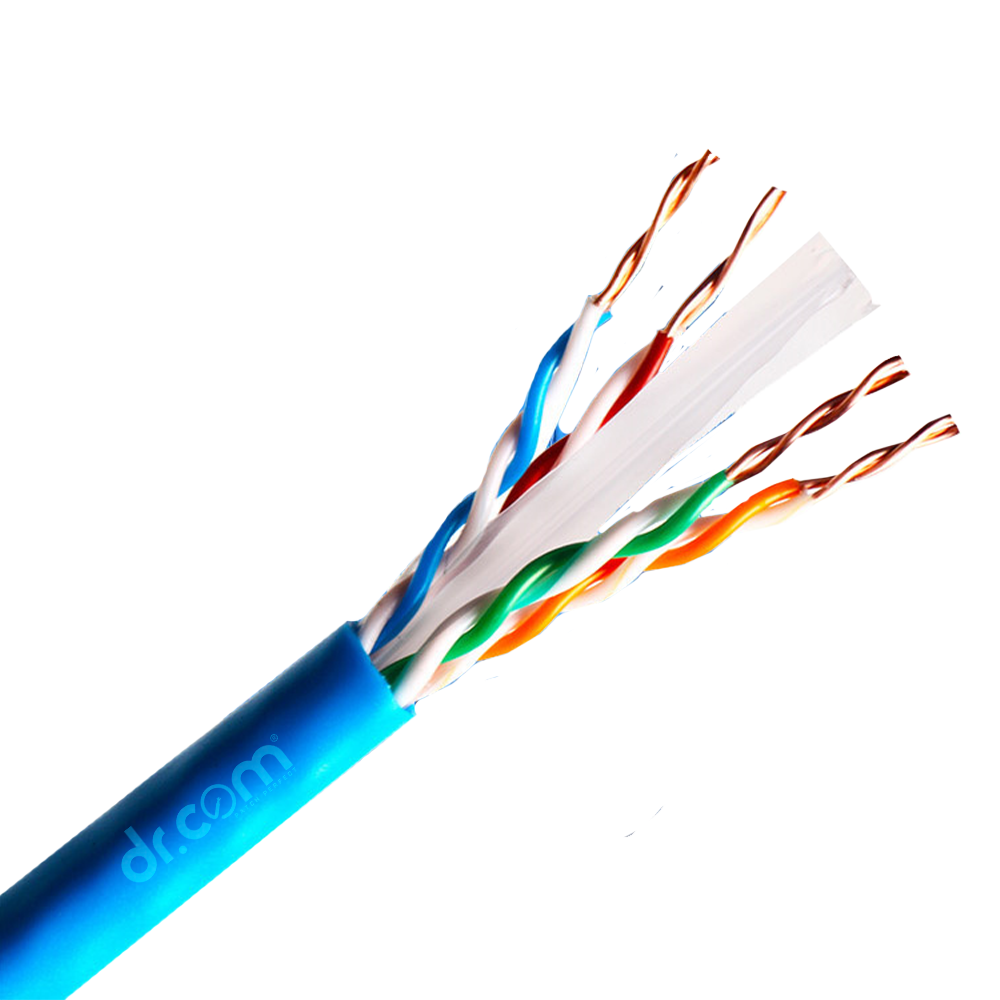 UTP 24 AWG PE Outdoor Cable
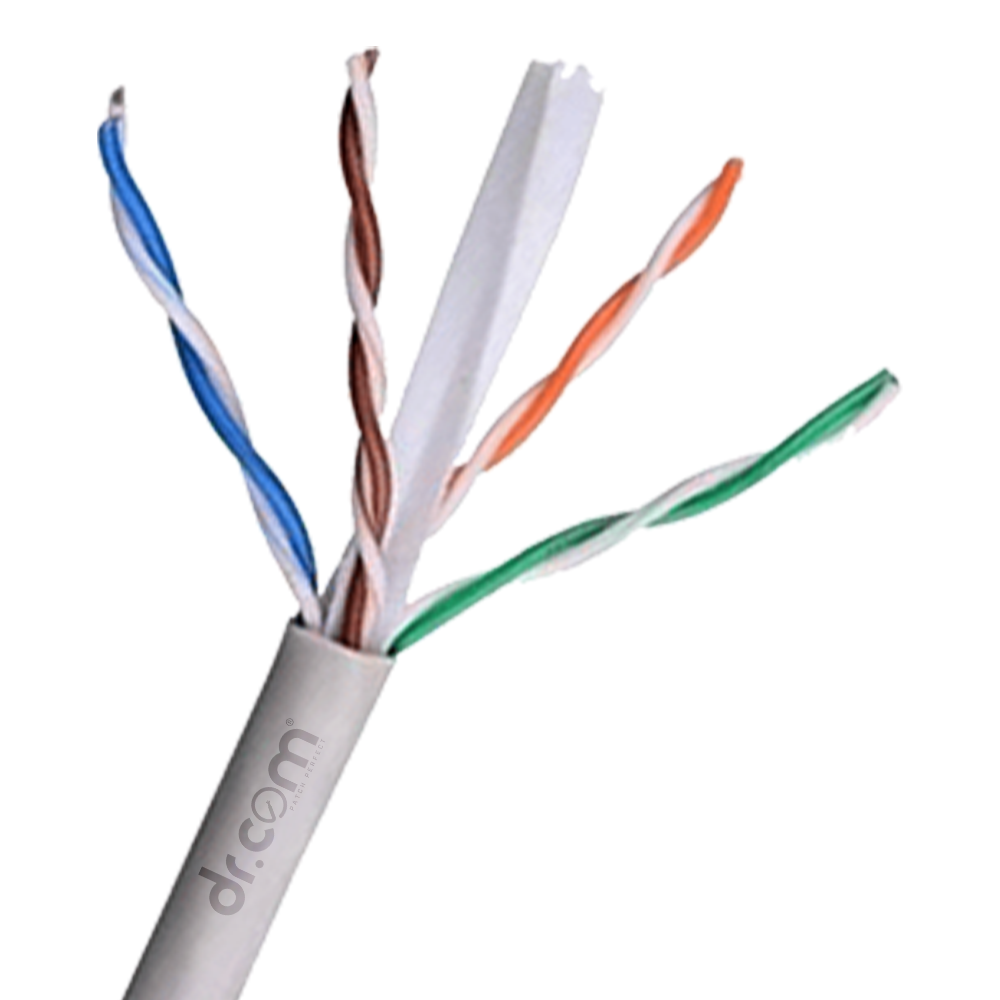 Copper (0.55mm) - UTP
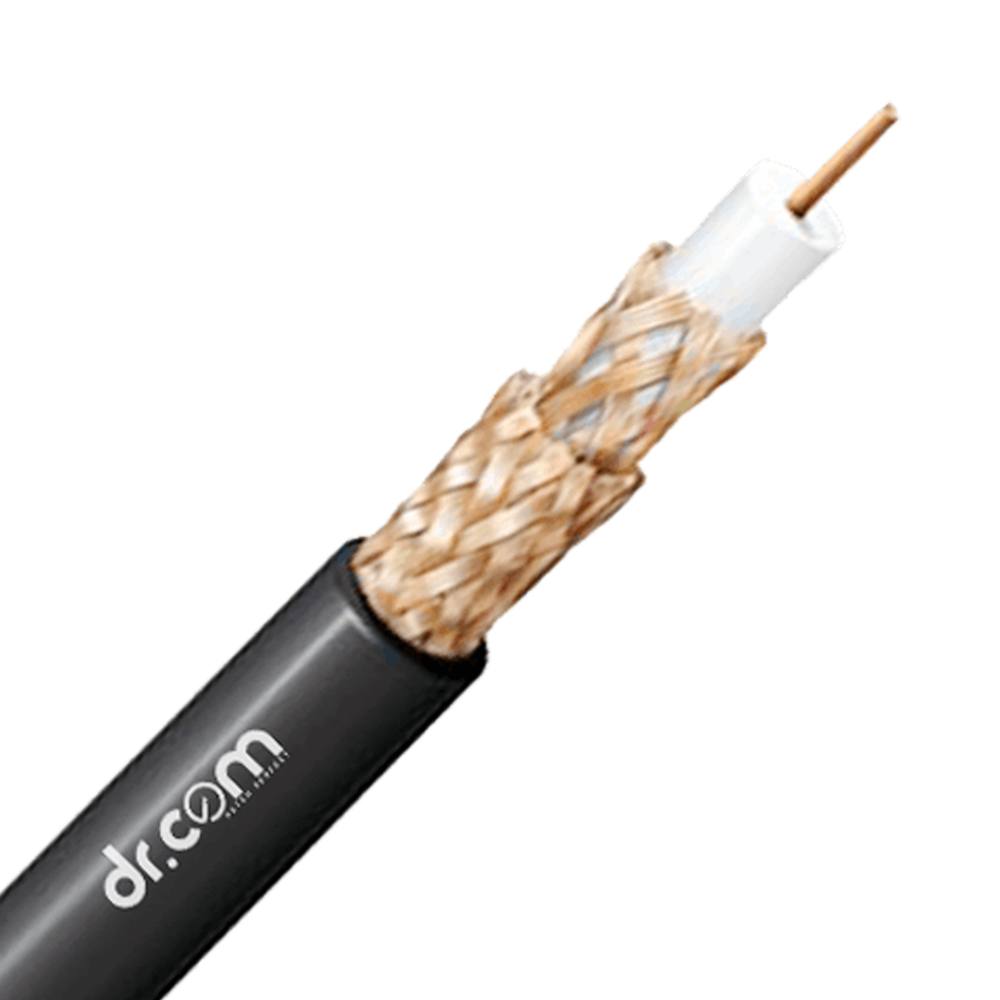 RG-6
RG-6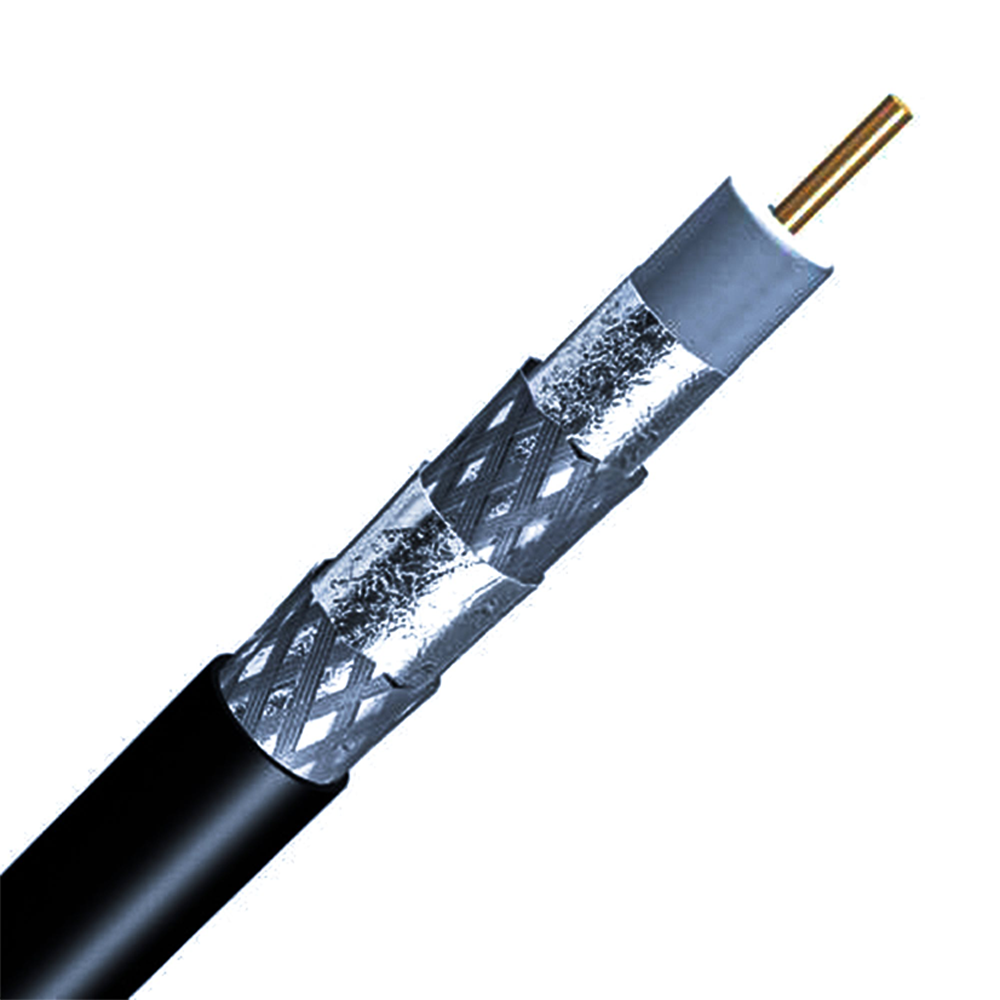 RG-11
RG-11 Active
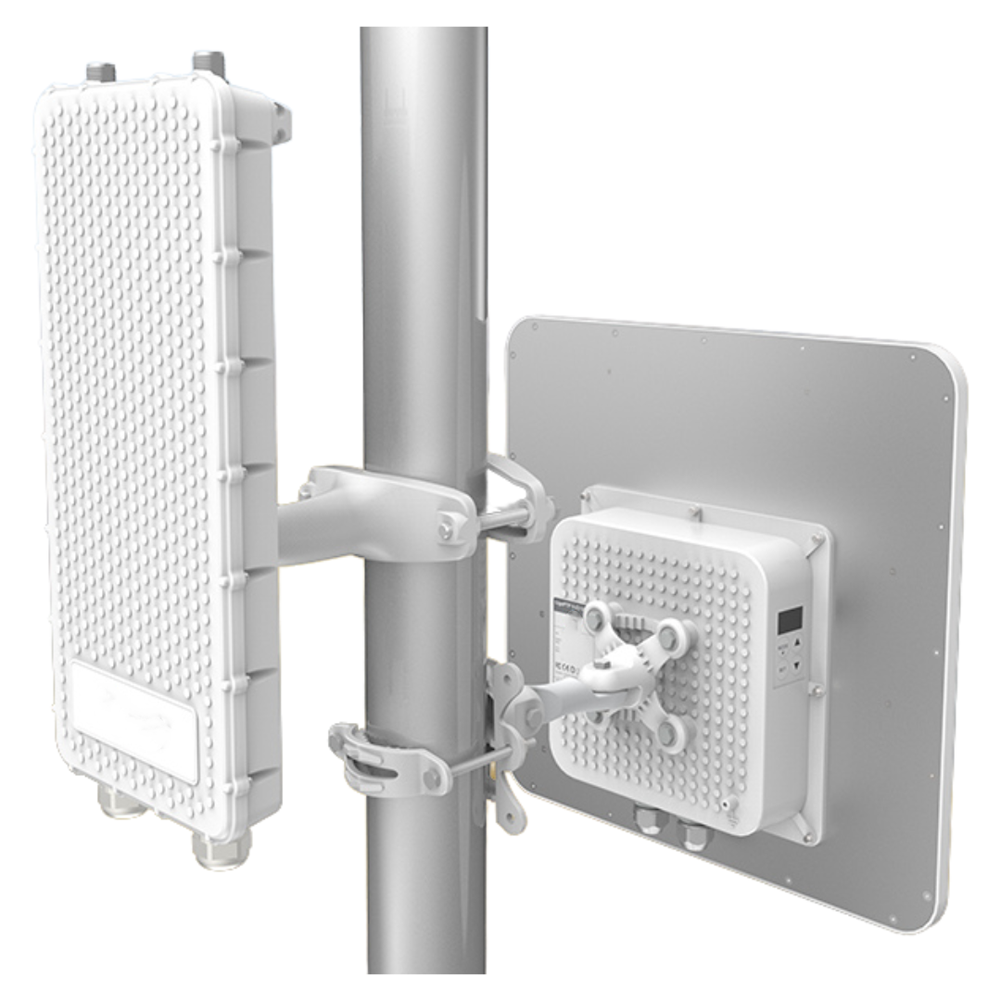 Access Point
 POE Switches
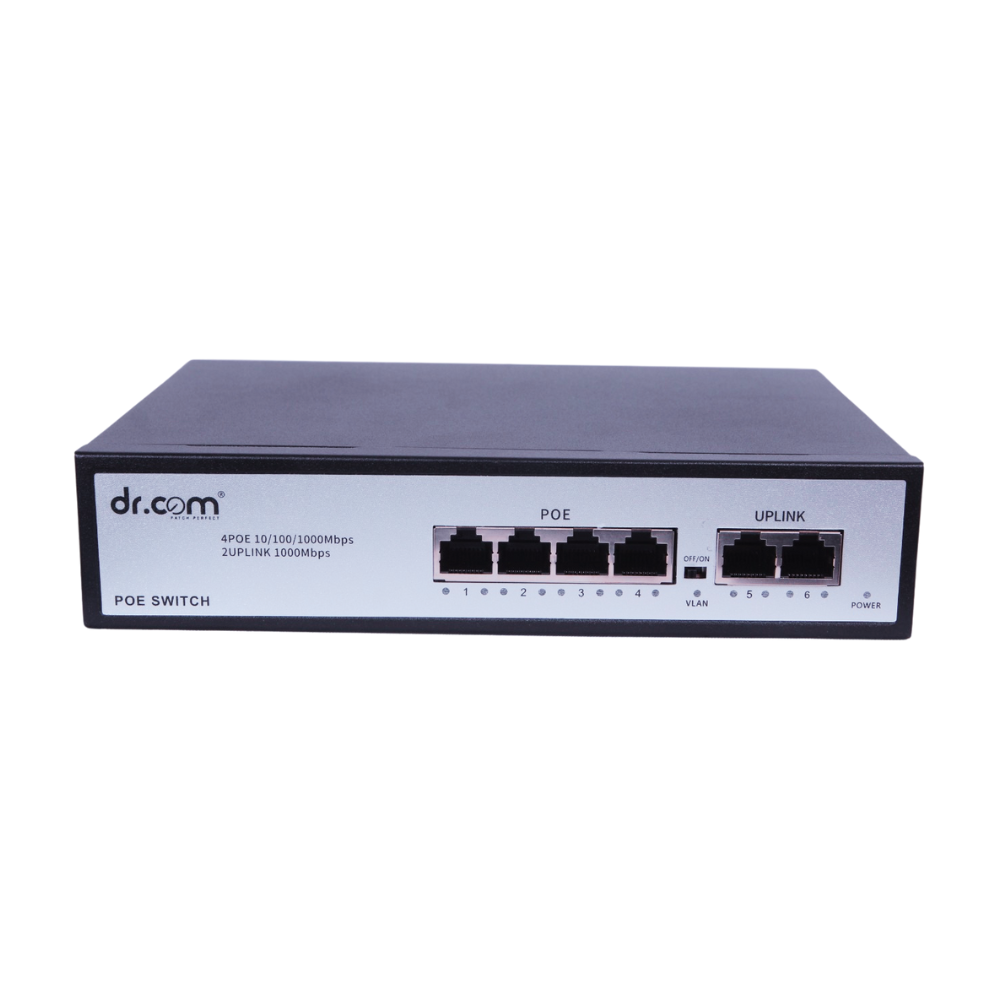
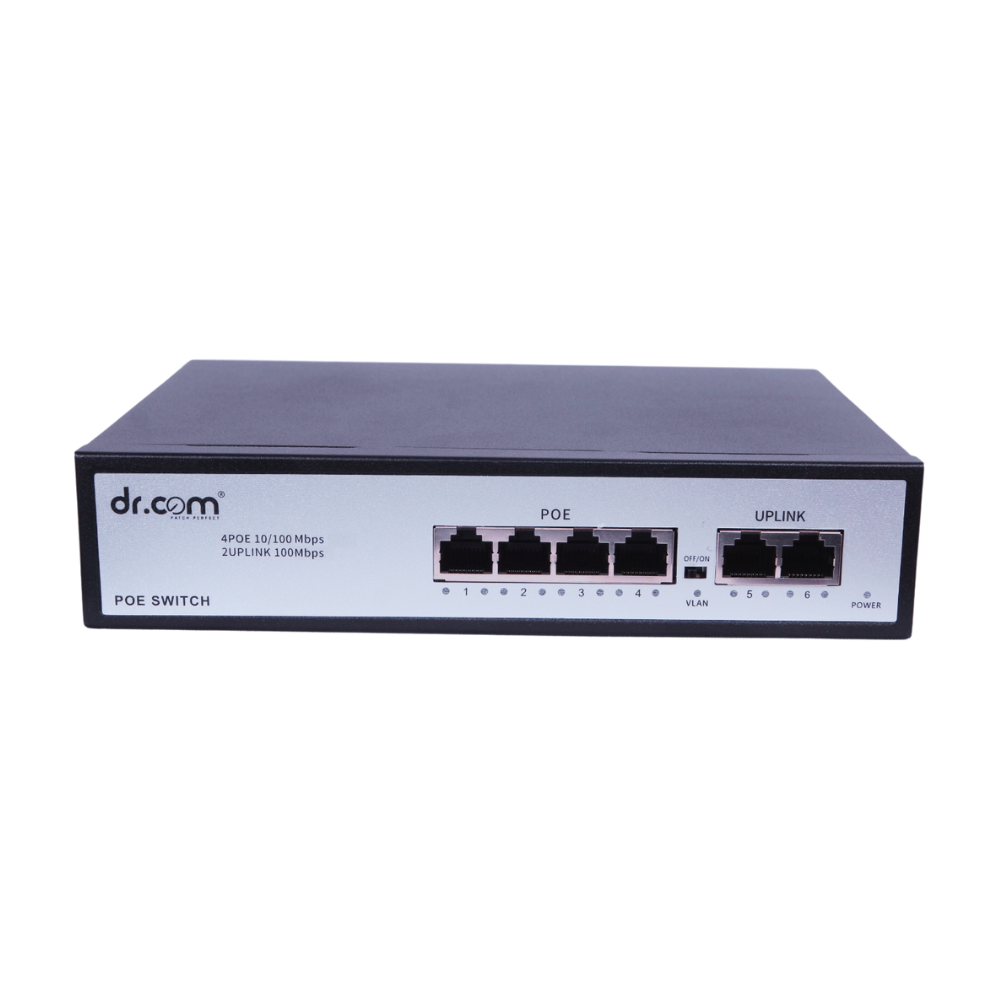 4-Port 65W
 8-Port 120W
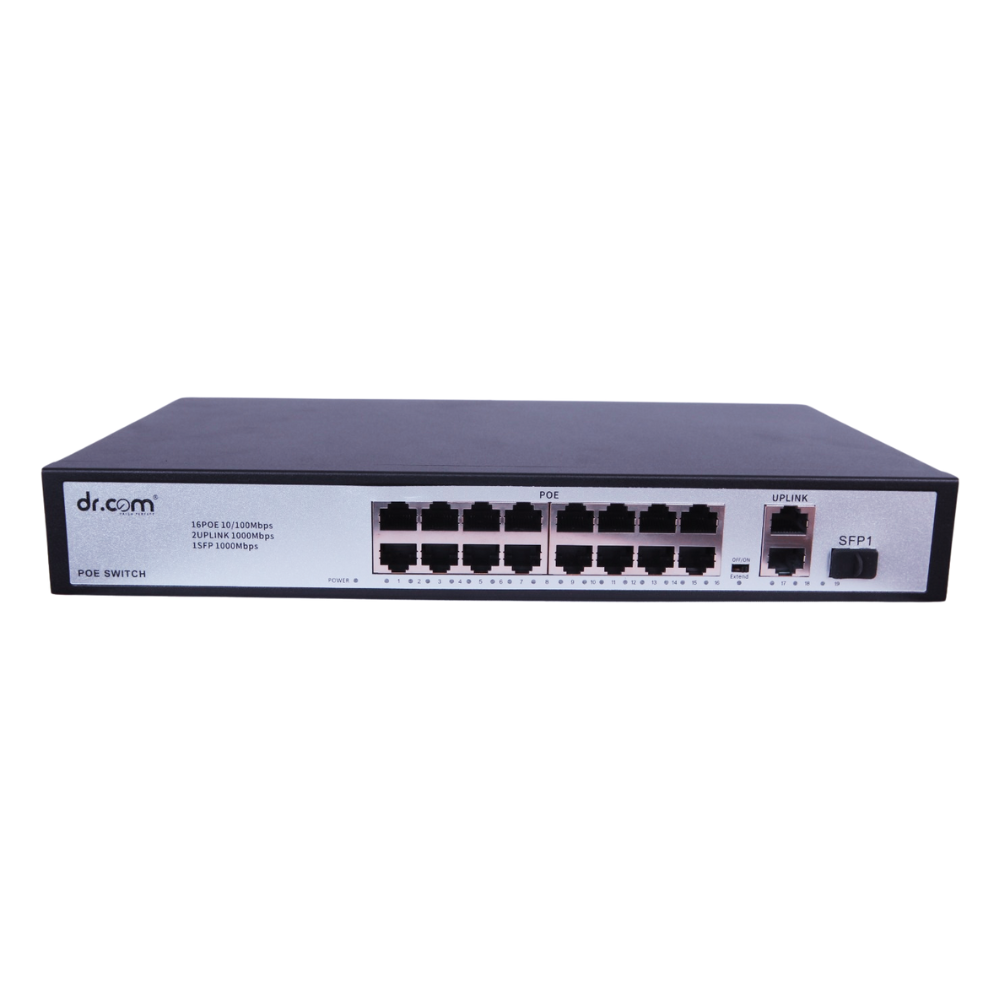
 16-Port 250W
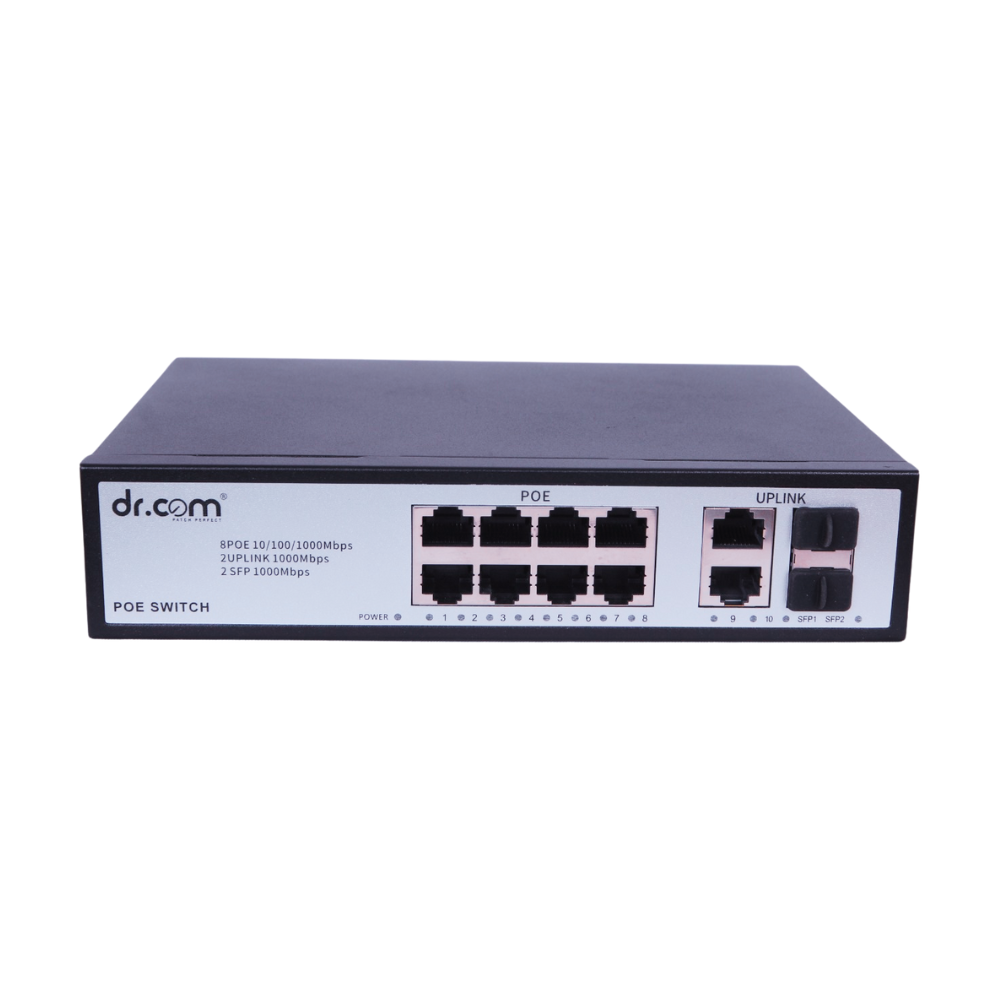 24-Port 320W
 UPS
UPS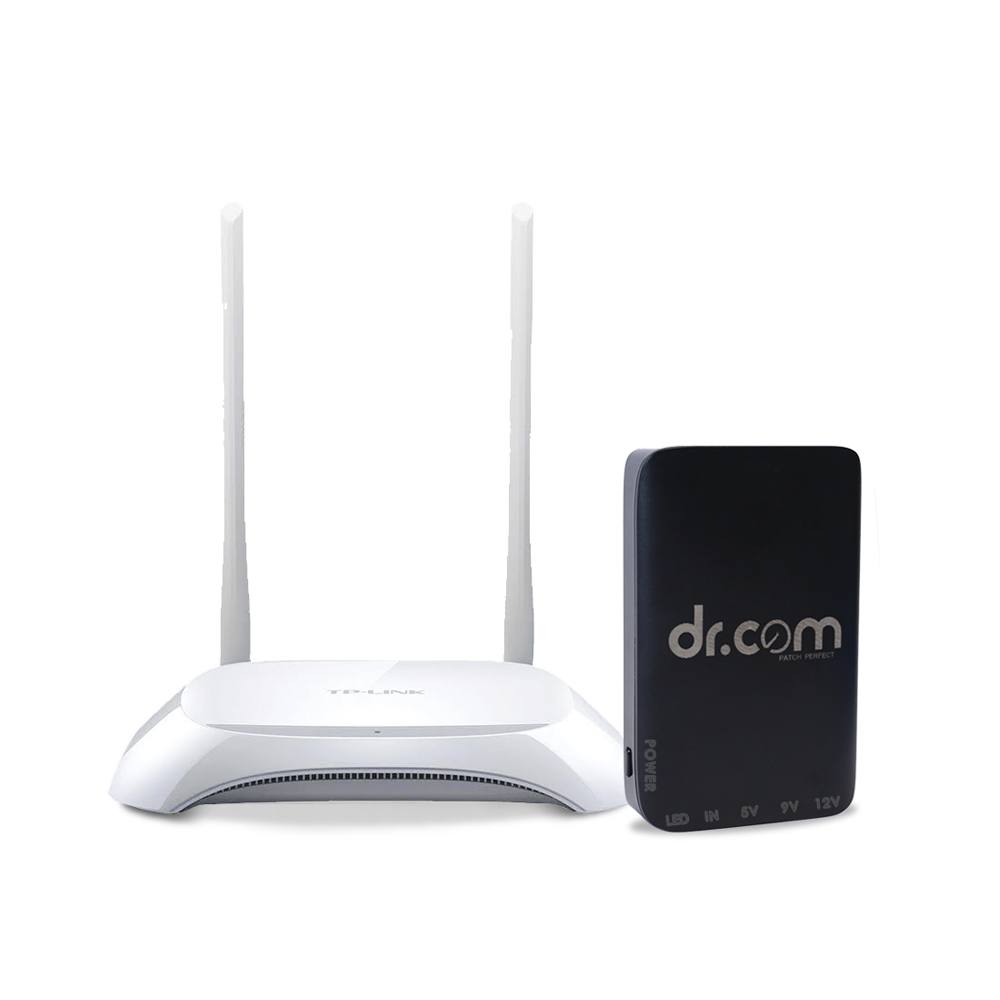 Multiple Output UPS DRU-8000
 Gpon-ONT
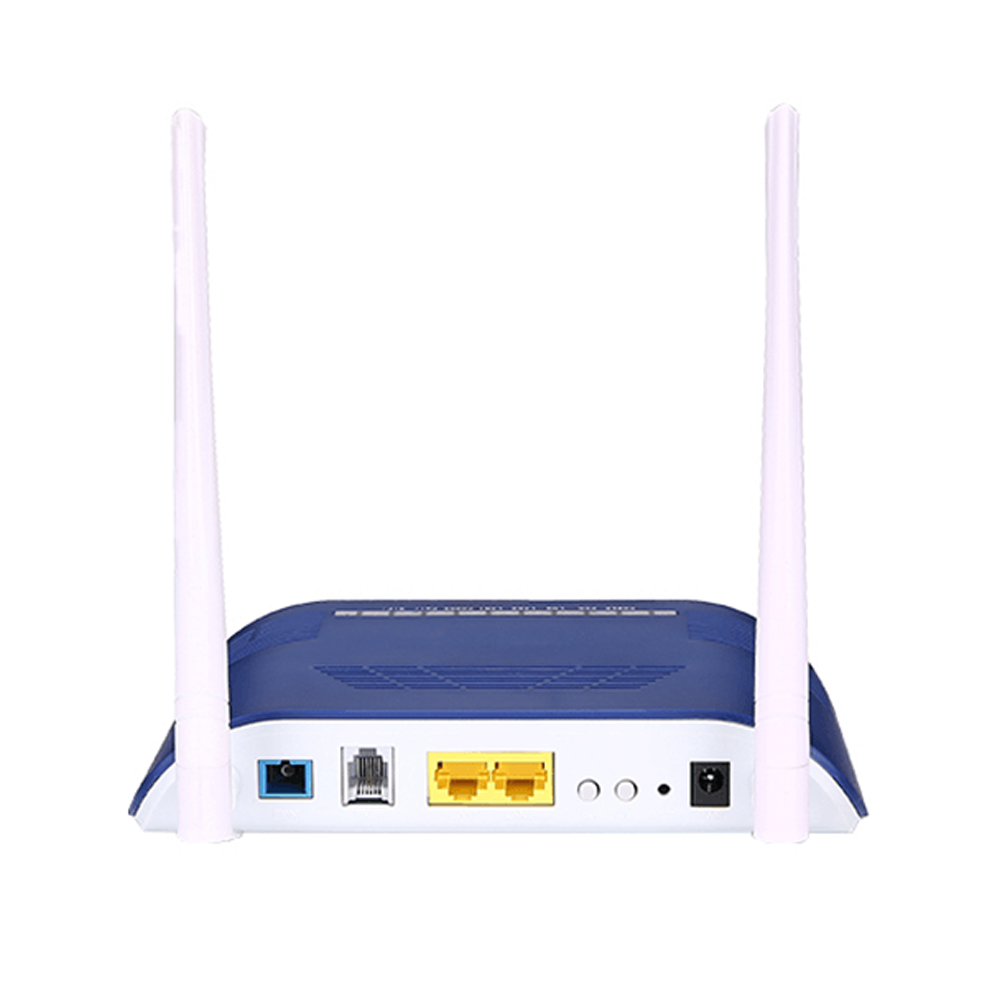 DRC 1GE+1FE+1POTS+WiFi
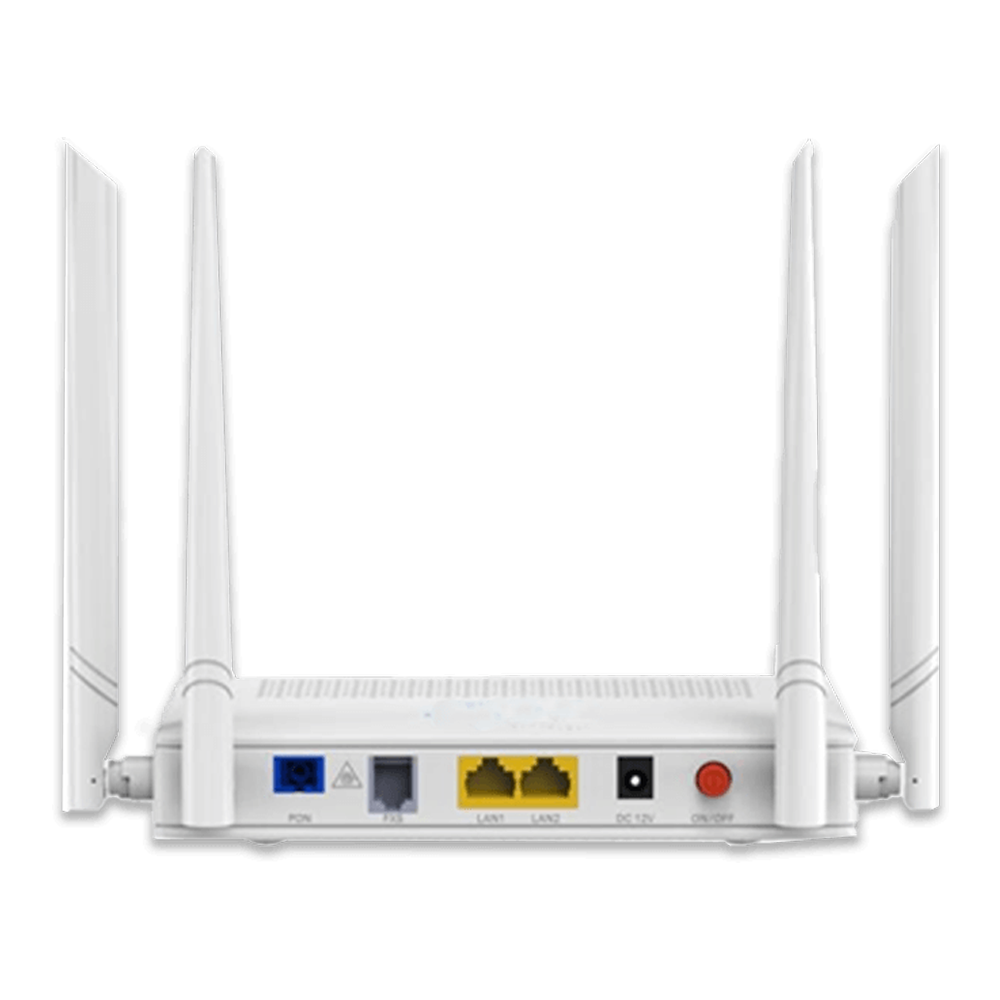 2GE+1POTS+AC WiFi
 Housing Solution
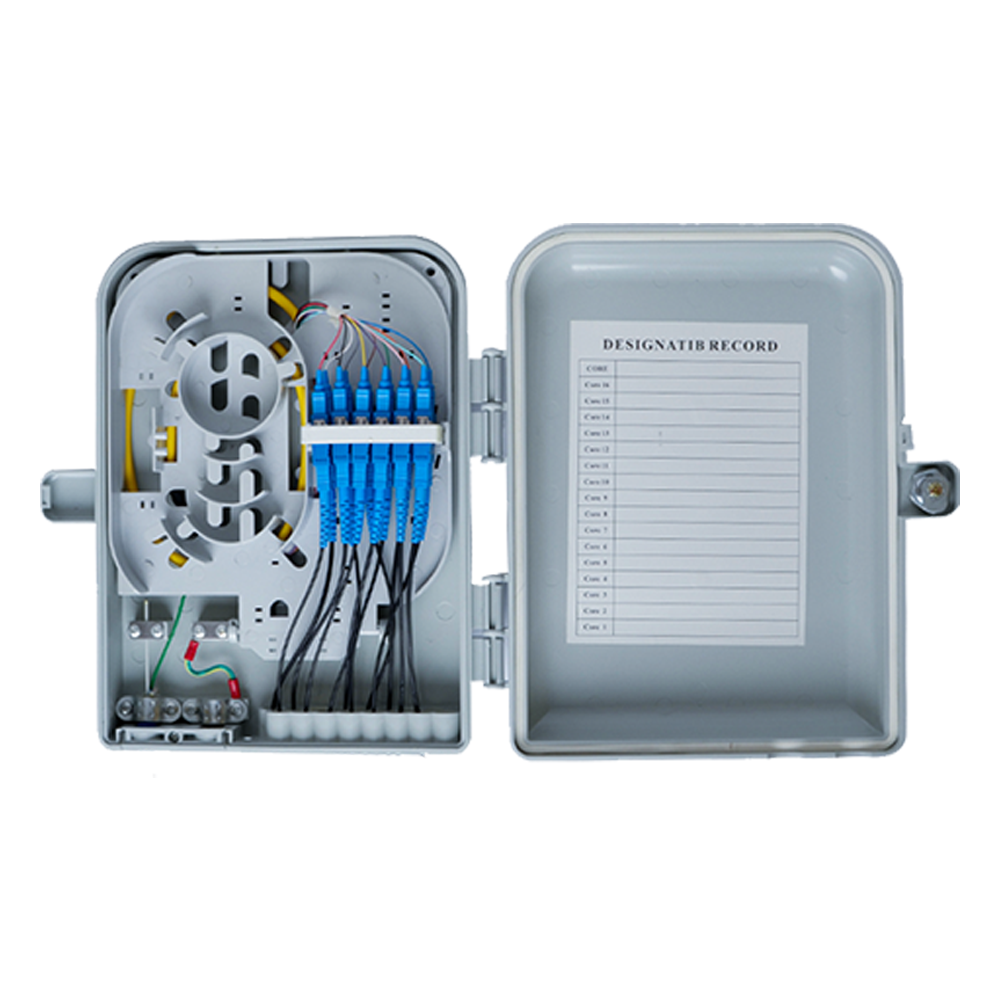 Fibre Distribution Box
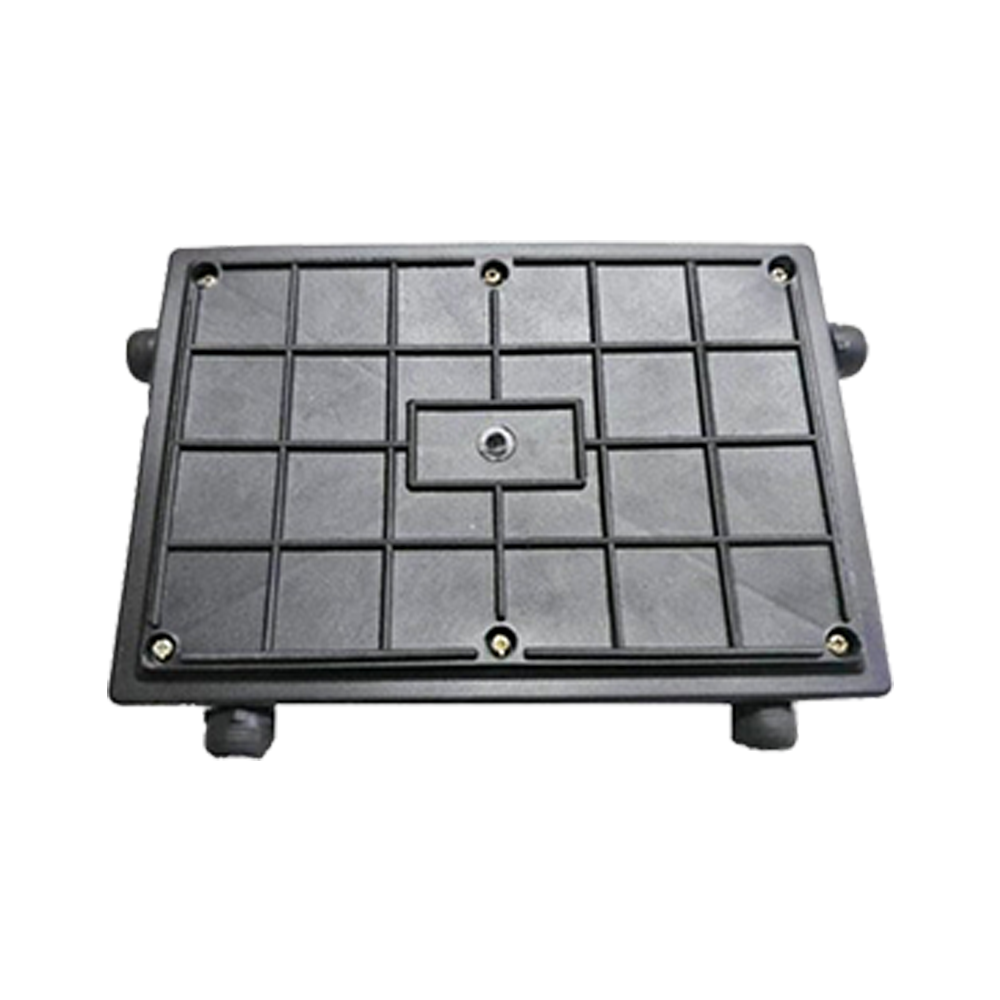 Joint Enclosure - Tiffin Box
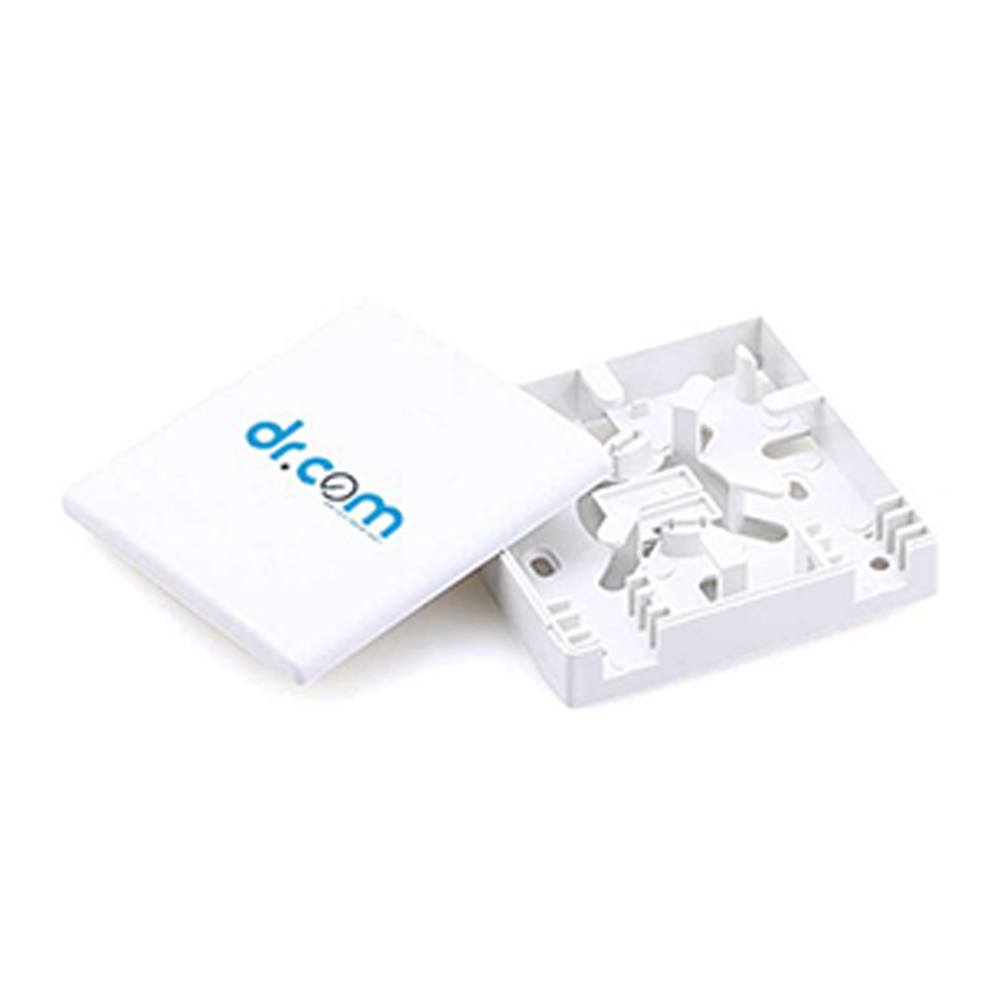 FTTH Termination Box
 Wall Mount FMS
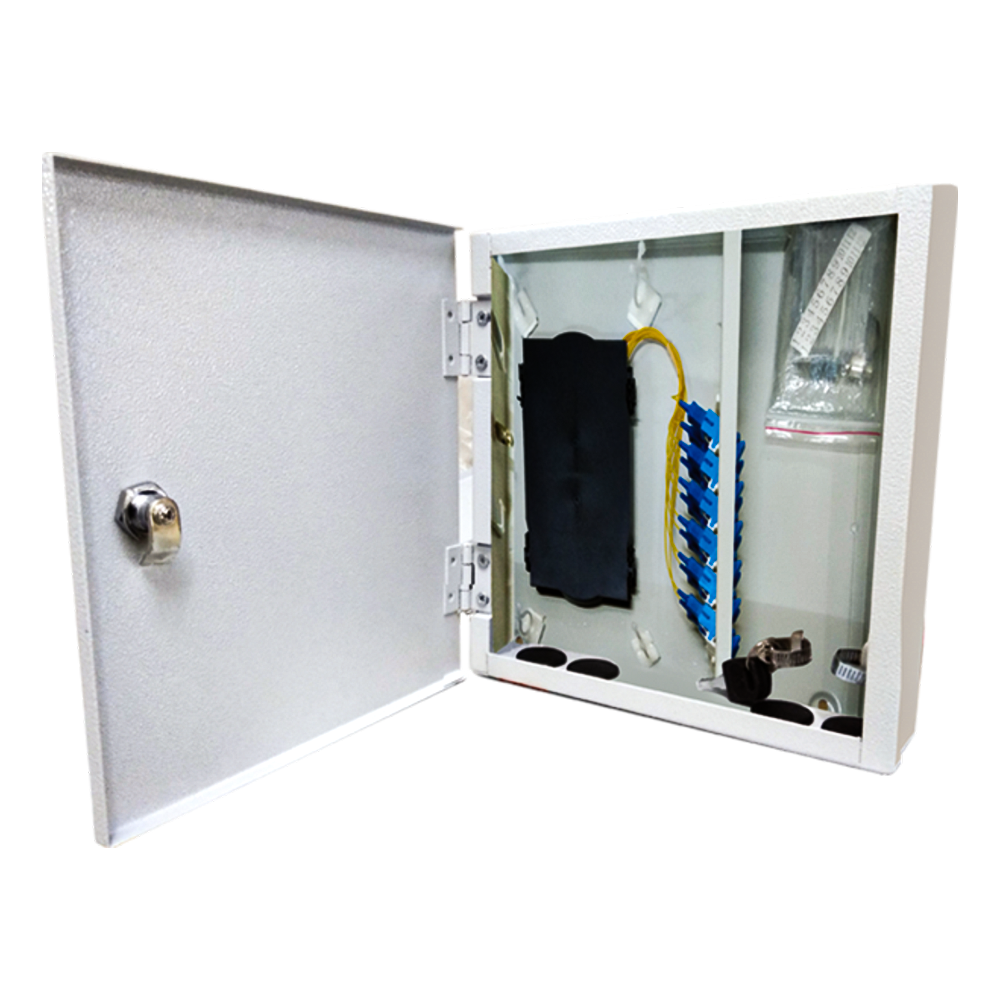 24F - Wall Mount FMS
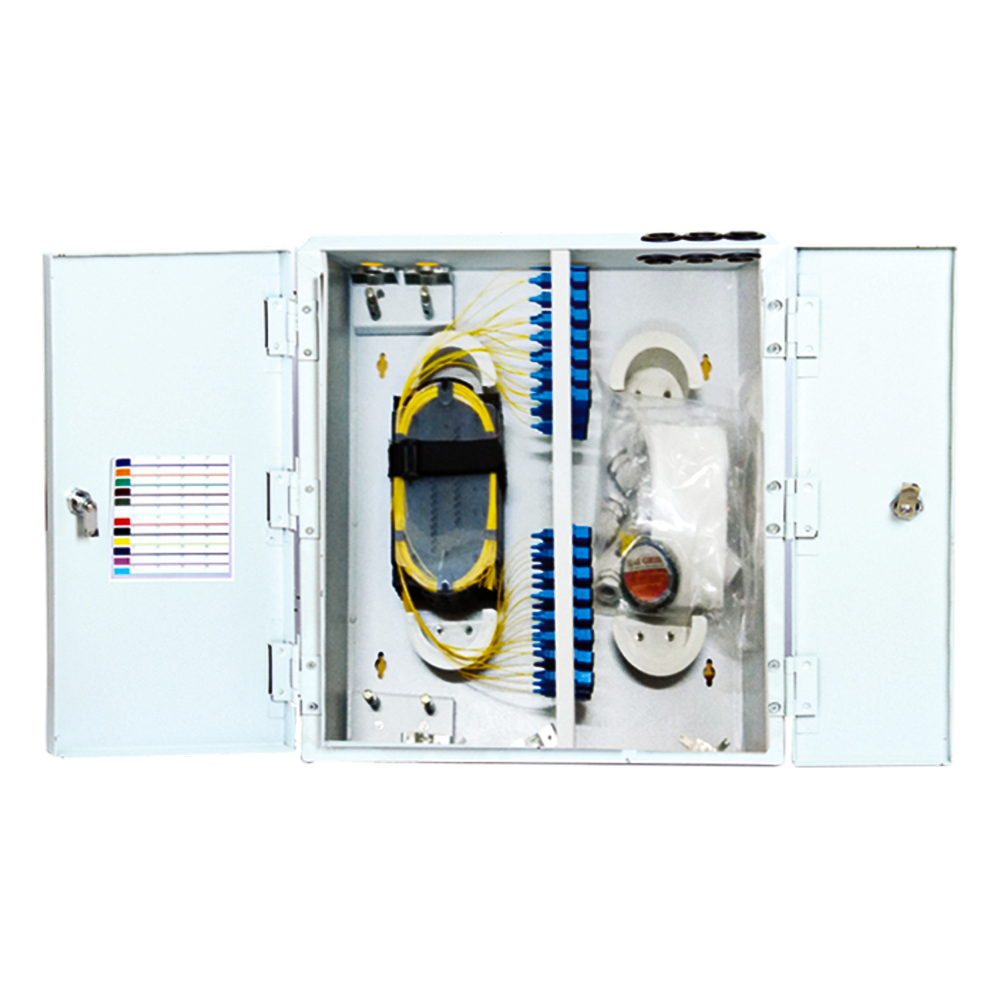 48F - Wall Mount FMS
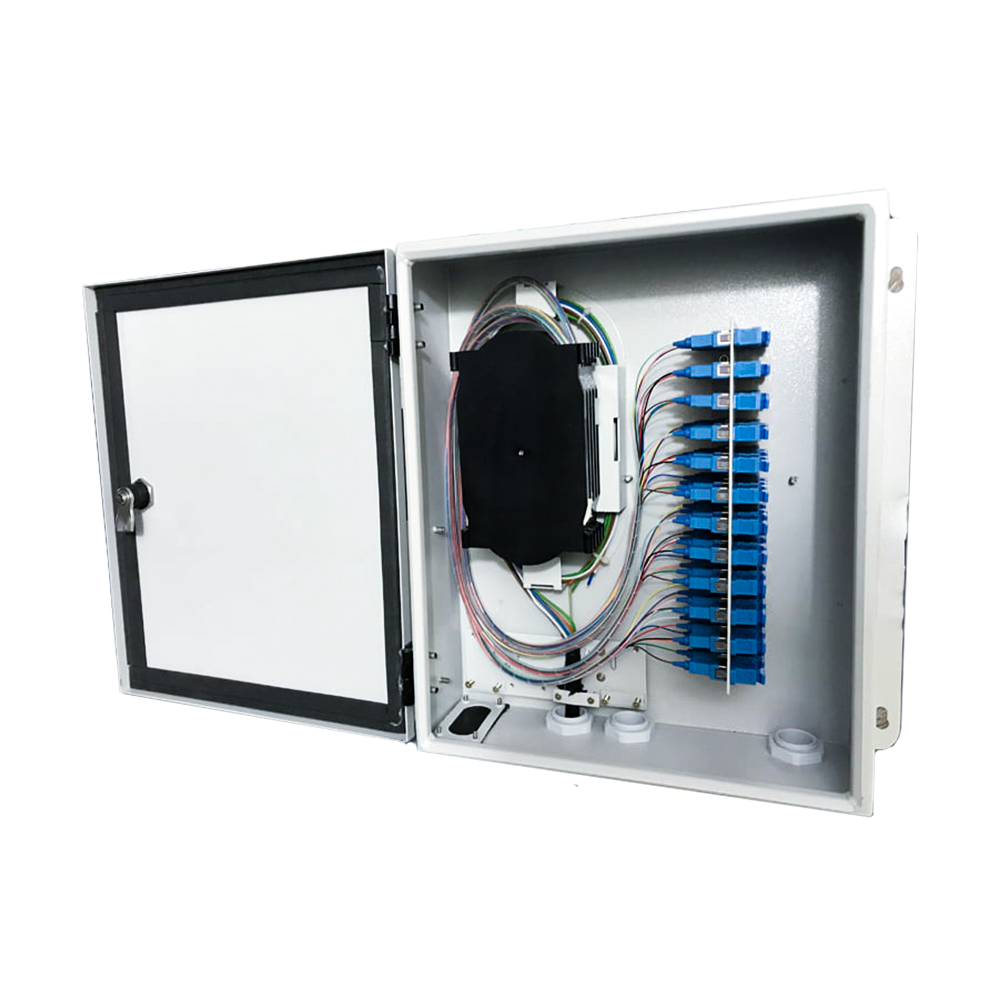 96F - Wall Mount FMS
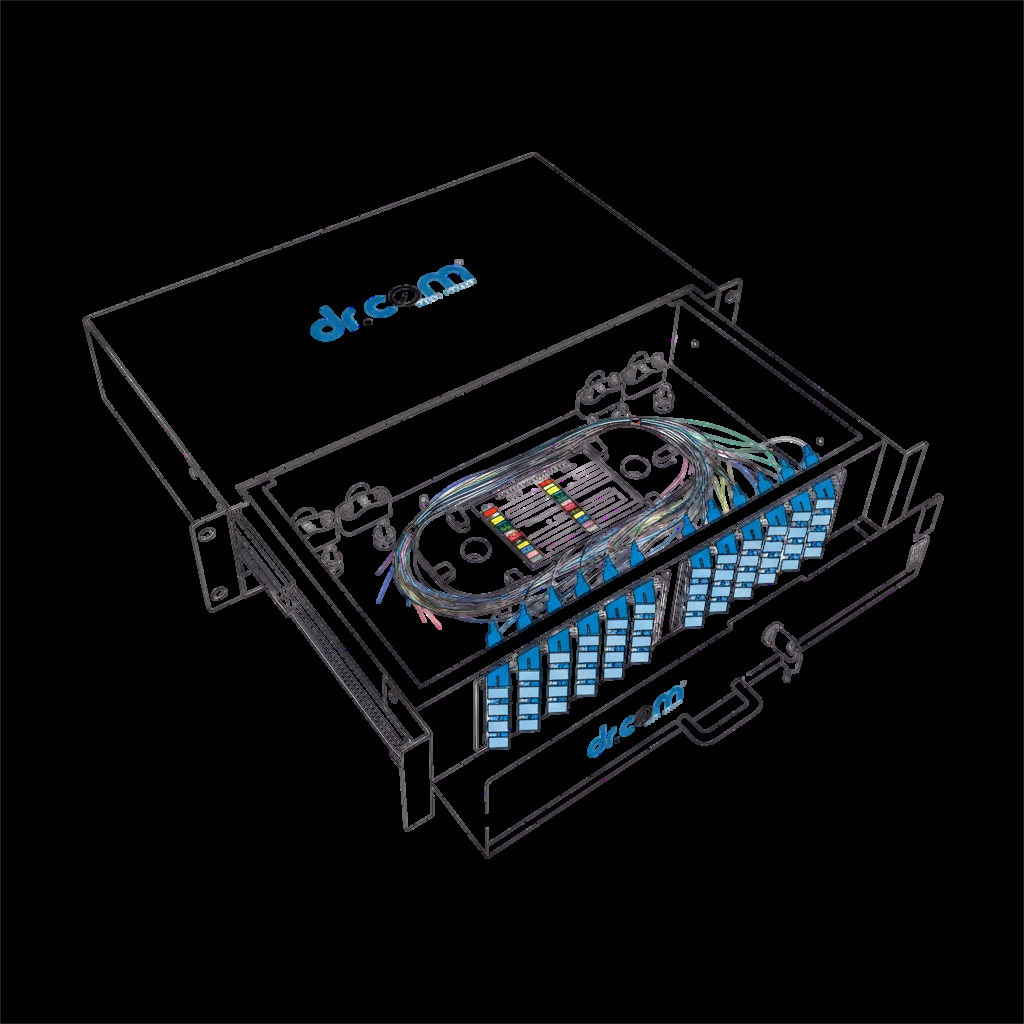 Rack Mount FMS
 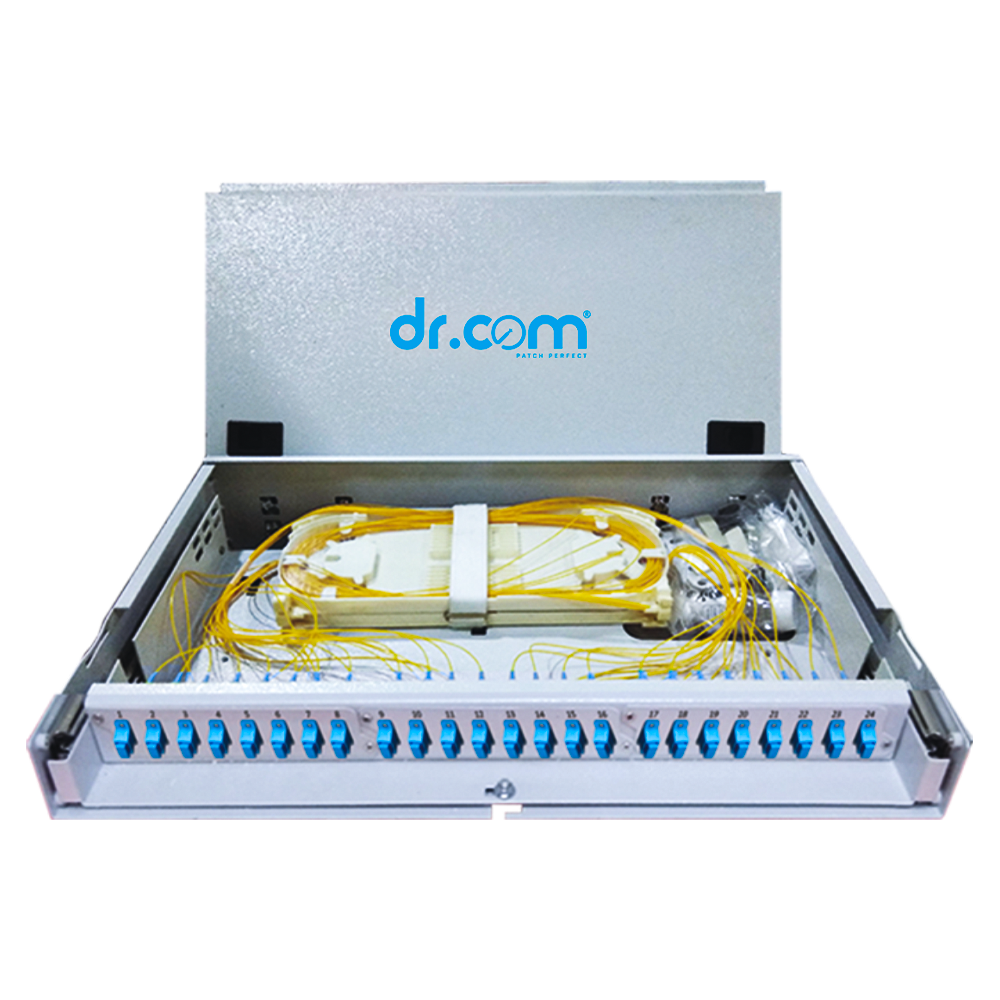 24F - Dome Unloaded Bamboo Type
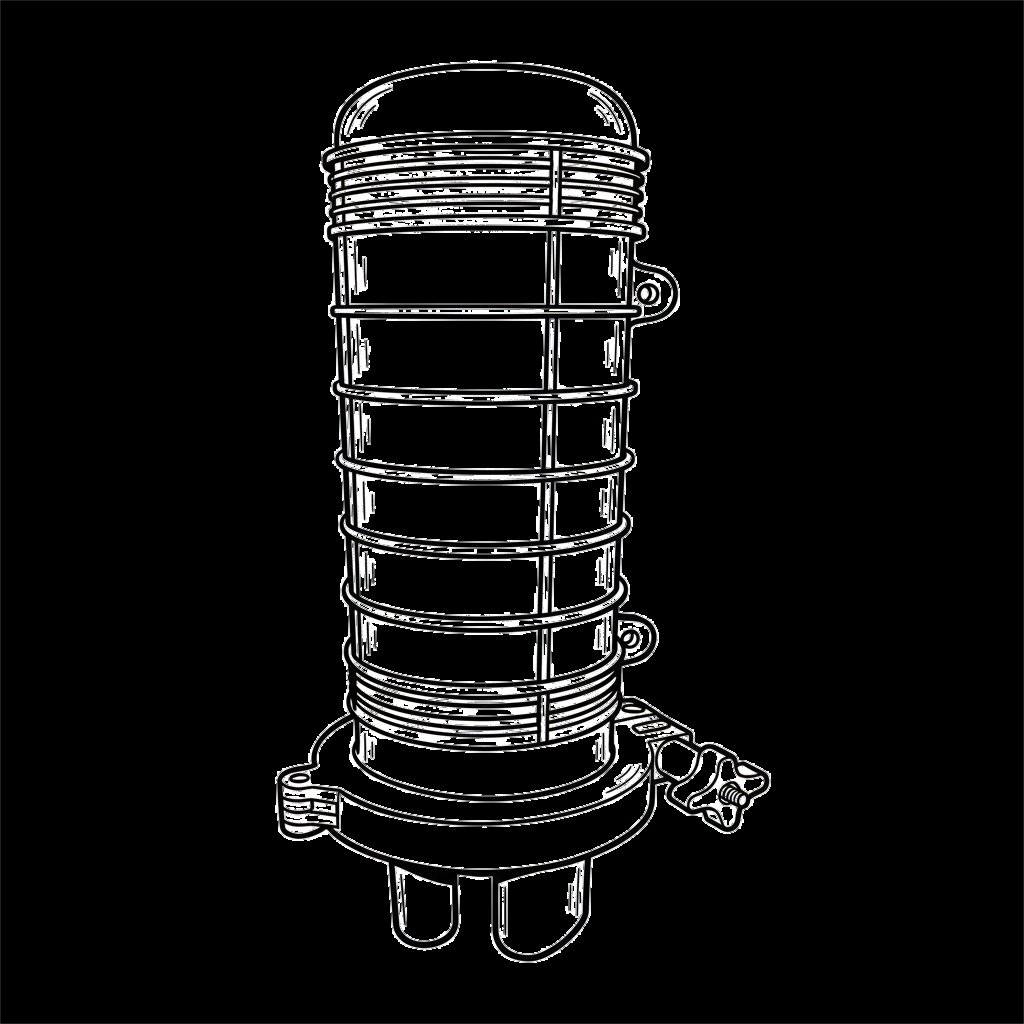 Dome Type Optical Fibre Enclosure
 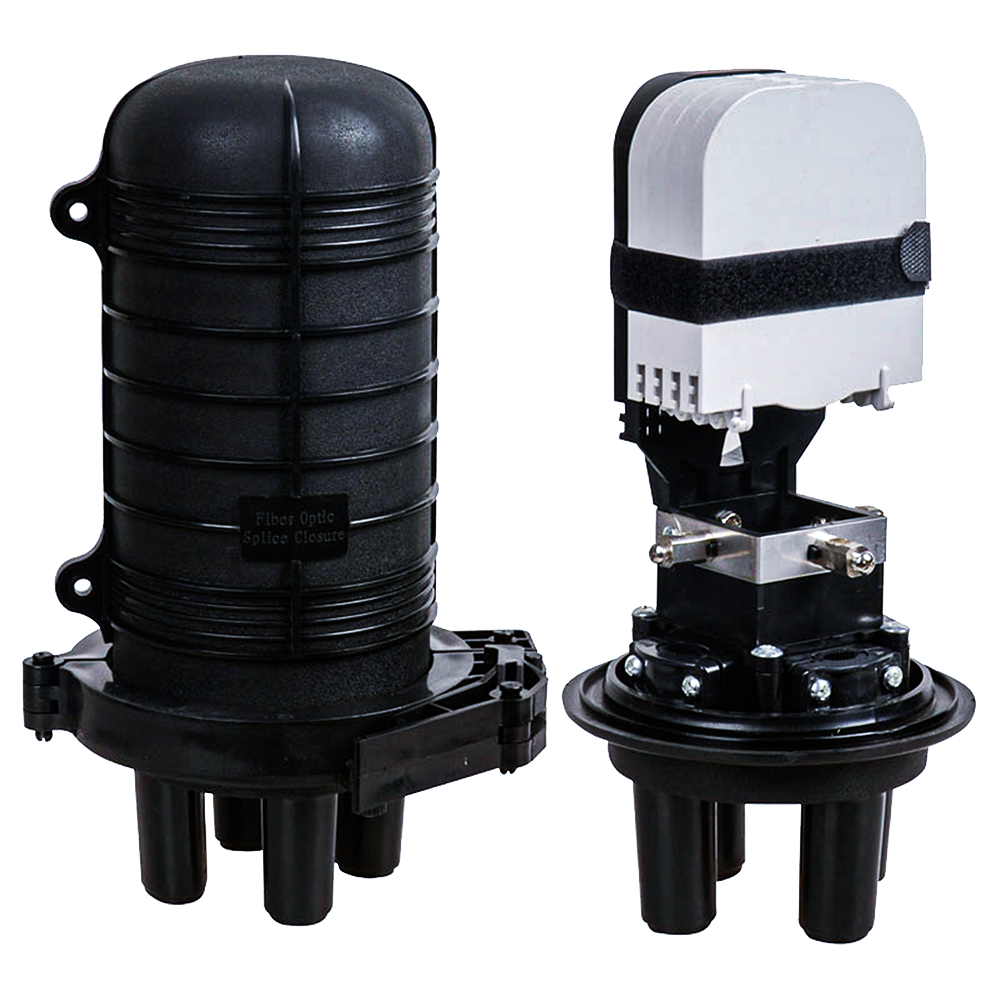 24F - Dome Unloaded Bamboo Type
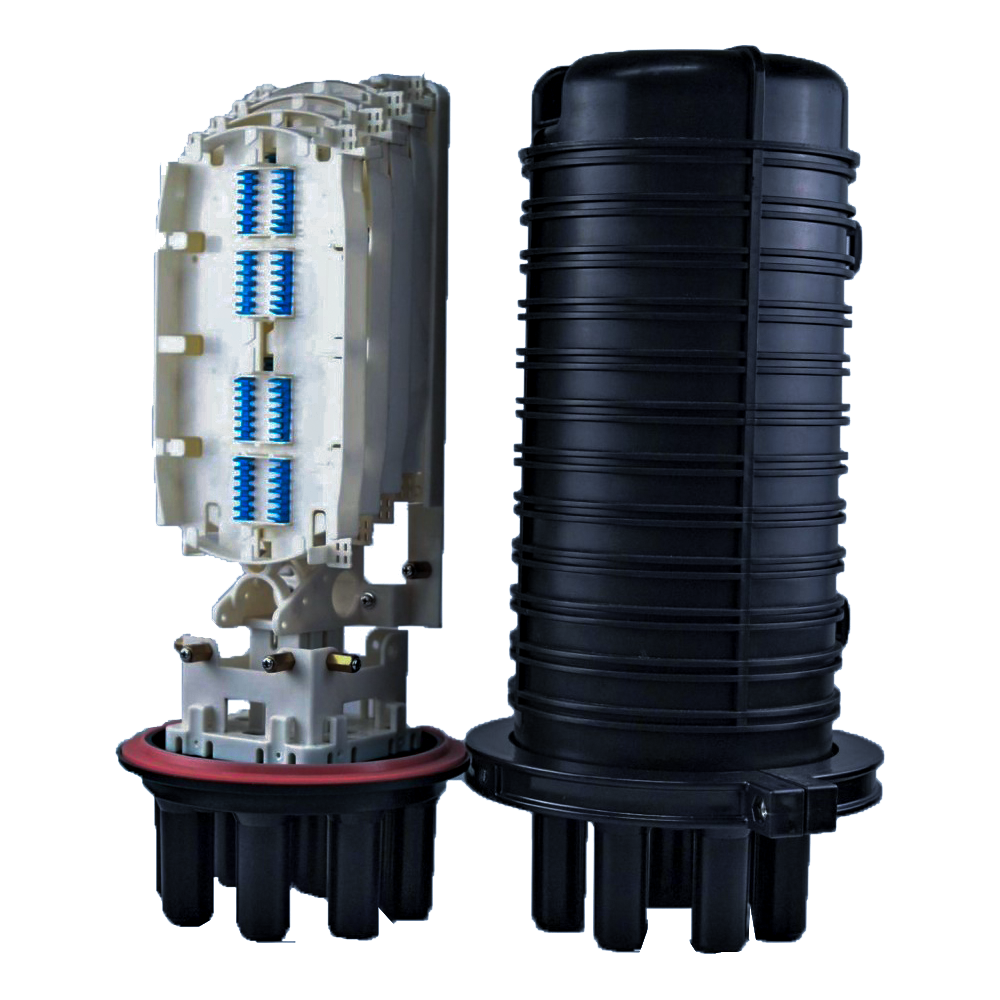 48F - Dome Unloaded Bamboo Type
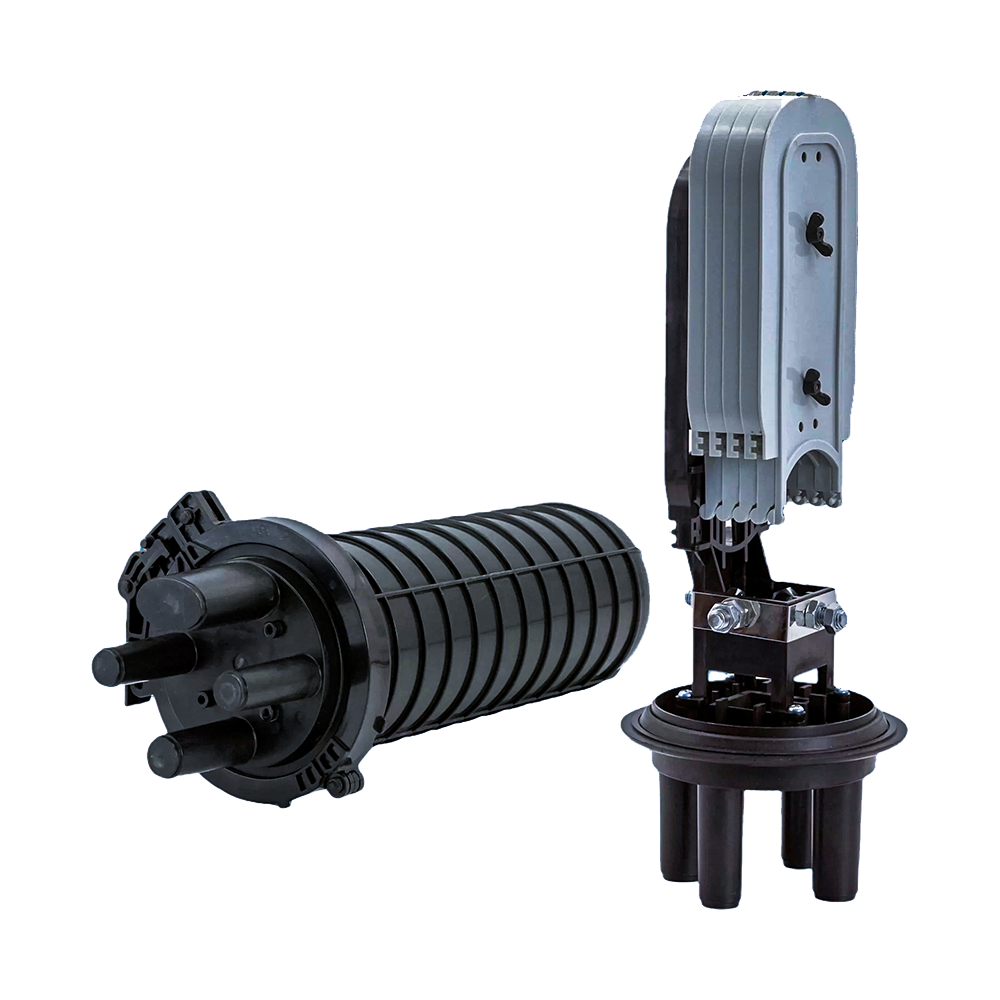 96F - Dome Unloaded Bamboo Type
 Accessories
 SFP Transceivers
 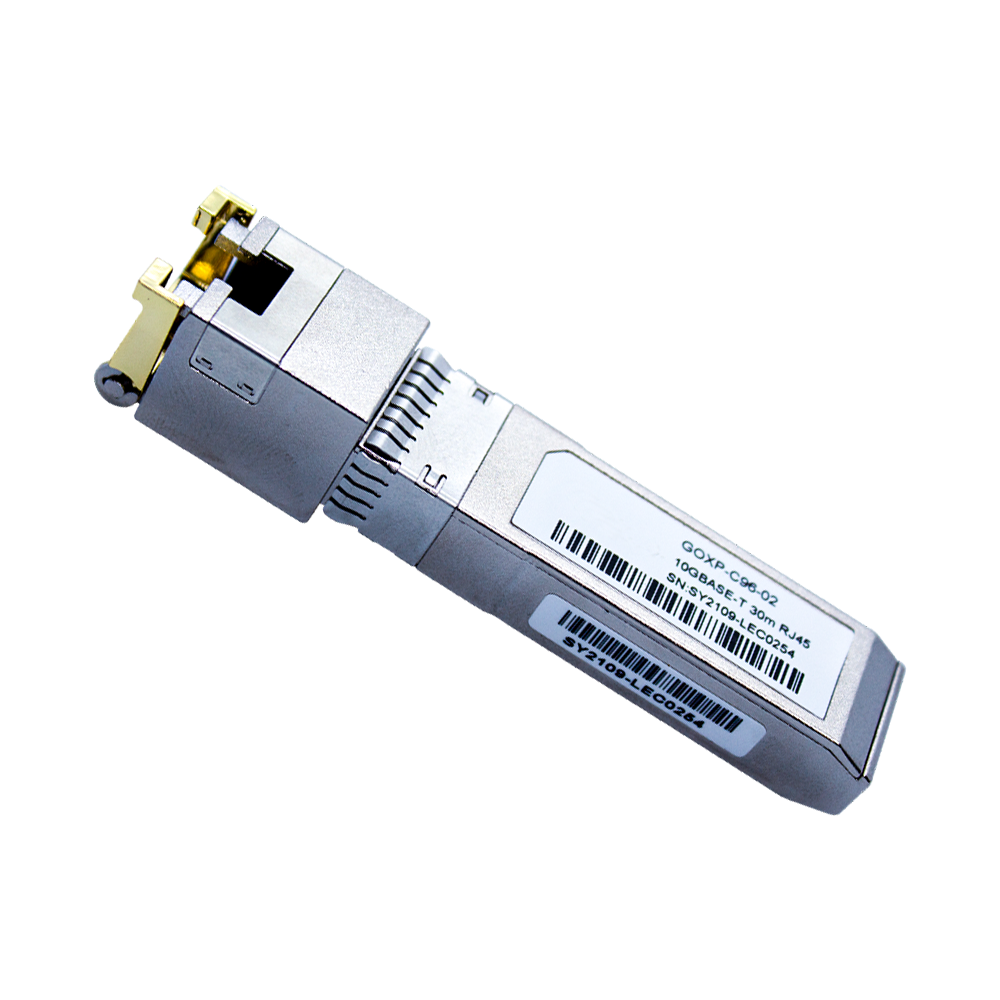 1G Single Fibre
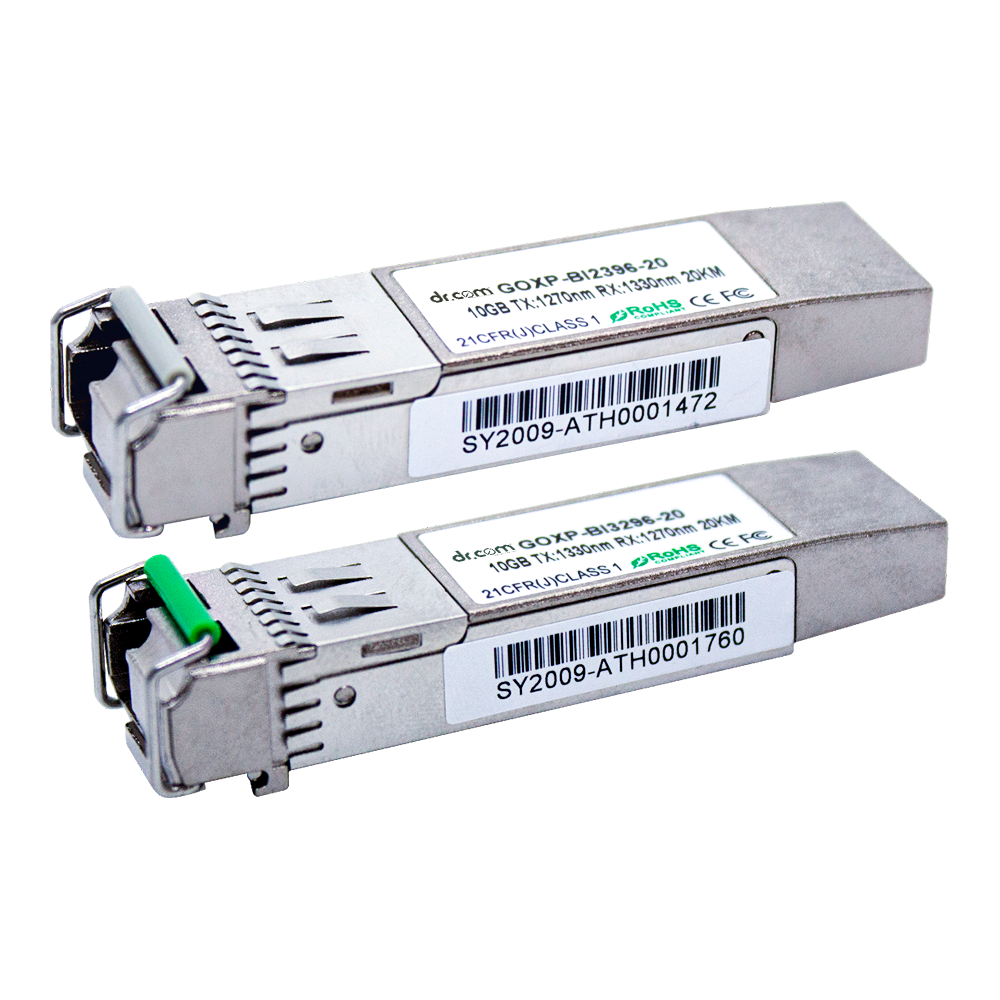 10G Single Fibre
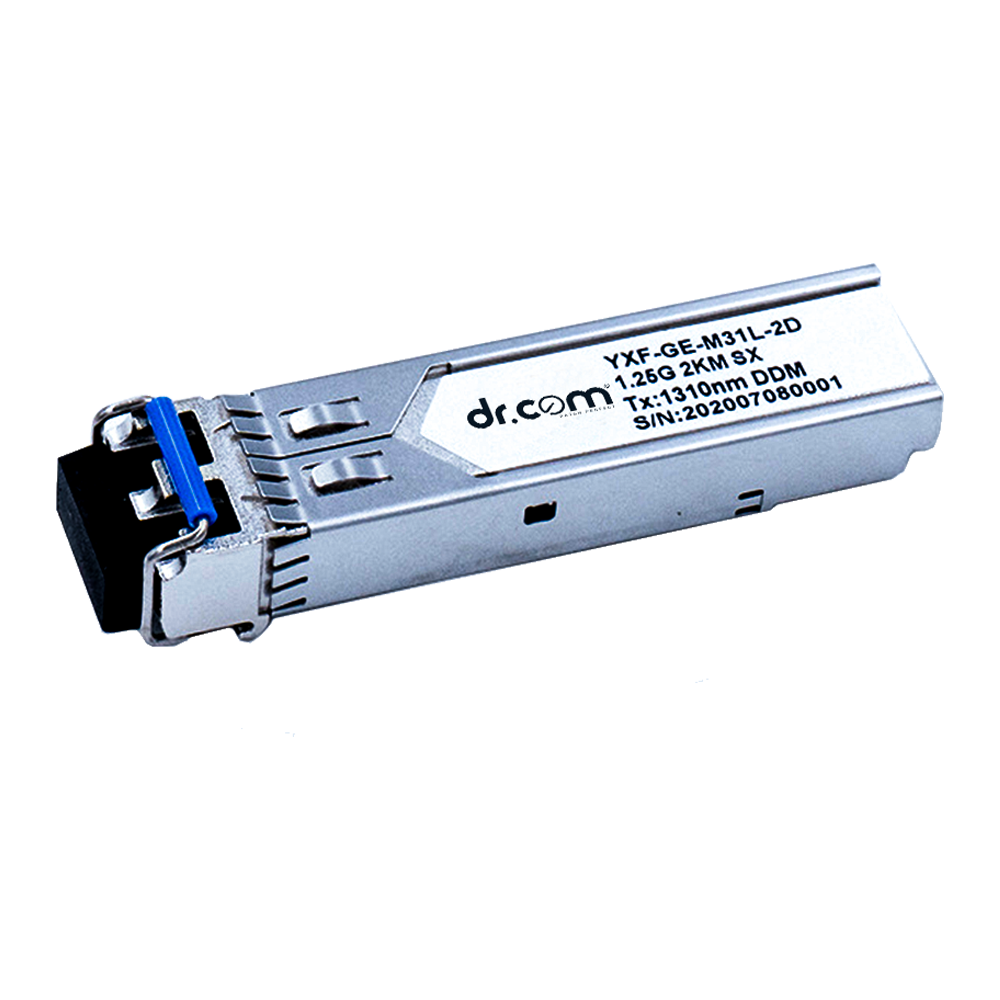 1G Dual Fibre
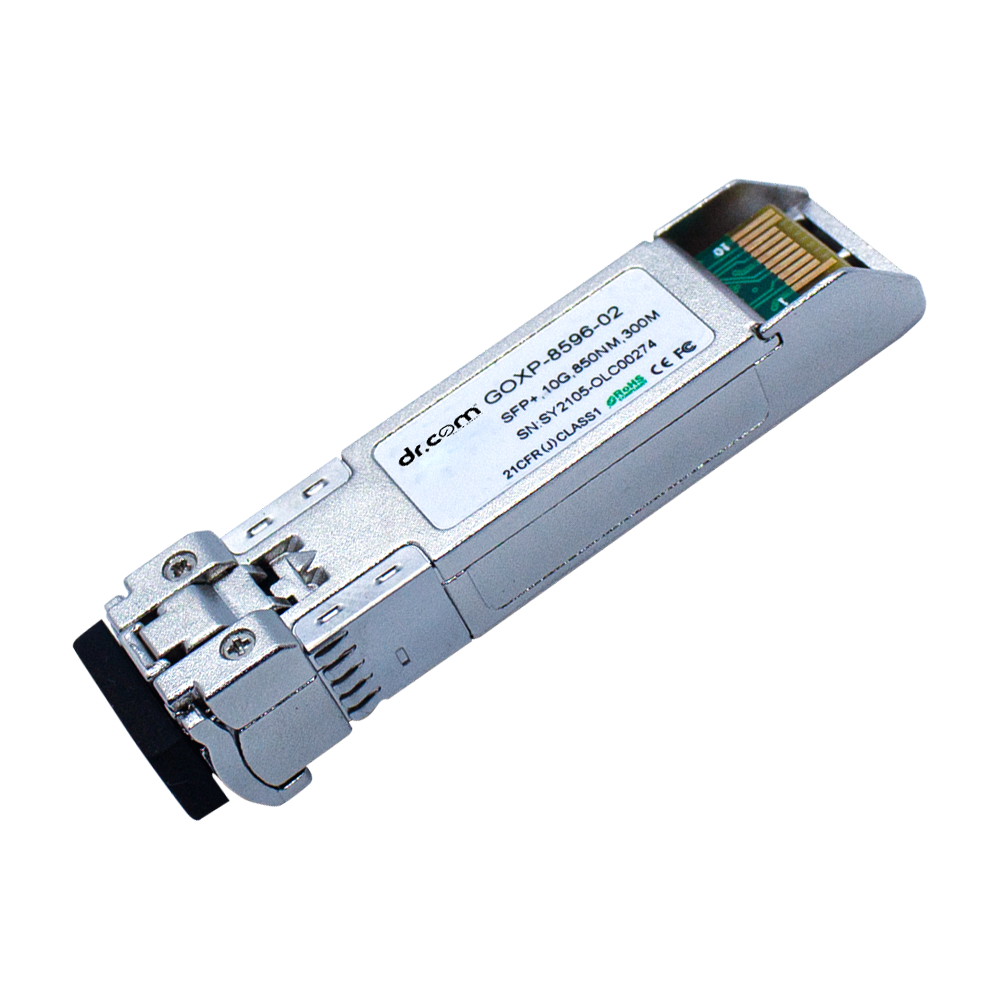 10G Dual Fibre
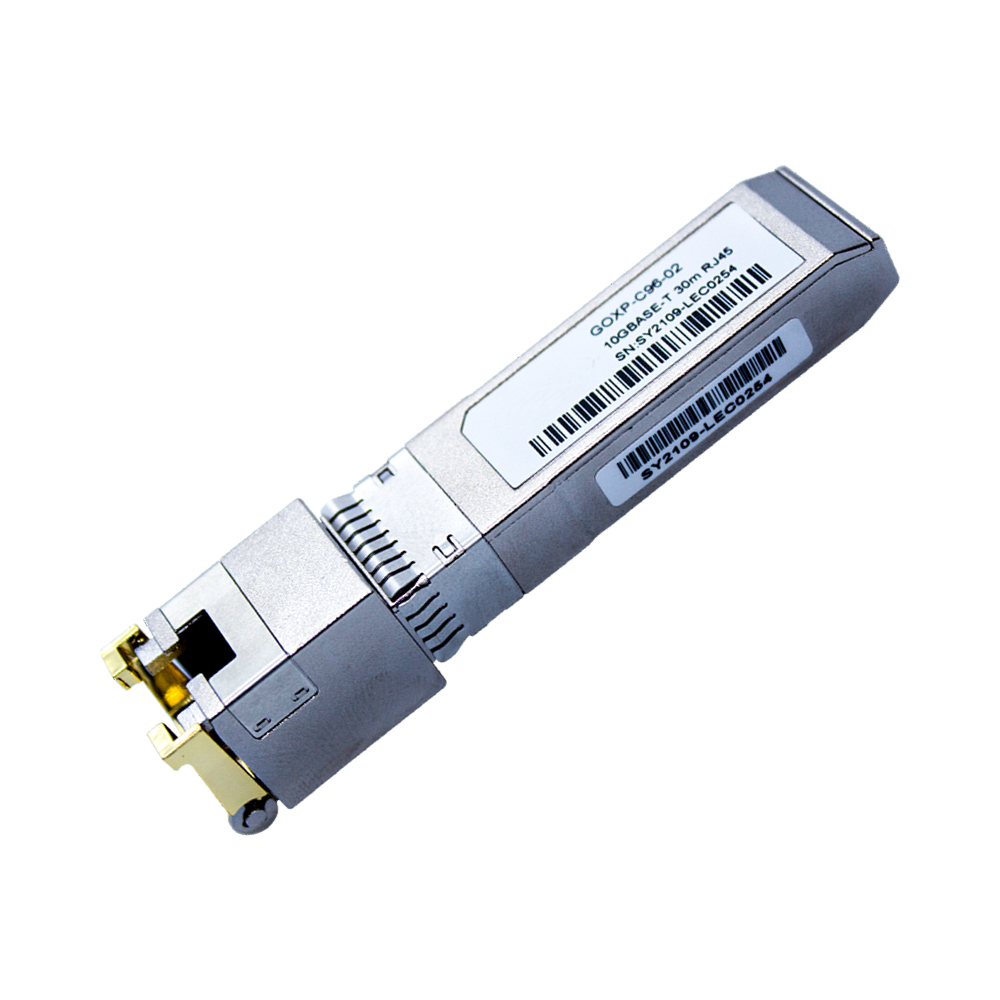 1G Copper
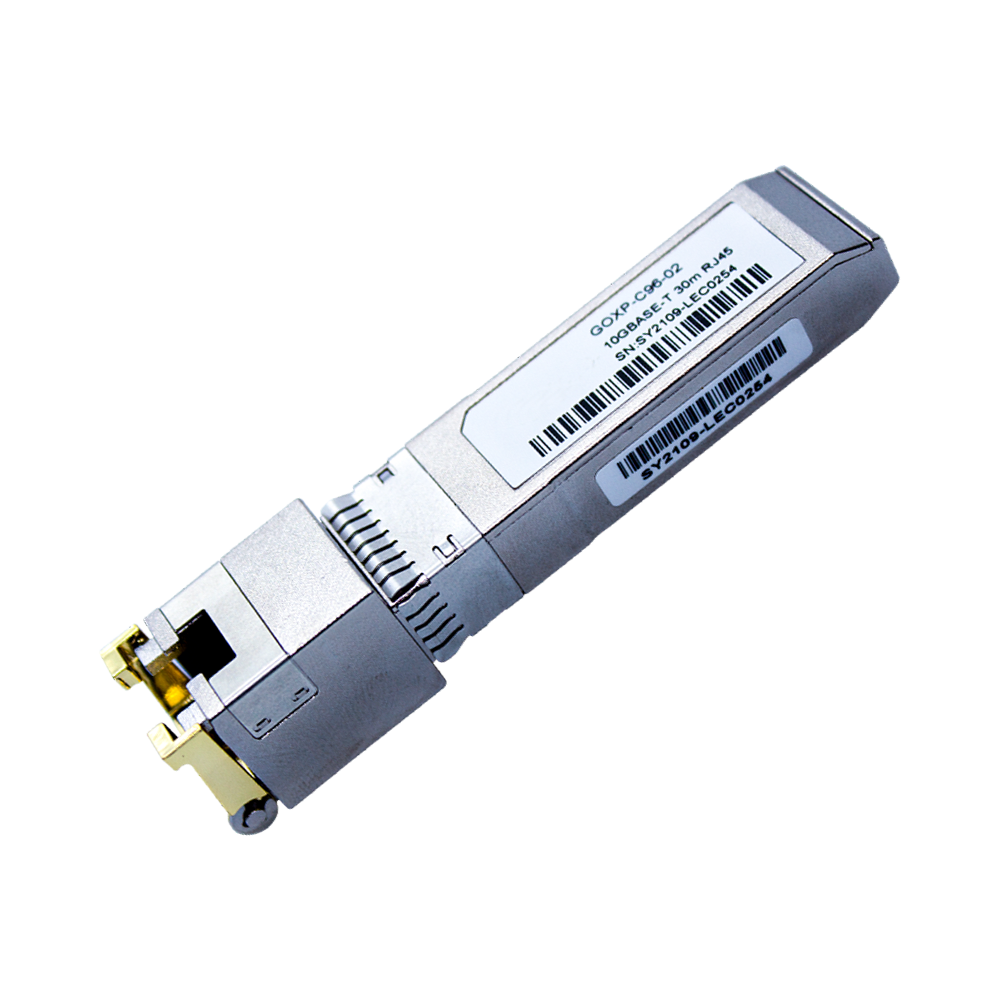 10G Copper
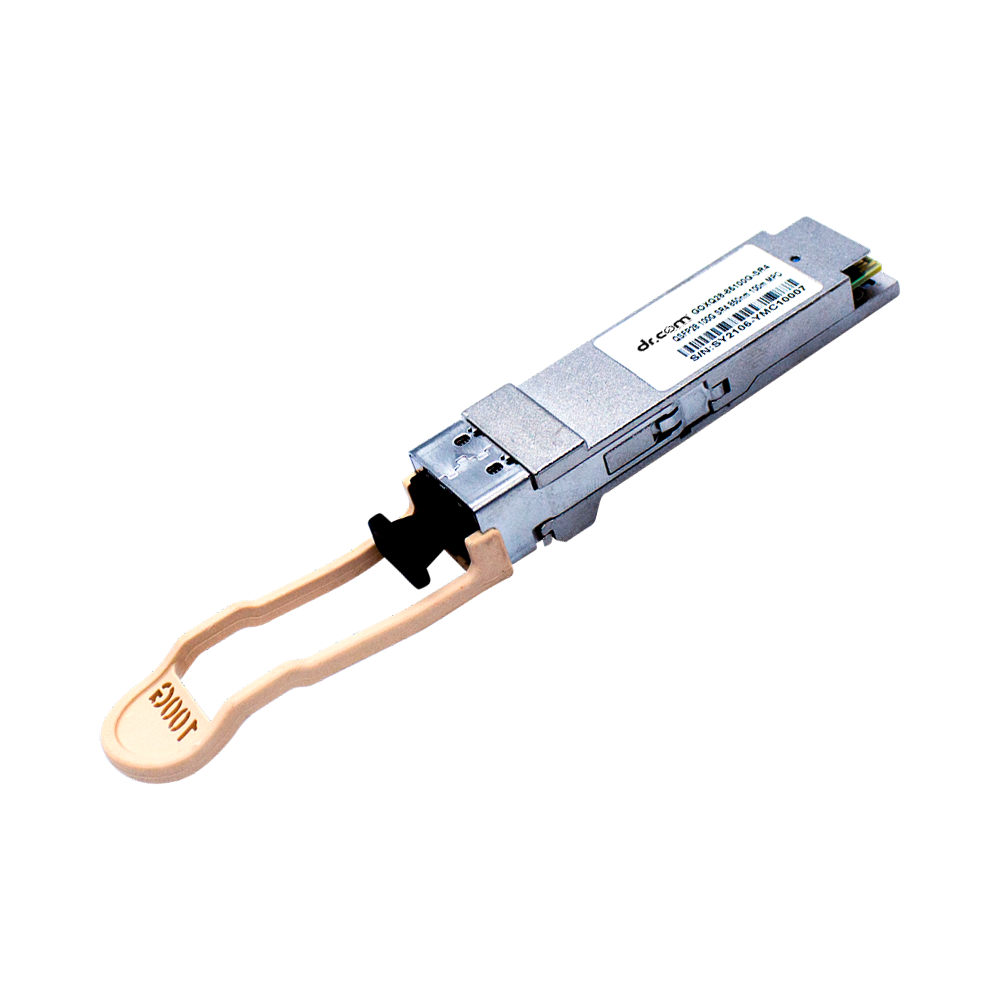 40G QSFP
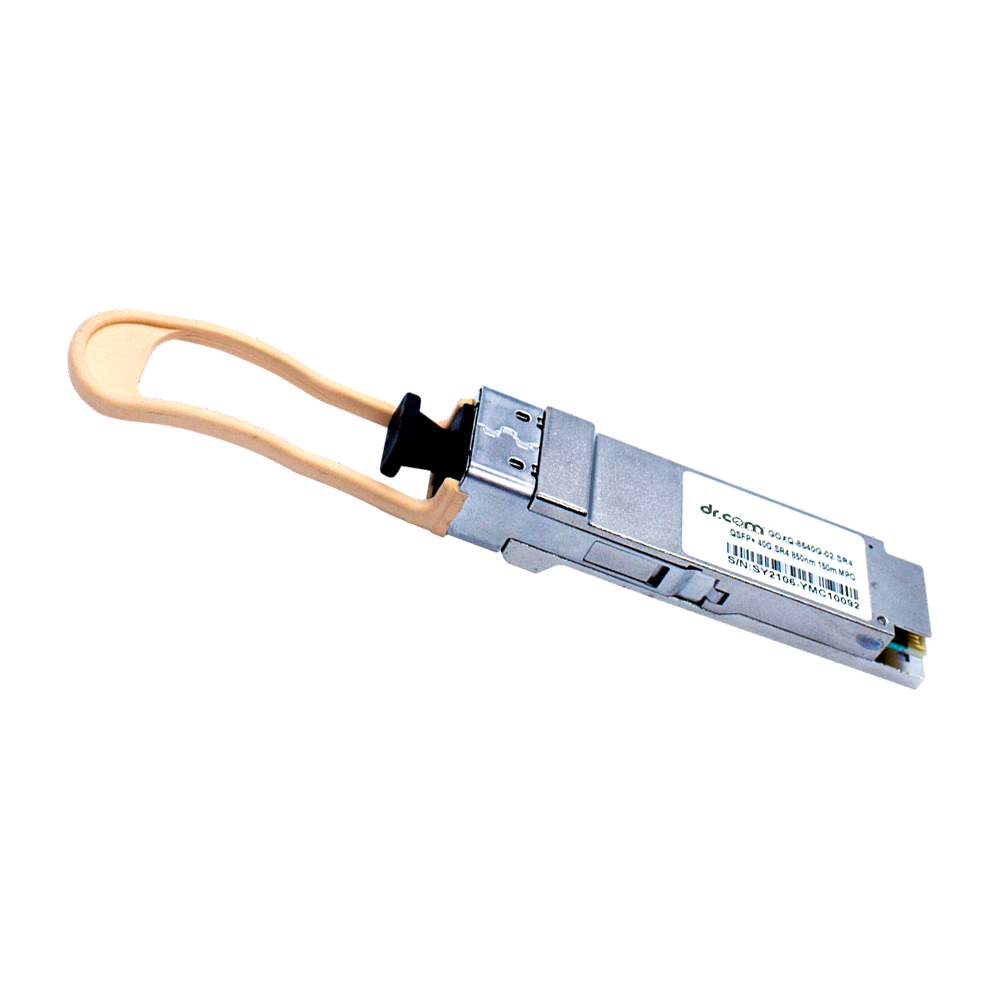 100G QSFP
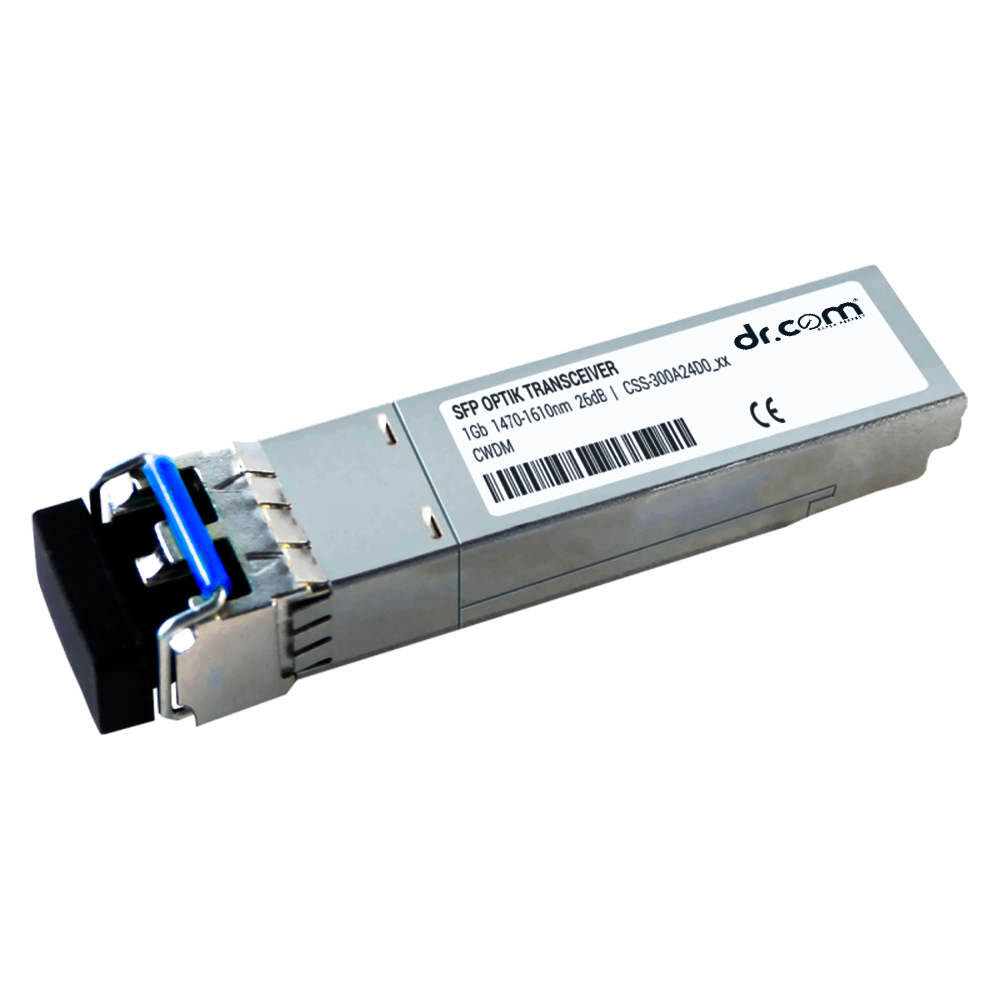 1G CWDM
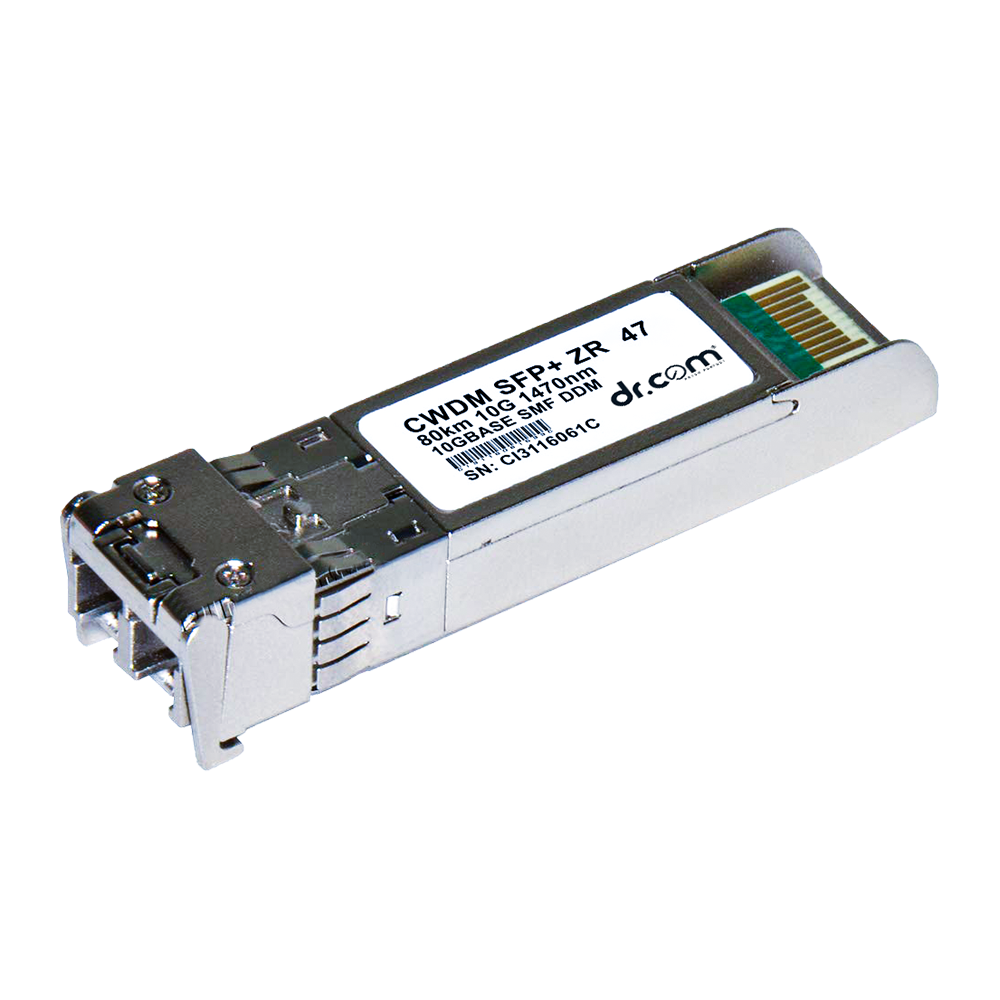 10G CWDM
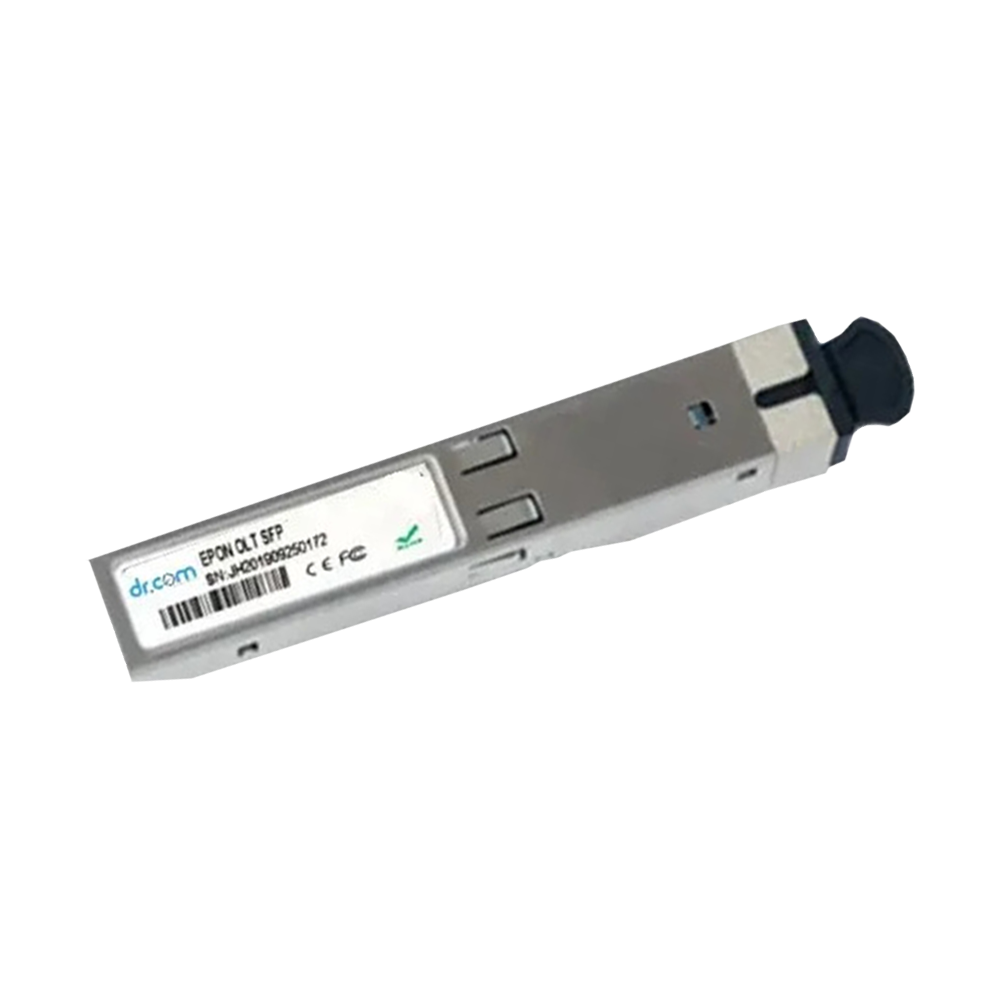 EPON PON Module
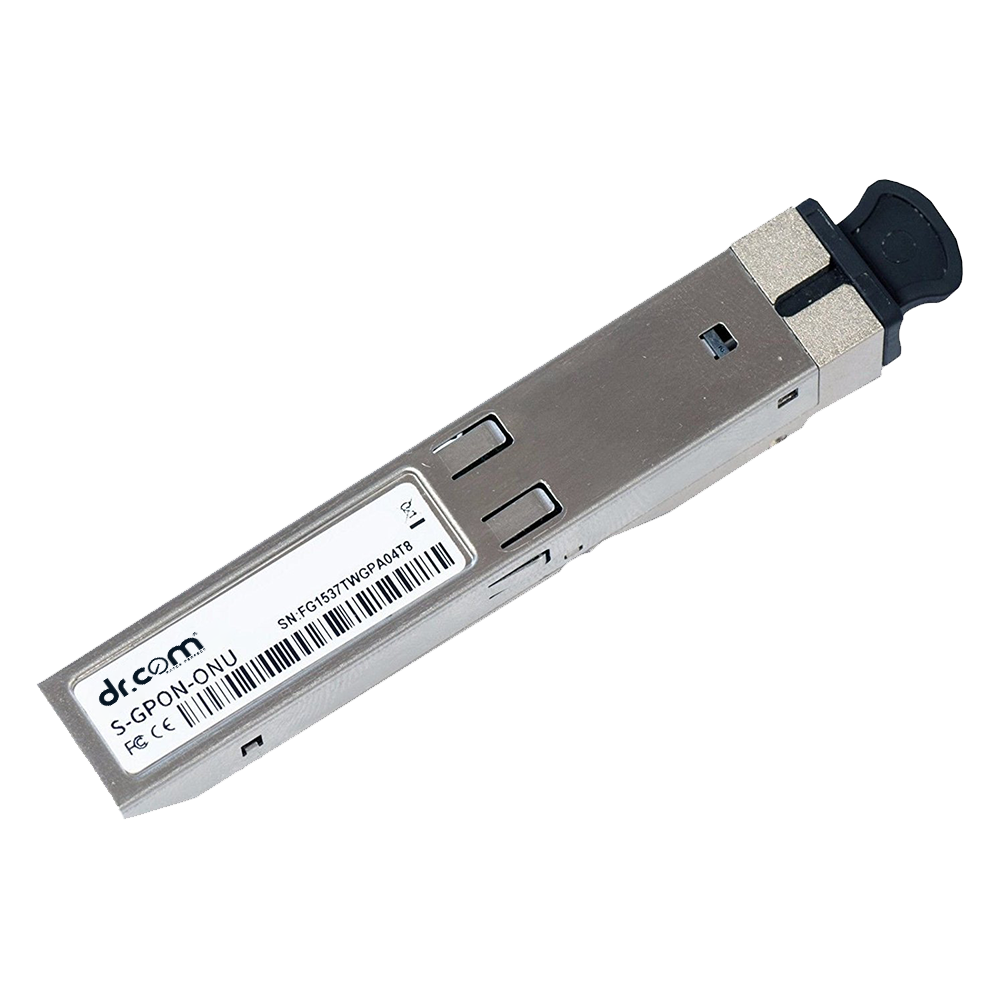 GPON PON Module
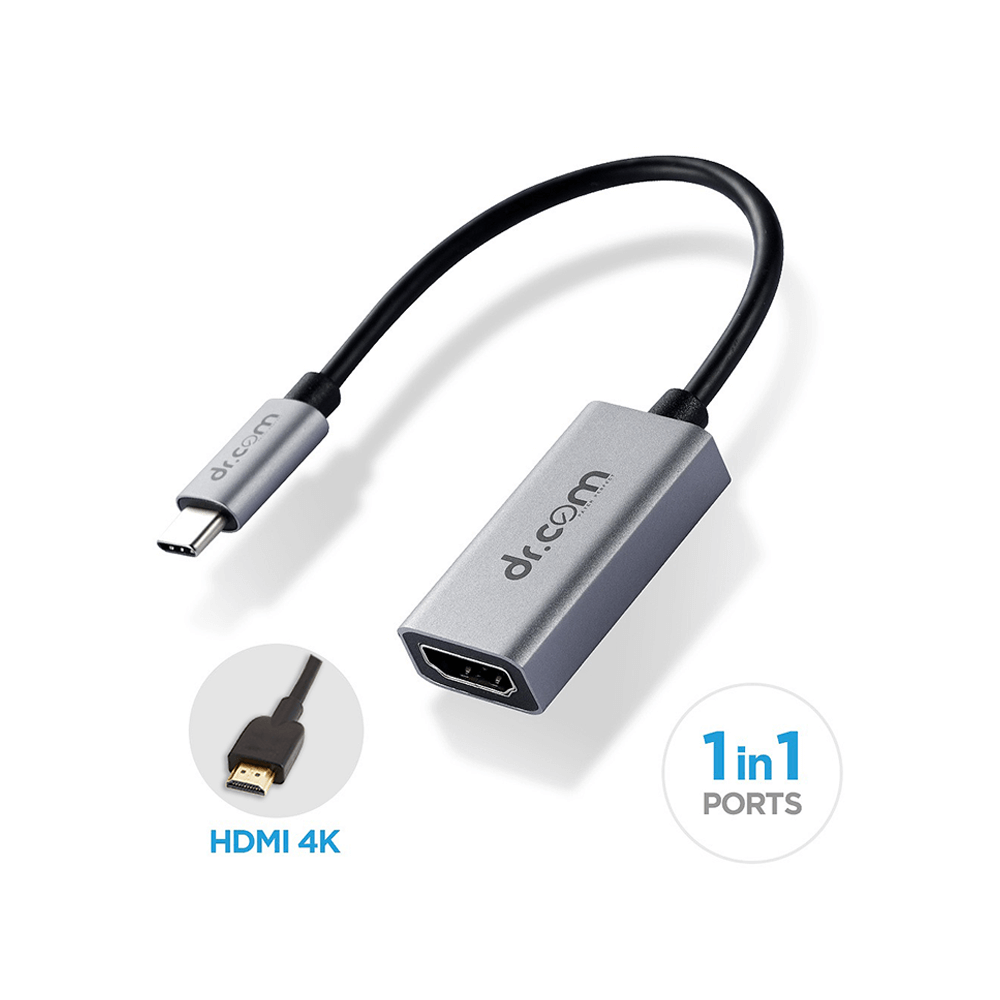 Multifunction Adpter DCH - 100
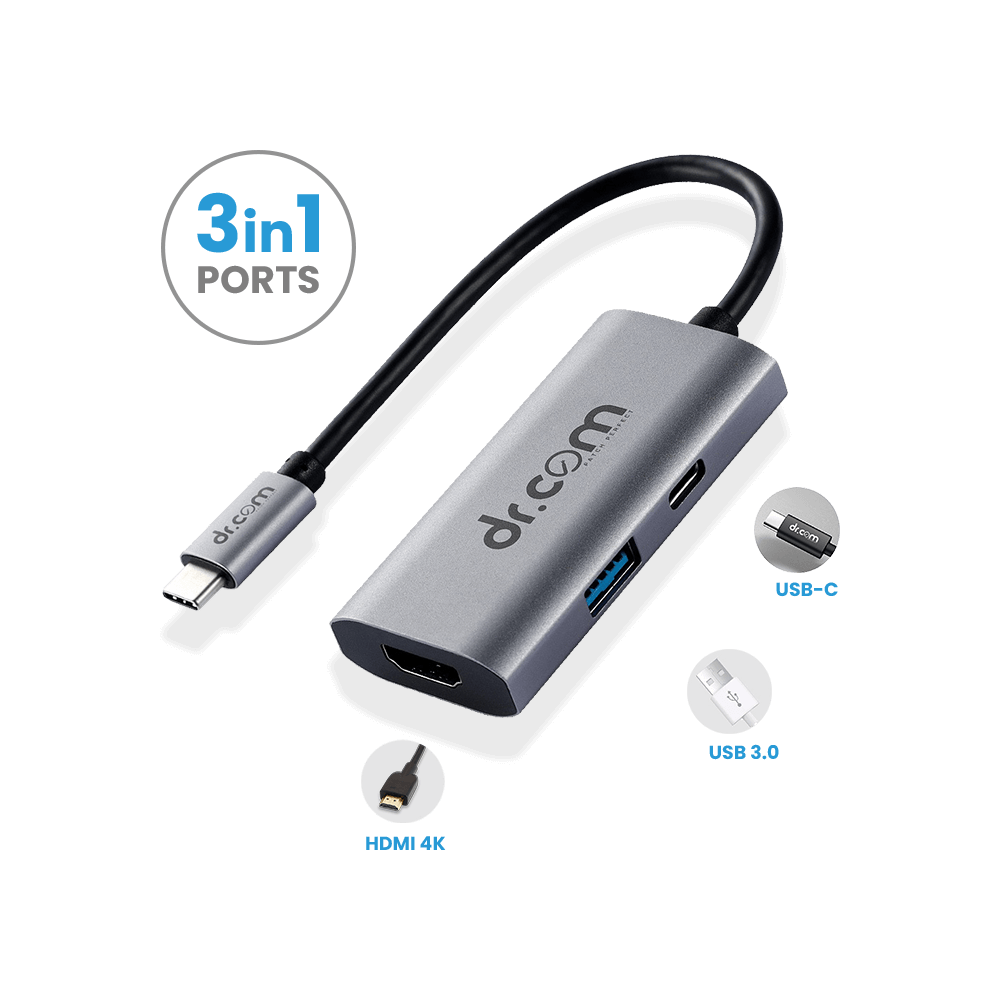 Multifunction Adpter DCH - 300
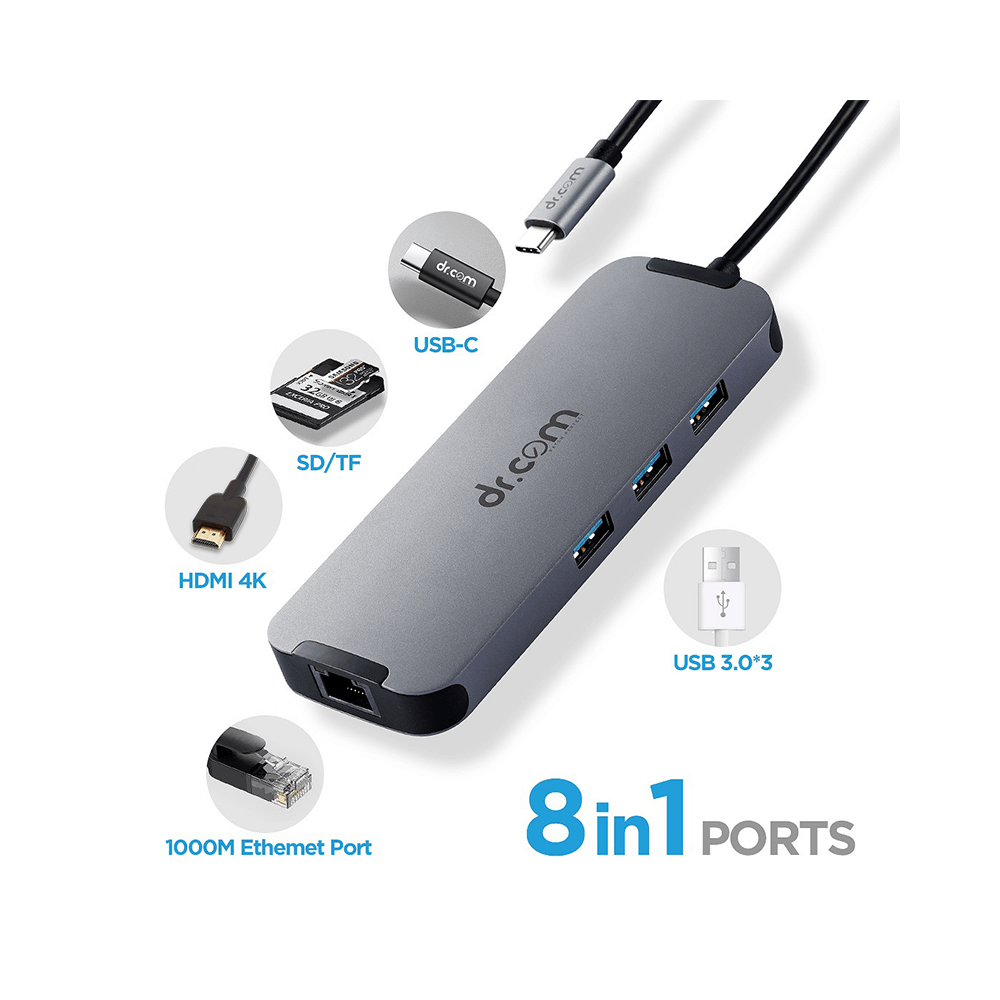 Multifunction Adpter DCH - 800
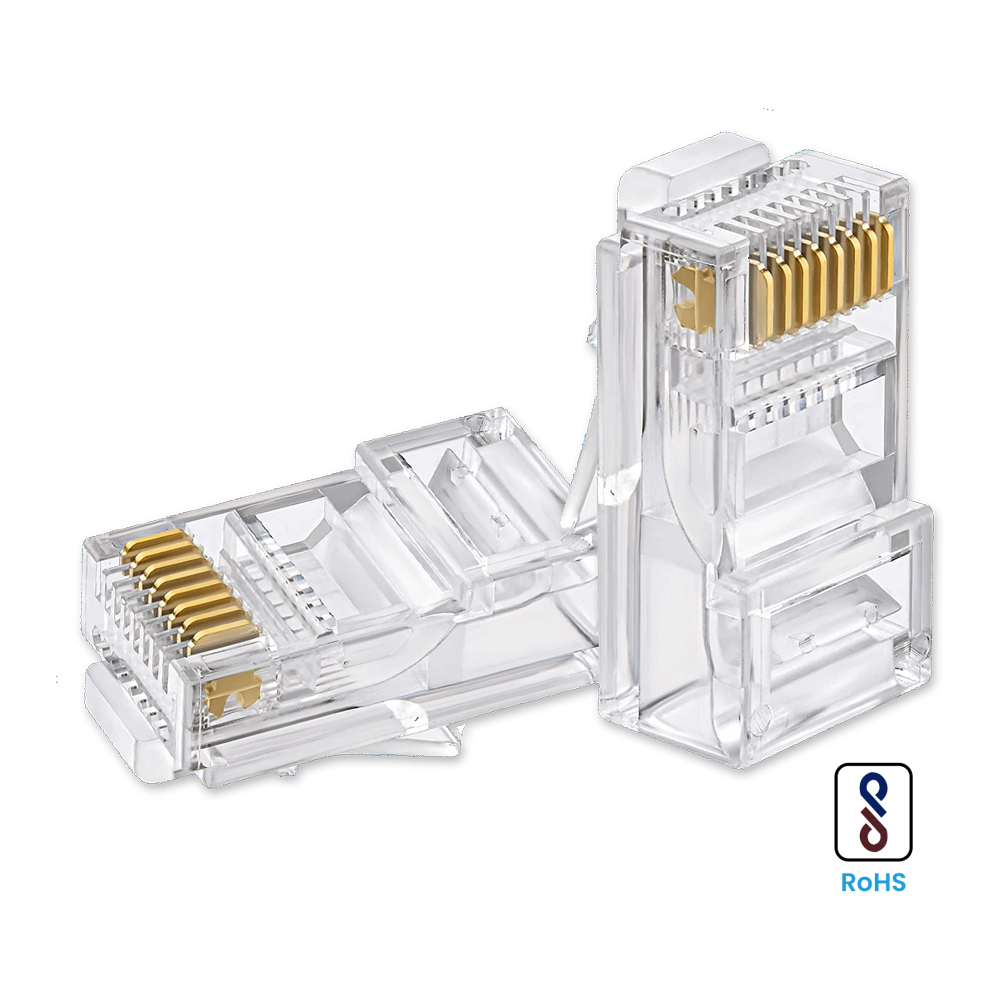 RJ45 Connectors
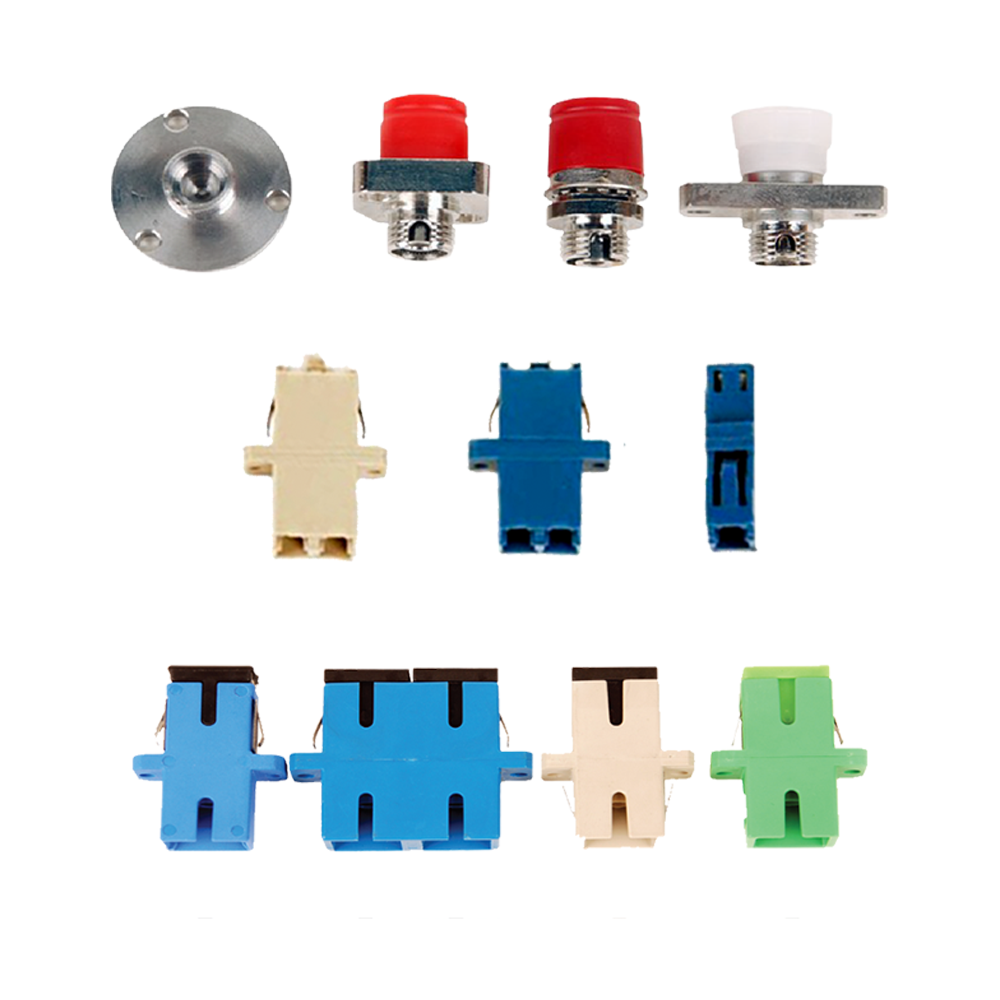 FC, LC, SC Fibre Connectors
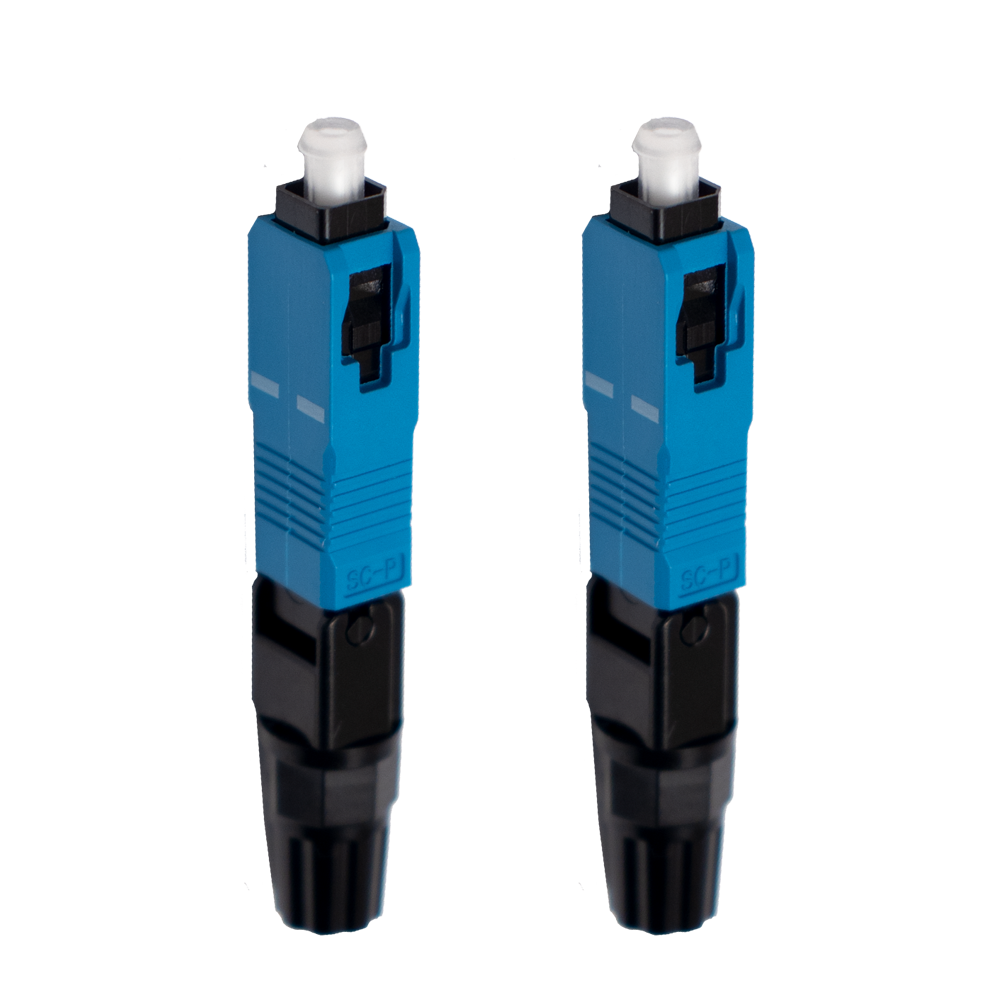 SC | UPC
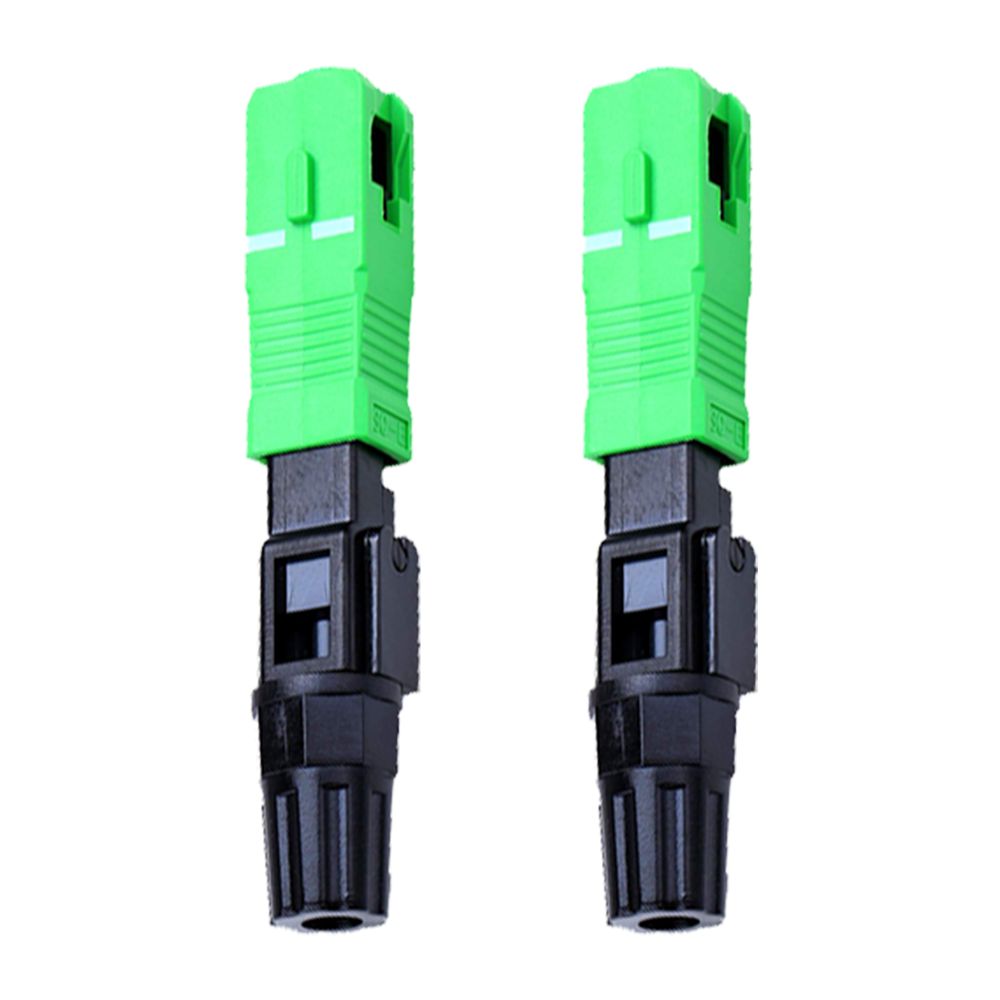 SC | APC
 Sleeves
  Fibre Sleeves 60mm
 Softwares
 Dr.Wan (SD-WAN)
 Dr.Biig (Broadband Internet Intelligent Gateway)
What Is a Watt? Understanding PoE Power Budget in Networking
When you look at the specifications of a PoE switch, you may notice ratings such as 65W, 120W, 250W or more.
But what does that number actually mean?
And more importantly, how does it affect the number of IP cameras, Wi-Fi access points or other devices you can connect to your network?
To understand that, we first need to understand one simple term: WATT
What Is a Watt?
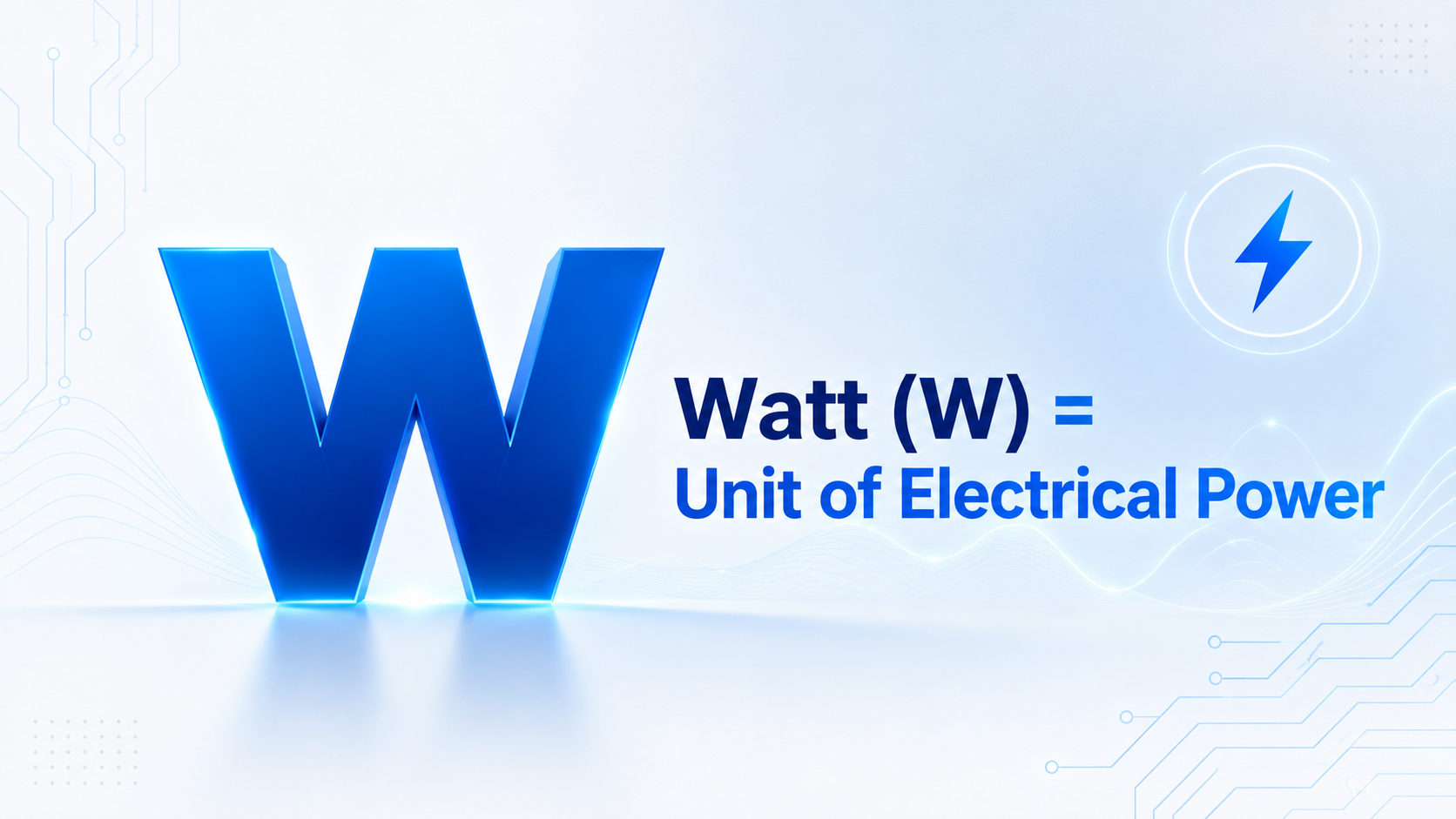
A Watt (W) is a unit used to measure electrical power.
In everyday electrical equipment, watts tell us how much power a device consumes or can provide.
The same principle applies to networking equipment.
In a Power over Ethernet (PoE) network, watts help us understand:
- how much power a connected device requires
- how much total power a PoE switch can provide
- how many PoE devices the switch can support at the same time
So, when you see 120W mentioned on a PoE switch, that number is important for more than just the switch specification.
It plays a major role in planning the complete PoE network.
How Does PoE Work?
Power over Ethernet (PoE) allows a compatible network device to receive data and electrical power through the same Ethernet cable.
For example, an IP camera normally needs:
With PoE, both can be supplied through a single Ethernet cable connected to a PoE switch.
This simplifies installation and reduces the need to provide a separate electrical socket near every network device.
PoE is commonly used for devices such as:
- IP and CCTV cameras
- Wireless access points
- VoIP phones
- IP intercom systems
- Access-control devices
- Other PoE-enabled network equipment
This becomes especially useful when devices are installed on ceilings, poles, building exteriors or other locations where providing separate electrical power can be difficult.
What Is a PoE Power Budget?
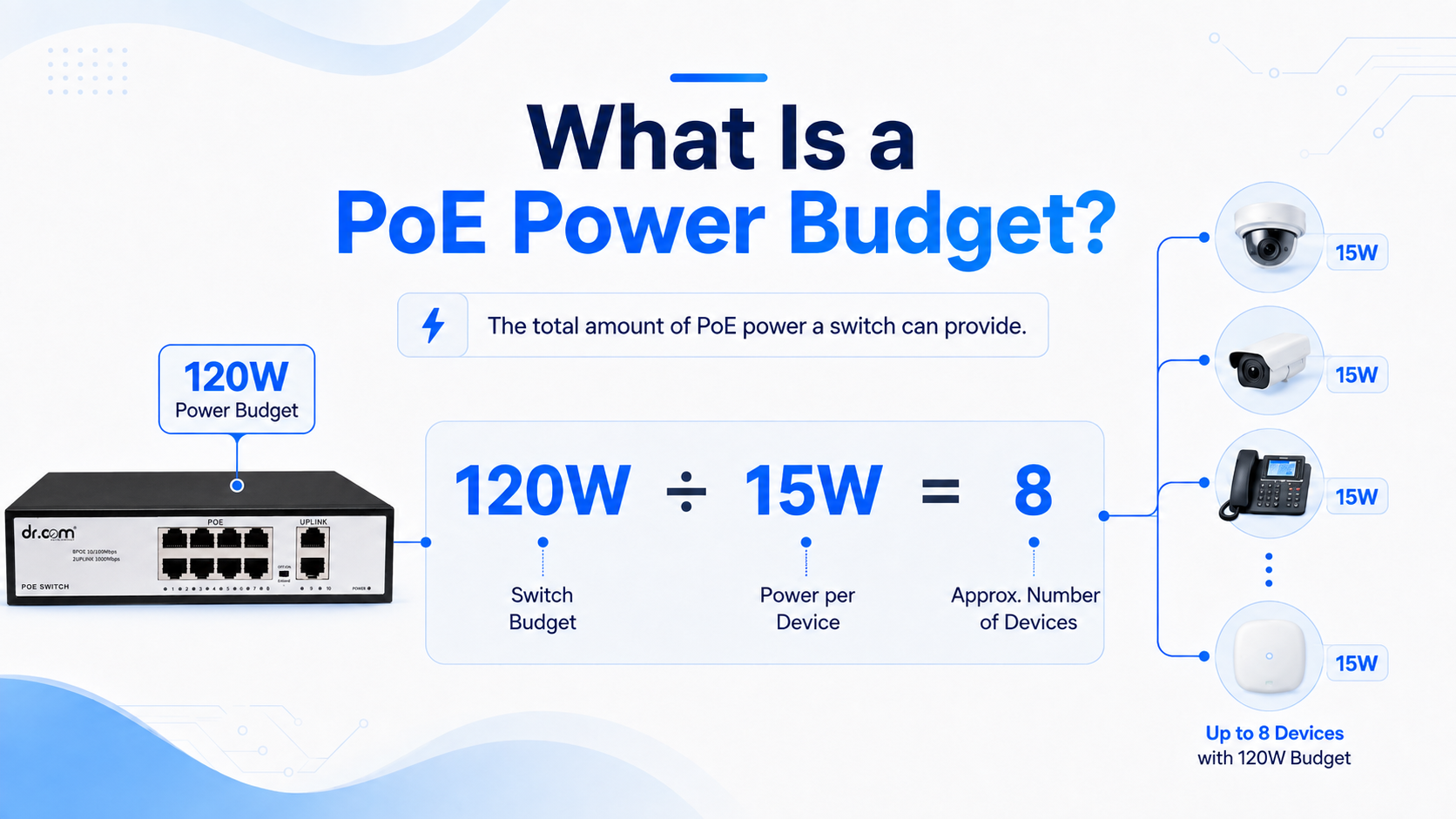
Every PoE switch has a limit on the total amount of power it can provide to connected PoE devices.
This is known as the PoE Power Budget.
For example, consider a switch with a:
120W PoE Power Budget
This means the switch can provide approximately 120 watts of total PoE power across its supported PoE ports, subject to the switch's individual port limits and specifications.
The important point is that the number of PoE ports alone does not tell you how many devices you can power.
You also need to check the power requirement of those devices.
A Simple PoE Power Budget Example
Suppose you have a PoE switch with a total power budget of:
120W
And each IP camera requires:
15W
A simple calculation would be:
120W ÷ 15W = 8
In theory, the available power budget can therefore support approximately 8 devices consuming 15W each.
However, real network planning should not always use every available watt.
It is good practice to leave some power headroom because actual power consumption can vary depending on the device and operating conditions.
For example, some cameras may consume additional power when features such as:
- infrared LEDs
- PTZ motors
- heaters
- additional sensors
are operating.
Why Port Count and Power Budget Are Different
A common mistake when selecting a PoE switch is looking only at the number of ports.
For example, an 8-port PoE switch may physically allow eight devices to be connected.
But whether all eight devices can receive sufficient power depends on the switch's total PoE power budget and the power requirement of each device.
Imagine eight devices requiring 20W each.
The total requirement would be:
8 × 20W = 160W
If your switch provides only a 120W PoE budget, it may not be suitable for powering all eight devices simultaneously.
This is why both specifications should always be considered:
Number of PoE Ports + Total PoE Power Budget
Different Devices Require Different Amounts of Power
Not every PoE device consumes the same amount of power.
A basic IP phone may require relatively little power, while a high-performance wireless access point or PTZ camera may require considerably more.
For example:
| Device | Example Power Requirement* |
|---|---|
| VoIP Phone | 5-10W |
| Basic IP Camera | 8-15W |
| Wireless Access Point | 10-25W |
| PTZ / Advanced IP Camera | 20-30W+ |
*Actual consumption varies by manufacturer and model. Always refer to the device specification before planning your PoE power budget.
This becomes particularly important when multiple types of devices are connected to the same switch.
For example, a network may include:
4 IP cameras + 2 Wi-Fi access points + 2 VoIP phones
Instead of simply dividing the switch power budget by one value, calculate the power requirement of each group and then add them together.
How to Calculate the PoE Power Budget You Need
A simple way to plan your network is:
Step 1: List every PoE device that will connect to the switch.
Step 2: Check the maximum power requirement of each device.
Step 3: Add all device power requirements together.
For example:
- 4 IP cameras x 15W = 60W
- 2 Wi-Fi access points x 20W = 40W
- 2 VoIP phones x 7W = 14W
Total estimated requirement:
60W + 40W + 14W = 114W
In this situation, choosing a switch with exactly a 120W budget leaves very little additional capacity.
Selecting a model with some extra power headroom can provide more flexibility for actual device consumption and future expansion.
Why Choosing the Right PoE Switch Matters
A correctly sized PoE switch helps ensure that connected devices receive sufficient and stable power.
An insufficient PoE power budget may result in problems such as devices failing to power up, devices restarting unexpectedly, or difficulties when additional equipment is connected later.
Before choosing a PoE switch, therefore, consider:
- Number of PoE devices
- Power consumption of each device
- Total PoE power budget of the switch
- Maximum power available per PoE port
- Future network expansion
A little planning at the beginning can help avoid unnecessary network issues later.
Don't Just Count Ports. Count Watts.
When selecting a PoE switch, the number of ports is only part of the specification.
The PoE power budget tells you how much power is actually available for the connected devices.
So before selecting a switch, ask two questions:
1) How many devices am I connecting?
2) How much power will those devices require?
Understanding watts and PoE power budget makes it much easier to choose the right switch for CCTV, wireless, enterprise, ISP and other network applications.
DRCOM - Behind Every Connection.