
 Optical
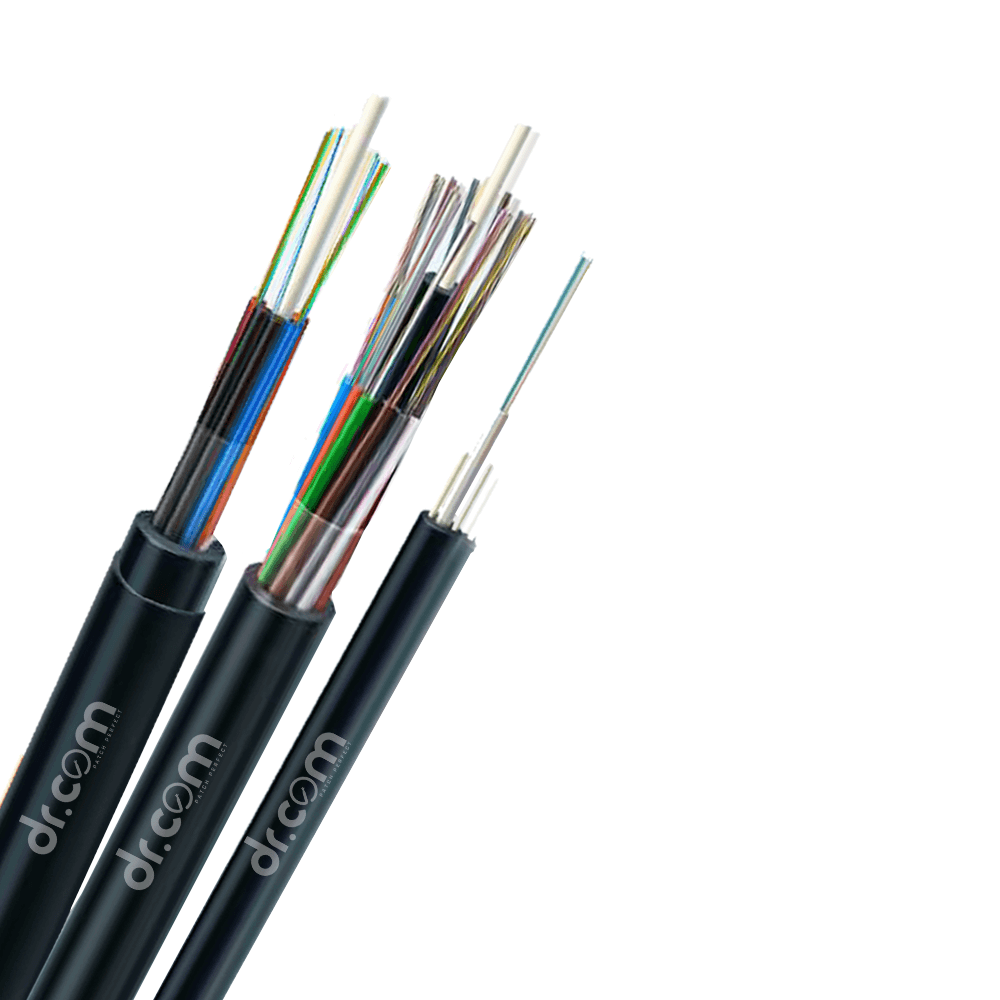 Duct | Unarmoured Cable
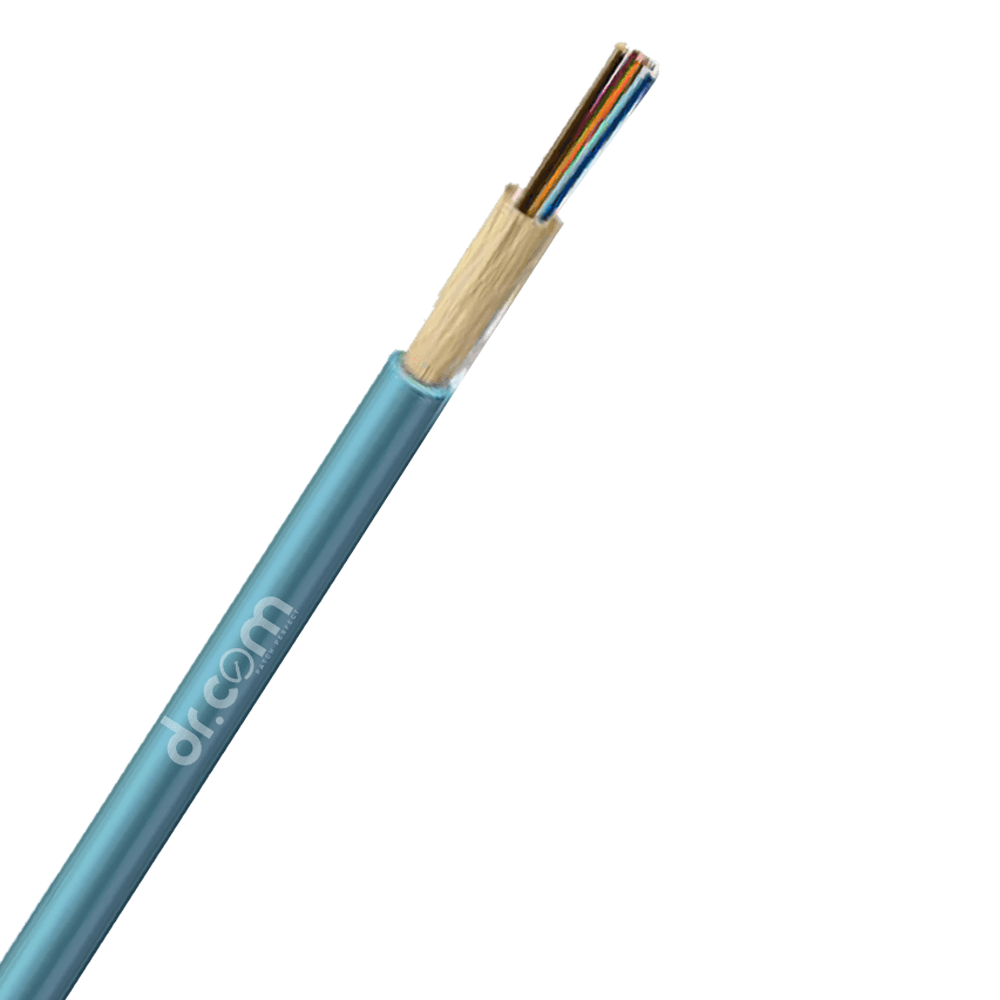 Indoor Cables
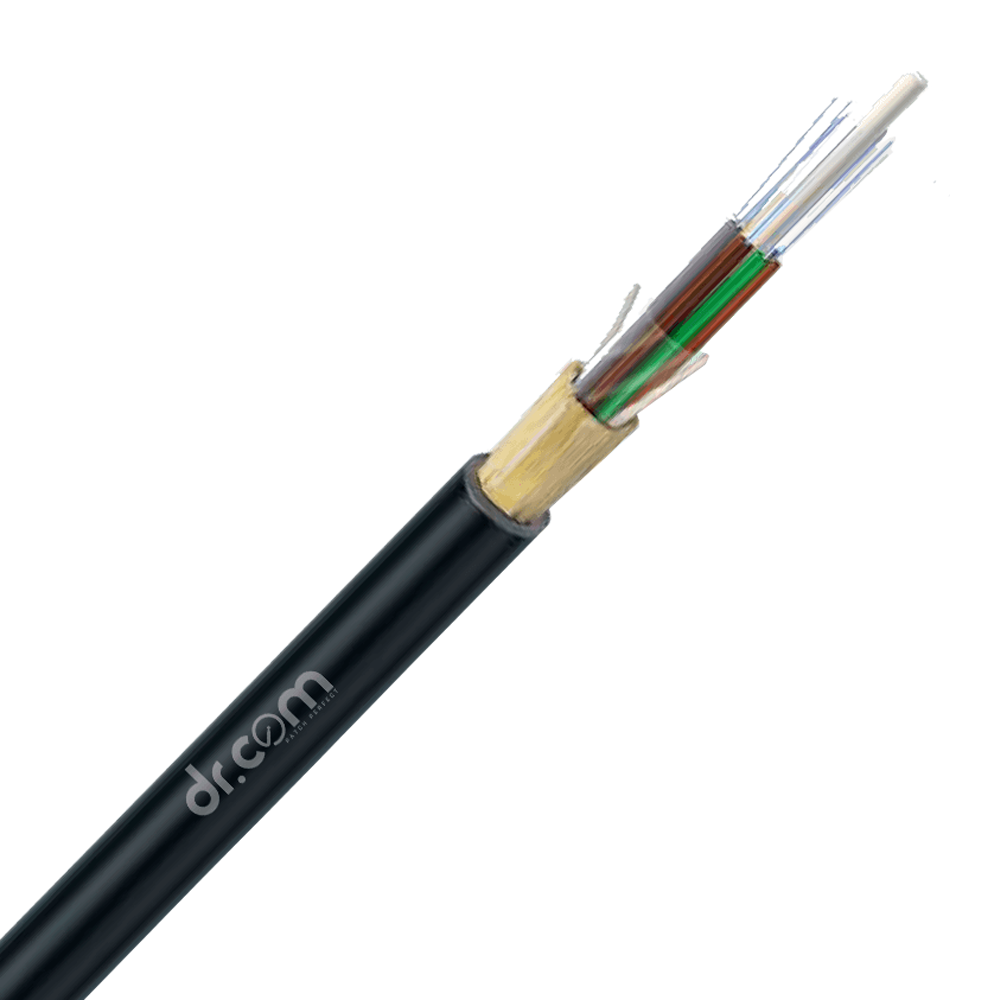 All Dielectric Self Supporting Cables
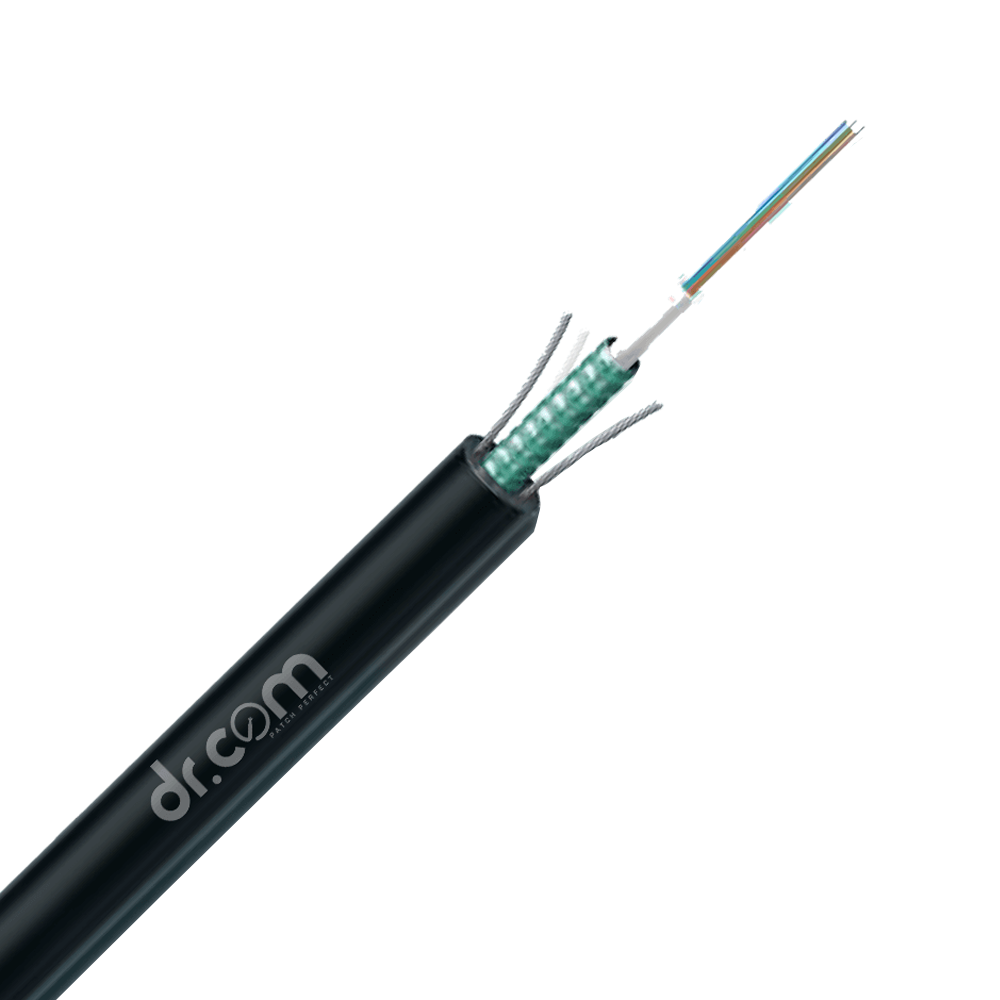 Armoured Cables
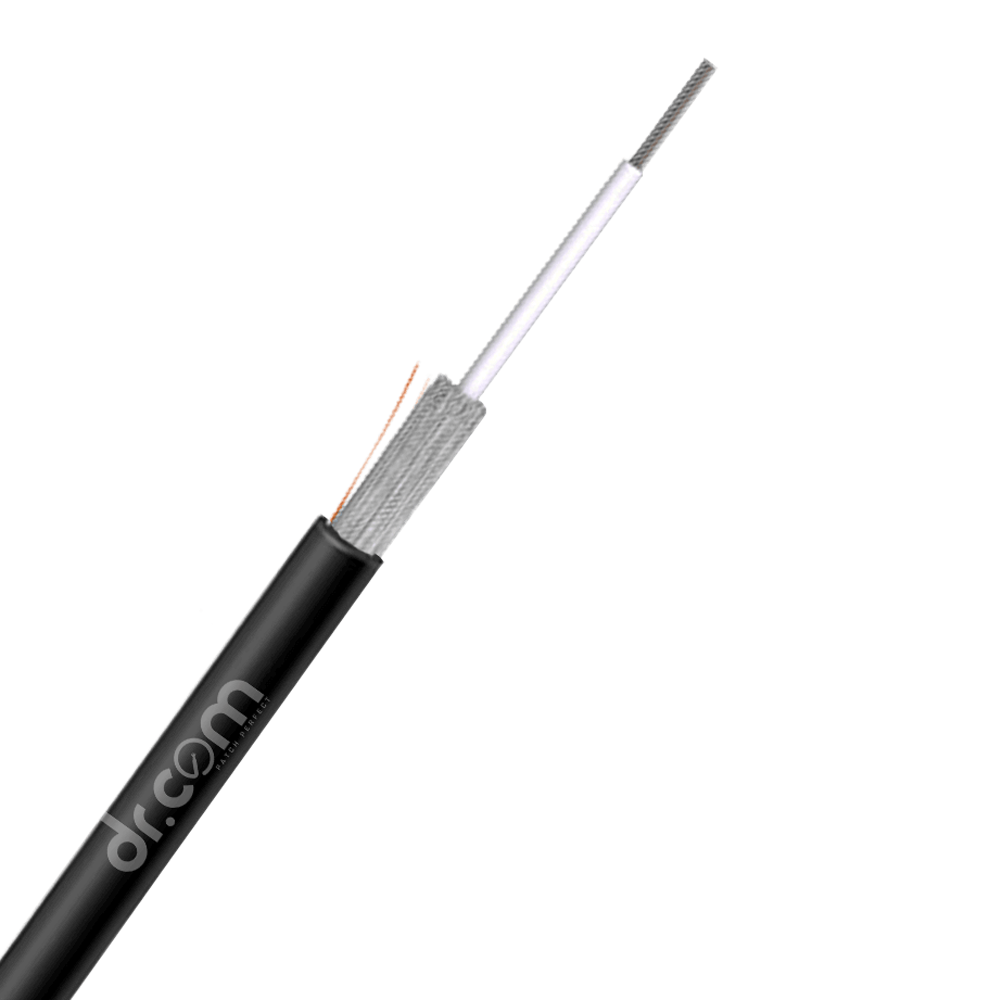 Drop Cables
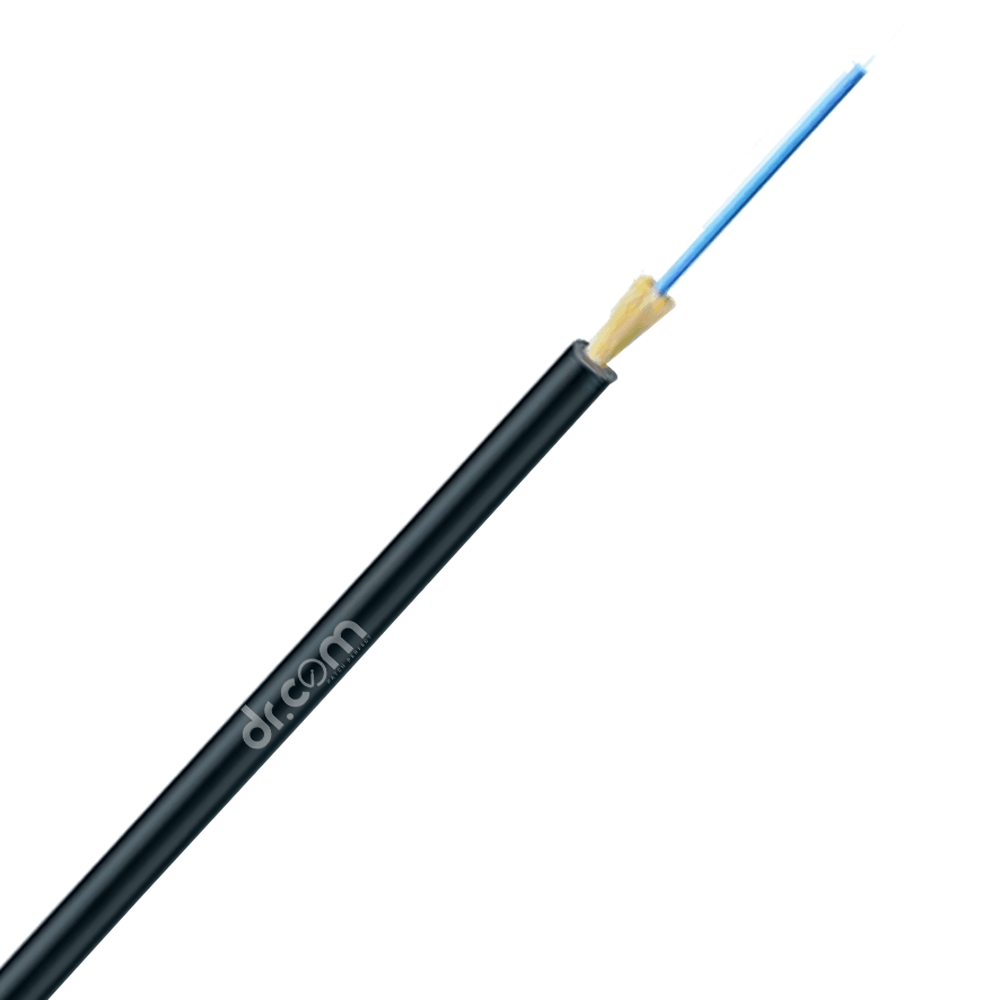 Interconnect Cables
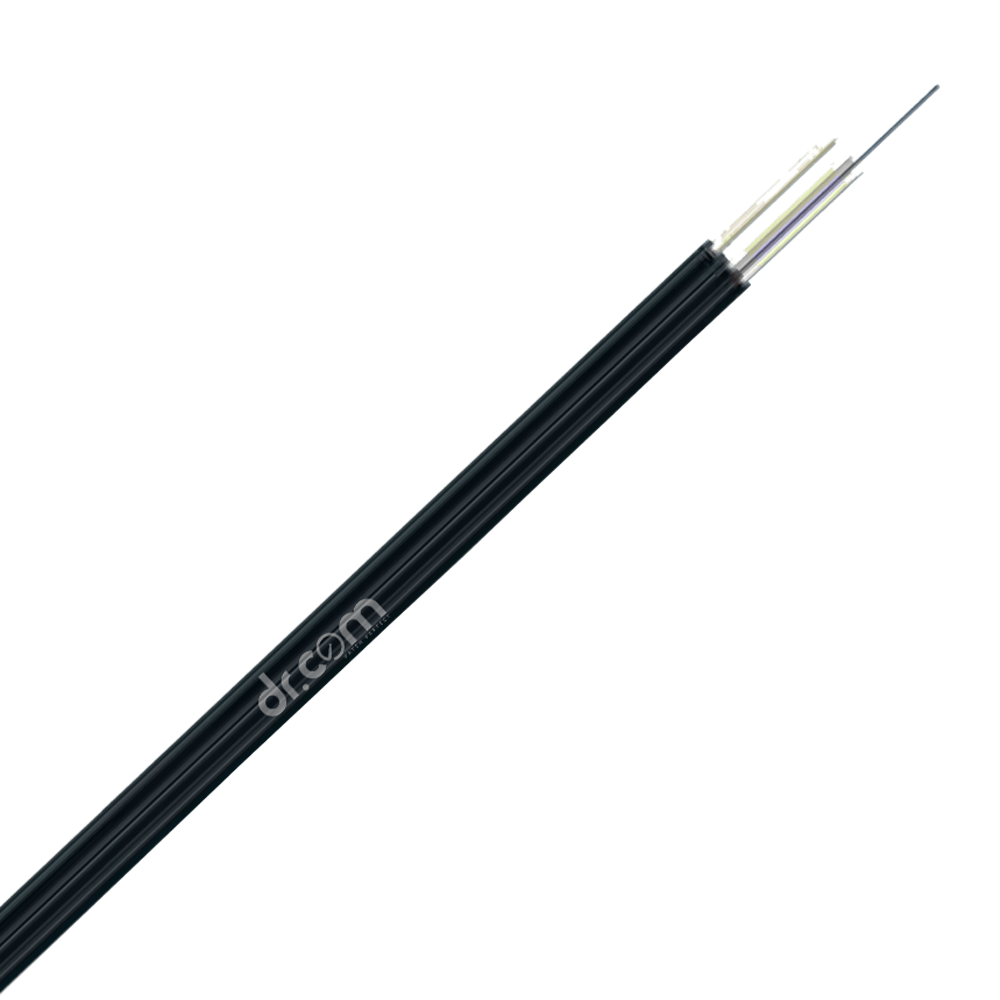 FTTH Cables
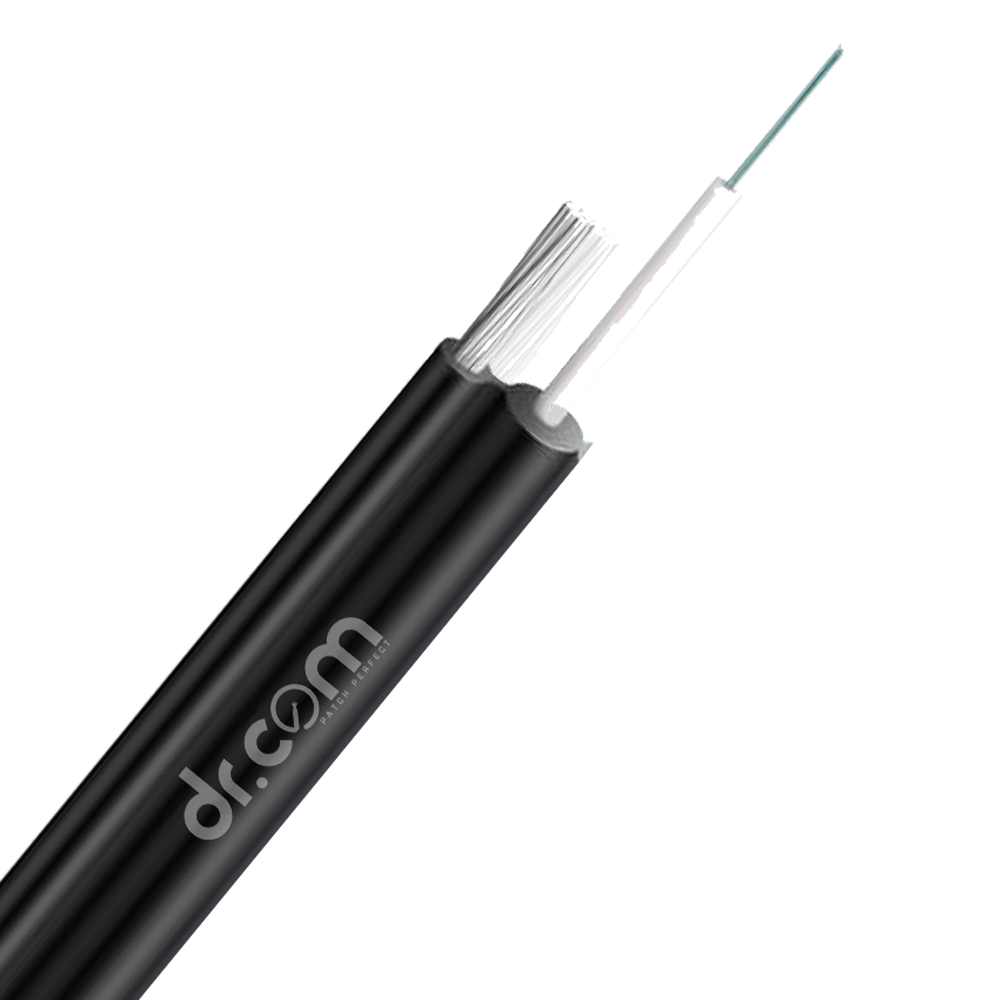 Figure-8 Cables
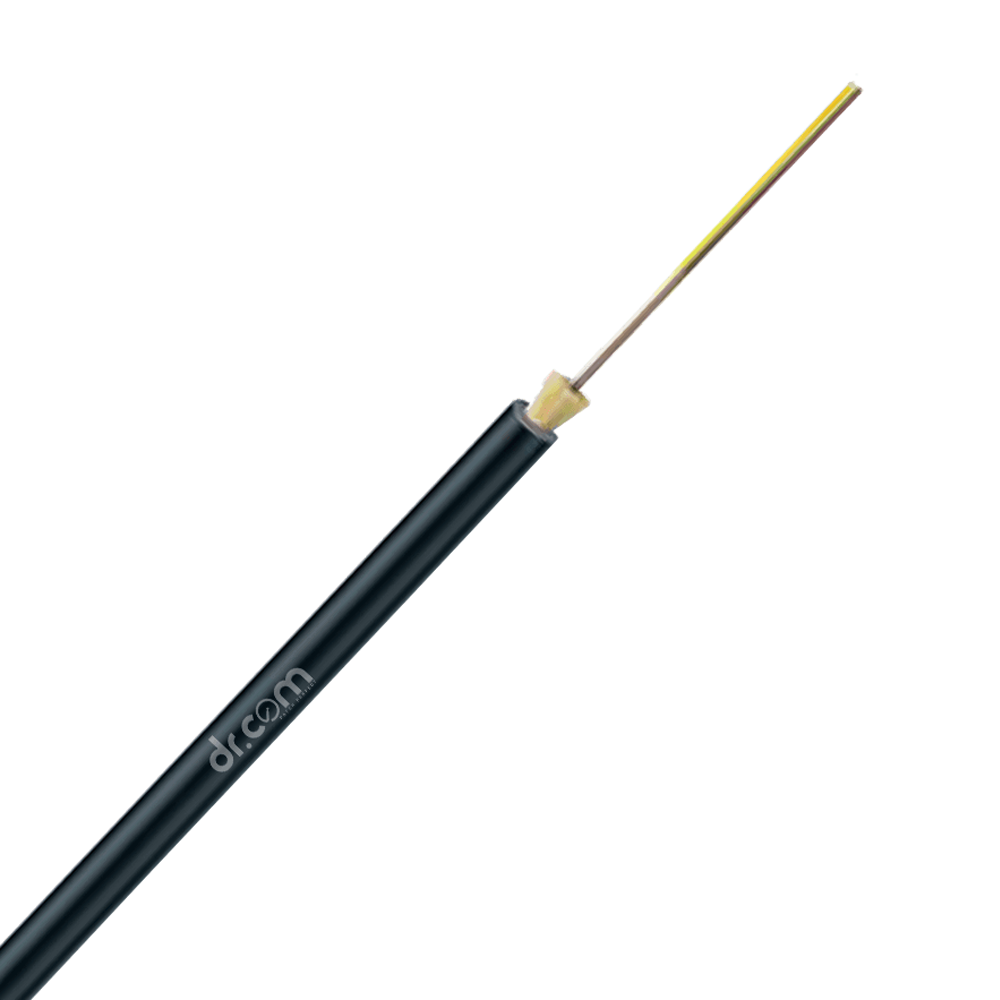 Micro Duct Cables
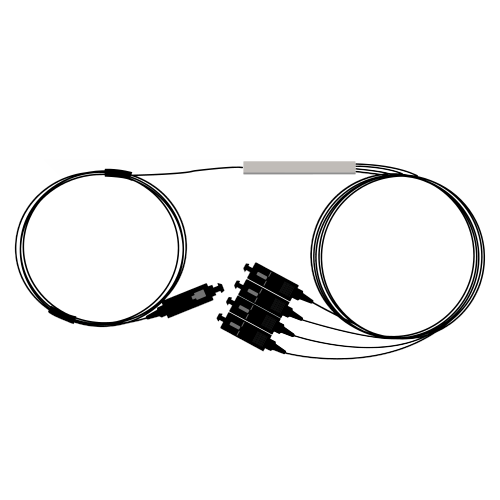 Splitters & Couplers
 PLC Splitter with Connector
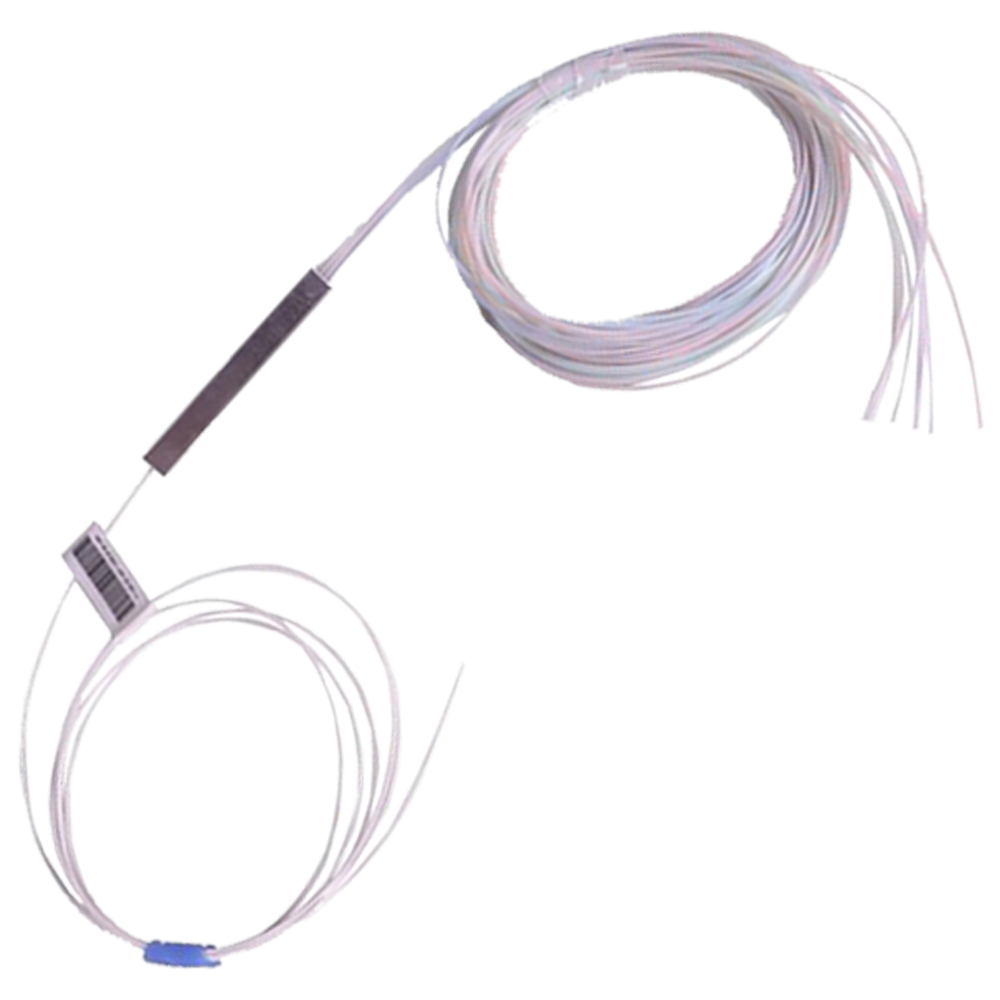 PLC Splitter without Connector
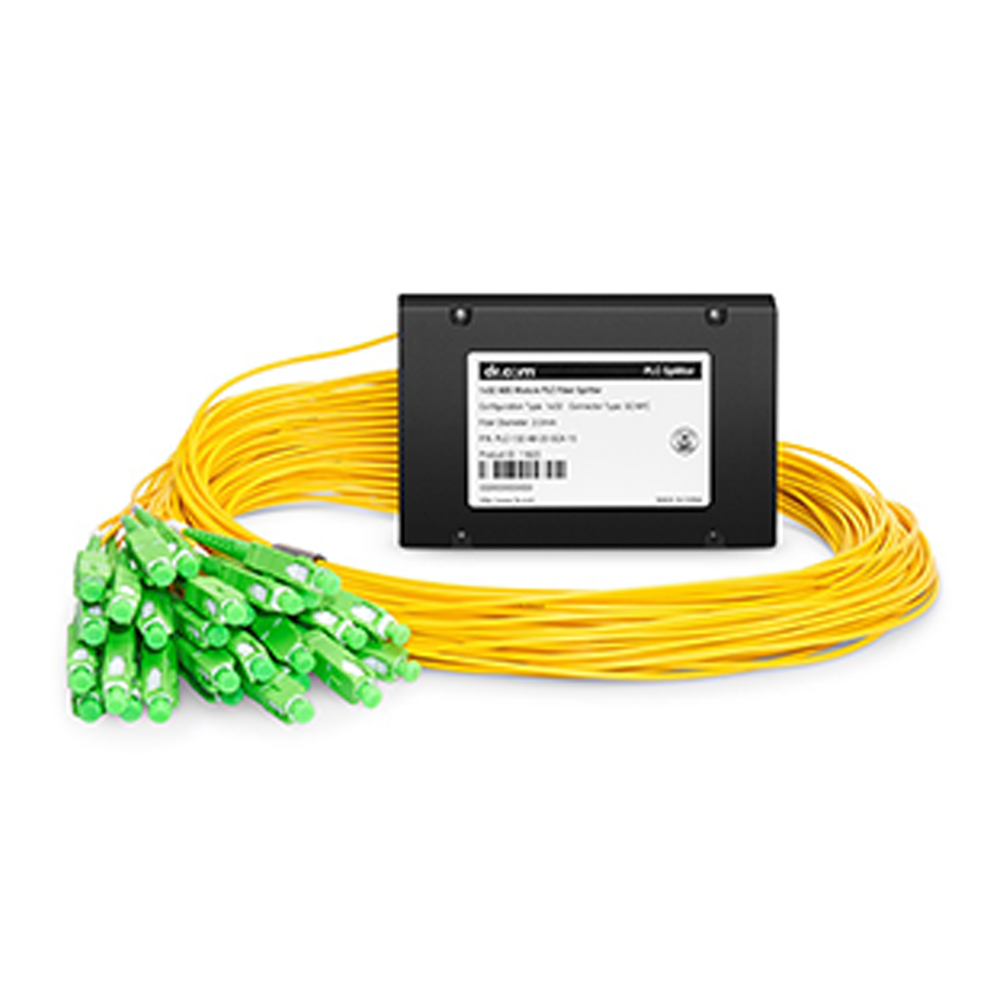 PLC Splitter ABS Type
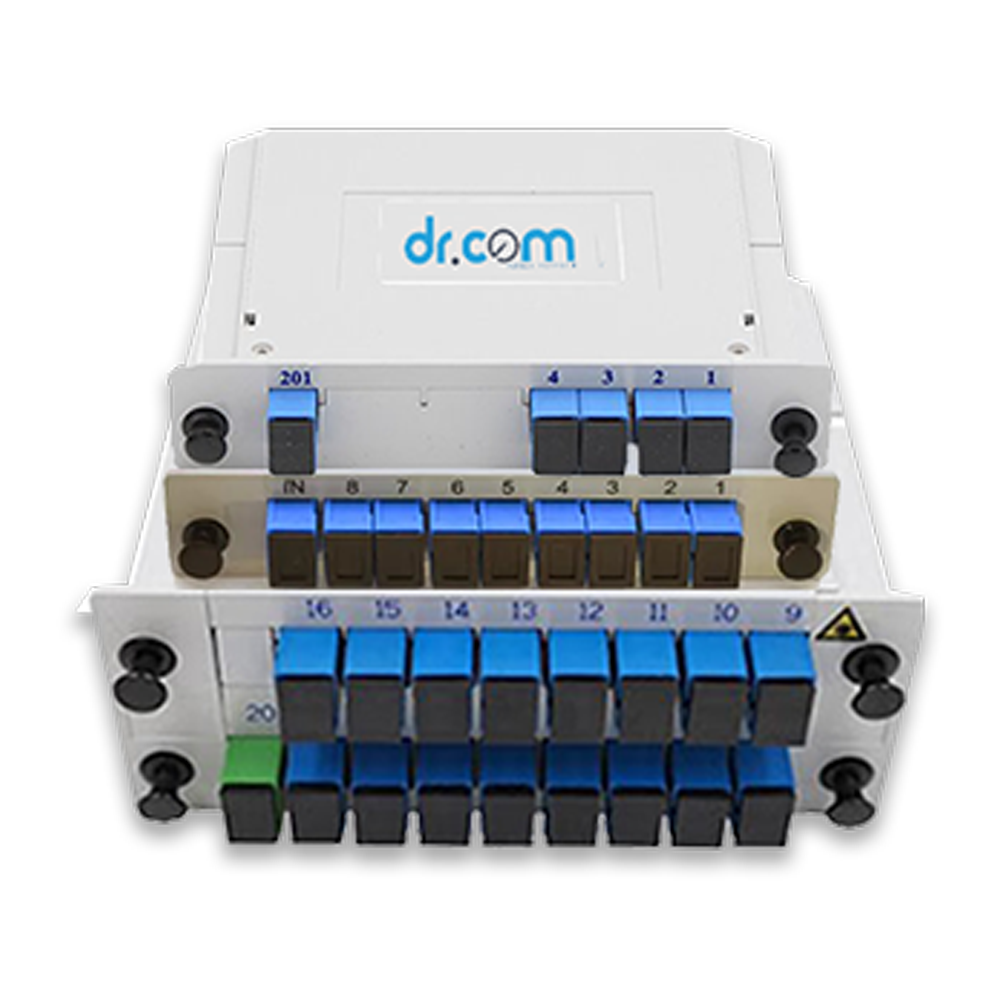 PLC Splitter PLC (Cassette) SC/UPC
 Ratio Coupler
 FTTH Patch Cords
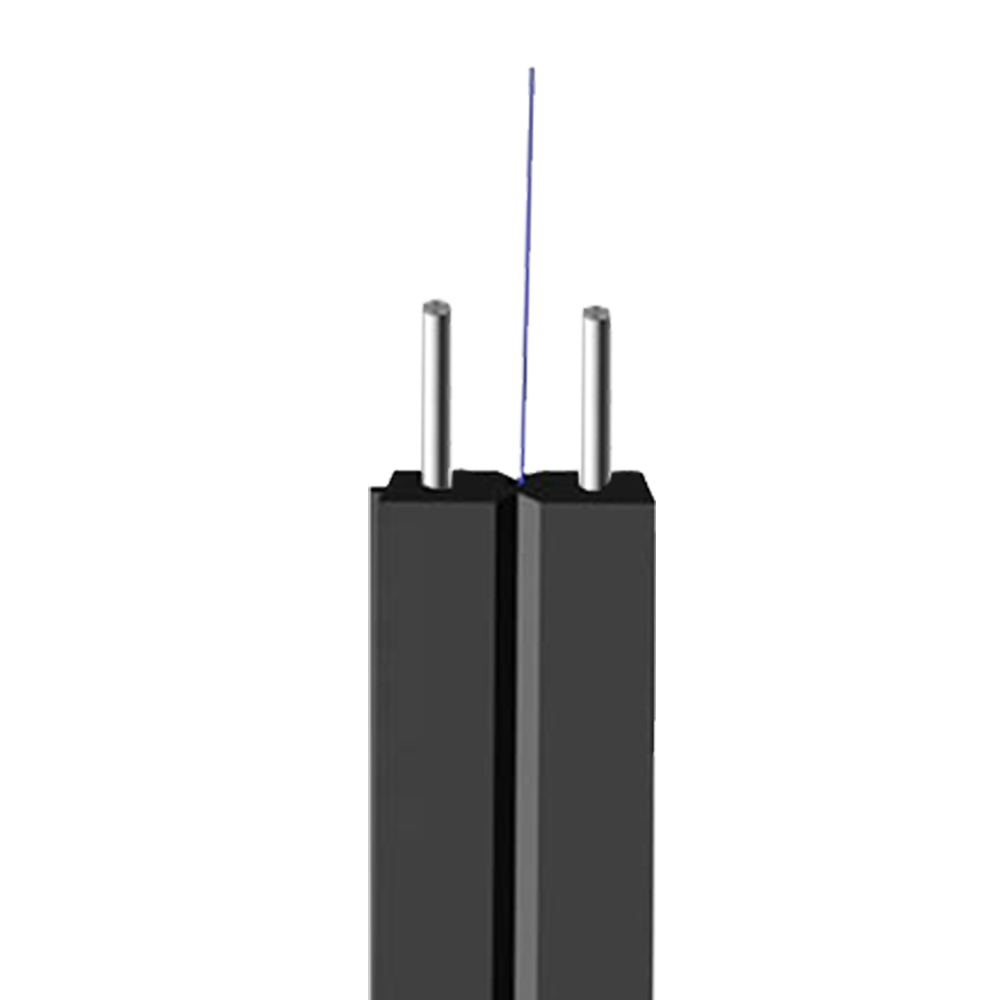 1F - 2 Steel +1 Support Steel Wire
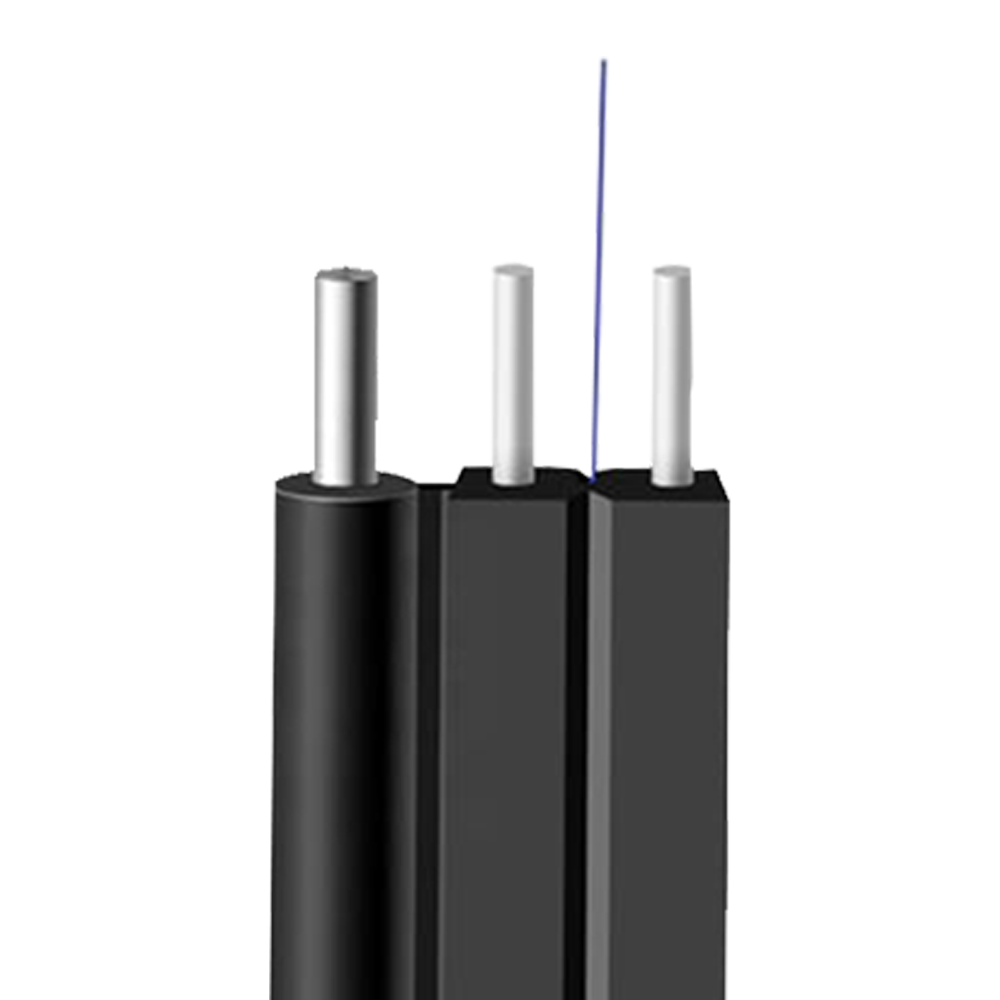 1F - 2-FRP - 1 Support Steel Wire
 Optical Patch Cords
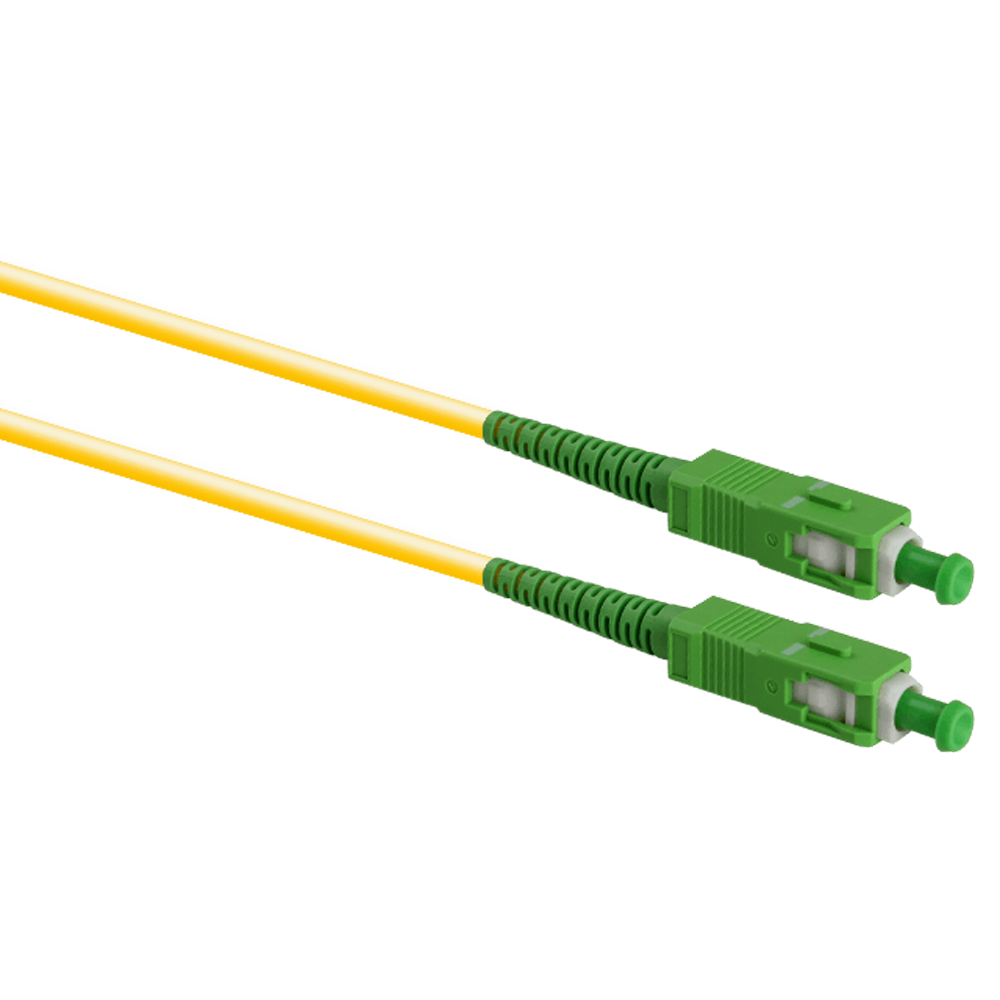 SC/APC - SC/APC
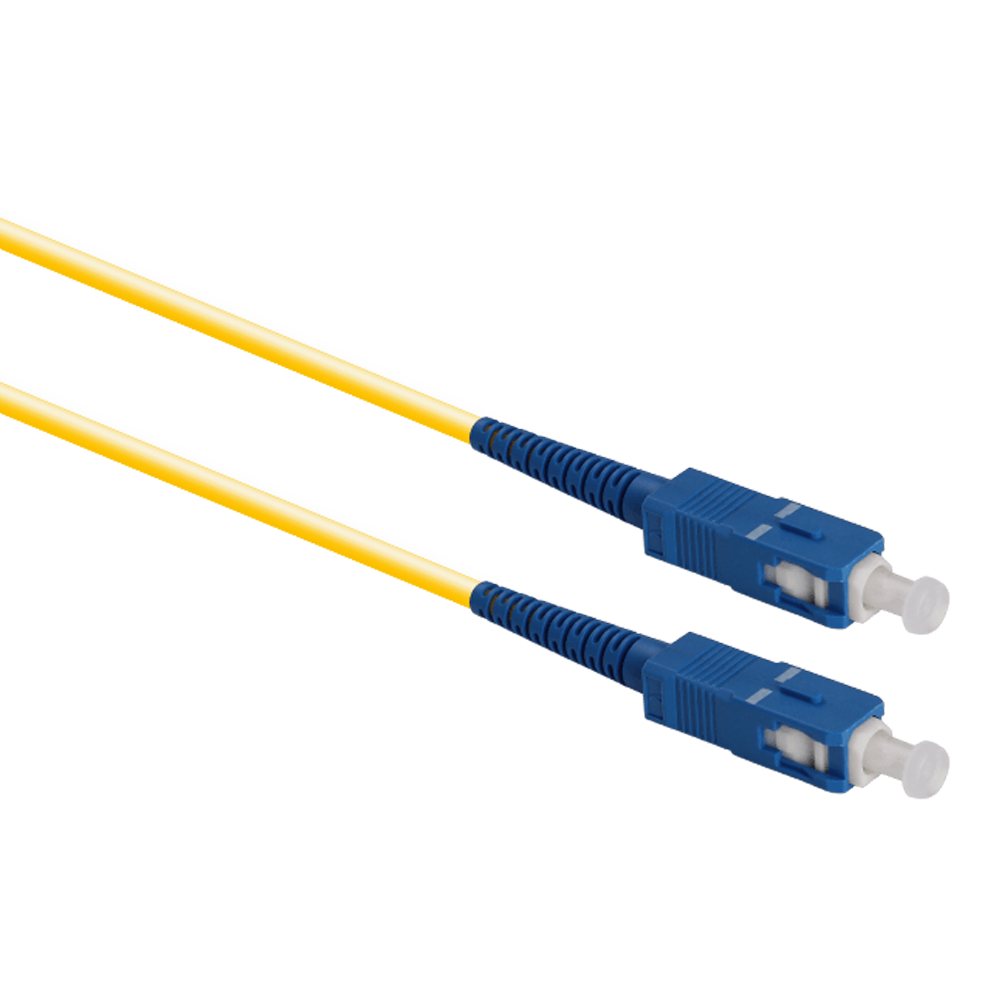 SC/UPC - SC/UPC
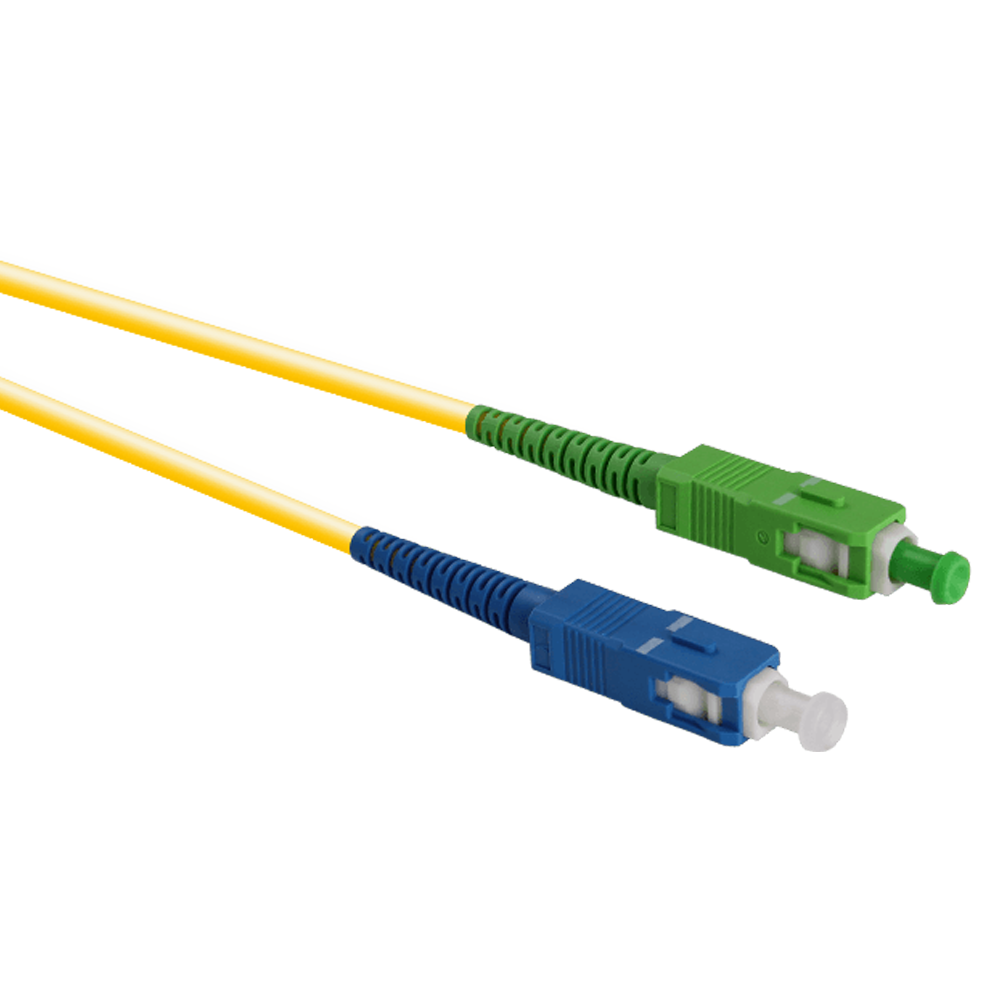 SC/APC - SC/UPC
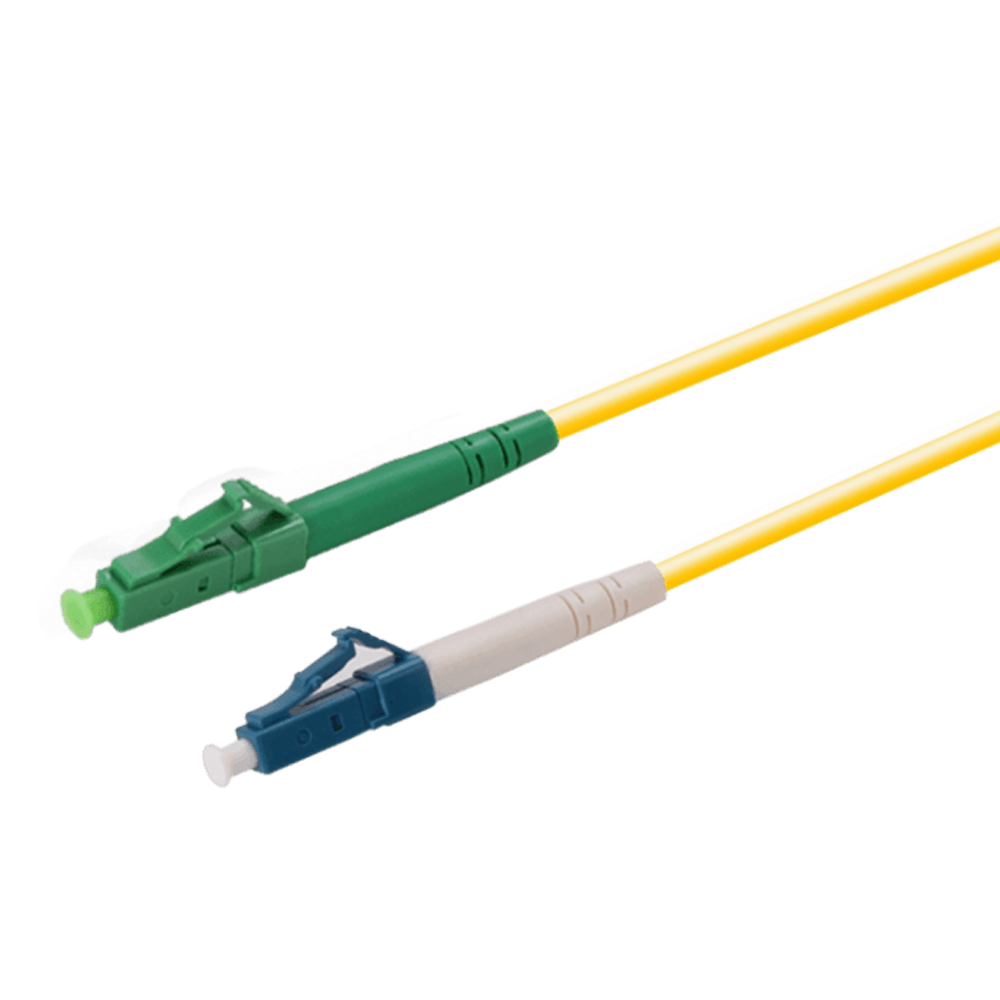 LC/APC - LC/APC
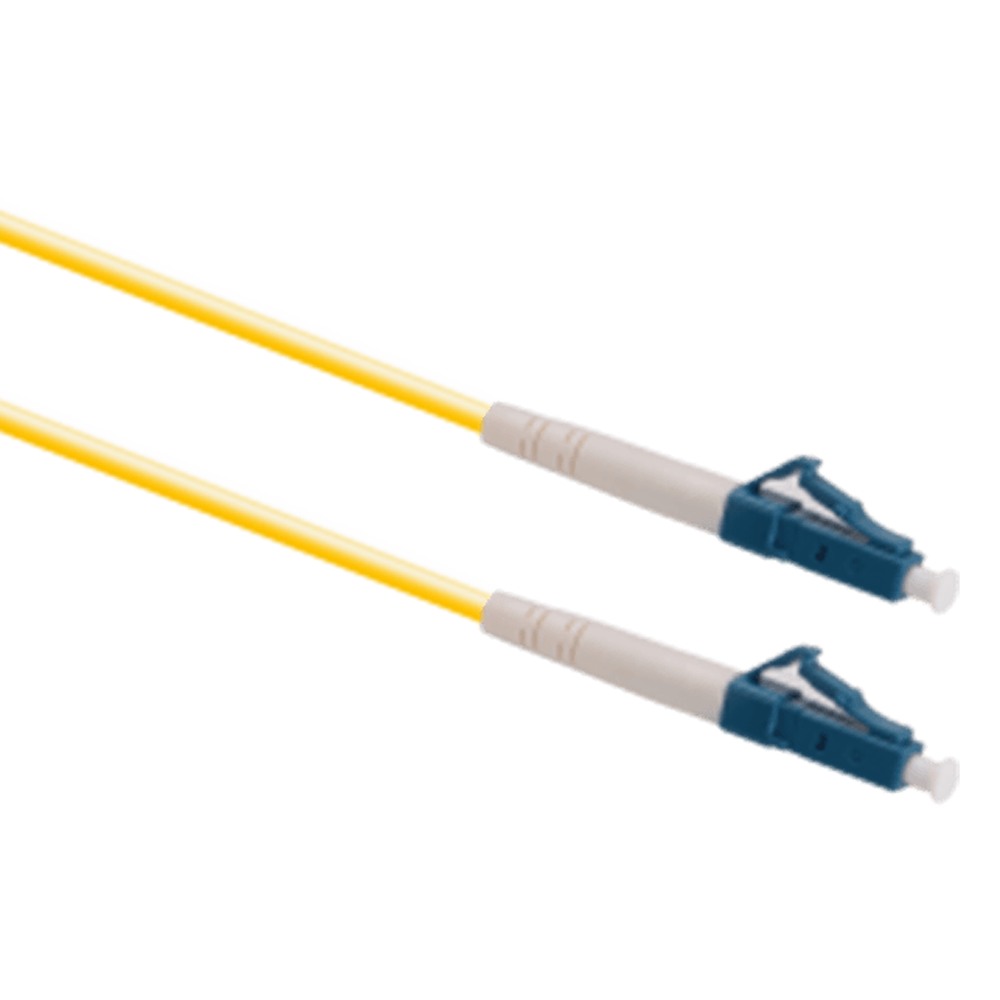 LC/UPC - LC/UPC
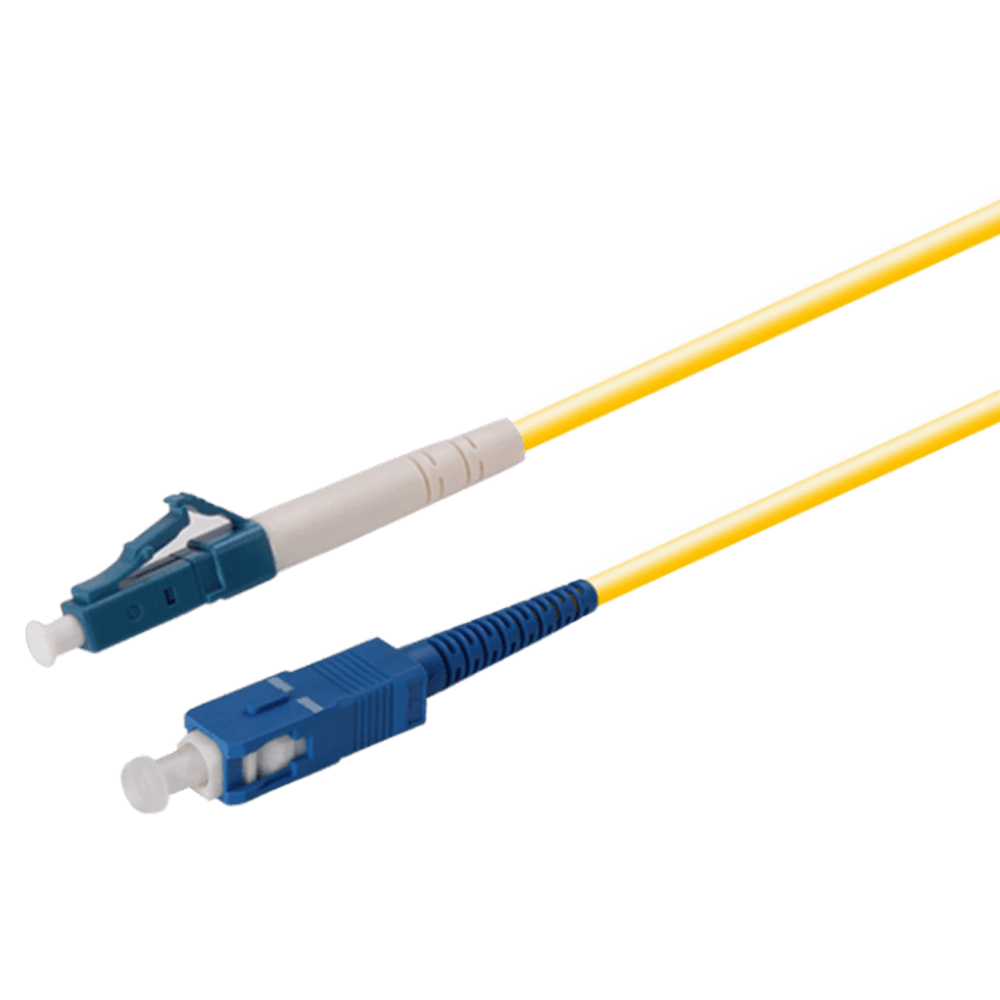 LC/UPC - SC/UPC
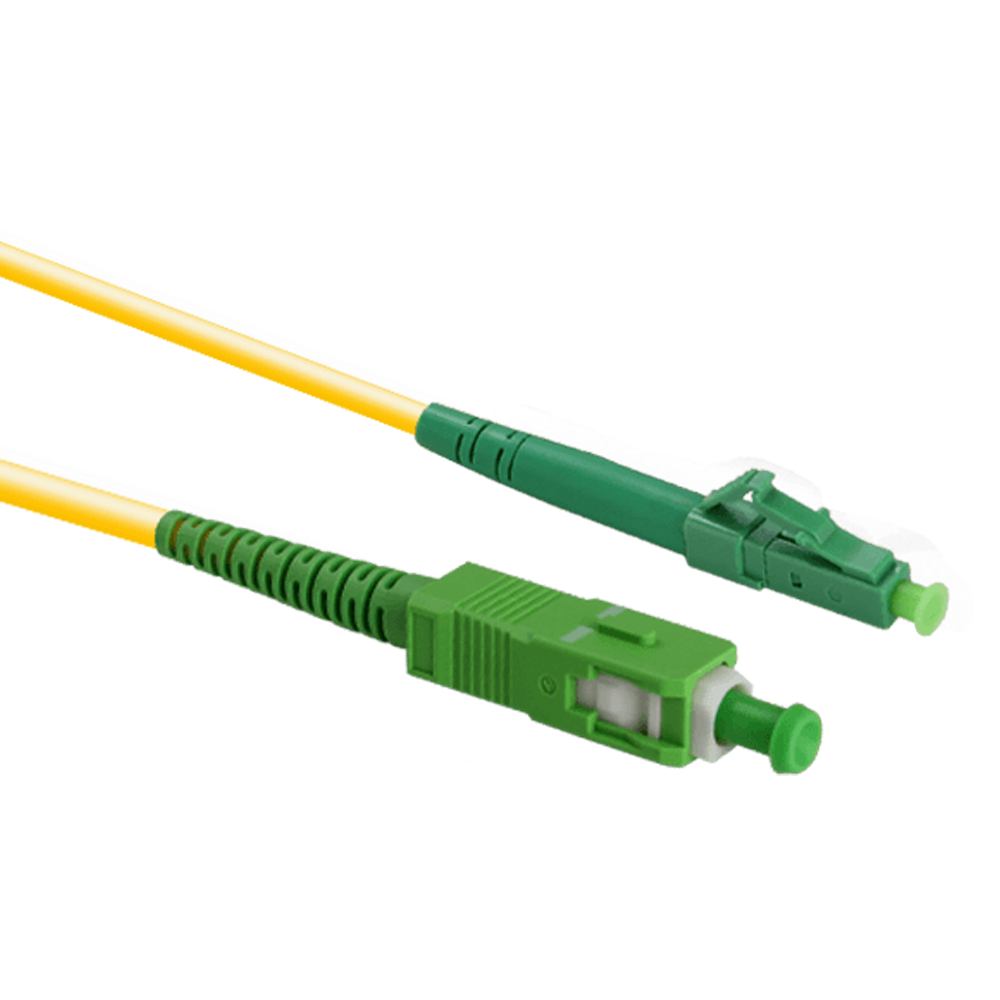 LC/APC - SC/APC
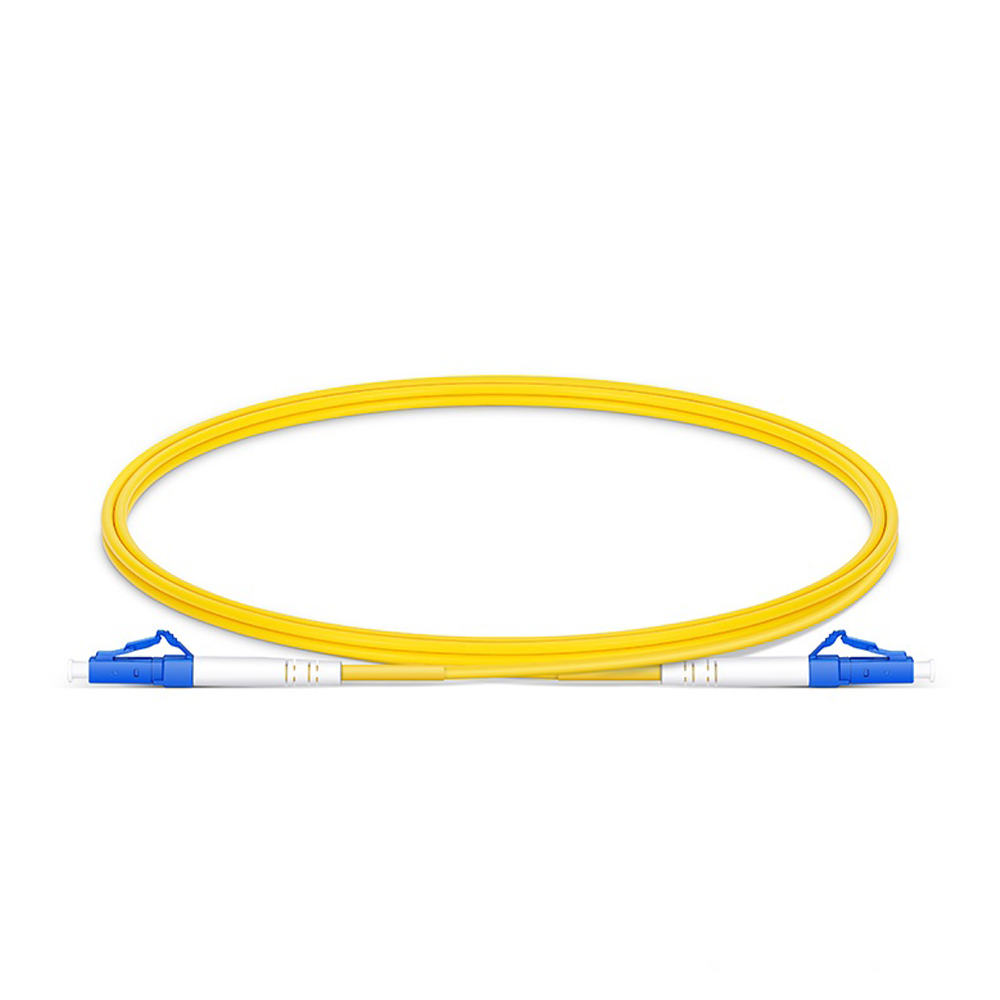 Simplex Single Mode
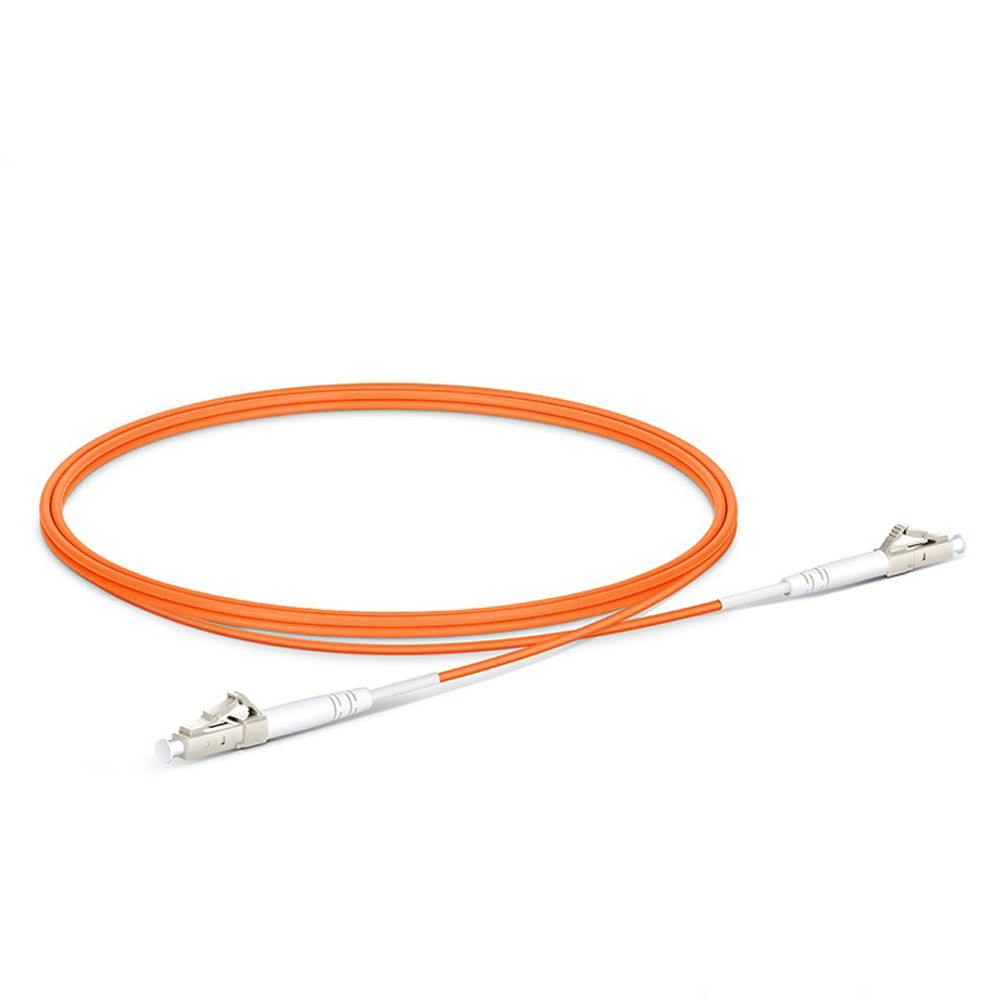 Simplex Multi-Mode
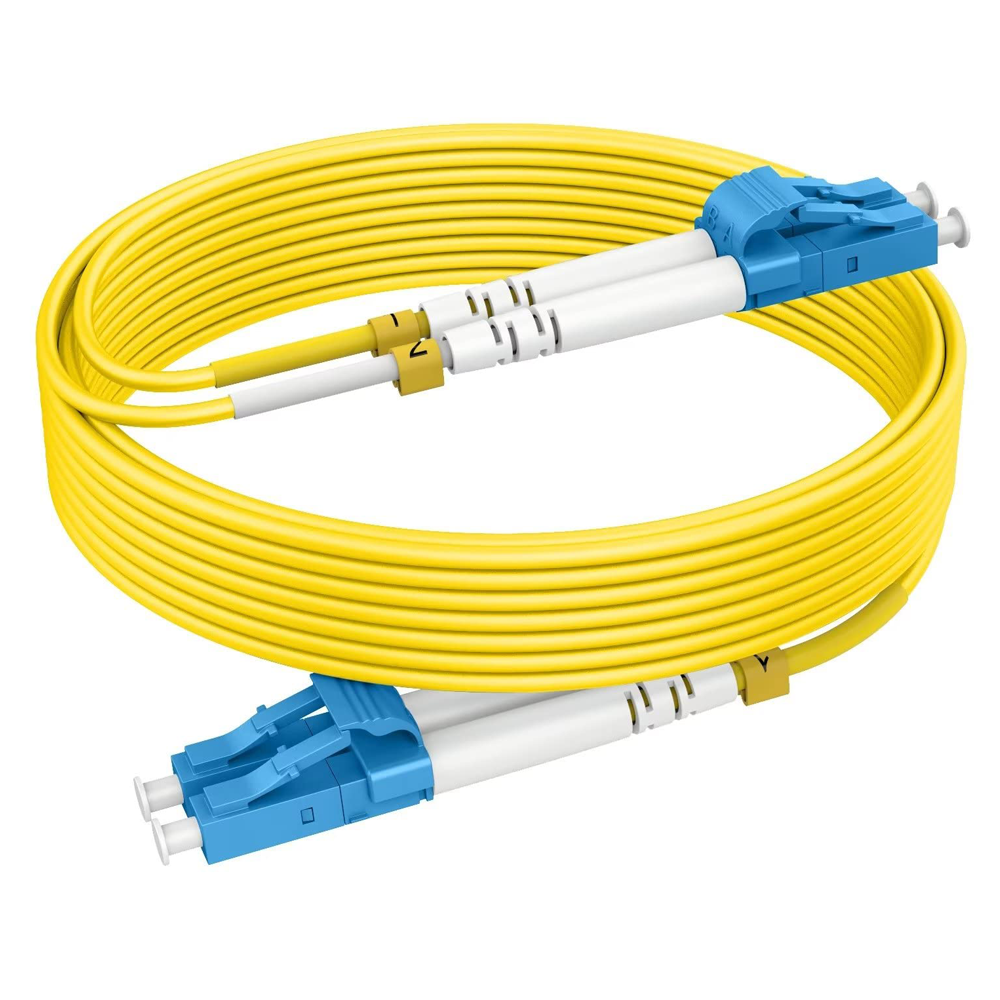 Duplex Single Mode
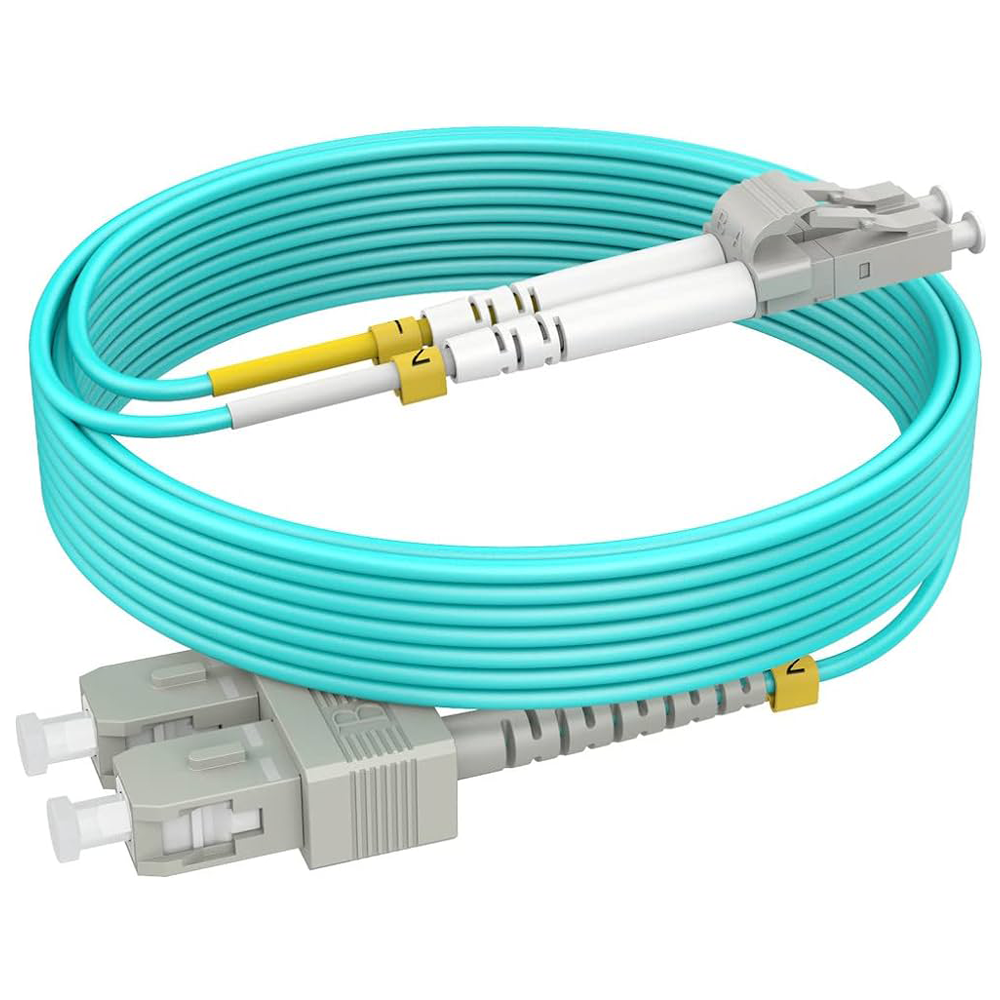 Duplex Multi-Mode
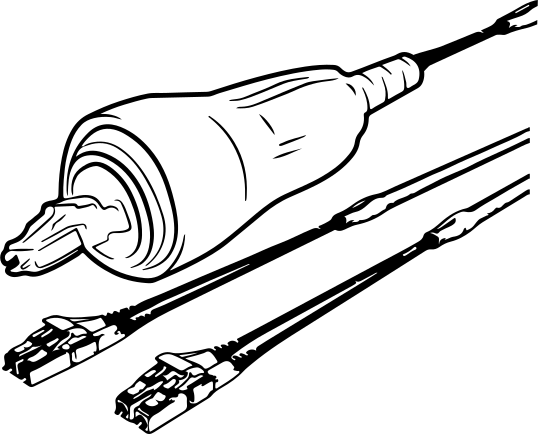 CPRI
CPRI Fullaxs DLC Ericsson
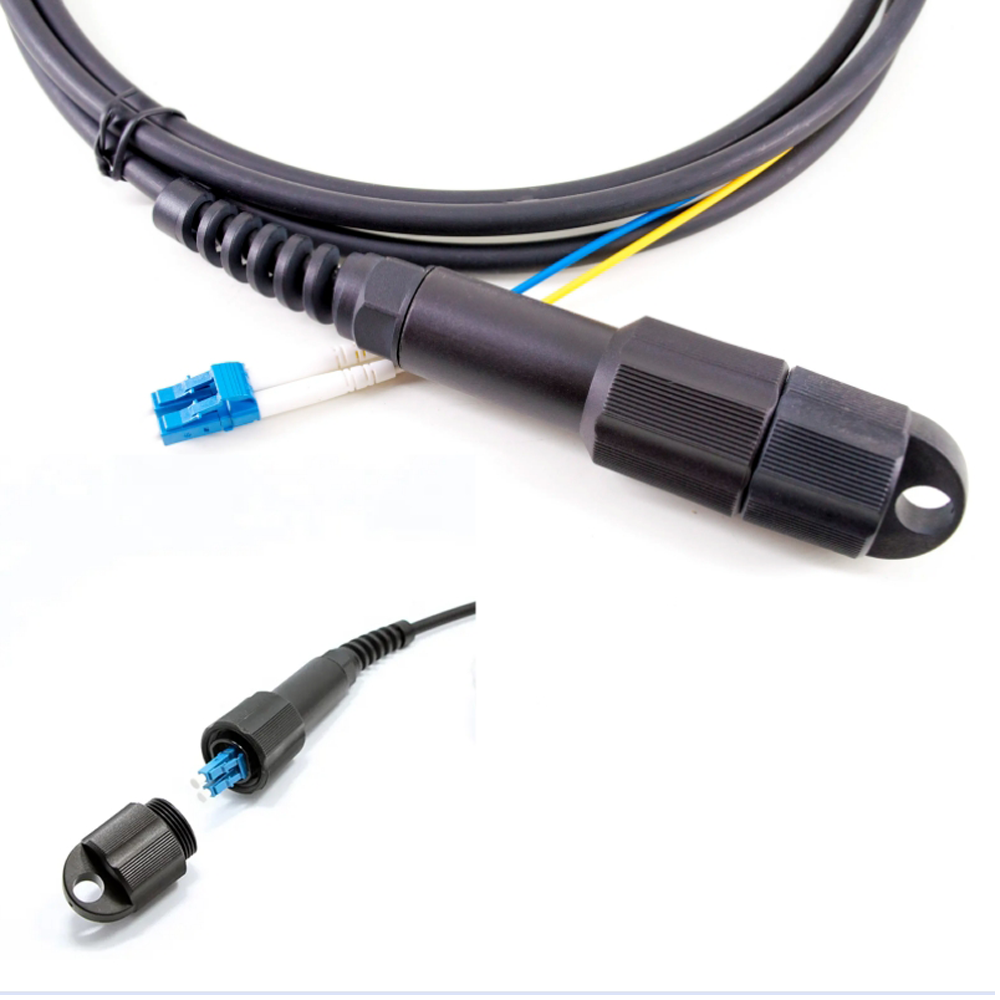 PDLC DLC
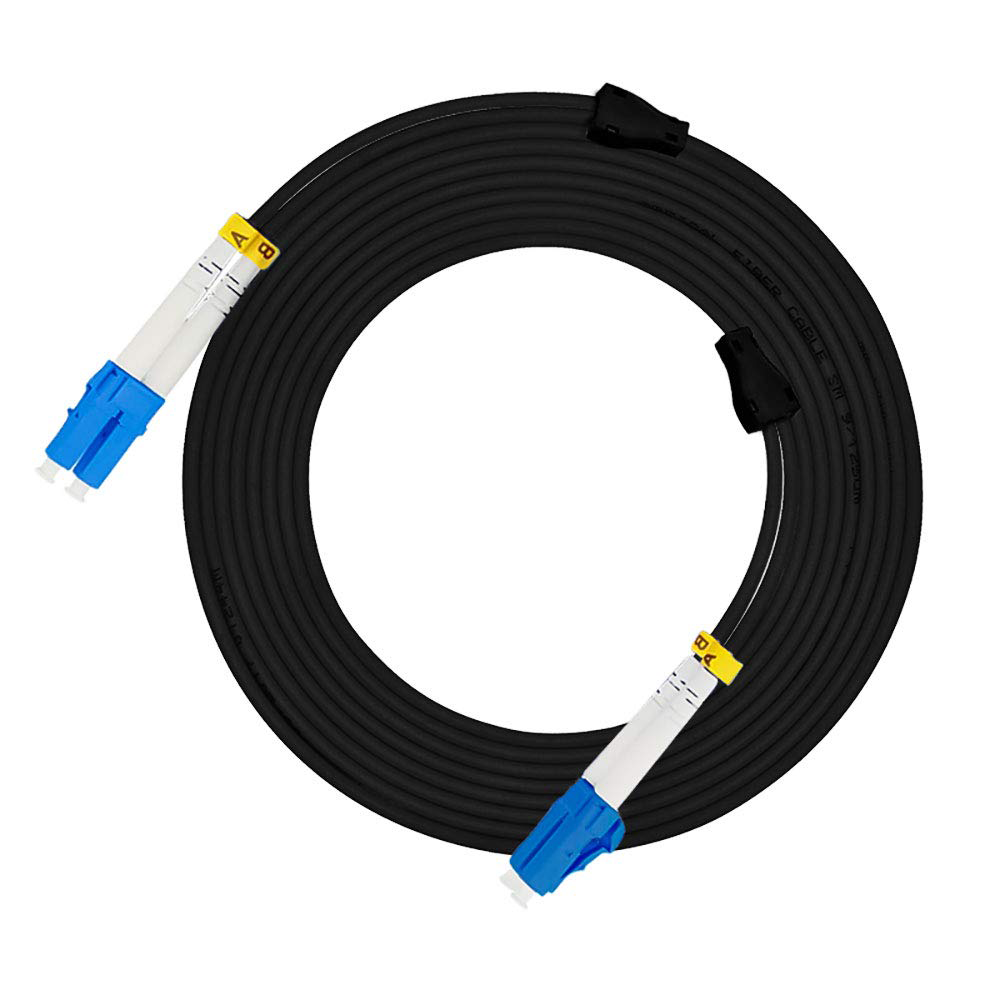 Spiral Fanout
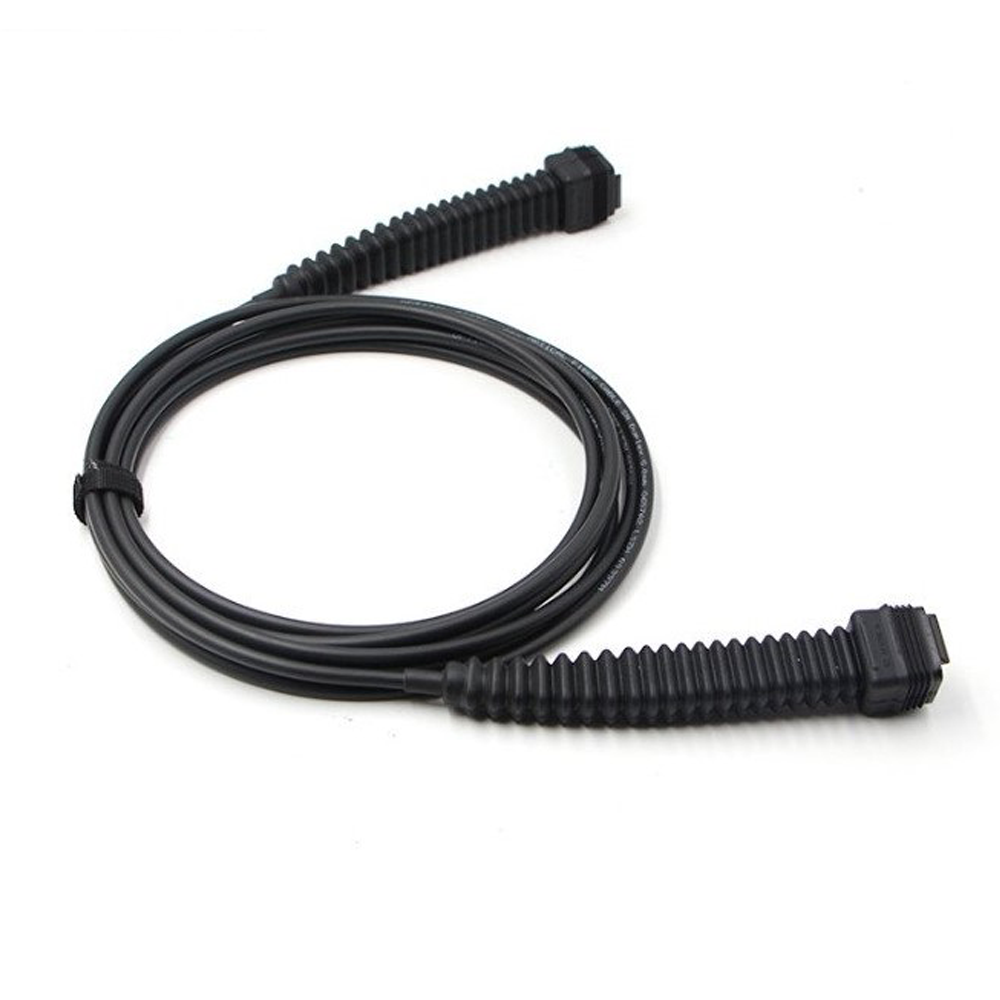 NSN Boot NOKIA
 MPO
MPO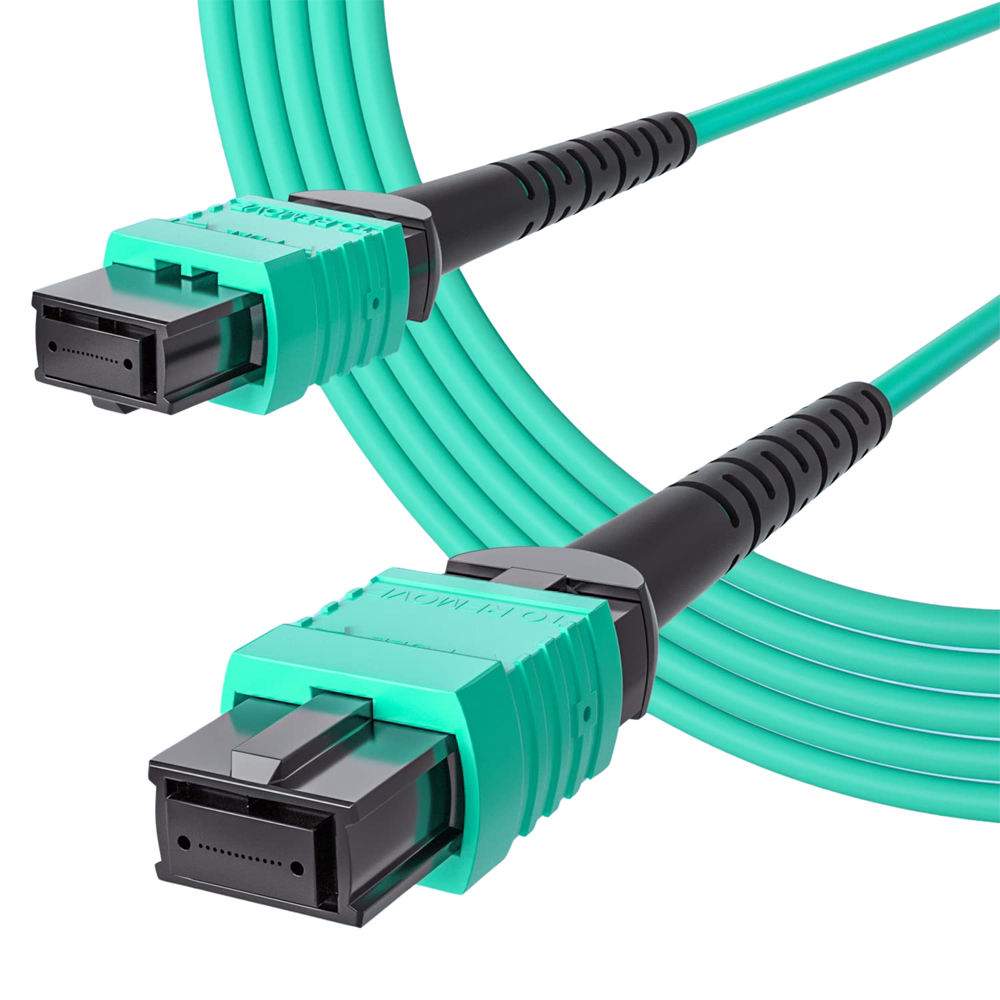 MPO Cables
 Copper
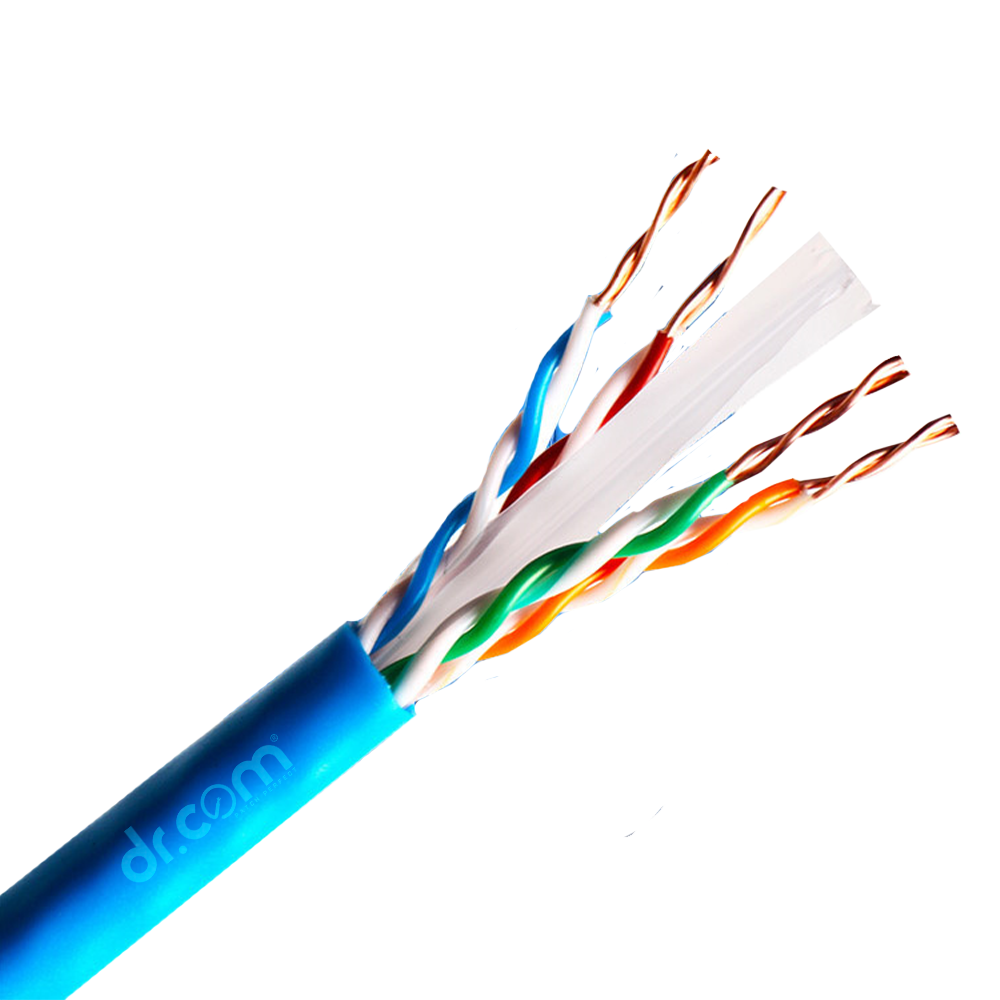 UTP 24 AWG PE Outdoor Cable
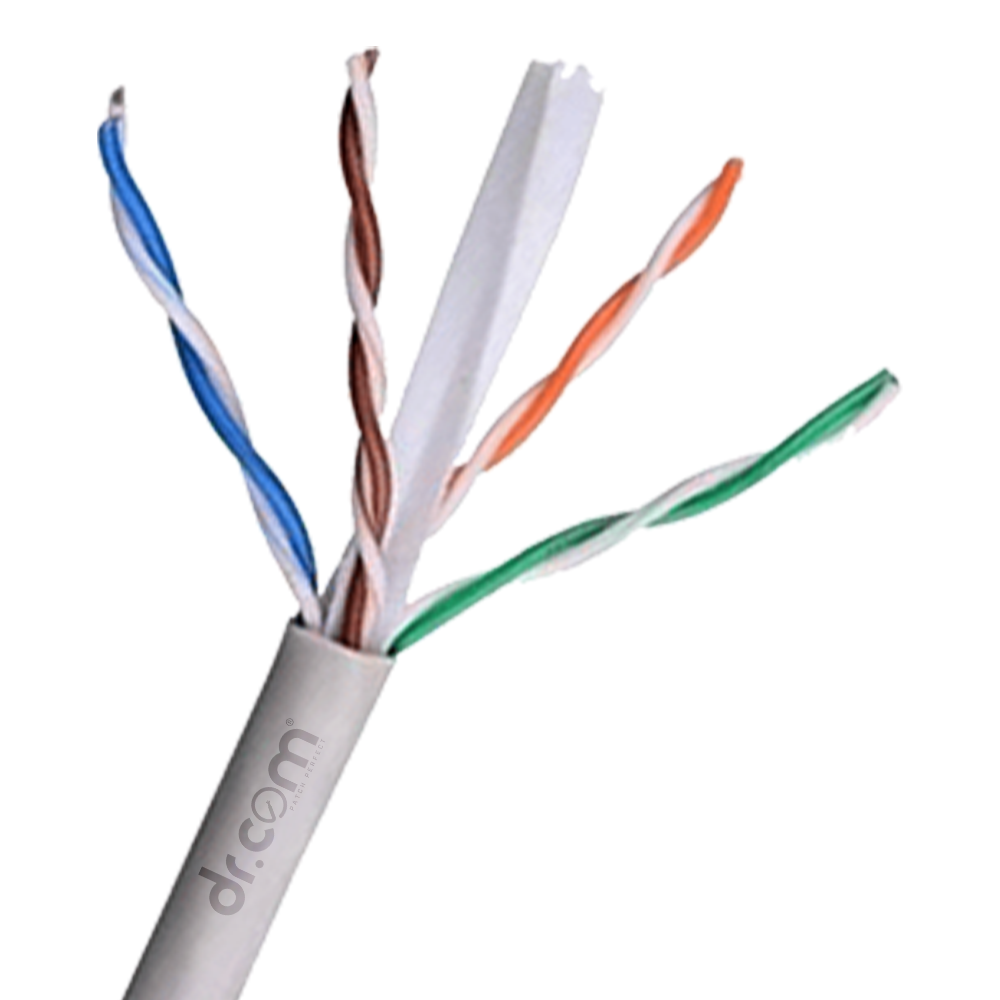 Copper (0.55mm) - UTP
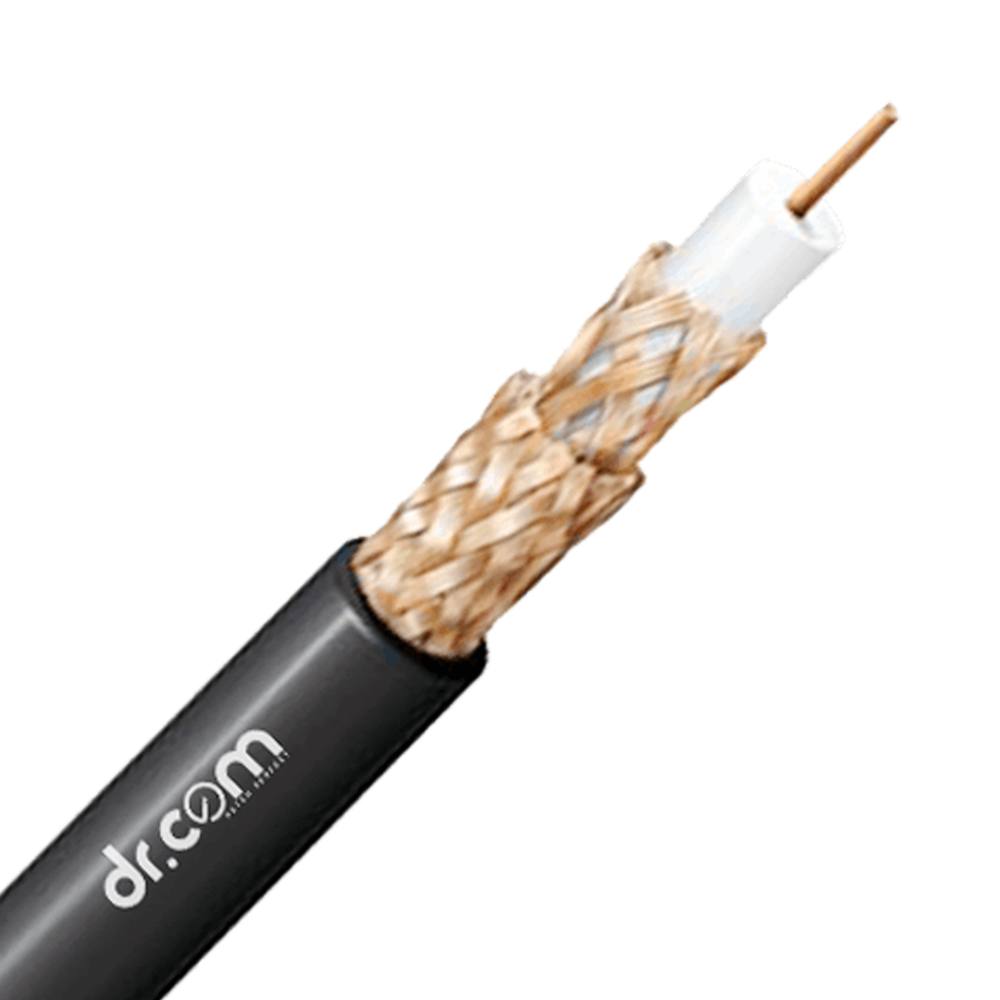 RG-6
RG-6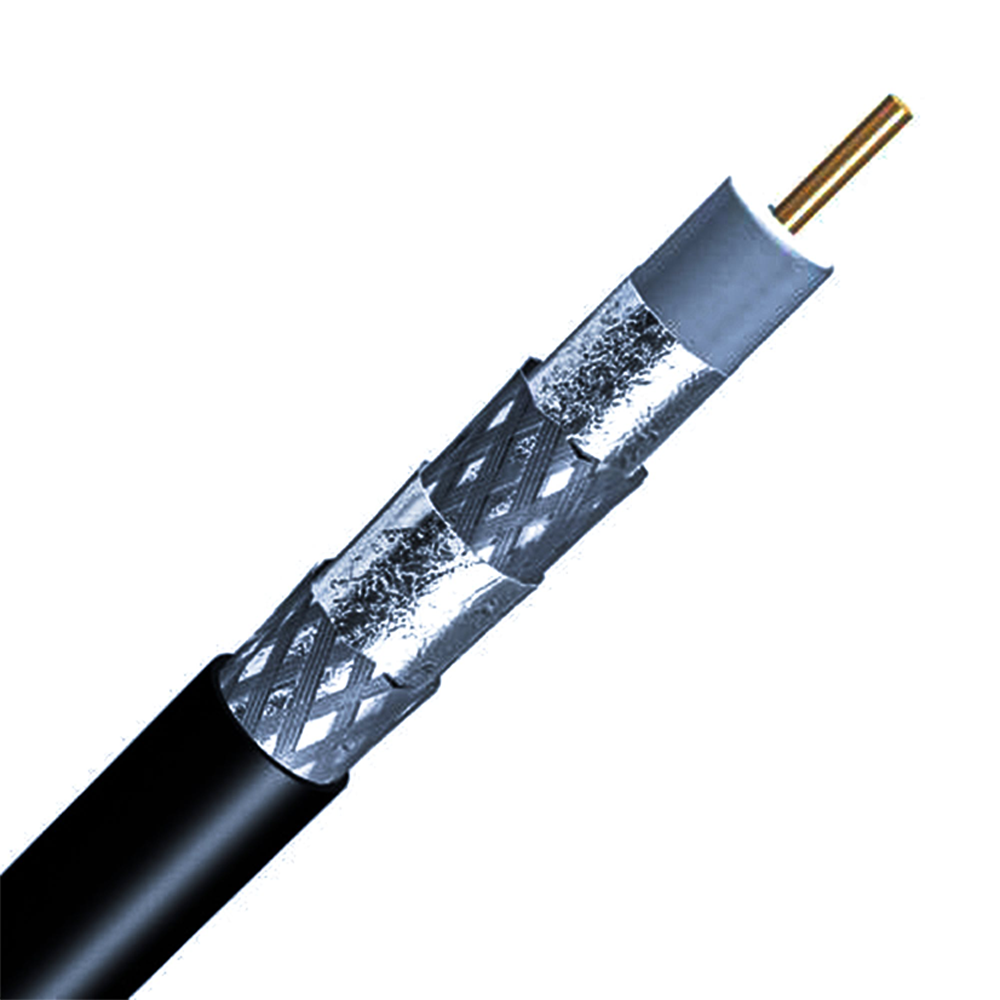 RG-11
RG-11 Active
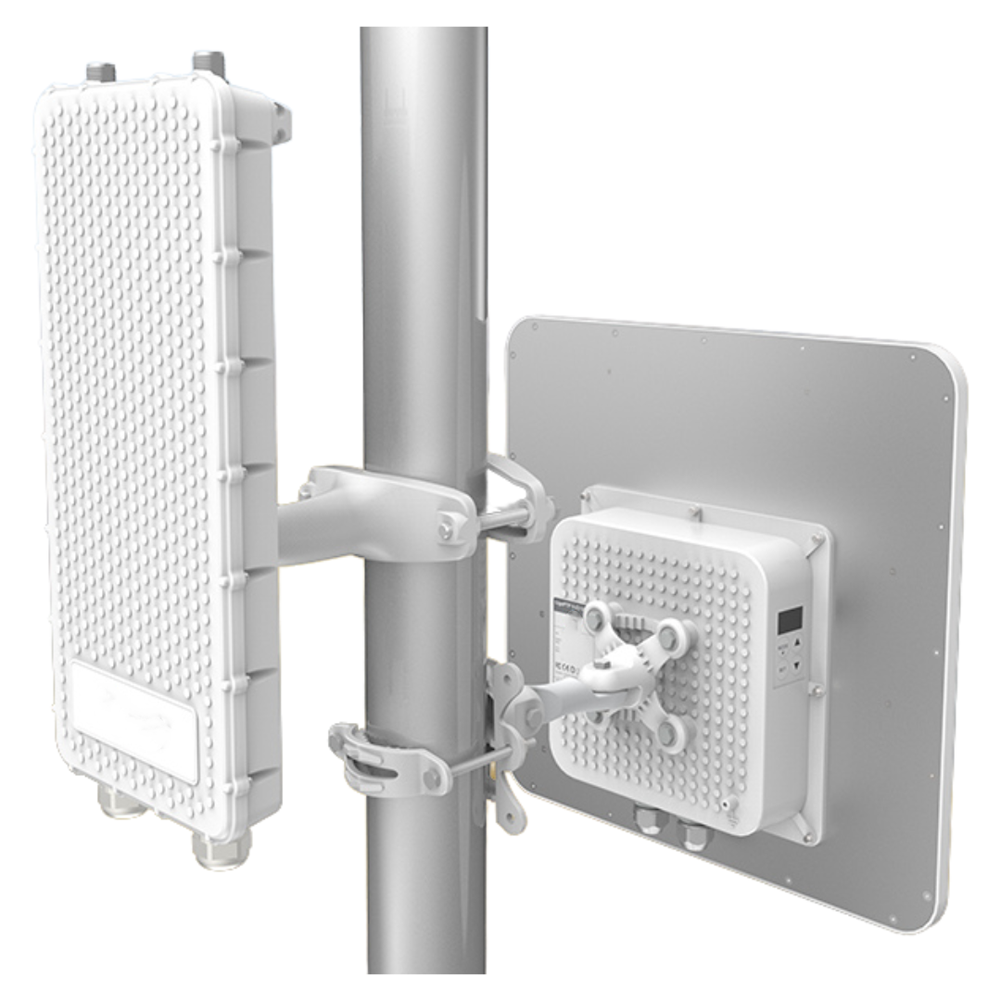 Access Point
 POE Switches
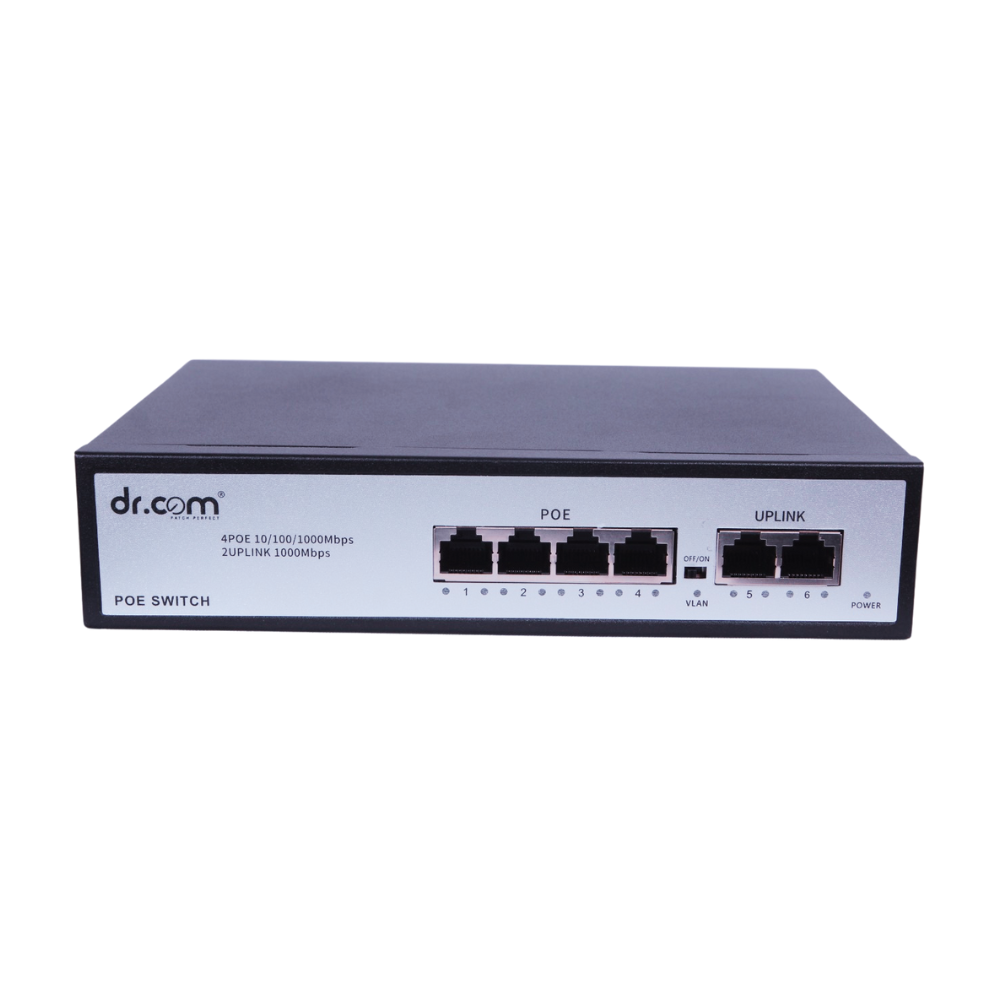
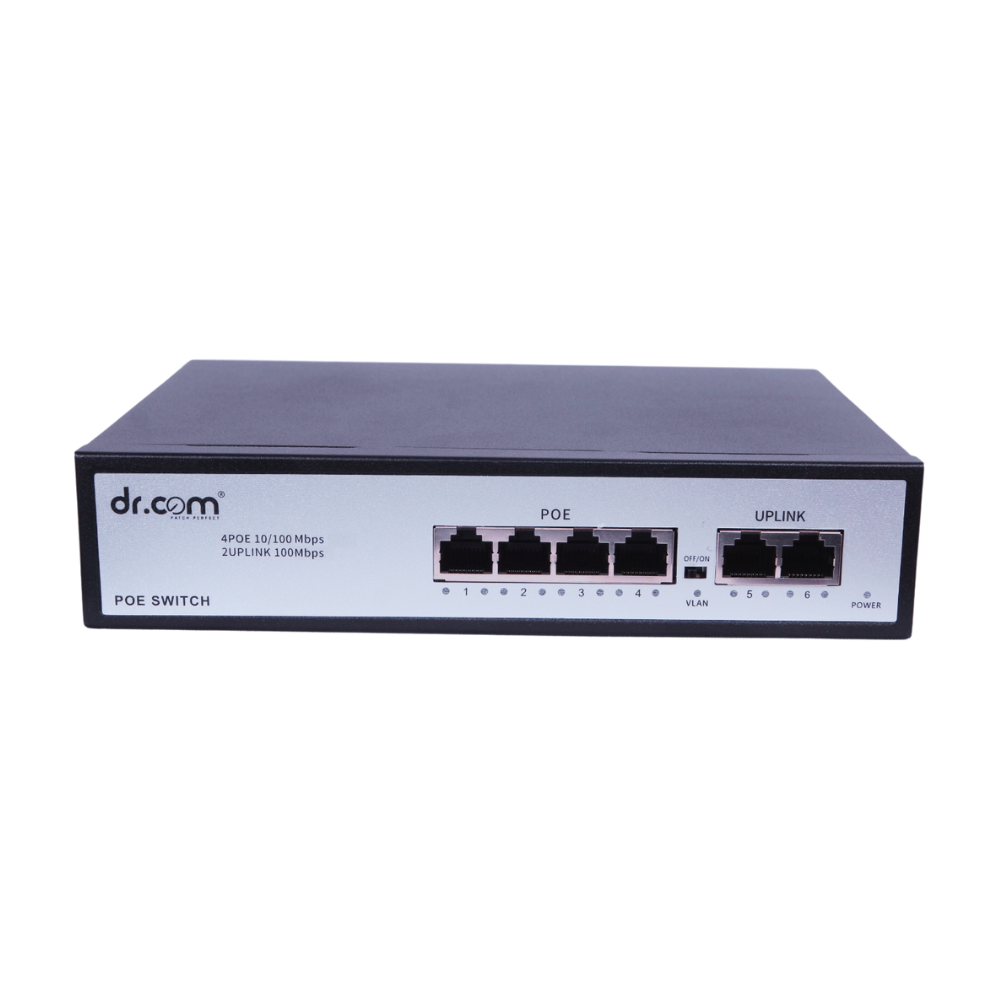 4-Port 65W
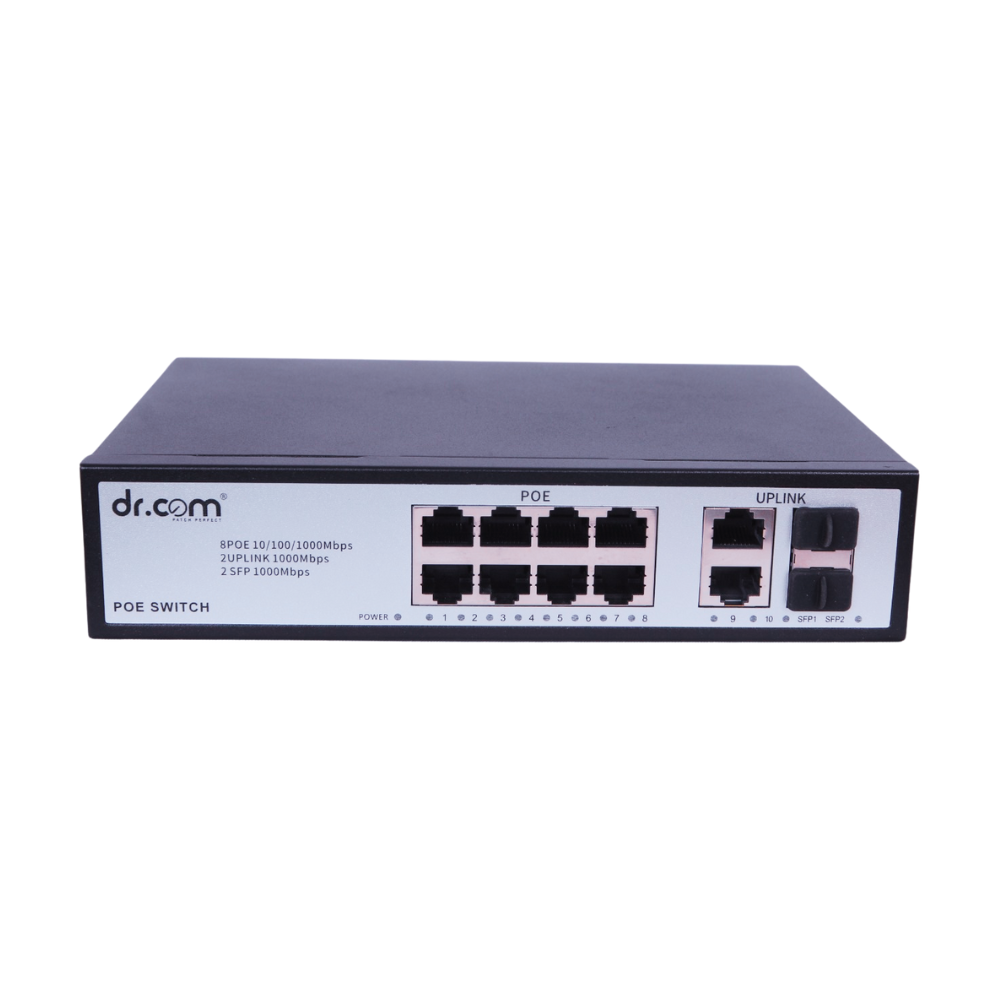
 8-Port 120W
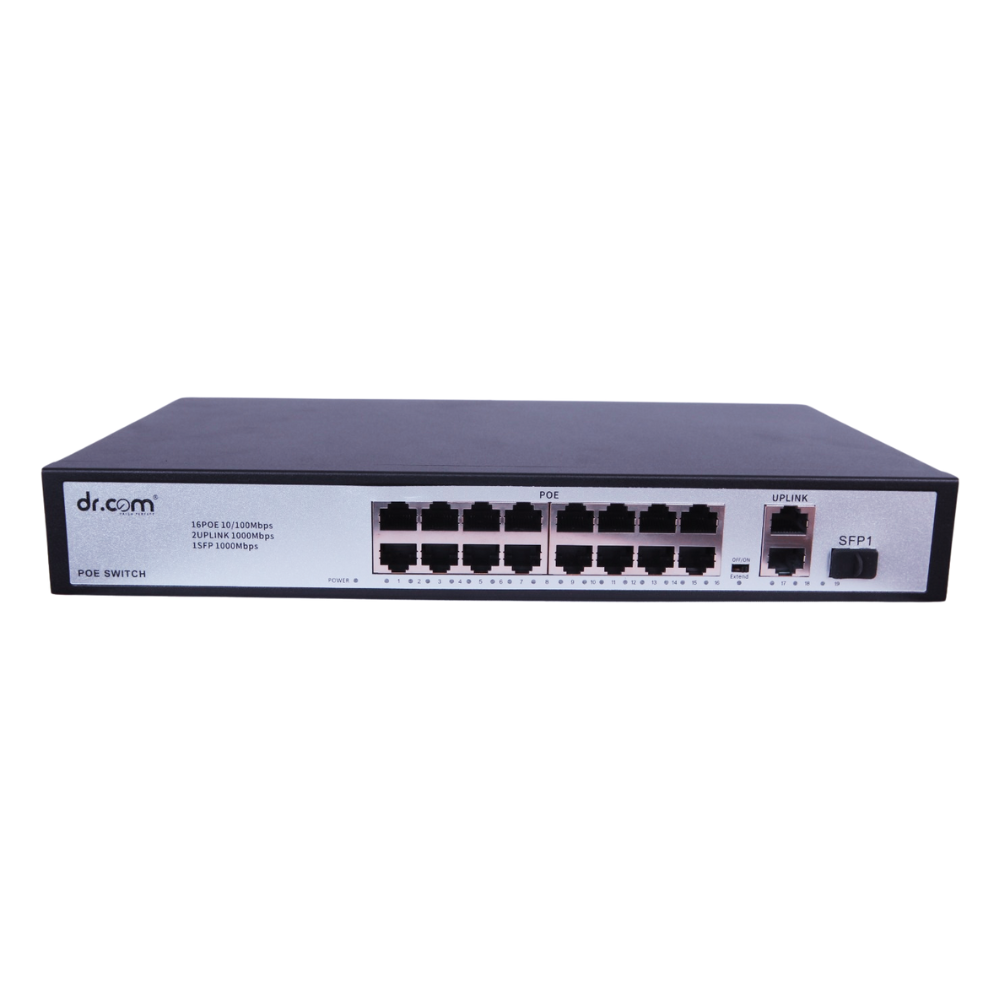
 16-Port 250W
 24-Port 320W
 UPS
UPS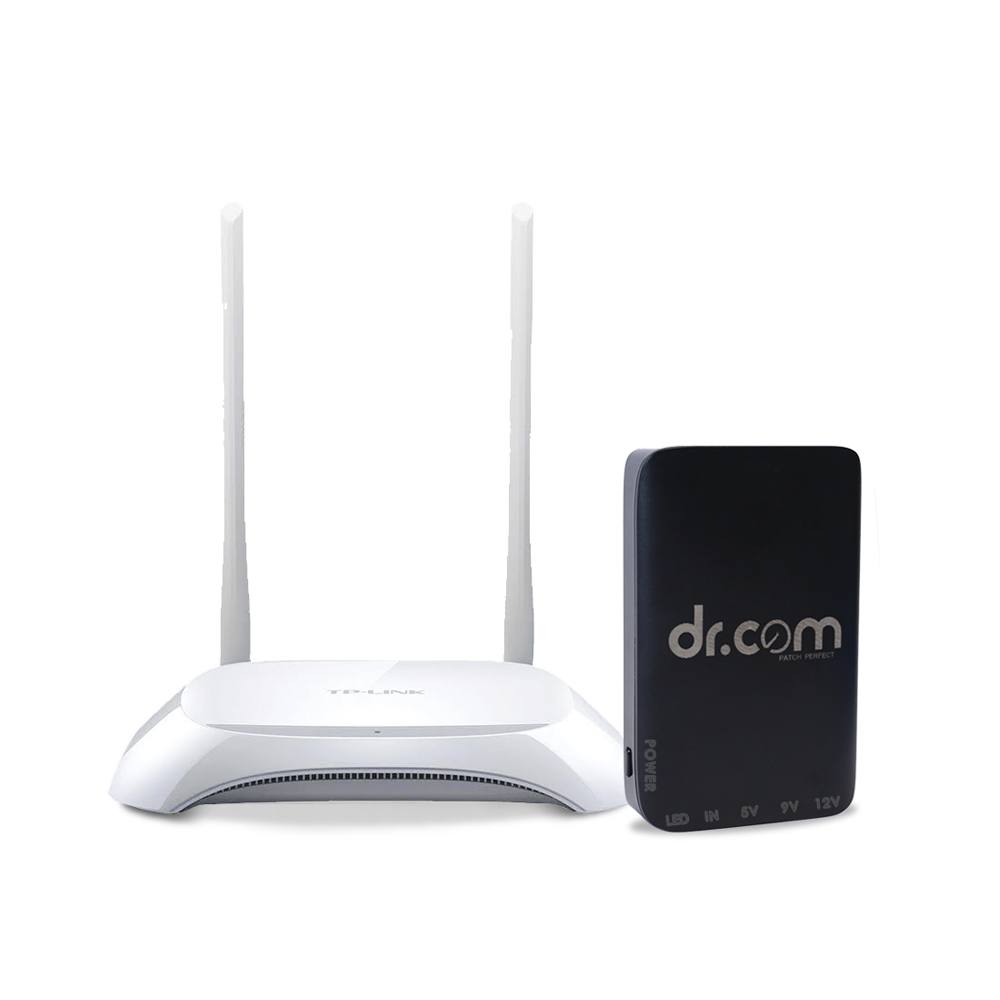 Multiple Output UPS DRU-8000
 Gpon-ONT
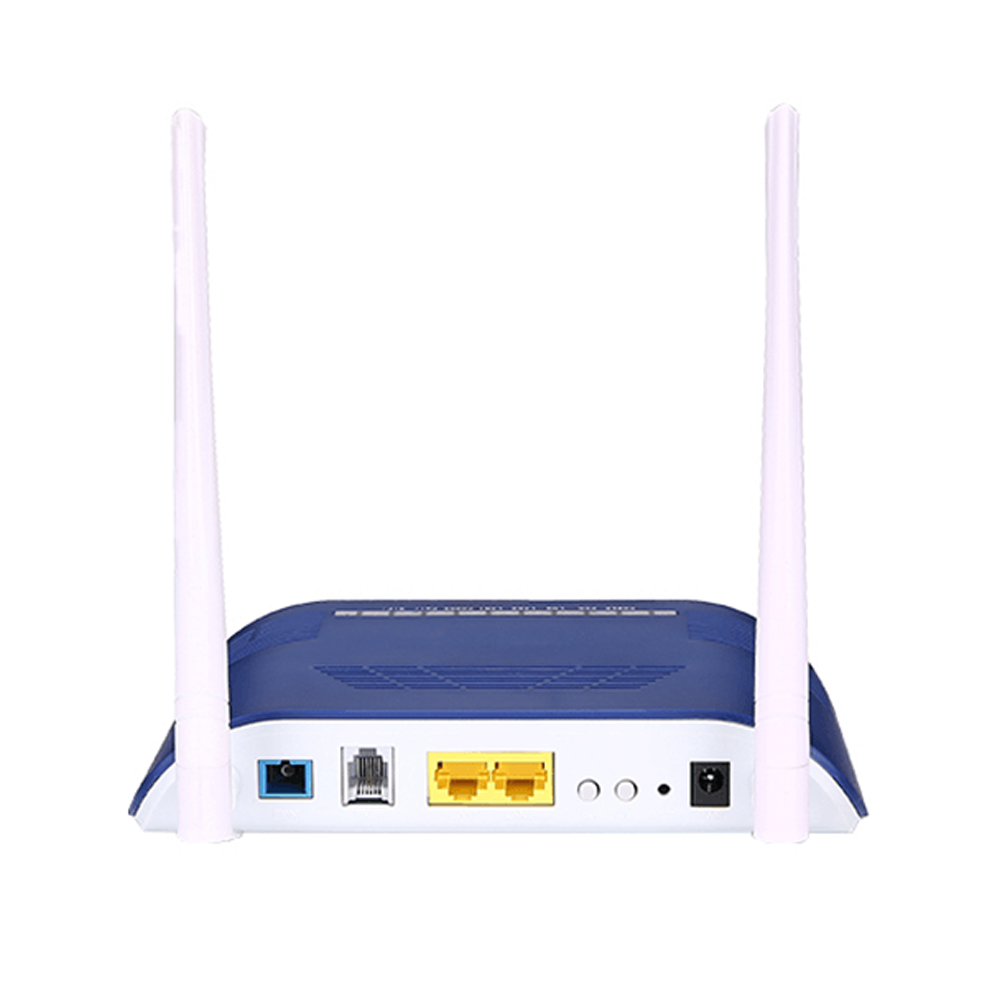 DRC 1GE+1FE+1POTS+WiFi
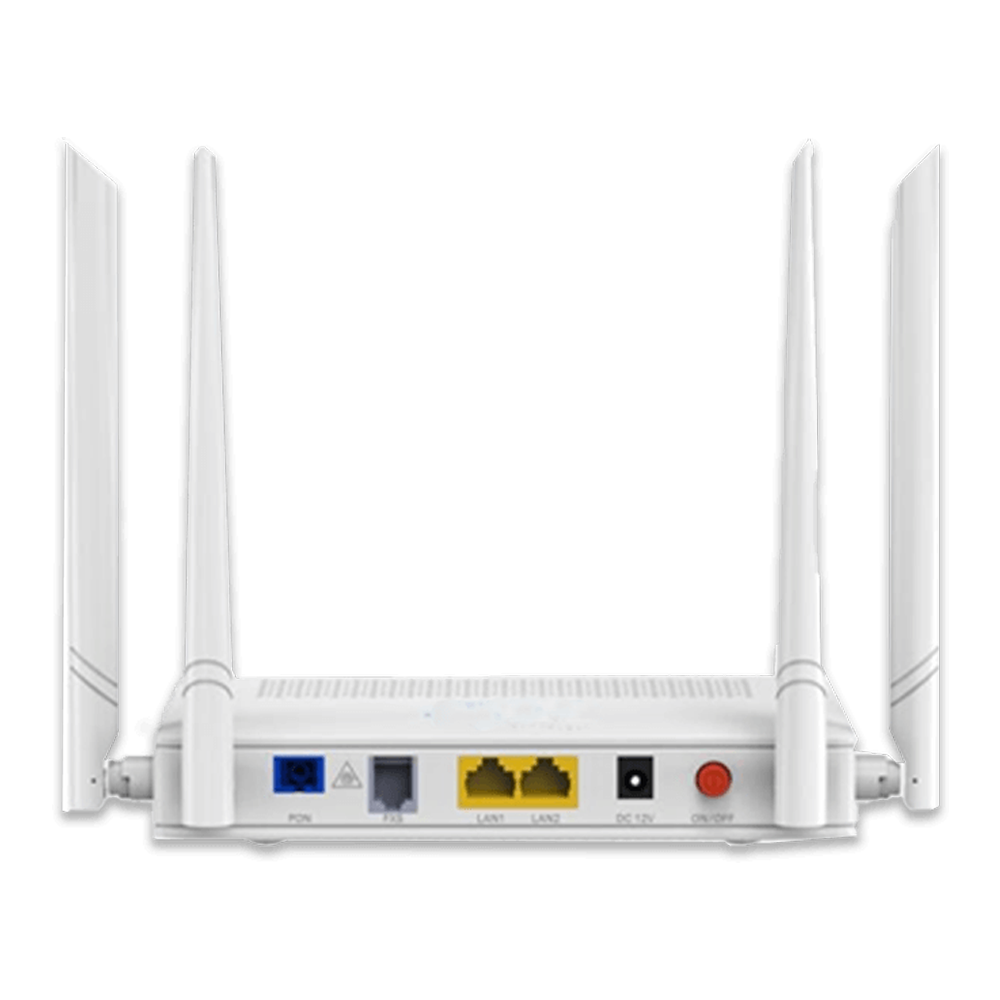 2GE+1POTS+AC WiFi
 Housing Solution
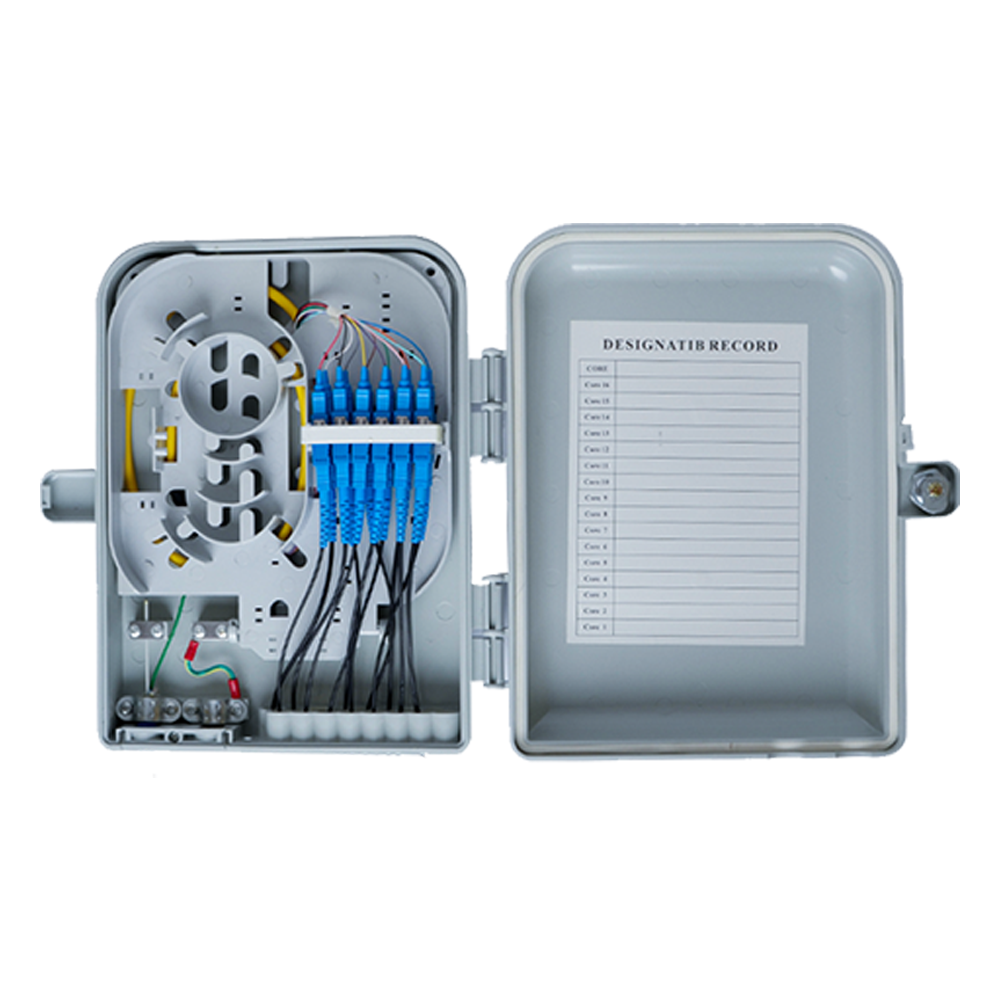 Fibre Distribution Box
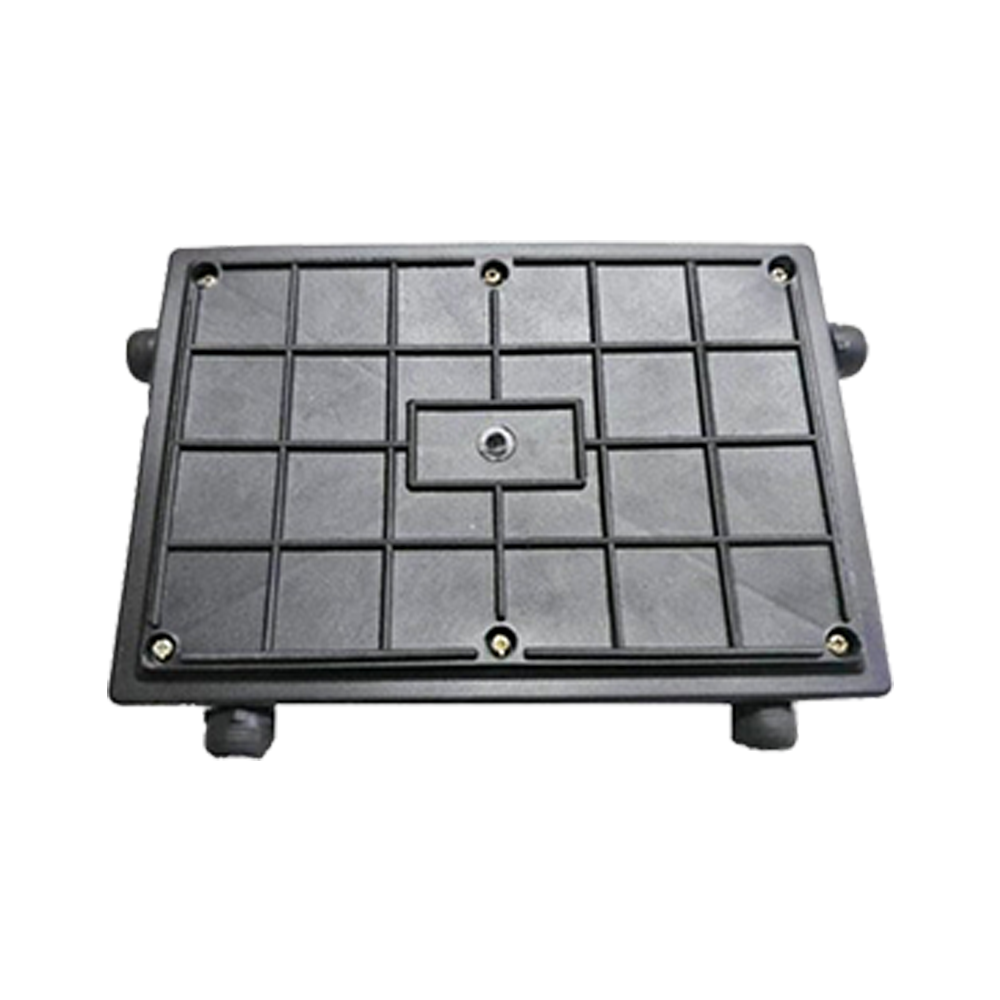 Joint Enclosure - Tiffin Box
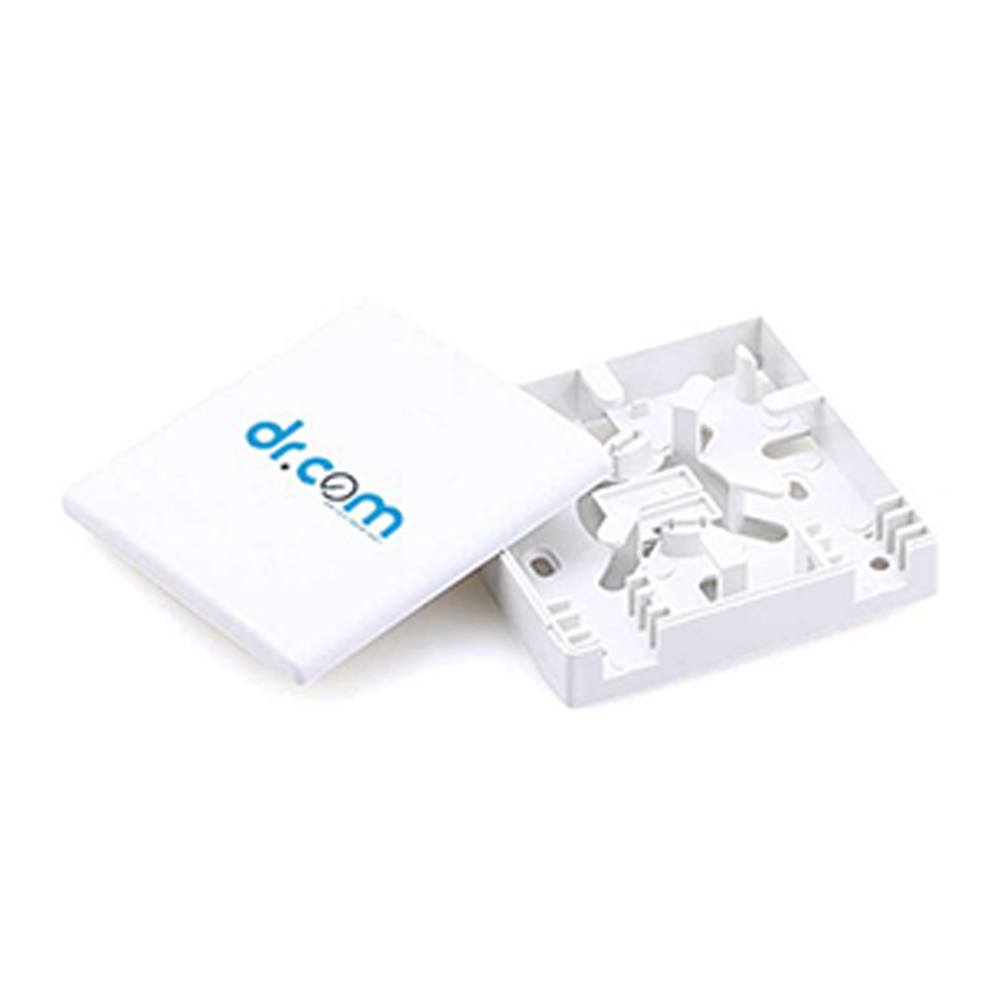 FTTH Termination Box
 Wall Mount FMS
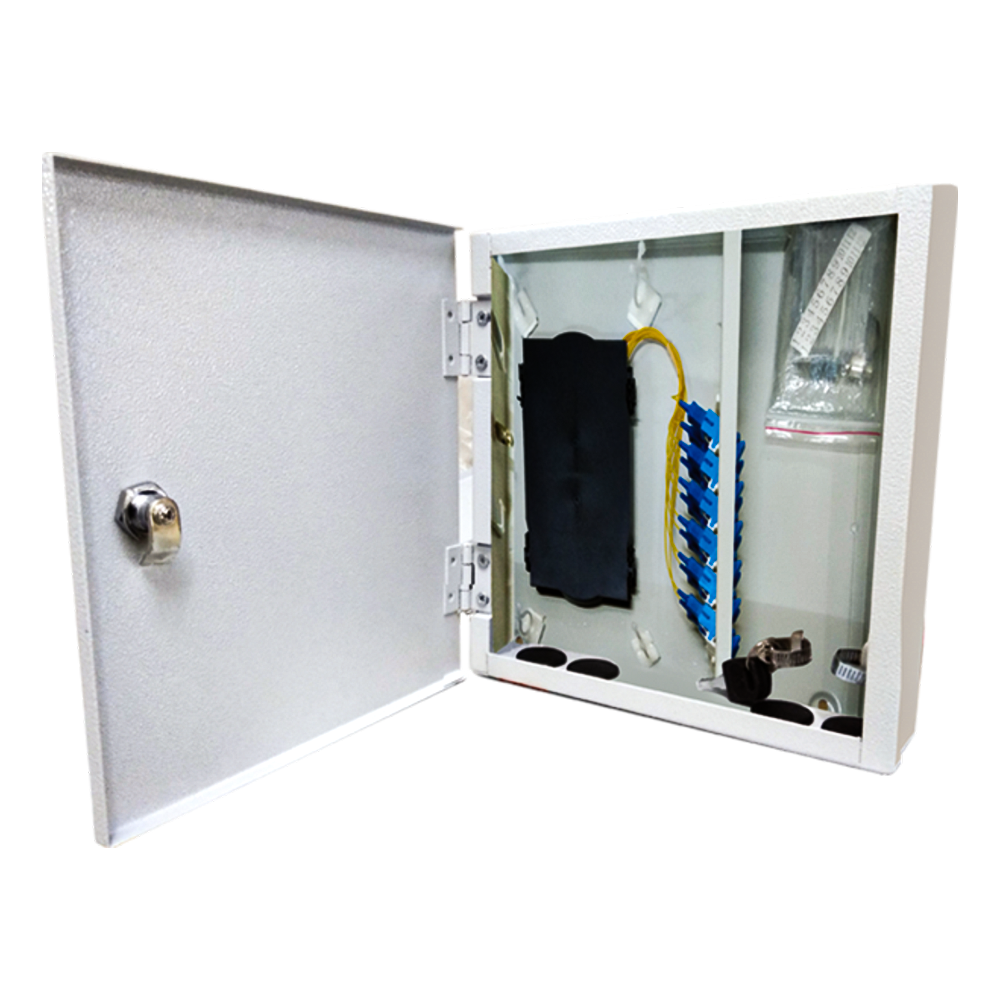 24F - Wall Mount FMS
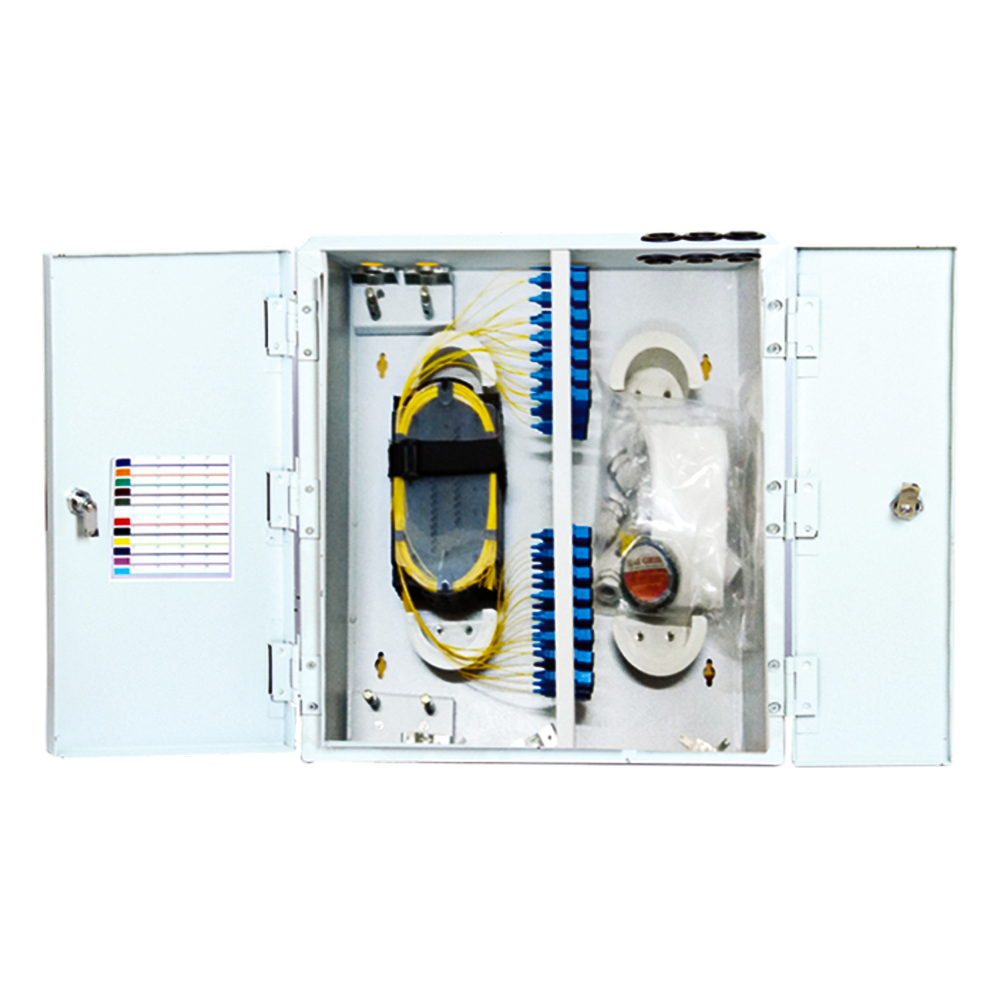 48F - Wall Mount FMS
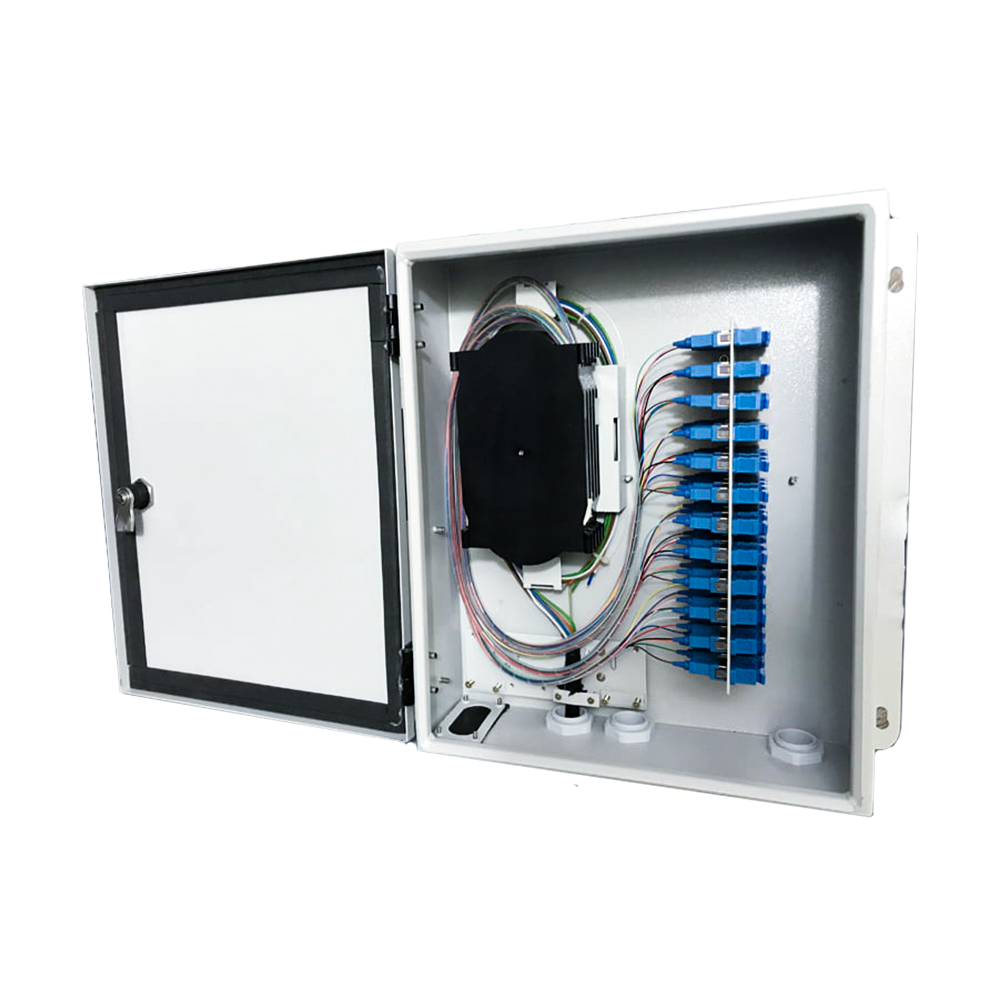 96F - Wall Mount FMS
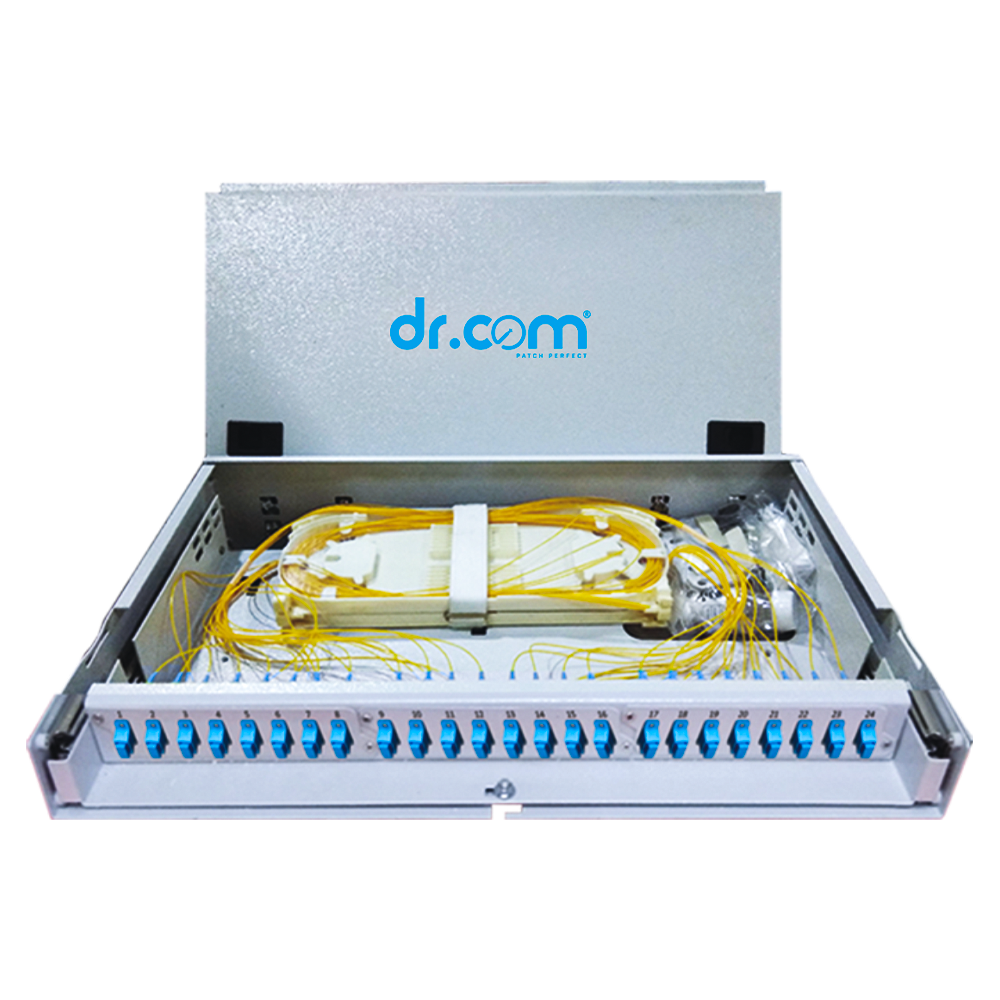
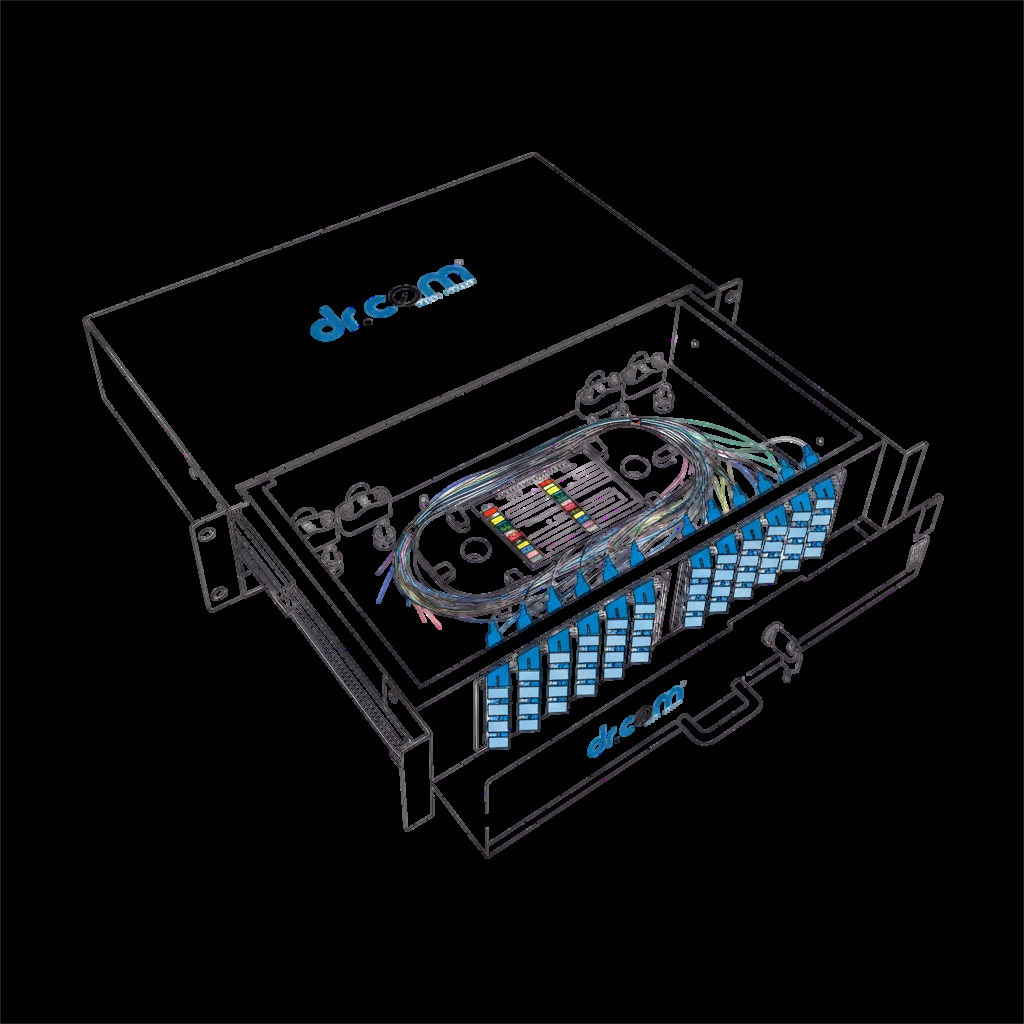 Rack Mount FMS
  24F - Dome Unloaded Bamboo Type
 Dome Type Optical Fibre Enclosure
 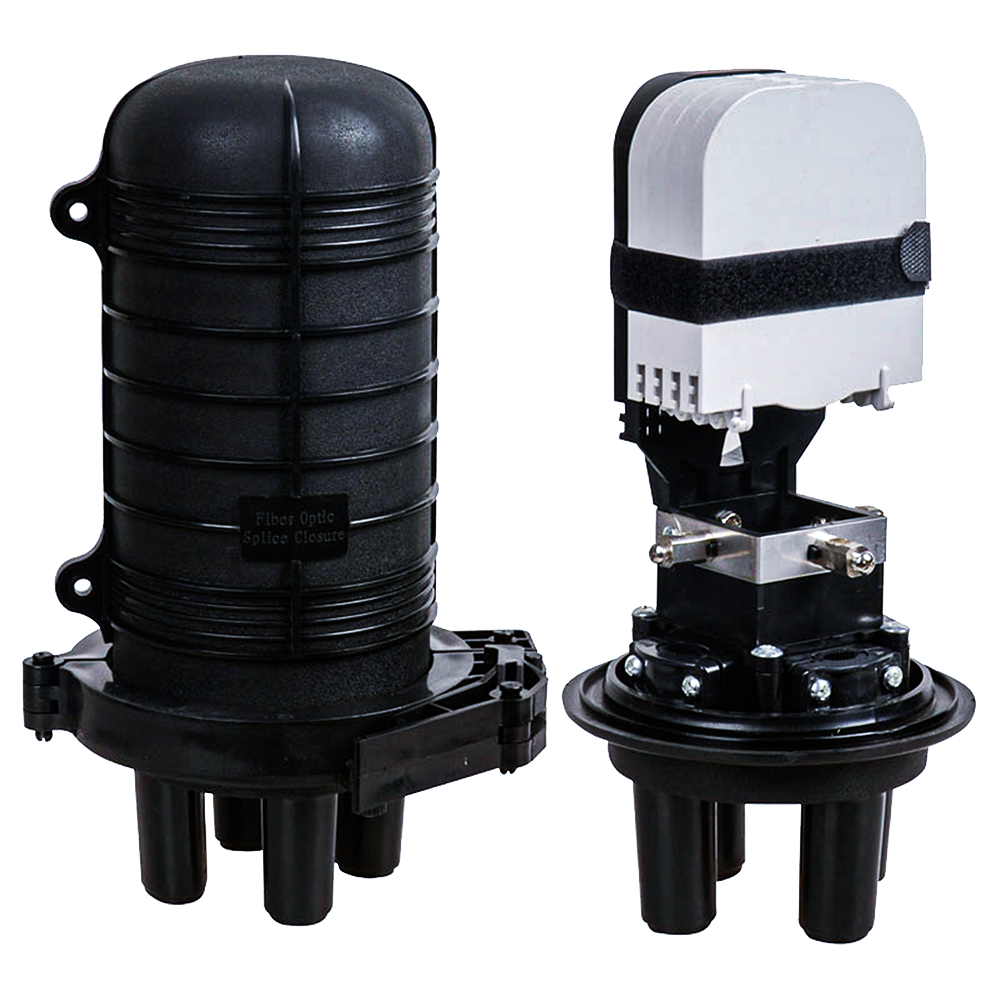 24F - Dome Unloaded Bamboo Type
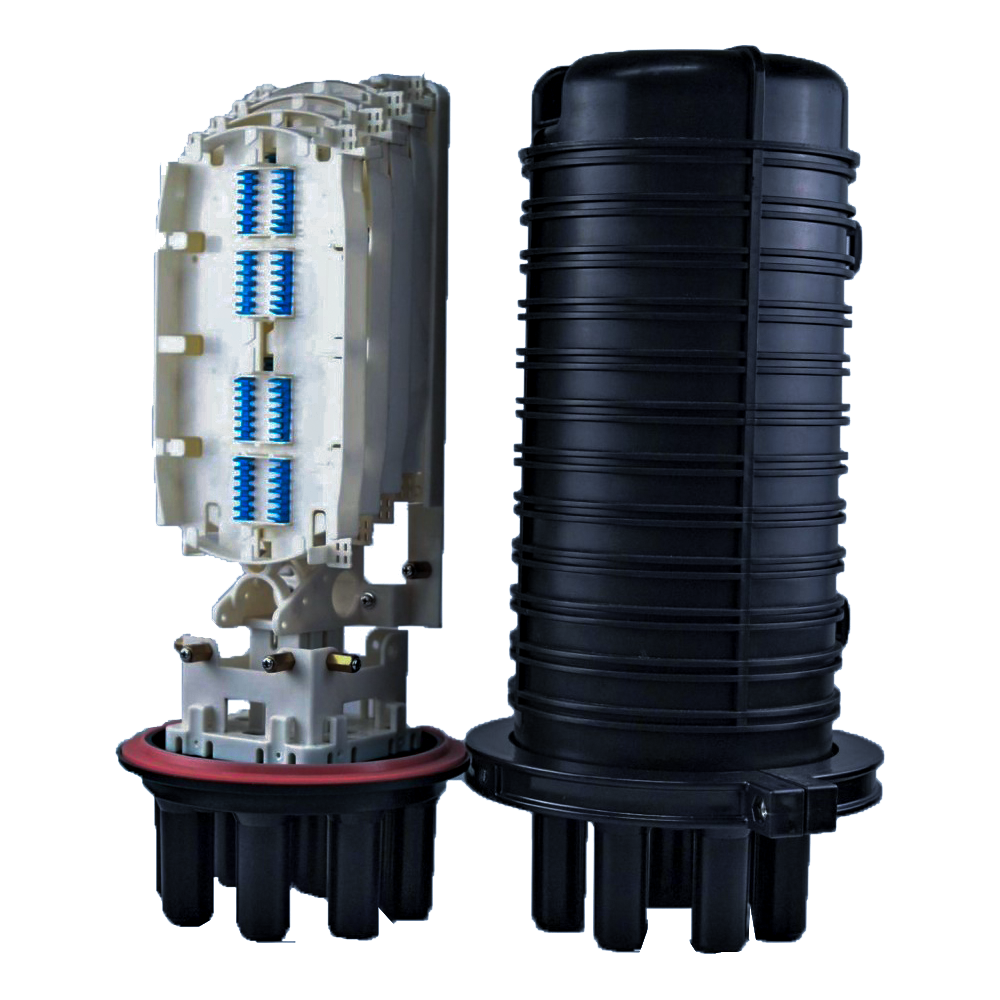 48F - Dome Unloaded Bamboo Type
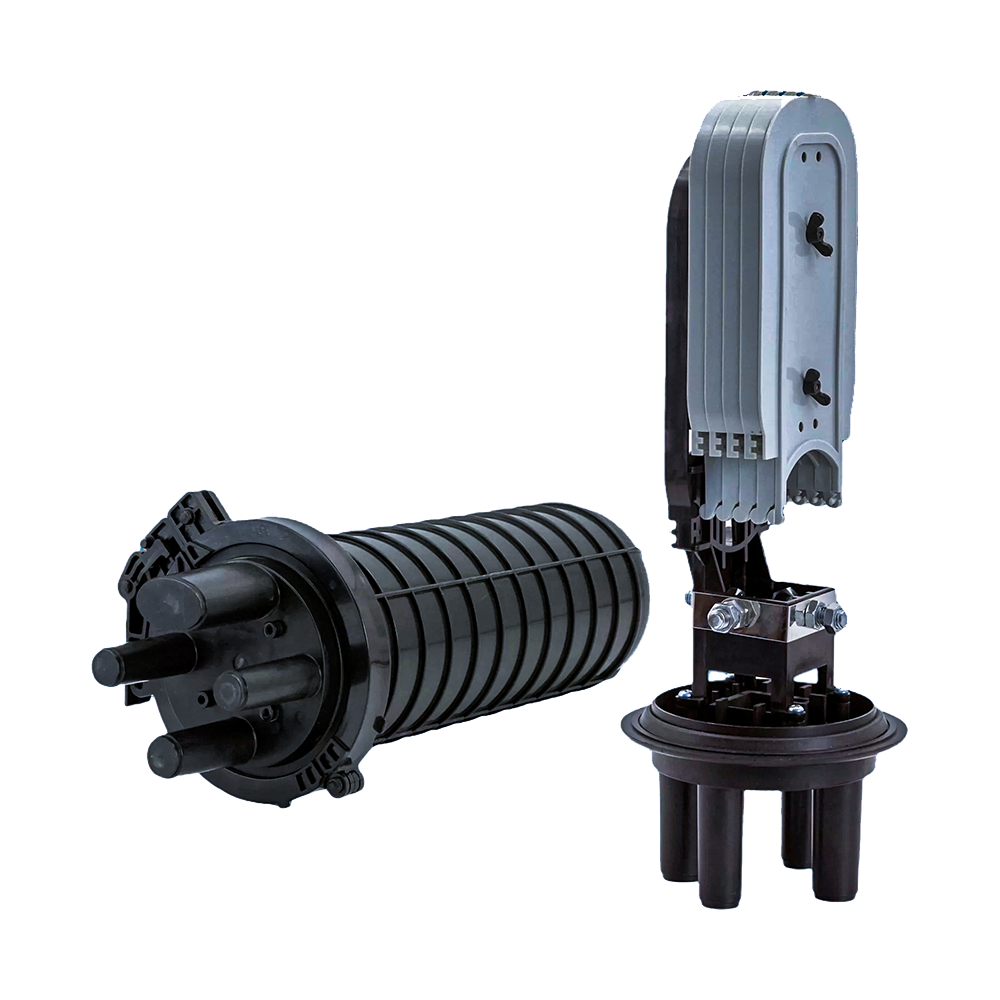 96F - Dome Unloaded Bamboo Type
 Accessories
 SFP Transceivers
 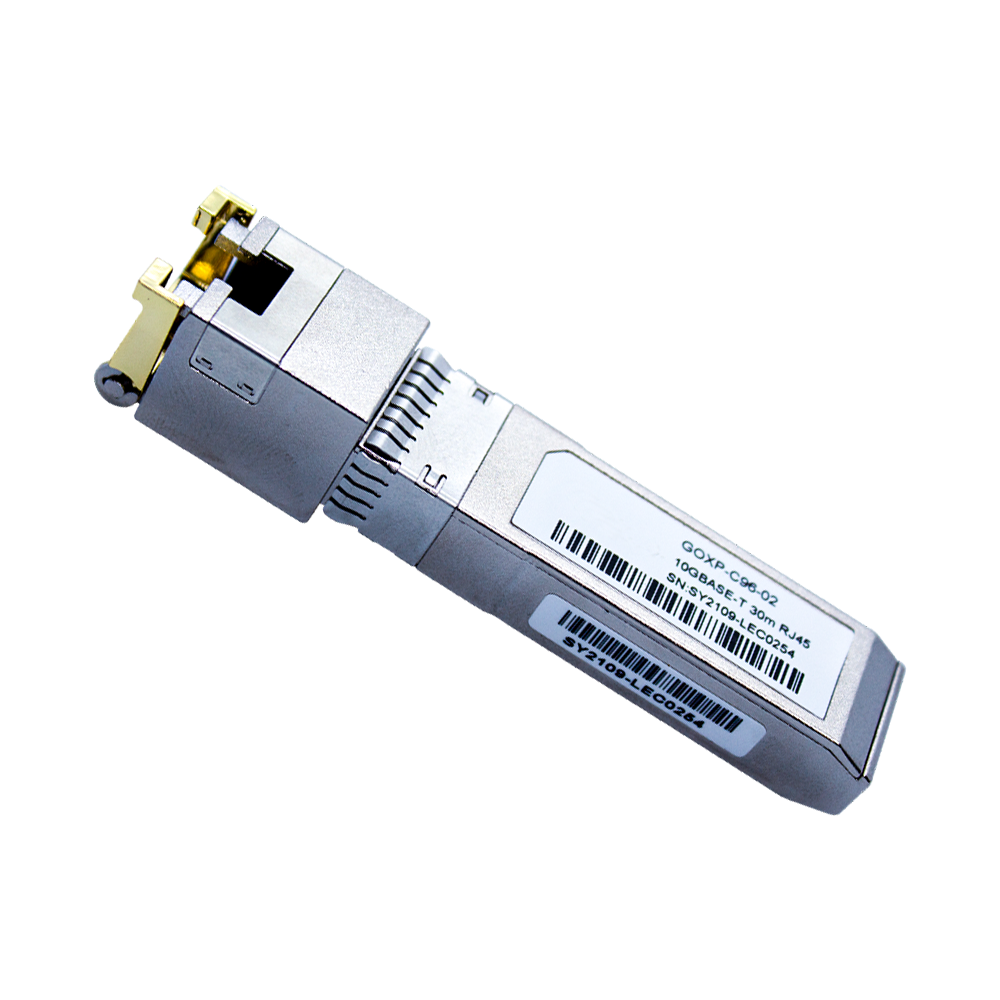 1G Single Fibre
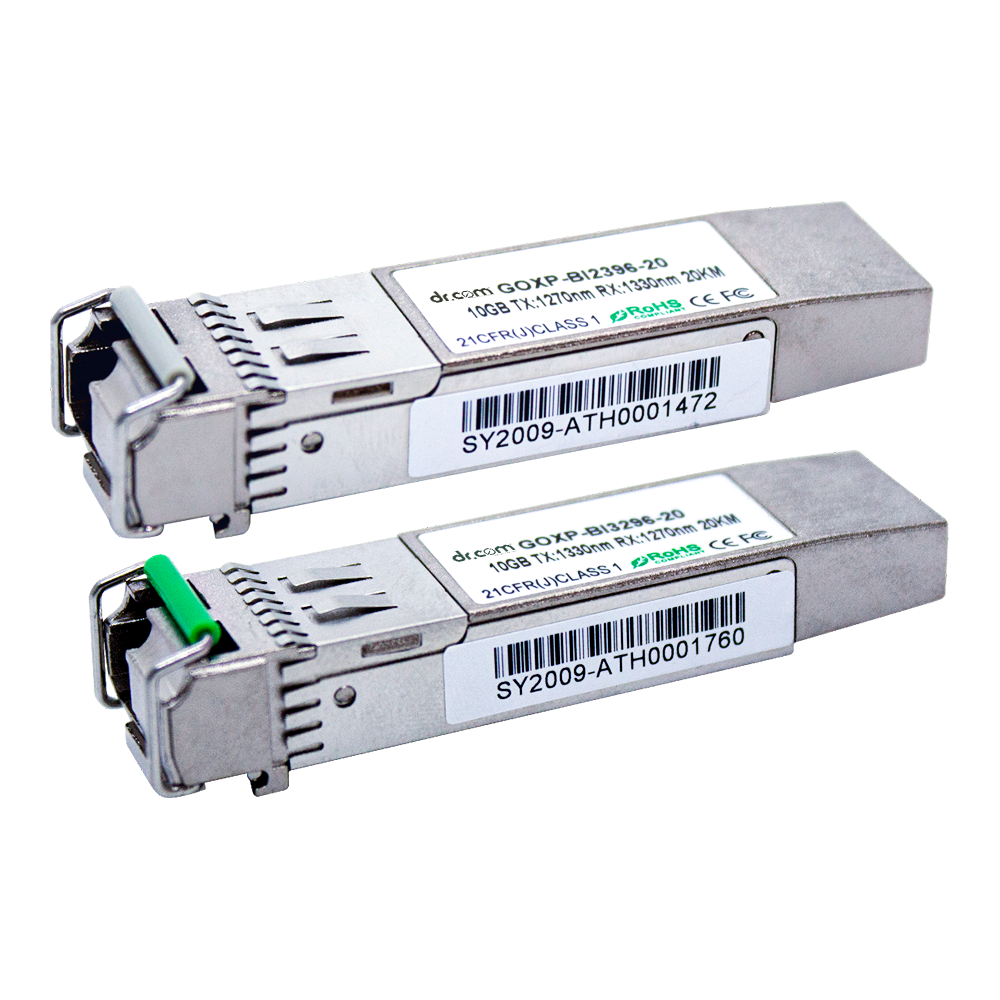 10G Single Fibre
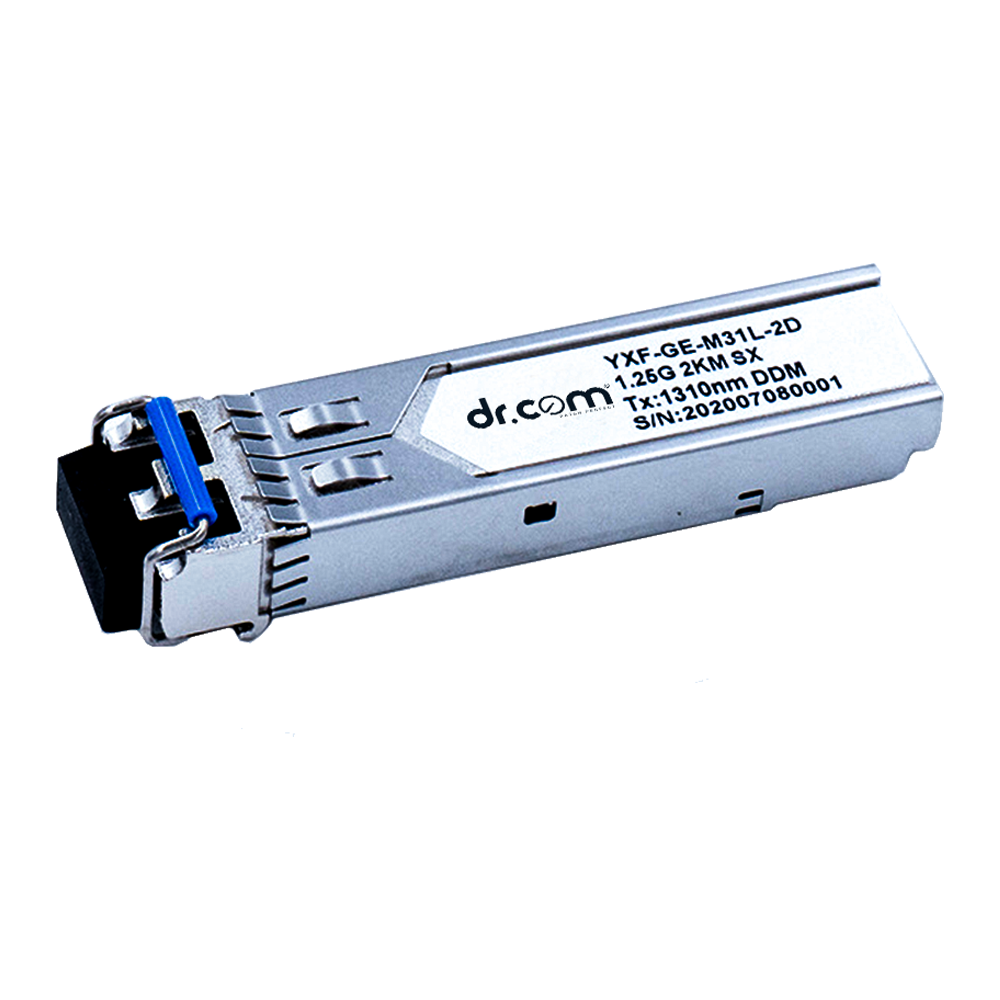 1G Dual Fibre
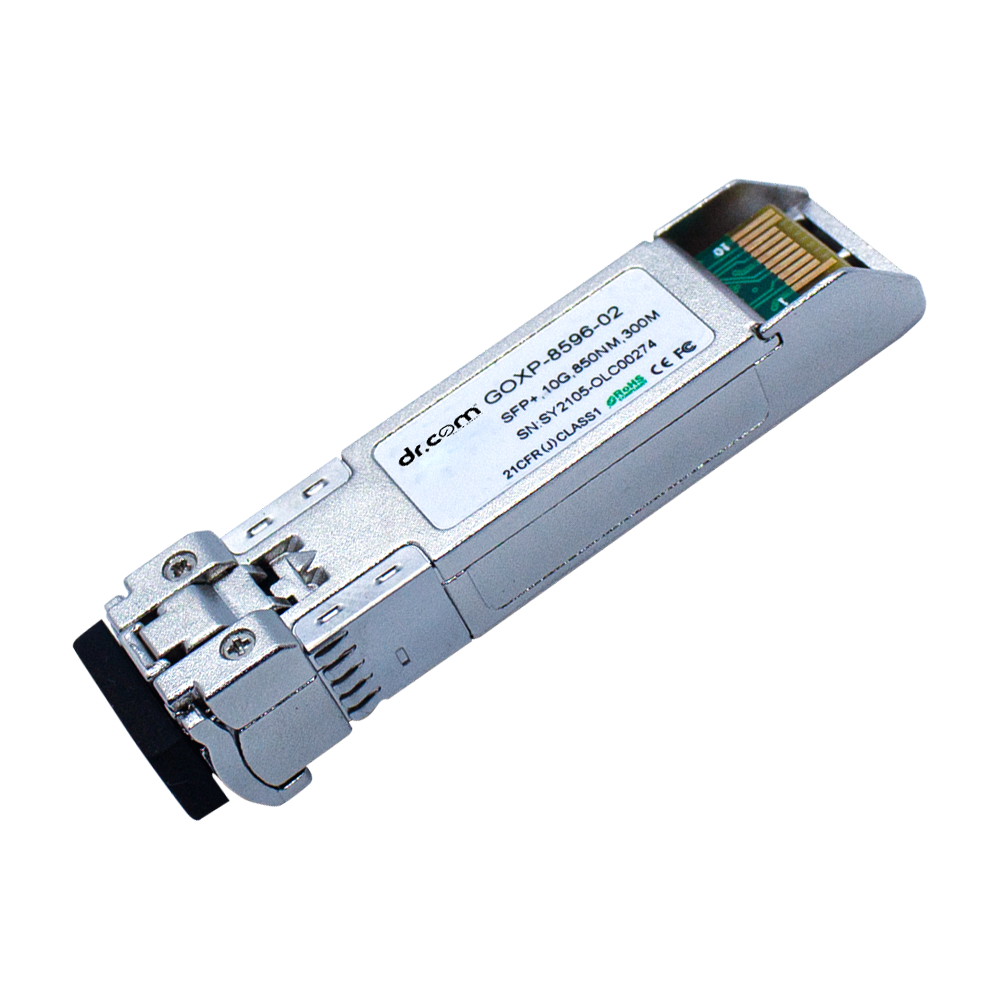 10G Dual Fibre
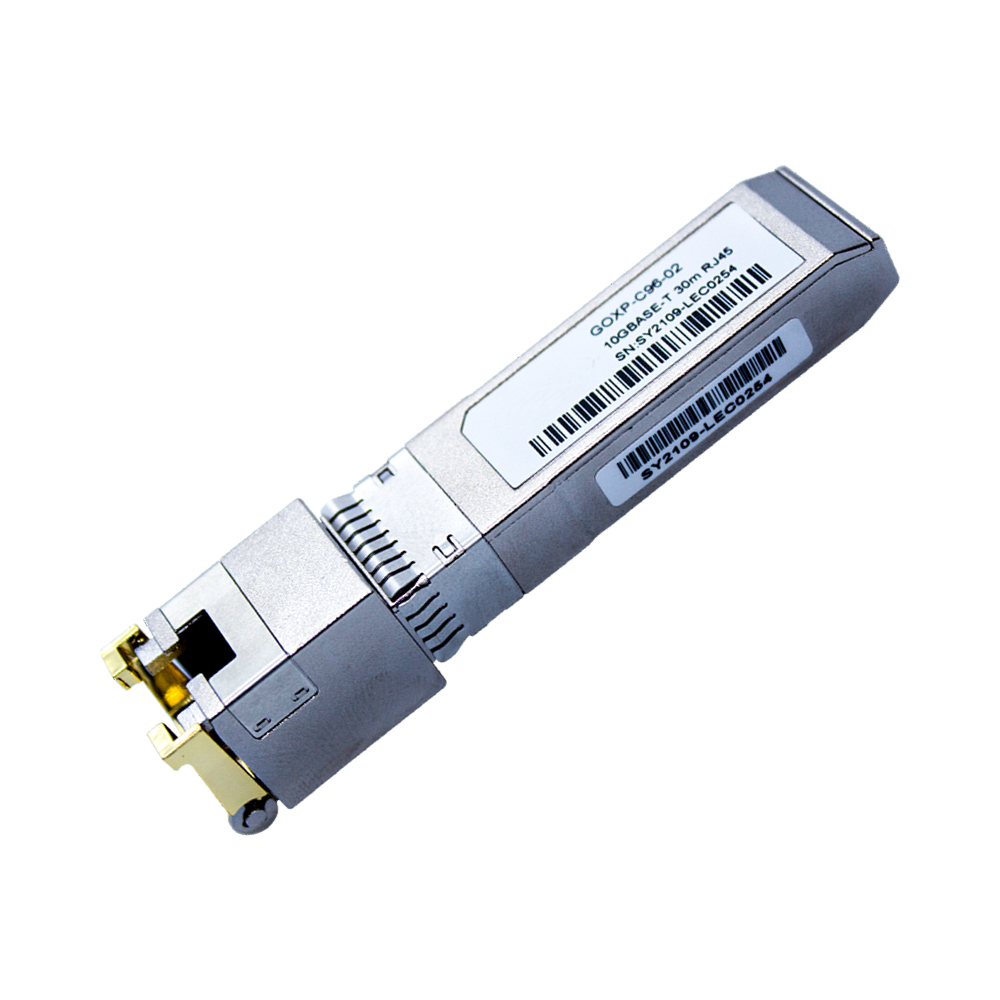 1G Copper
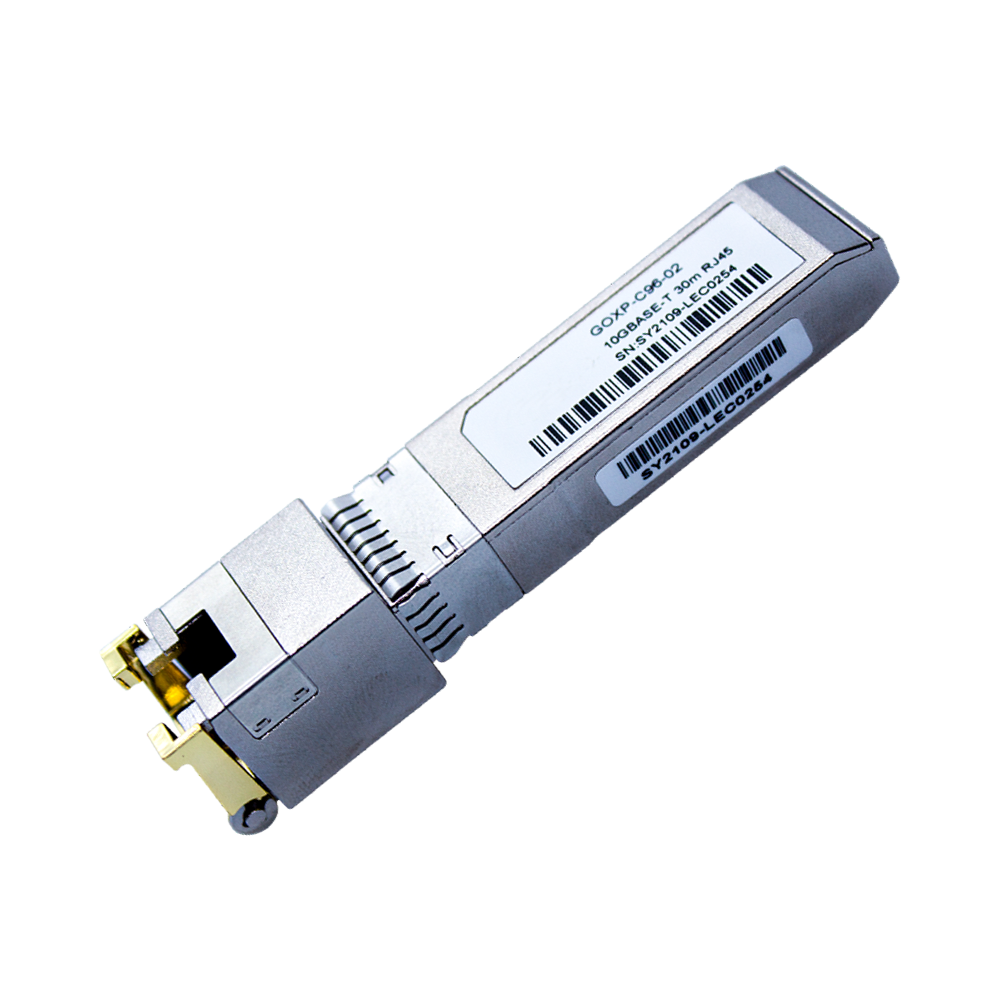 10G Copper
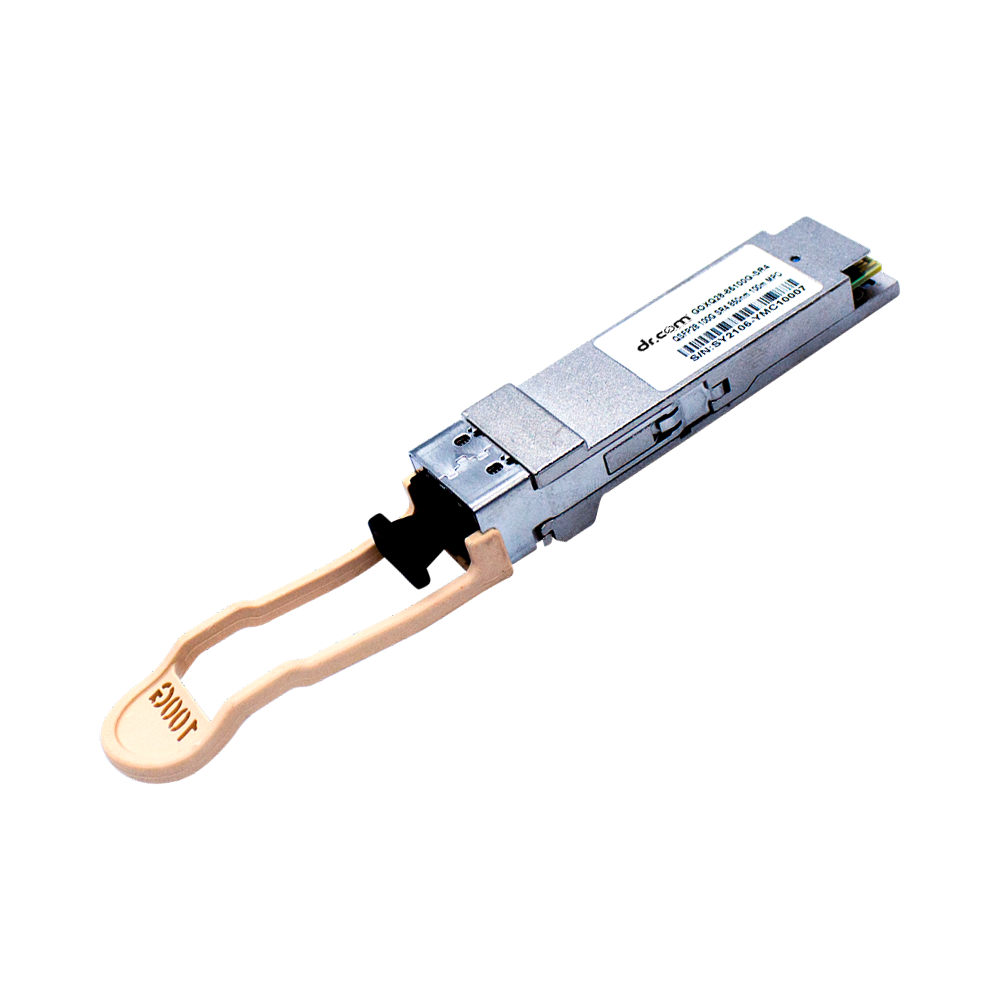 40G QSFP
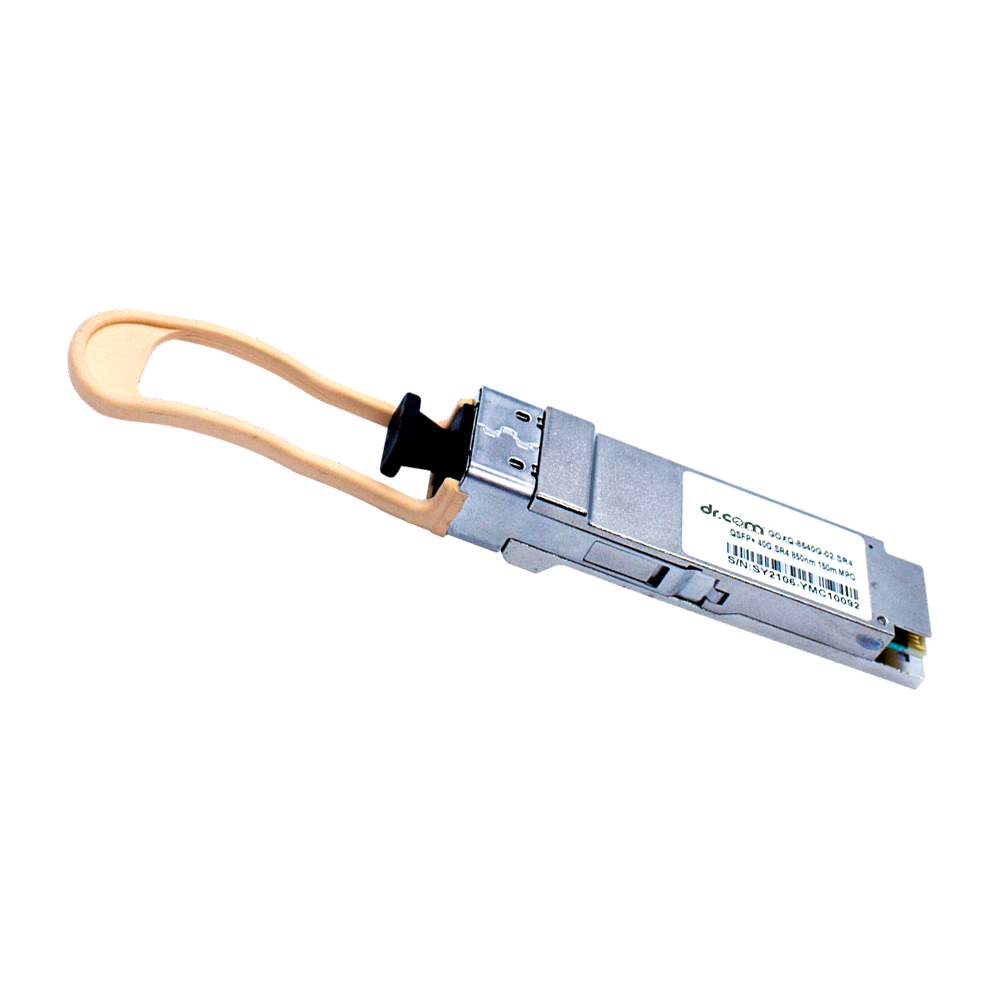 100G QSFP
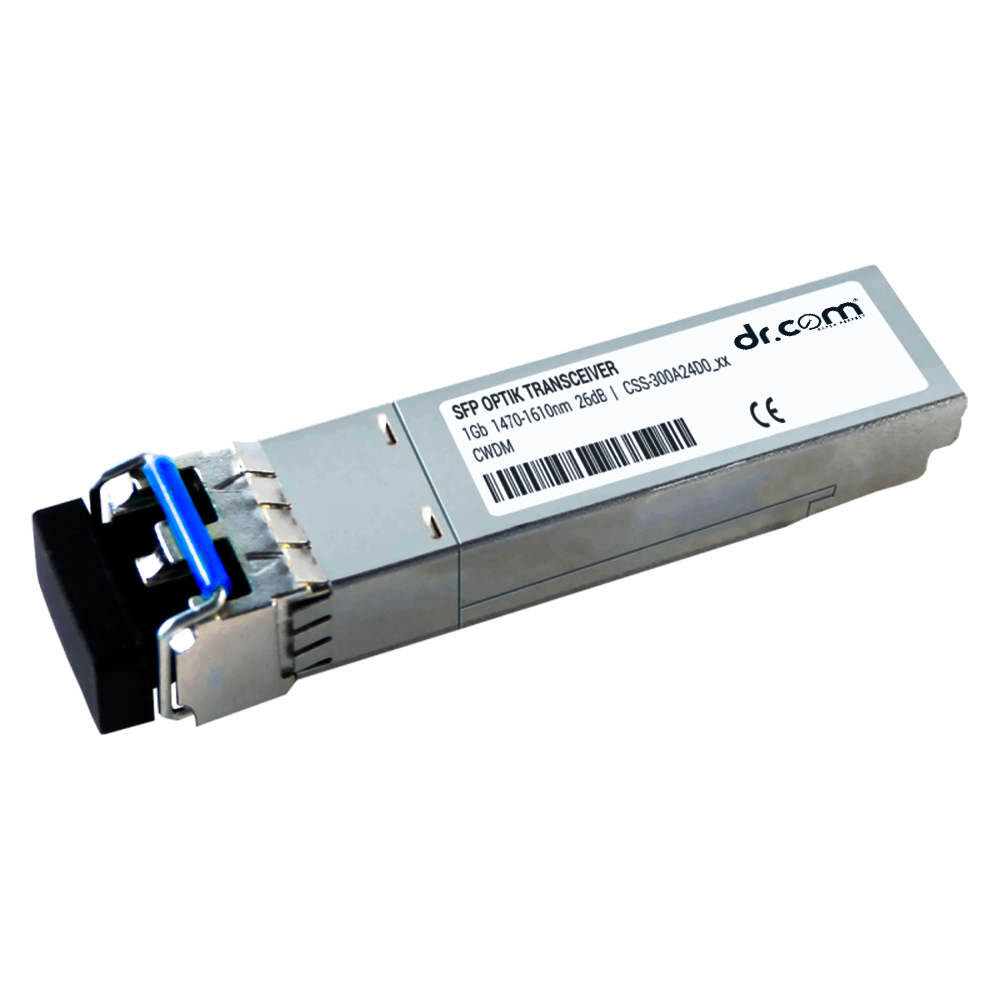 1G CWDM
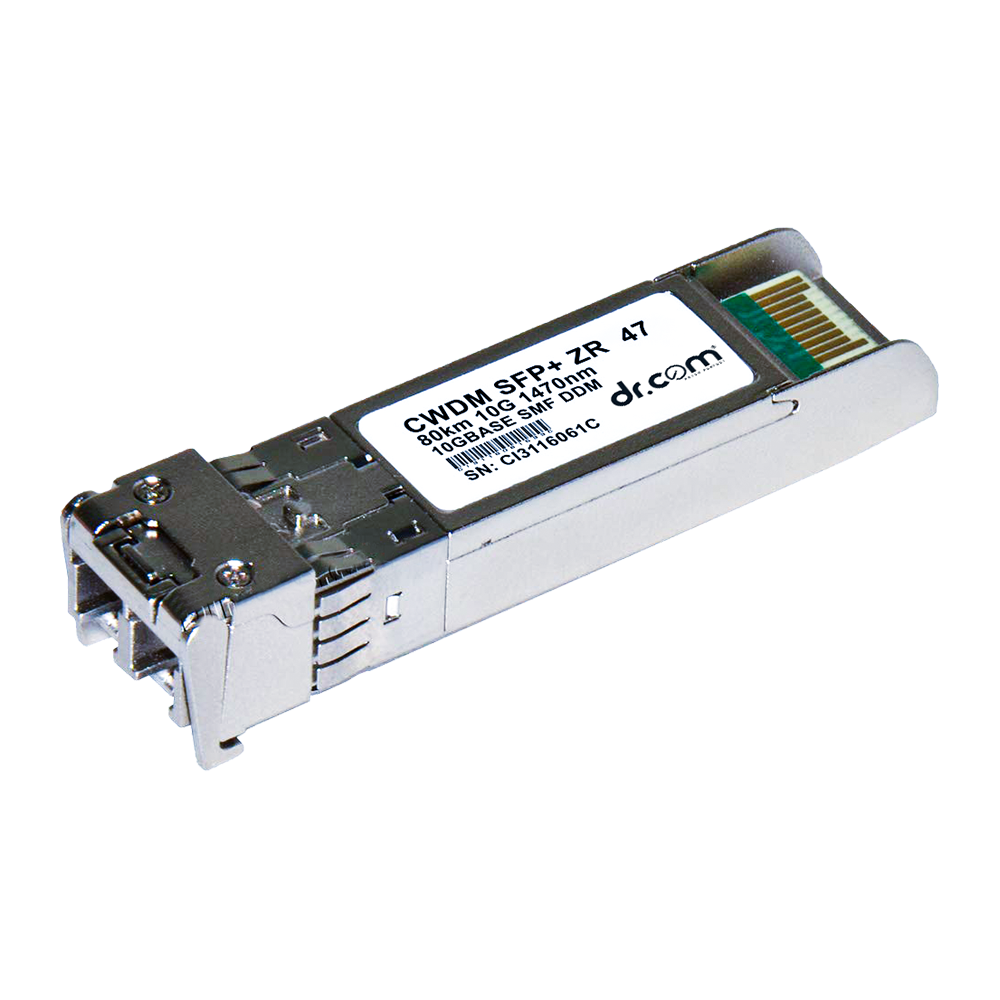 10G CWDM
 EPON PON Module
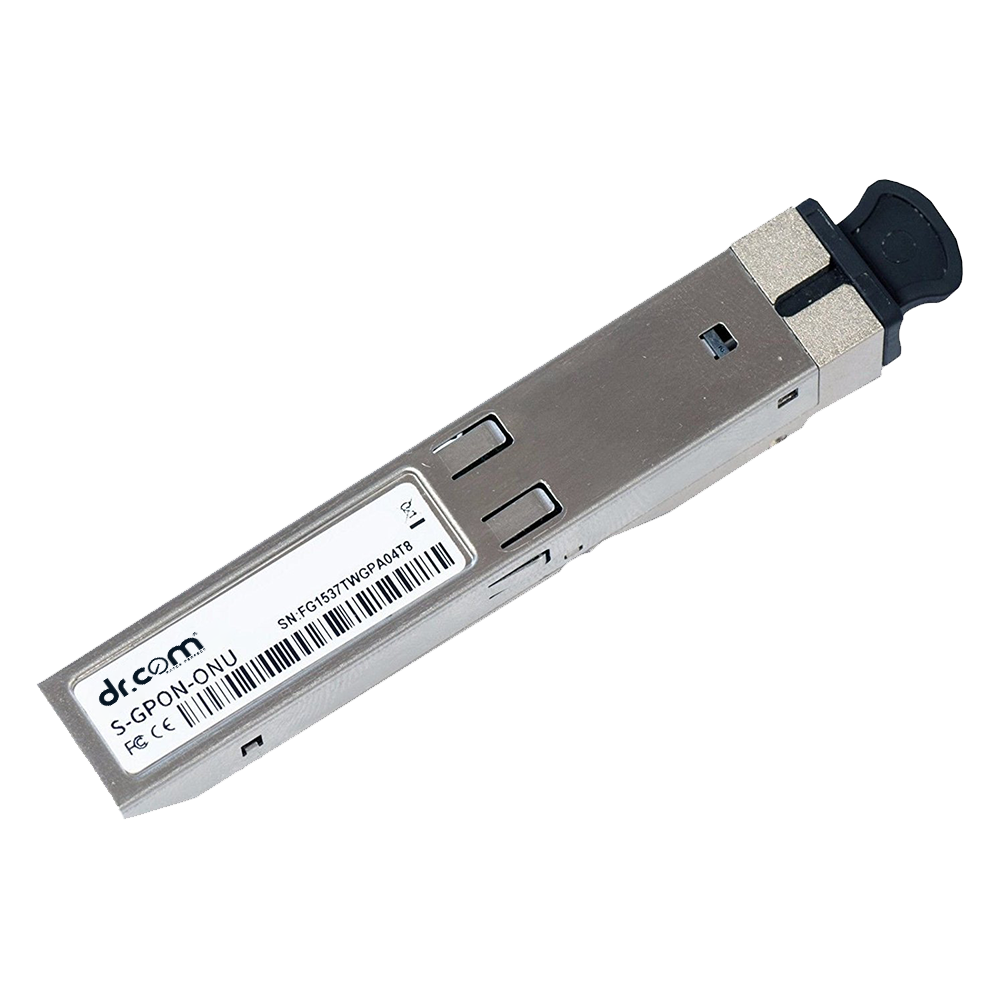 GPON PON Module
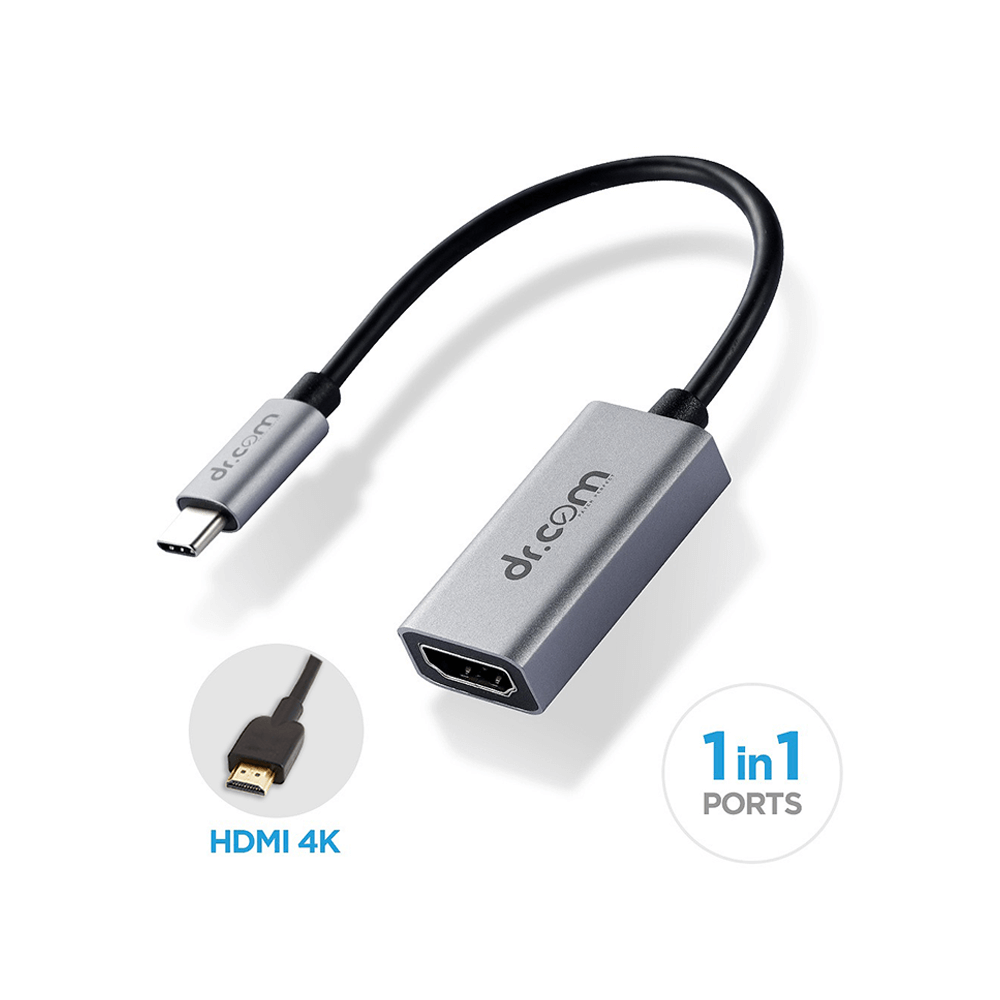 Multifunction Adpter DCH - 100
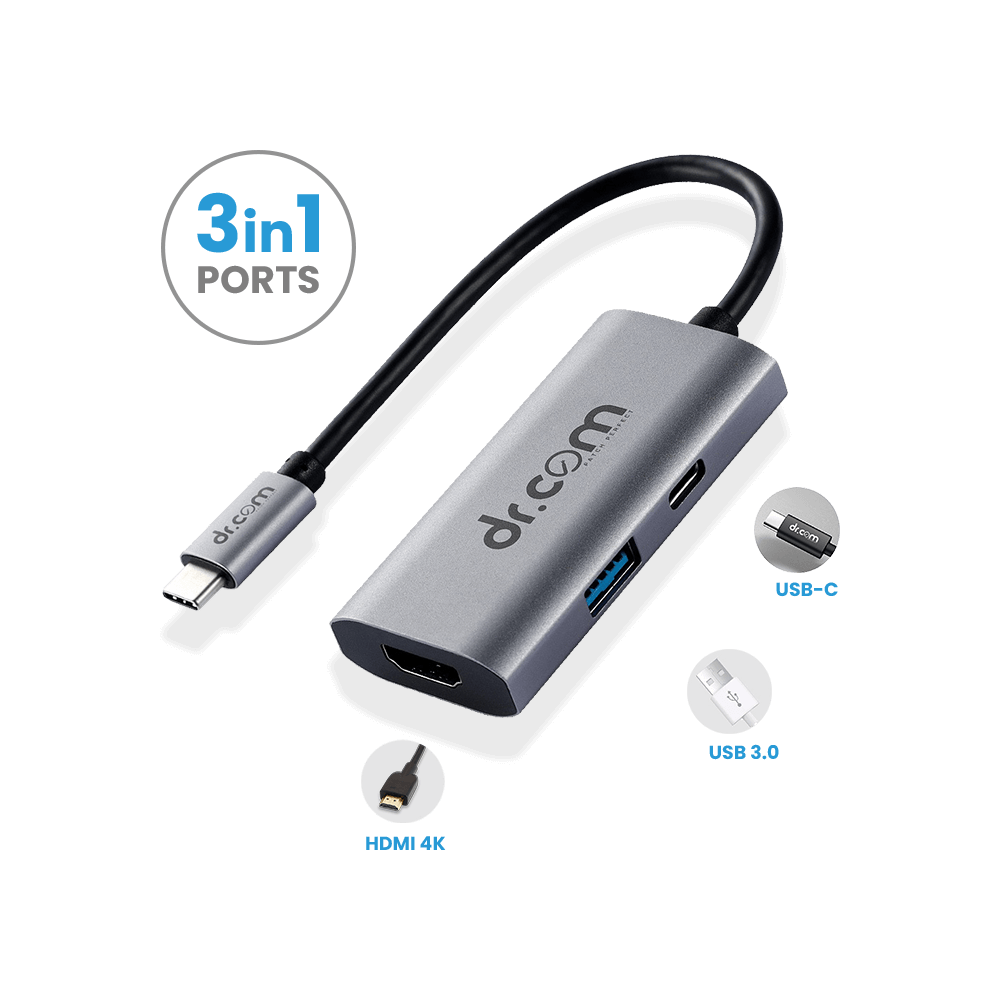 Multifunction Adpter DCH - 300
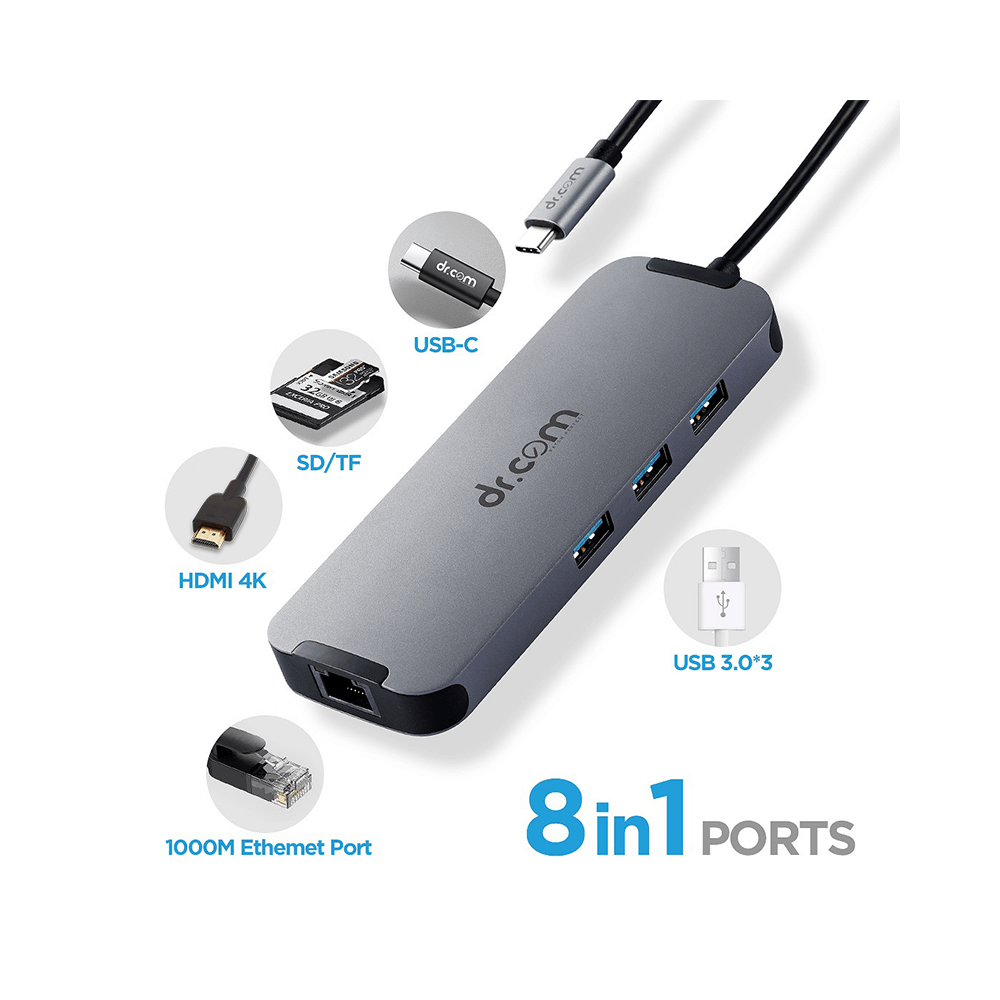 Multifunction Adpter DCH - 800
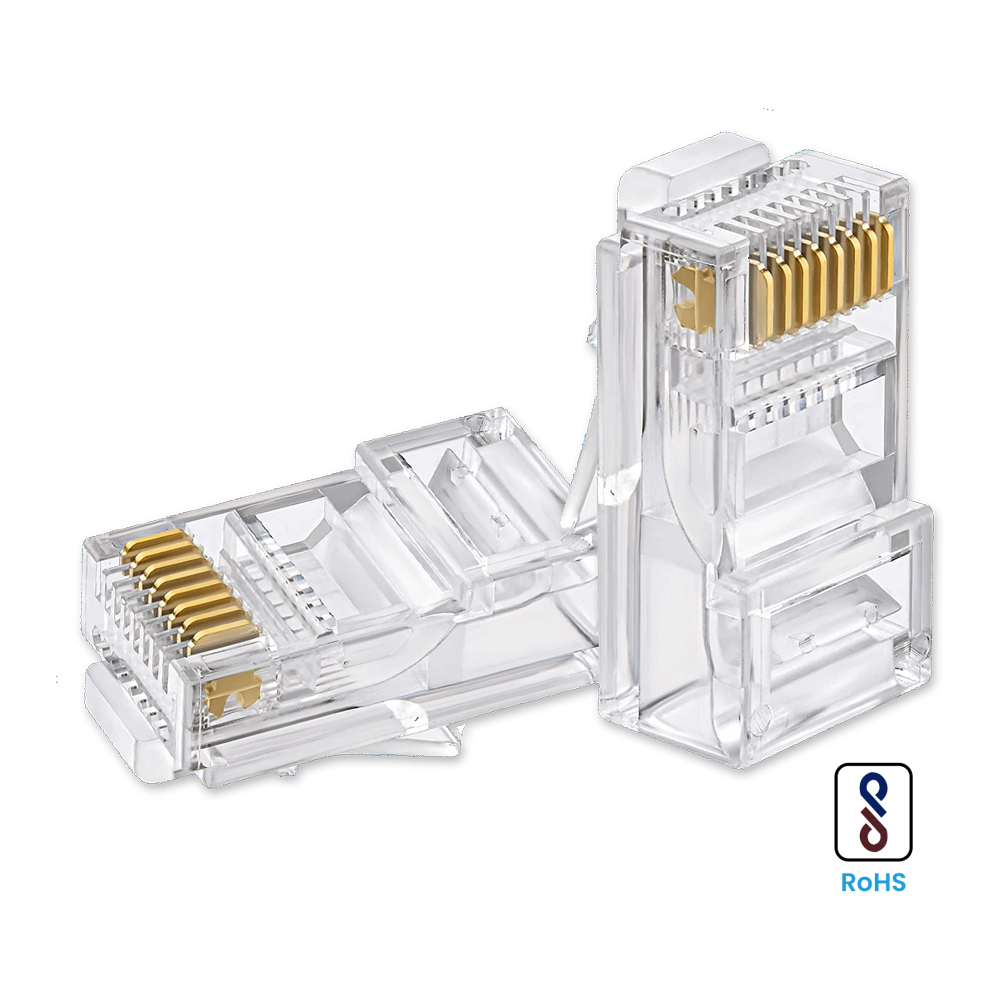 RJ45 Connectors
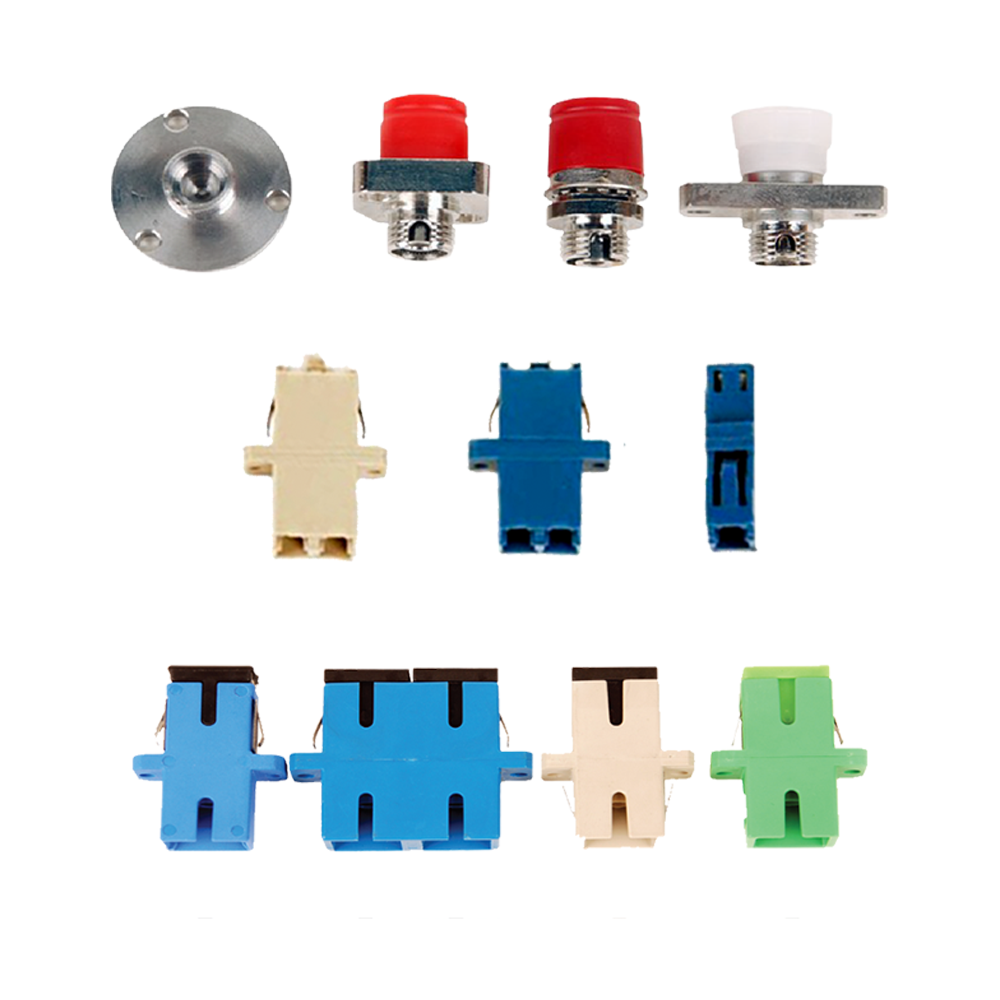 FC, LC, SC Fibre Connectors
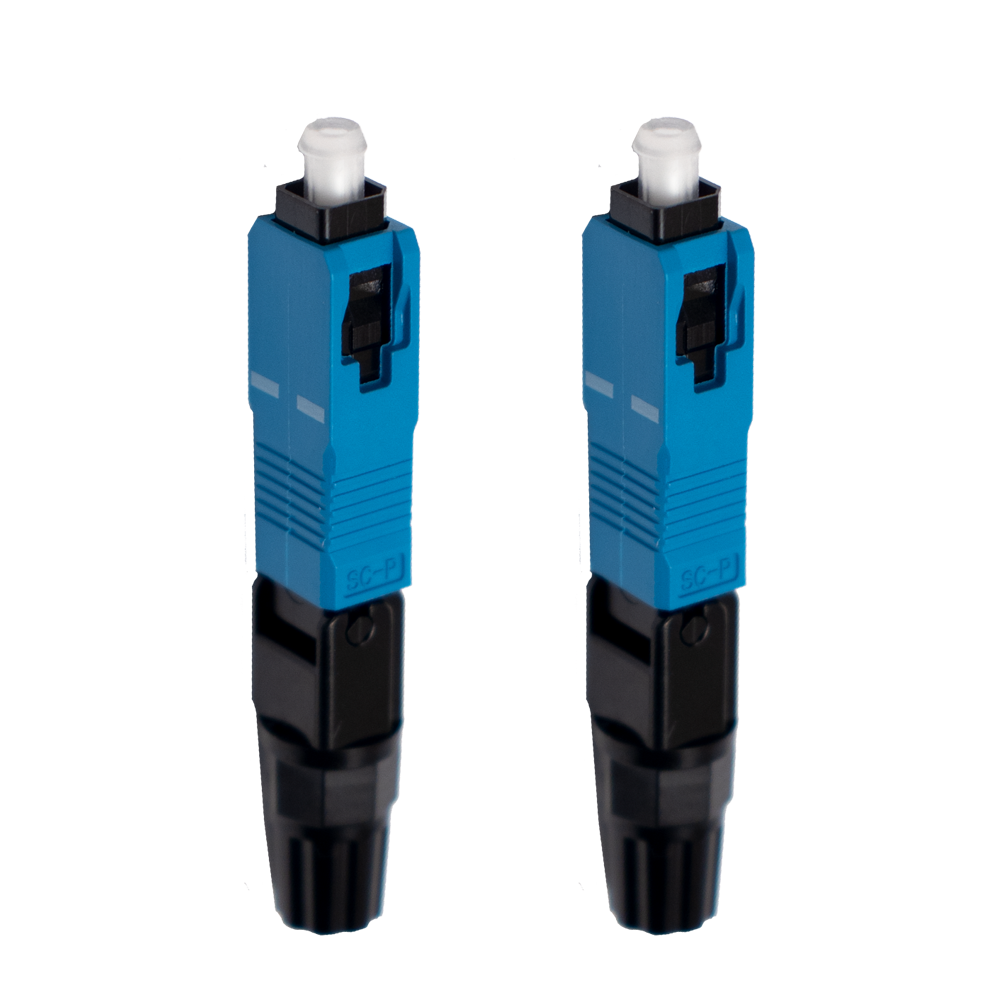 SC | UPC
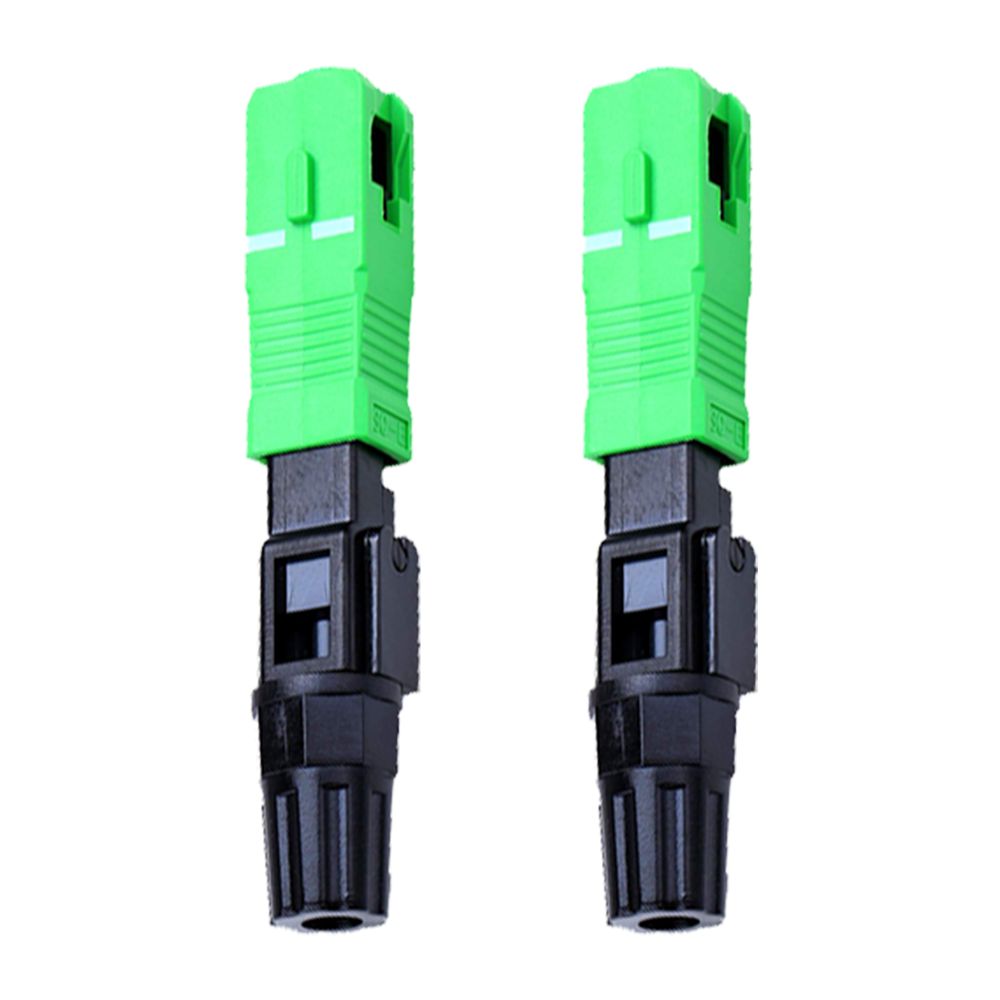 SC | APC
 Sleeves
  Fibre Sleeves 60mm
 Softwares
 Dr.Wan (SD-WAN)
 Dr.Biig (Broadband Internet Intelligent Gateway)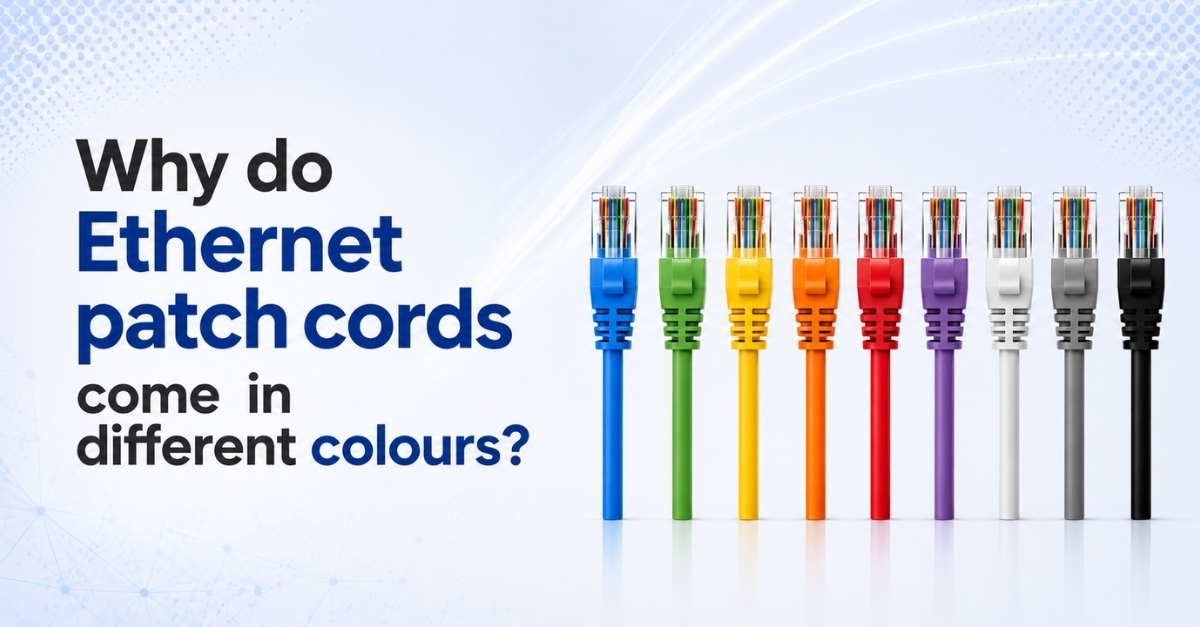
The Ultimate Guide to Ethernet Patch Cord Colours: Meaning, Uses & Best Practices
When you look inside a server rack, you'll often notice Ethernet patch cords in different colours. Blue, yellow, red, green, white, black, and more...
But are these colours just for appearance?
Not at all.
Colour-coded patch cords help organize networks, identify connections quickly, and make maintenance much easier.
Why Use Different Colours?
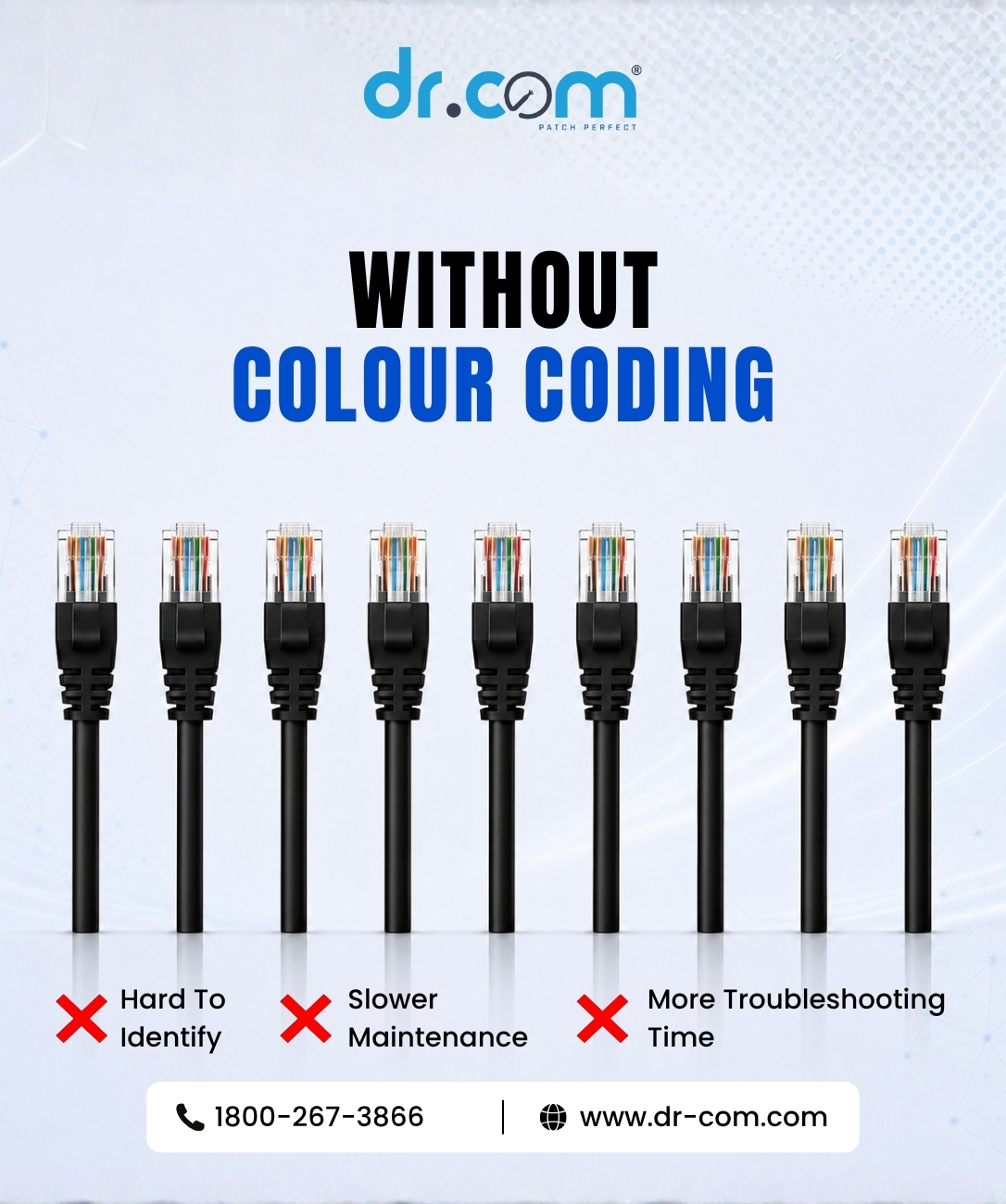
Imagine trying to find one cable in a rack full of identical black patch cords. It takes time and increases the chance of unplugging the wrong connection.
Using different colours allows network administrators to identify cable functions at a glance, making troubleshooting faster and network management more efficient.
Common Patch Cord Colour Guide
| Colour | Common Use | |
|---|---|---|
| Blue | Terminal Server / Data Network | |
| Green | Crossover Connection | |
| Yellow | PoE (Power over Ethernet) Devices | |
| Orange | Non-Ethernet / Analog Connections | |
| Red | IP Cameras / Critical Devices | |
| Purple | Non-Ethernet Digital Connections | |
| White | Custom Identification / Additional Use | |
| Grey | Standard Network Connections | |
| Black | General Purpose / Default Connection | |
Note: There is no universal standard for Ethernet patch cord colours. The examples above represent commonly followed industry practices. The most important factor is maintaining a consistent colour-coding scheme throughout your network.
Benefits of Colour Coding
Using different coloured patch cords offers several practical advantages.
- Easier cable identification
- Faster troubleshooting
- Cleaner rack management
- Reduced maintenance time
- Lower risk of disconnecting the wrong cable
- Professional-looking installations
For growing businesses and enterprise networks, even a simple colour-coding system can save a lot of time during maintenance.
DR-COM CAT6 Patch Cords
DR-COM CAT6 Patch Cords are available in multiple colours, making it easy to organize and manage your network. Designed for reliable performance, they are ideal for office networks, CCTV installations, PoE systems, and enterprise applications.
Conclusion
Patch cord colours may seem like a small detail, but they make a big difference in day-to-day network management. A simple colour-coding system helps keep your network organized, reduces troubleshooting time, and creates a cleaner, more professional installation. Choose a colour scheme, follow it consistently, and your future maintenance work becomes much easier.